



So aktivieren Sie
- Installiere Steam und melde dich bei deinem Konto an (ein kostenloses Konto reicht).
- Wähle im oberen Menü „Spiele“ → „Ein Produkt bei Steam aktivieren…“.
- Gib deinen Key genau wie in der Bestellung ein (mit Bindestrichen) und bestätige. Das Spiel erscheint in deiner Bibliothek.
Offizielle Aktivierungsanleitung von Steam
Damit Sie das Spiel aktivieren können benötigen Sie einen 'Steam-Account'. Weitere Informationen zur Aktivierung finden Sie unter diesem Link: https://support.steampowered.com/kb_article.php?ref=5414-TFBN-1352
Über das Spiel
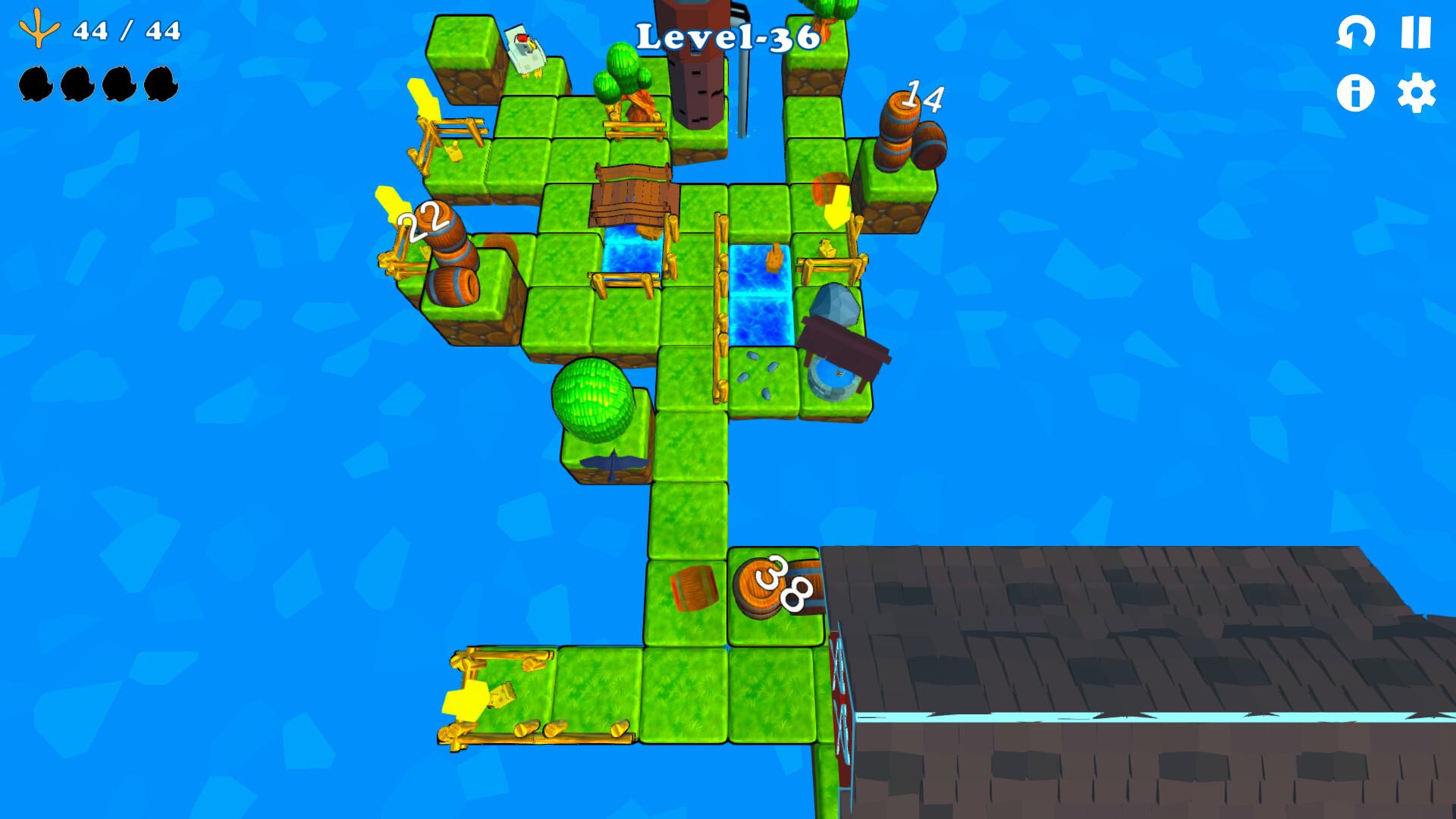
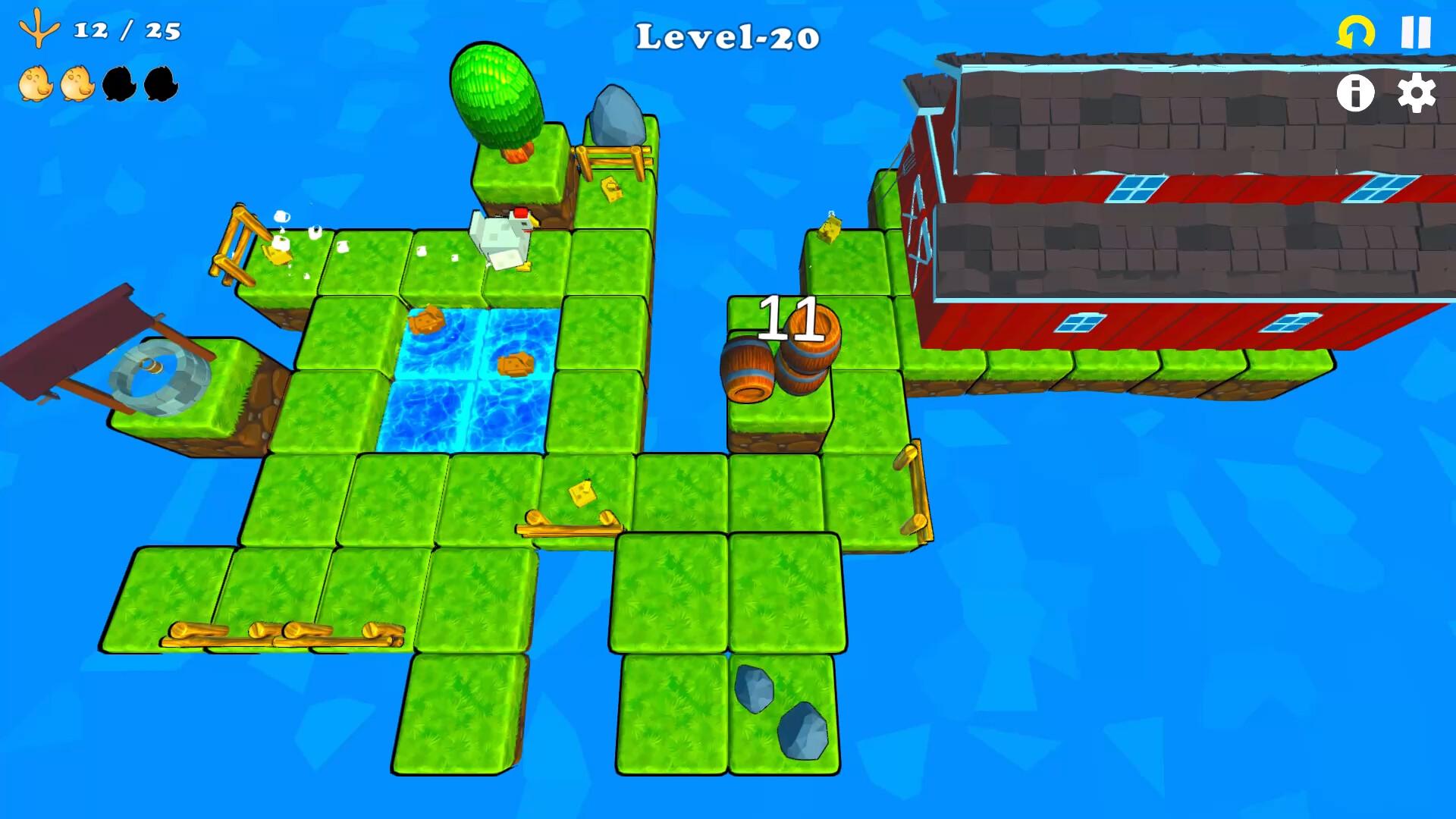
A minimalistic puzzle where you have to think before you act, one wrong move and 'Pop' chicken could get lost! She knows that there are no dangers on the farm, but things always change places, leaving her confused.
Your objective is to save your lost chicks, bringing them to the comfort of the barn, where there is a cozy chicken coop for everyone and abundant affection from a caring mother.
Systemanforderungen
- Windows
- Betriebssystem
- Windows 7
- Procesor
- Intel® Dual Core™ or AMD Equivalent
- Arbeitsspeicher
- 4 GB RAM
- Grafik
- Graphics card supporting DirectX 9.0c
- DirectX
- 9.0
- Speicherplatz
- 400 MB free
- Betriebssystem
- Windows 10 and higher
- Procesor
- Intel® Core™ i3 or AMD Equivalent
- Arbeitsspeicher
- 8 GB RAM
- Grafik
- Geforce GTX 1050
- DirectX
- 11.0
- Speicherplatz
- 800 MB free
Rechtliche Hinweise
©️2023 Wise Box Studios®. All rights reserved. The Wise Box Logo and th Pop and Chicks logo are trademarks and/or registered trademarks of Wise Box Studios. All other trademarks are property of their respective owners. Published by Nejcraft Interactive s.r.o.