



So aktivieren Sie
- Installiere Steam und melde dich bei deinem Konto an (ein kostenloses Konto reicht).
- Wähle im oberen Menü „Spiele“ → „Ein Produkt bei Steam aktivieren…“.
- Gib deinen Key genau wie in der Bestellung ein (mit Bindestrichen) und bestätige. Das Spiel erscheint in deiner Bibliothek.
Offizielle Aktivierungsanleitung von Steam
Damit Sie das Spiel aktivieren können benötigen Sie einen 'Steam-Account'. Weitere Informationen zur Aktivierung finden Sie unter diesem Link: https://support.steampowered.com/kb_article.php?ref=5414-TFBN-1352
Über das Spiel
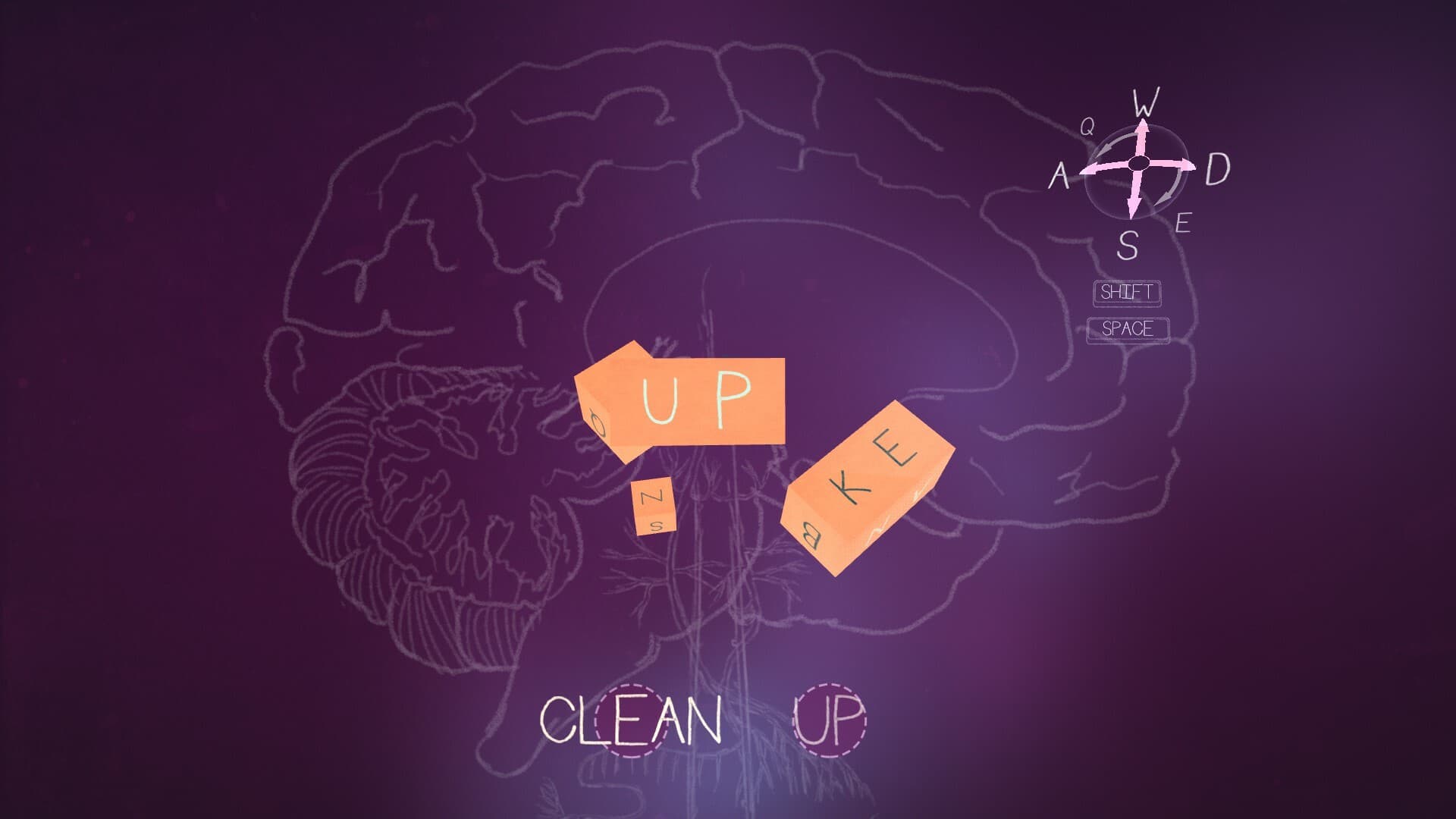
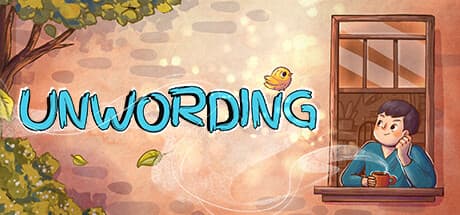
Embark on an uplifting journey through the mind of Tom in Unwording. Solve word puzzles, explore the neighborhood through multiple perspectives, and help Tom work towards experiencing a better day by overcoming his negative self-talk and thought patterns.
Tom sees the world through a lonely, glass-half-empty lens. To him, everyday objects morph into complex word puzzles, reminding him of all that he lacks. As he solves each puzzle, the solutions spell out messages that are irrational and defeating. ...
Systemanforderungen
- Windows
- Betriebssystem
- Windows 10
- Prozessor
- 1.8GHz
- Arbeitsspeicher
- 8 GB RAM
- Grafik
- Intel HD 4000 series
- Speicherplatz
- 1 GB available space
- Soundkarte
- 100% DirectX 9.0c compatible sound card
- SteamOS + Linux
- Prozessor
- 1.8GHz
- Arbeitsspeicher
- 8 GB RAM
- Speicherplatz
- 1 GB available space
- Windows
- Betriebssystem
- Windows 10
- Prozessor
- 2.4 GHz
- Arbeitsspeicher
- 8 GB RAM
- Grafik
- GeForce 780
- Speicherplatz
- 1 GB available space
- Soundkarte
- 100% DirectX 9.0c compatible sound card
- SteamOS + Linux
- Arbeitsspeicher
- 8 GB RAM
- Speicherplatz
- 1 GB available space