



Das Wichtigste
- Plattform

- ProduktDigitaler Key
- Veröffentlichungsdatum23. Januar 2020
- GenresSimulator, Indie
- EntwicklerClaudiu Kiss, The Irregular Corporation
- PublisherThe Irregular Corporation Limited
- Sprachen8
So aktivieren Sie
- Installiere Steam und melde dich bei deinem Konto an (ein kostenloses Konto reicht).
- Wähle im oberen Menü „Spiele“ → „Ein Produkt bei Steam aktivieren…“.
- Gib deinen Key genau wie in der Bestellung ein (mit Bindestrichen) und bestätige. Das Spiel erscheint in deiner Bibliothek.
Offizielle Aktivierungsanleitung von Steam
Damit Sie das Spiel aktivieren können benötigen Sie einen 'Steam-Account'. Weitere Informationen zur Aktivierung finden Sie unter diesem Link: https://support.steampowered.com/kb_article.php?ref=5414-TFBN-1352
Über das Spiel
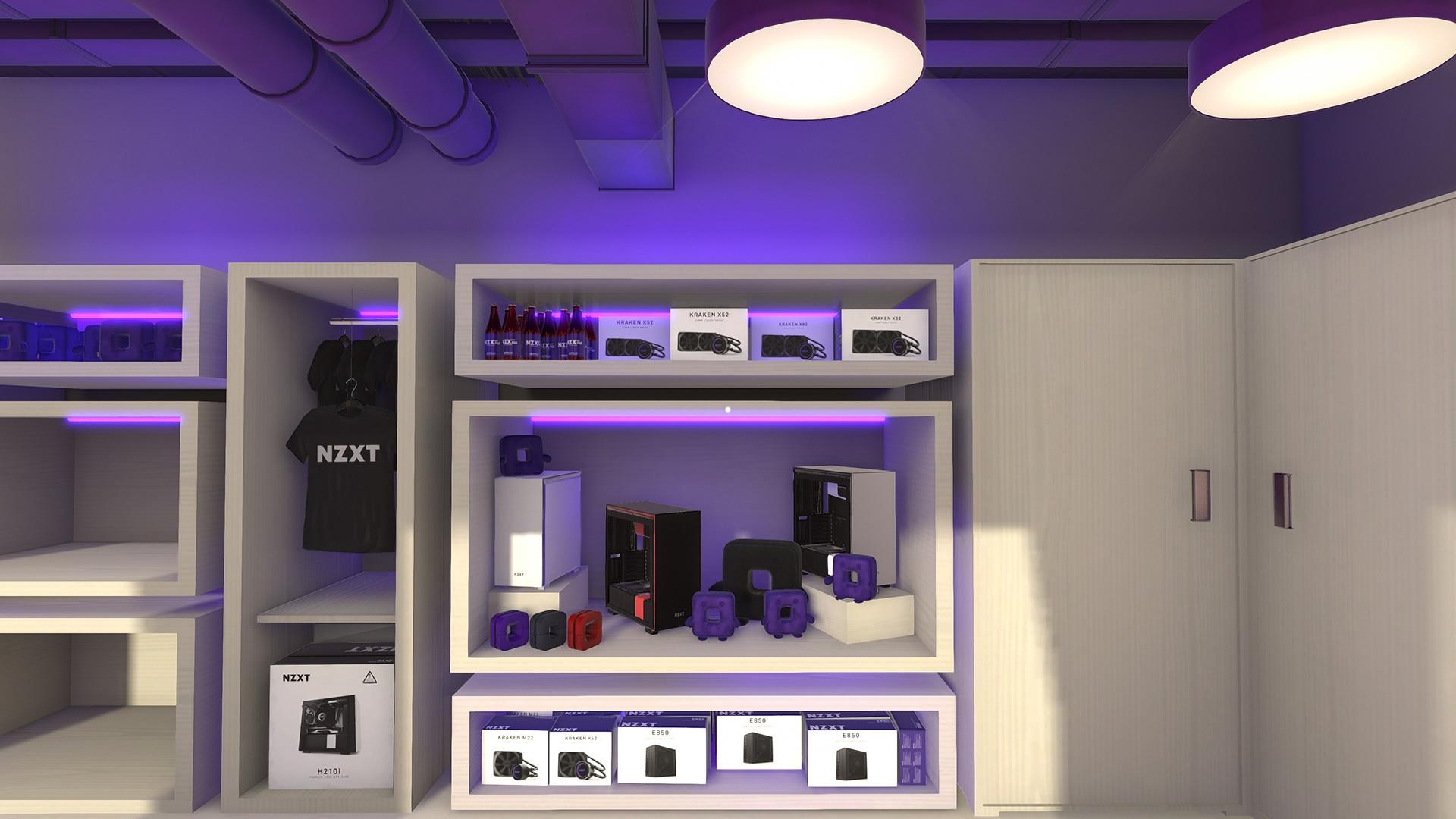
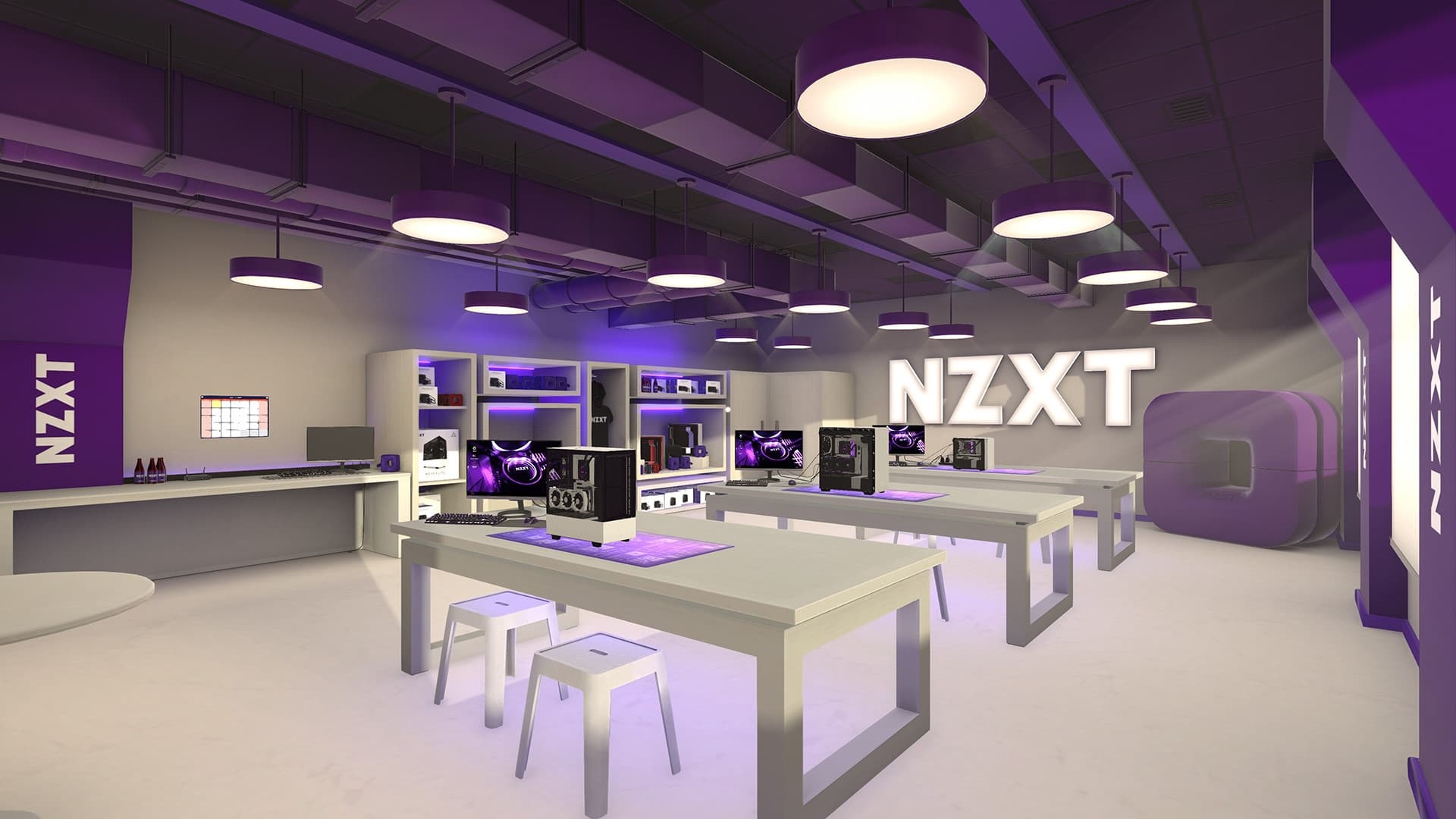
A brand new workshop for PC Building simulator created with NZXT's design team. A crisp, modern space, featuring an all-new layout decorated with NZXT products and swag.
Once purchased, you can use this workshop in both Career and Free Build modes of the game, and switch between available workshops whenever you feel like a change of scenery.
Systemanforderungen
Minimum
- Betriebssystem
- Windows 7 or higher
- Prozessor
- Intel Core i5-2500K or AMD Athlon X4 740 (or equivalent)
- Grafik
- GeForce GTX 660 (2048 MB) or Radeon R9 285 (2048 MB) - Integrated GPUs may work but are not supported.
- DirectX
- Version 9.0c
- Speicherplatz
- 1 GB available space
- Soundkarte
- DirectX compatible
Empfohlen
Das könnte dir auch gefallen
- Going Medieval - Early Access

- PC Building Simulator

- PC Building Simulator - EVGA Workshop
- PC Building Simulator - AORUS Workshop
- PC Building Simulator - Esports Expansion
- PC Building Simulator: Overclocked Edition Content
- PC Building Simulator: Razer Workshop
- PC Building Simulator - Republic of Gamers Workshop
