







So aktivieren Sie
- Installiere Steam und melde dich bei deinem Konto an (ein kostenloses Konto reicht).
- Wähle im oberen Menü „Spiele“ → „Ein Produkt bei Steam aktivieren…“.
- Gib deinen Key genau wie in der Bestellung ein (mit Bindestrichen) und bestätige. Das Spiel erscheint in deiner Bibliothek.
Offizielle Aktivierungsanleitung von Steam
Damit Sie das Spiel aktivieren können benötigen Sie einen 'Steam-Account'. Weitere Informationen zur Aktivierung finden Sie unter diesem Link: https://support.steampowered.com/kb_article.php?ref=5414-TFBN-1352
Über das Spiel
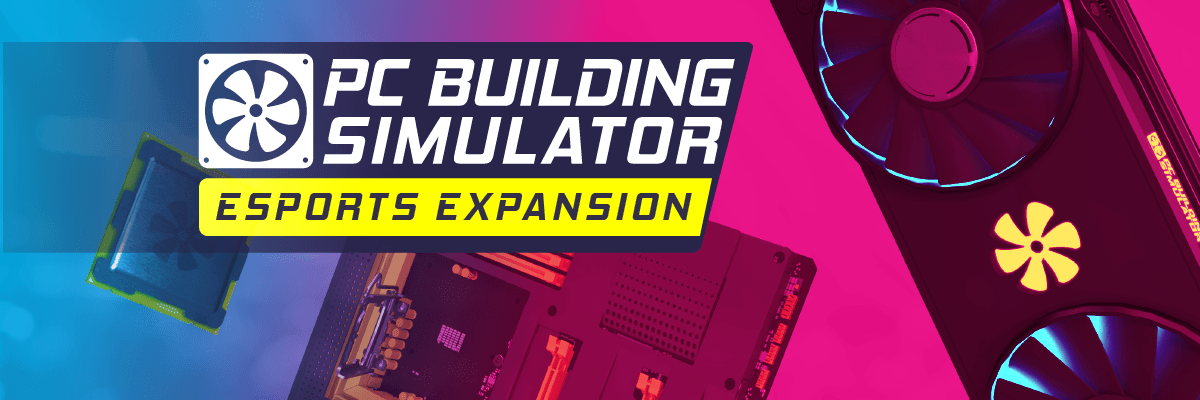
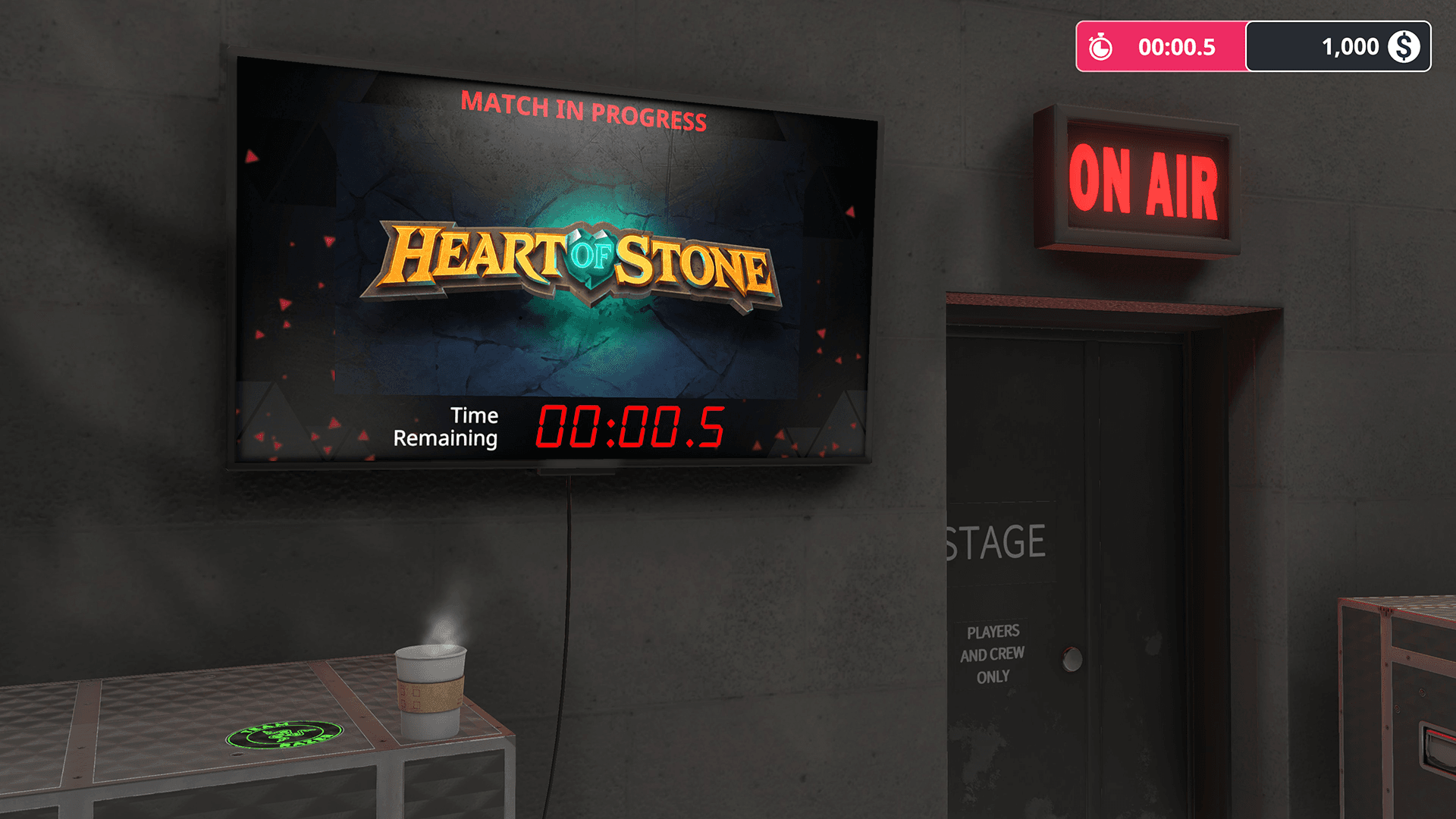
Be the unsung hero of every Esports team – the tech support! Start with a humble team, and rise up the ranks as you juggle demands from players, sponsors and the team manager. Manage the team’s tech budget, put the right sponsor parts in your builds, and try to remain calm when something crucial fails on match day!
The Workshop ...
Systemanforderungen
Minimum
- Betriebssystem
- Windows 7 or higher
- Prozessor
- Intel Core i5-2500K or AMD Athlon X4 740 (or equivalent)
- Arbeitsspeicher
- 8 GB RAM
- Grafik
- GeForce GTX 660 (2048 MB) or Radeon R9 285 (2048 MB) - Integrated GPUs may work but are not supported.
- DirectX
- Version 9.0
- Speicherplatz
- 1 GB available space
- Soundkarte
- DirectX compatible
Empfohlen
Das könnte dir auch gefallen
- Going Medieval - Early Access

- PC Building Simulator

- PC Building Simulator - EVGA Workshop
- PC Building Simulator - AORUS Workshop
- PC Building Simulator: Overclocked Edition Content
- PC Building Simulator: Razer Workshop
- PC Building Simulator - NZXT Workshop
- PC Building Simulator - Republic of Gamers Workshop
