









So aktivieren Sie
- Installiere Steam und melde dich bei deinem Konto an (ein kostenloses Konto reicht).
- Wähle im oberen Menü „Spiele“ → „Ein Produkt bei Steam aktivieren…“.
- Gib deinen Key genau wie in der Bestellung ein (mit Bindestrichen) und bestätige. Das Spiel erscheint in deiner Bibliothek.
Über das Spiel
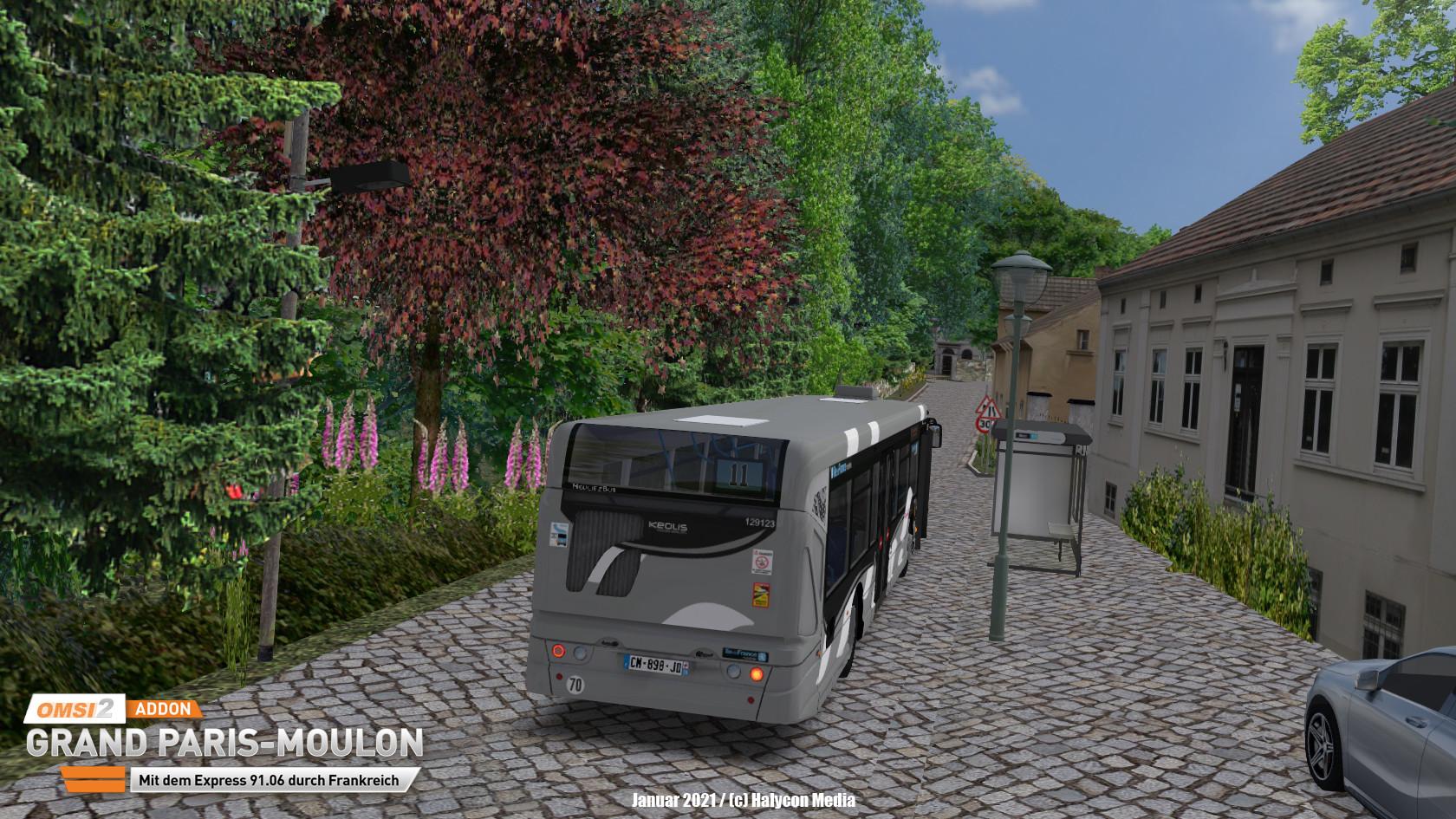
Bienvenue en France!
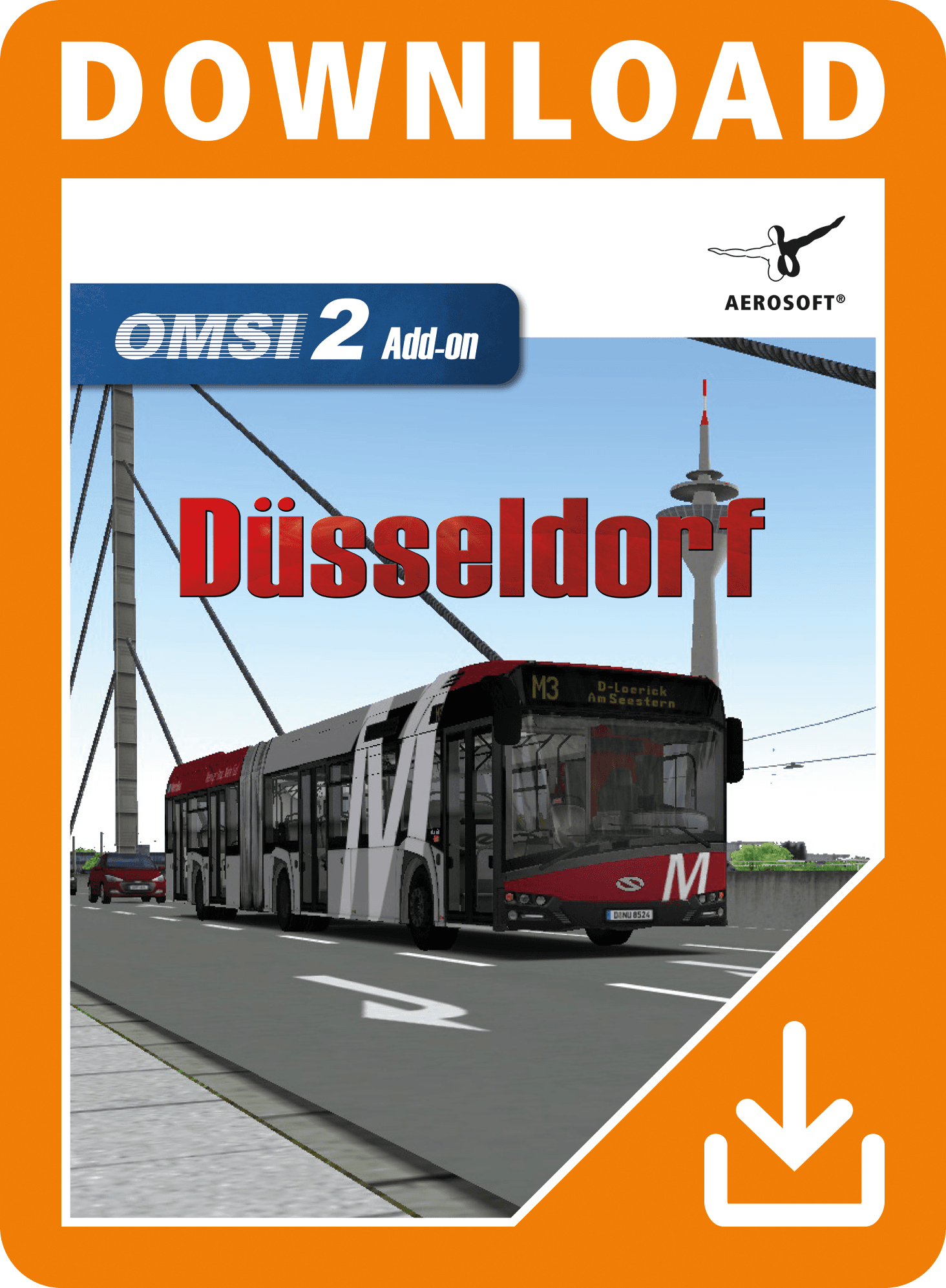
Now, after the OMSI-Map Saint-Servan, we are heading back to France.
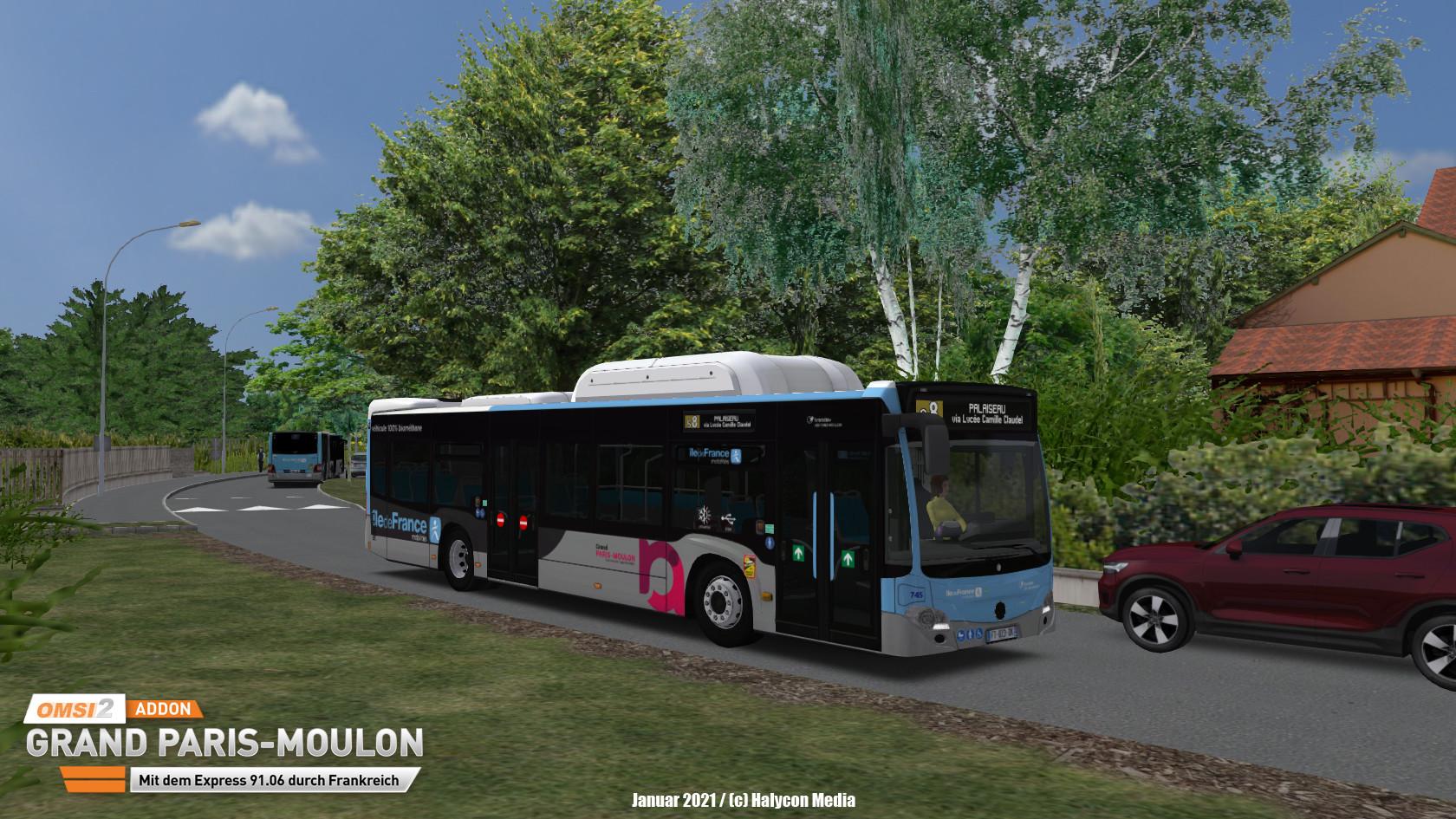
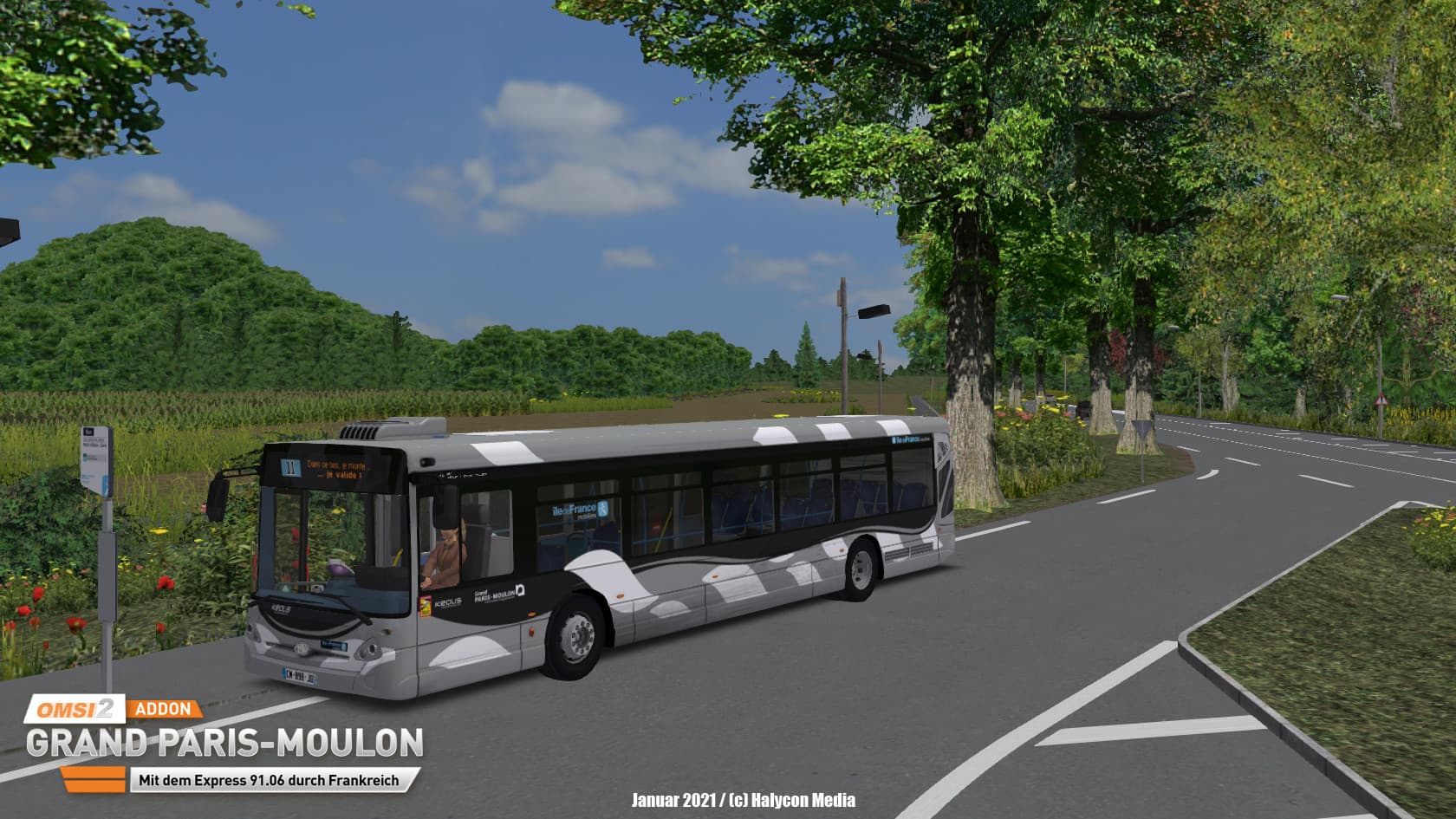
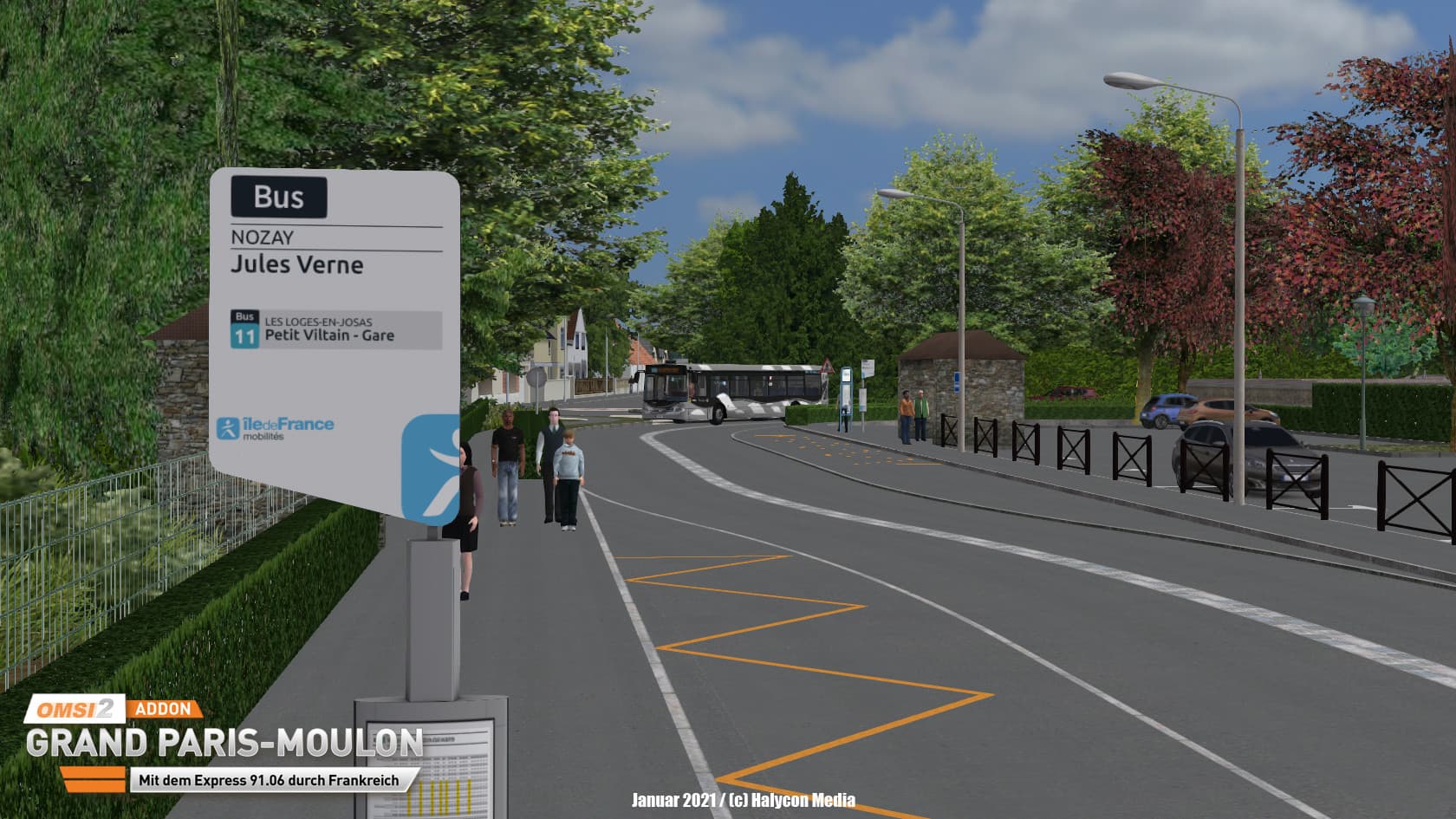
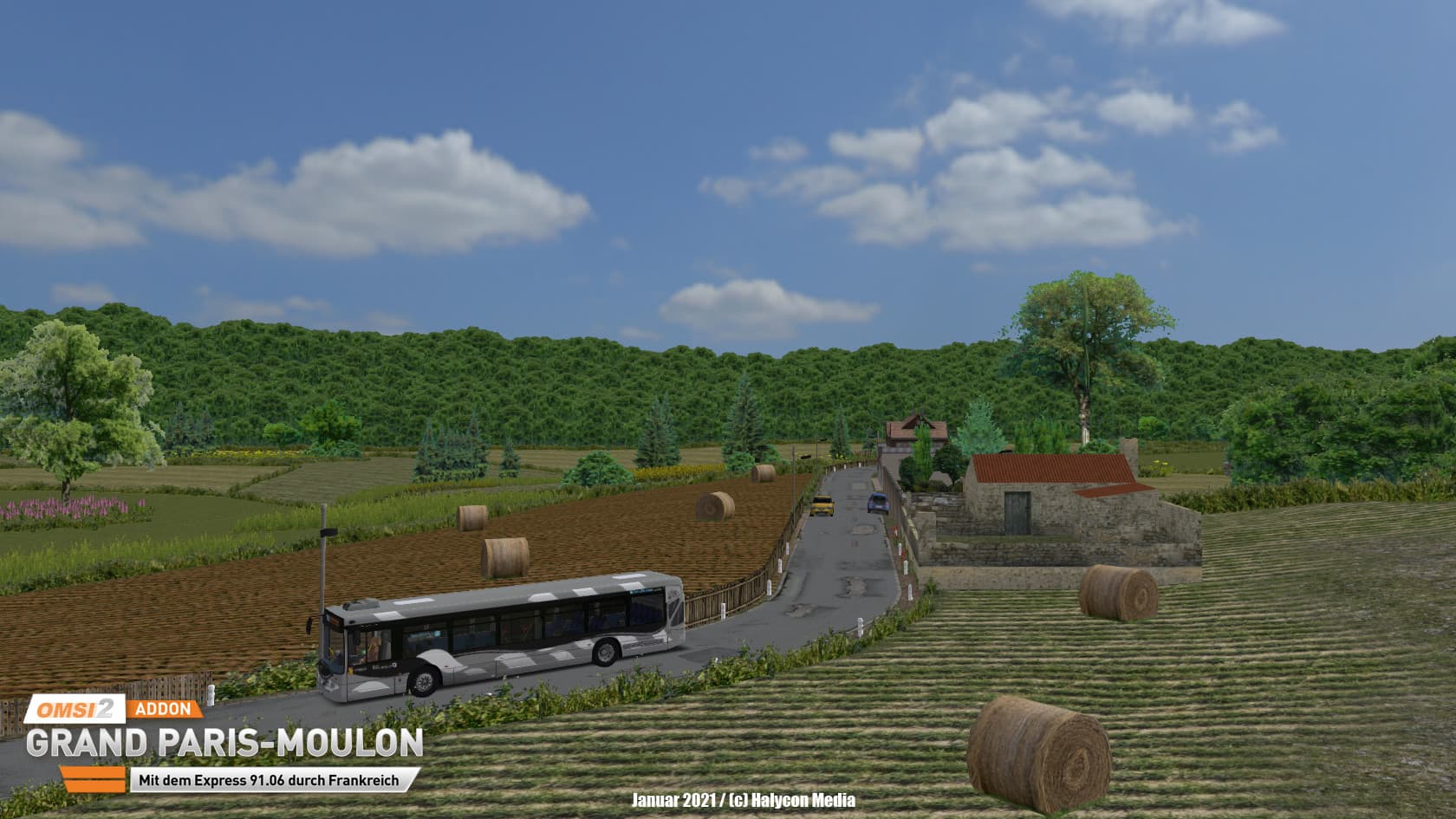
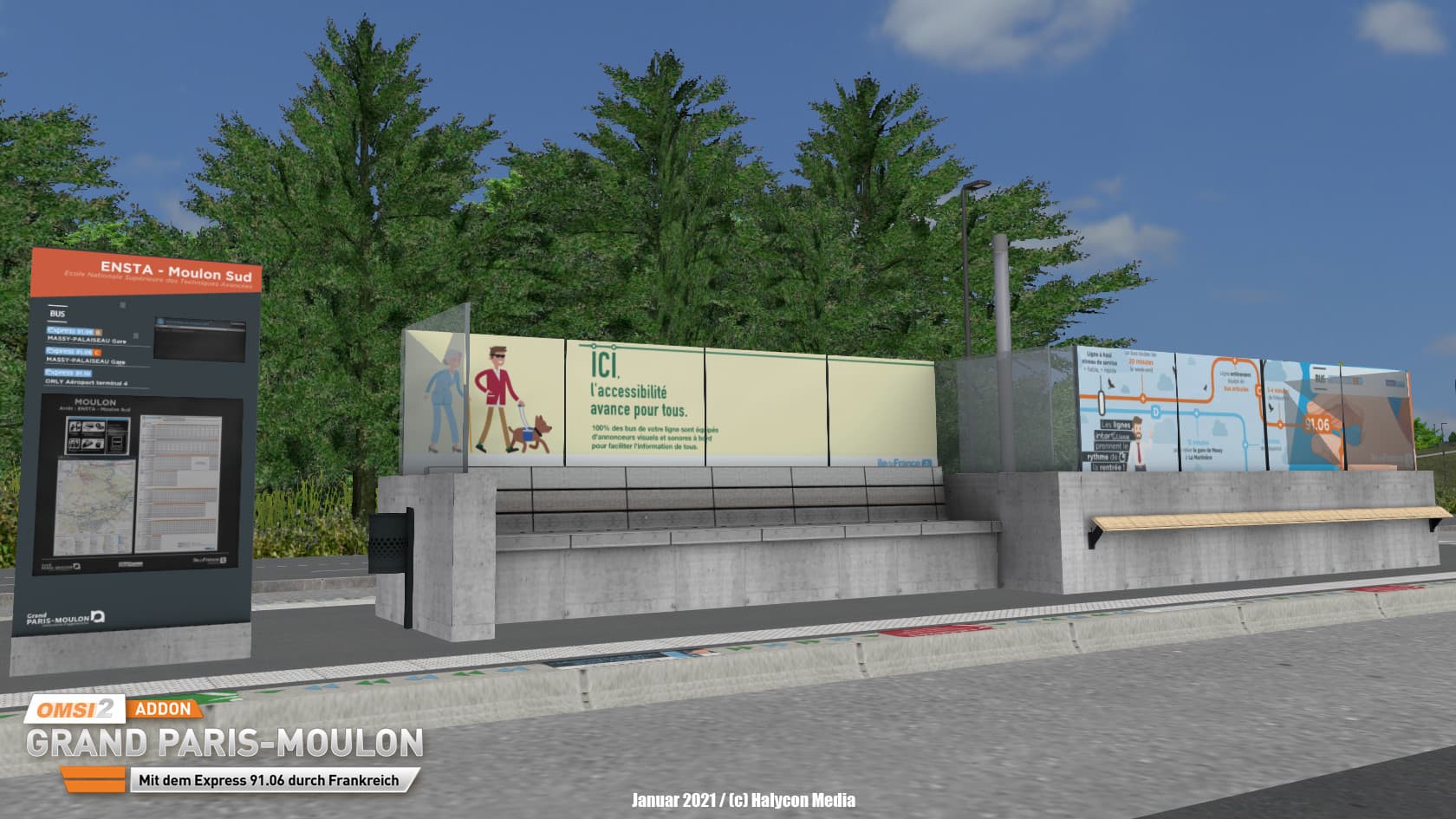
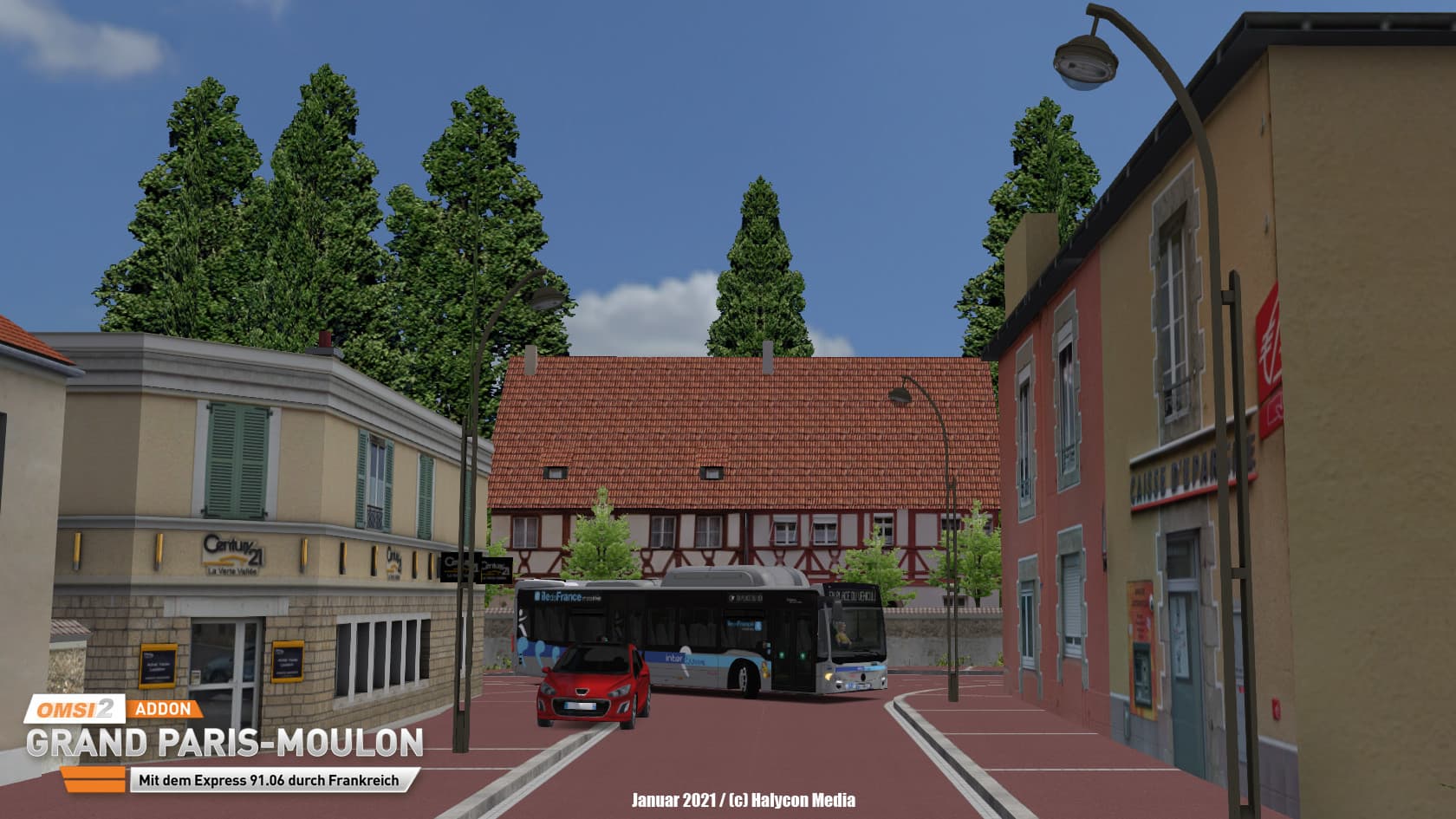
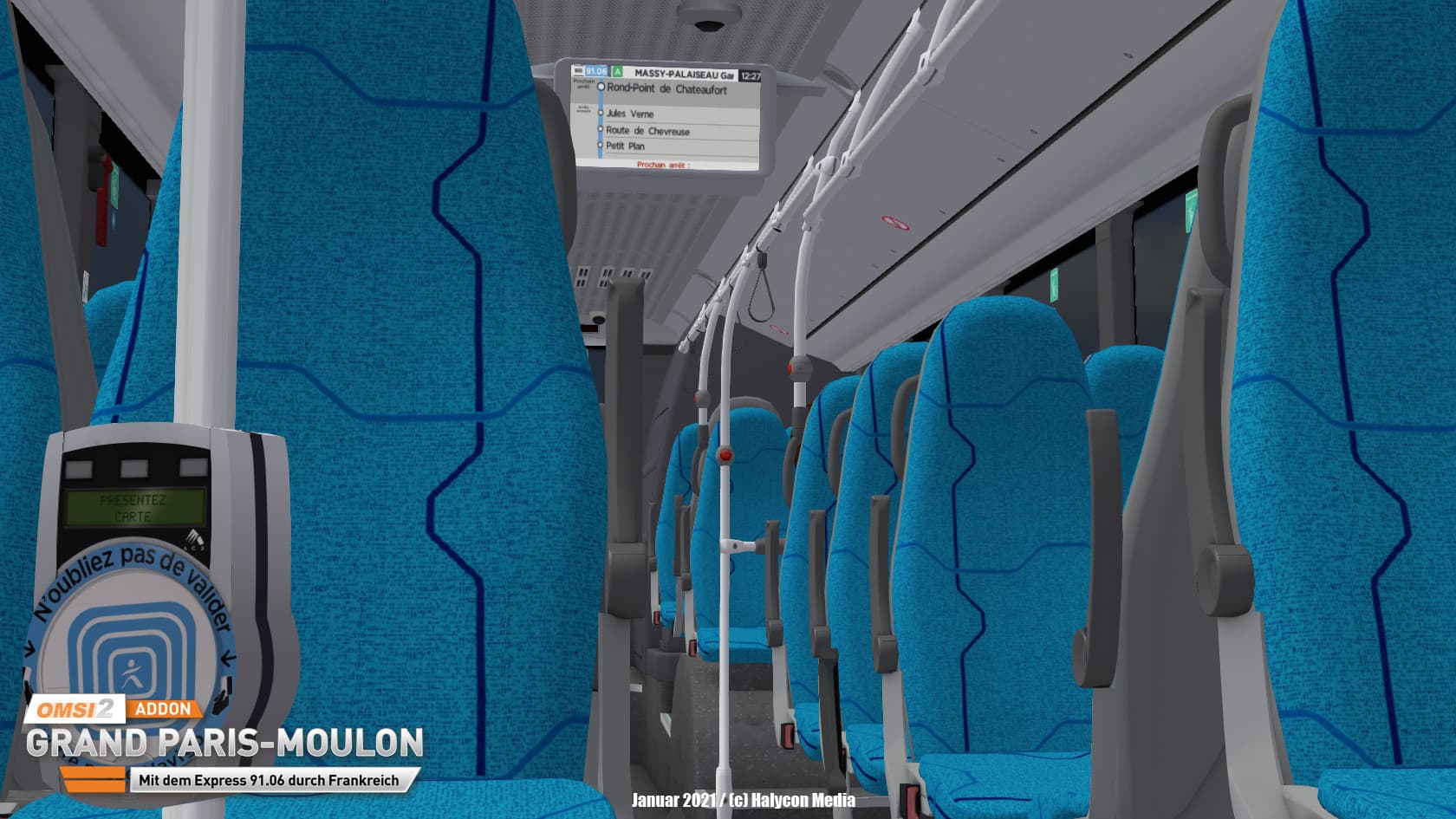
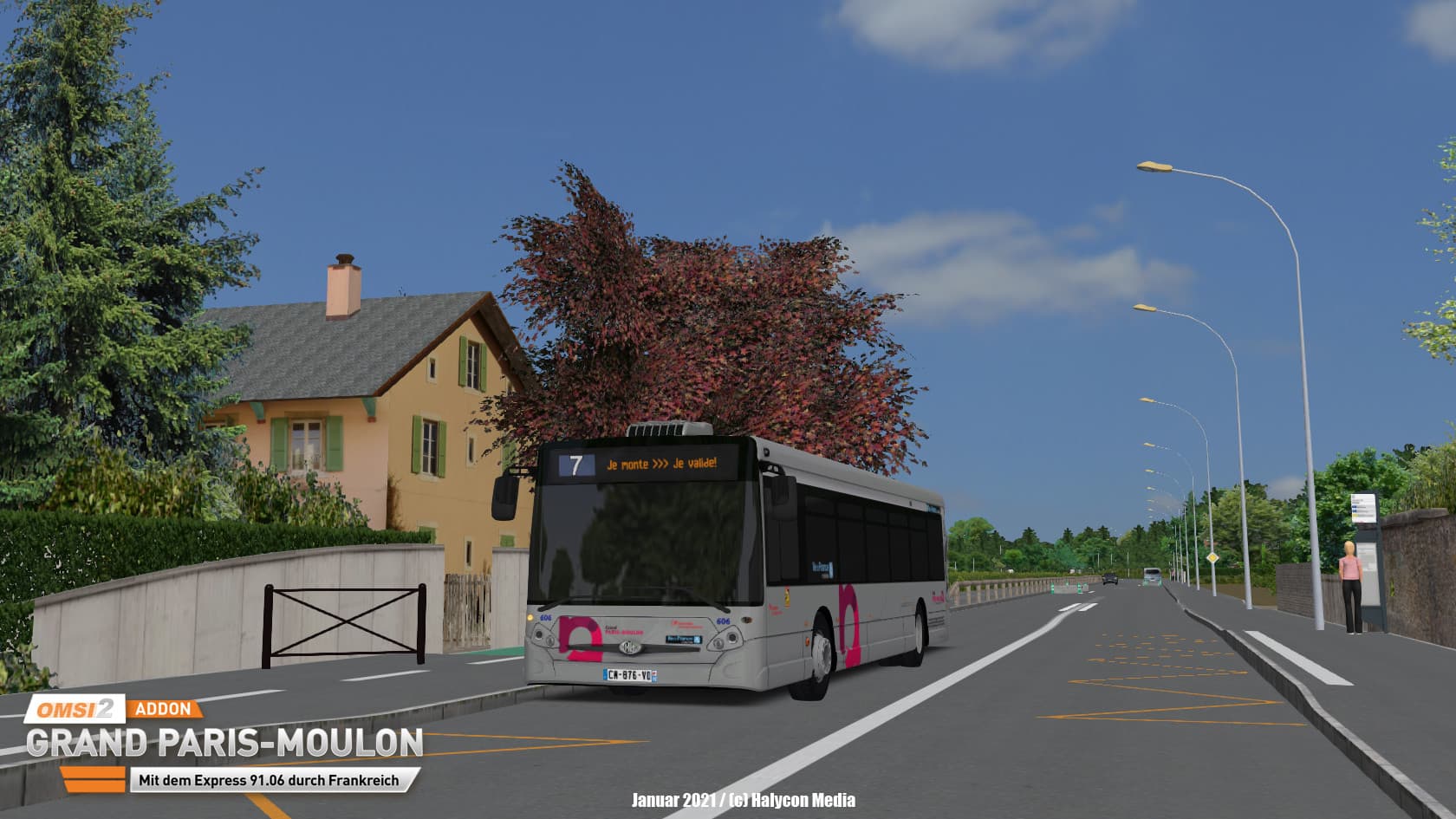
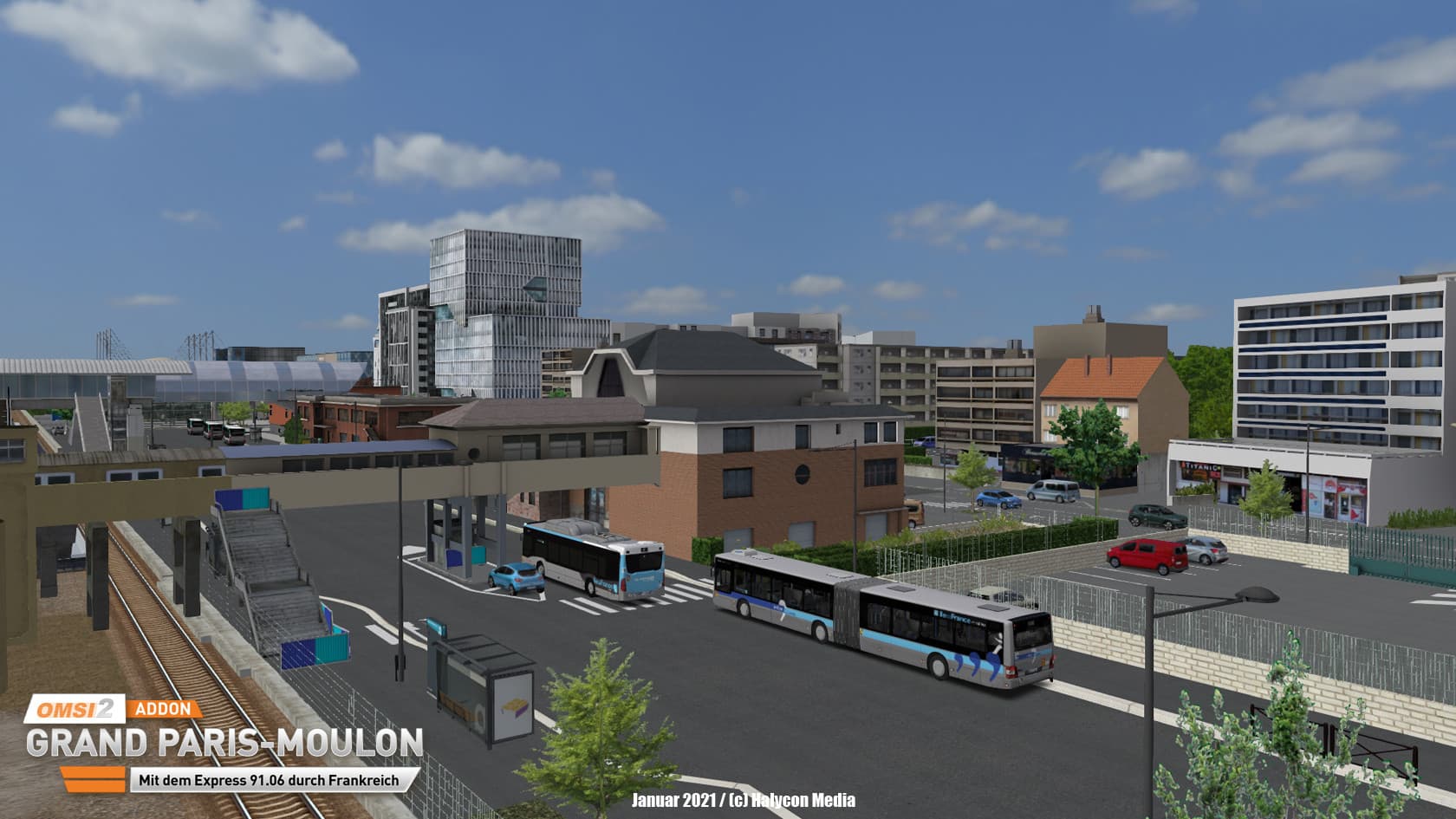
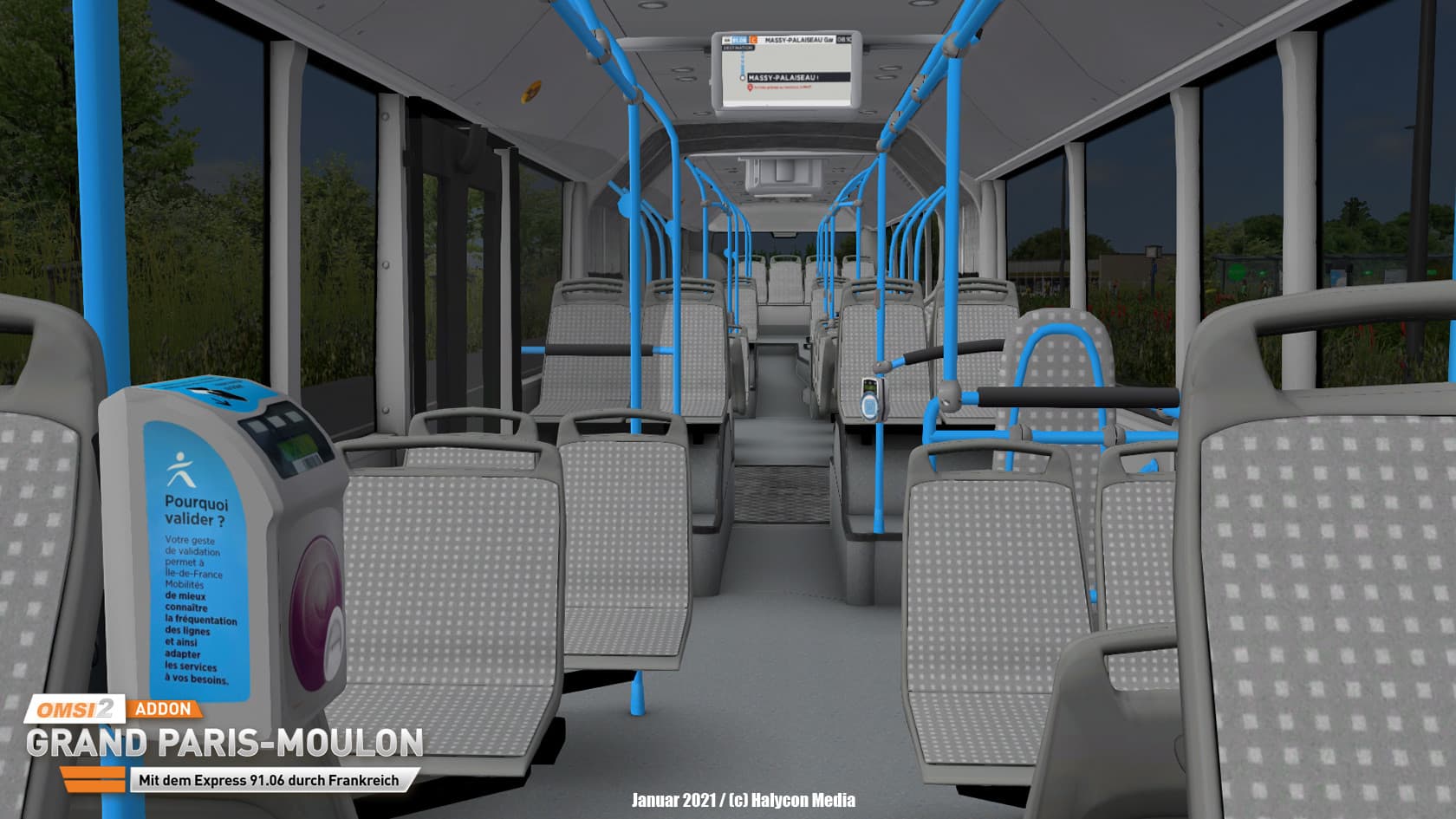
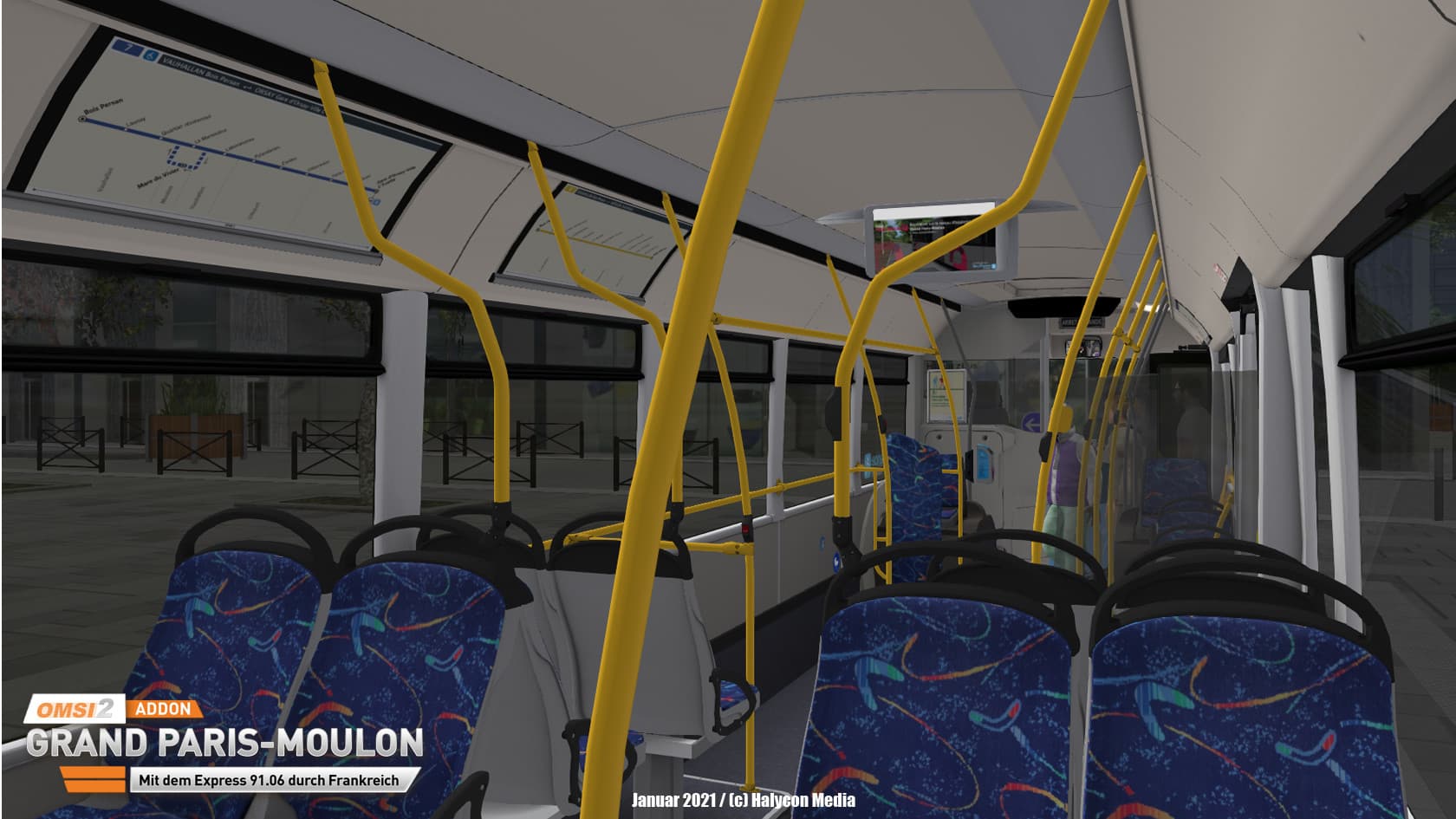
The AddOn Grand Paris Moulon - With the Express 91.06 through France from developer Creations AgoraS-114 plays in the area south of Paris.
Also in our neighbouring country there is a big fanbase for the bus simulator OMSI. And there's no doubt that this is a wonderful country for bus travel too. ...
Systemanforderungen
Minimum
- Steam account is required for game activation and installation
- This content requires the base game OMSI 2: Steam Edition on Steam in order to play.
- PC System Requirements
- Minimum
- Betriebssystem
- Win 8.1
- Prozessor
- Dual-Core, e.g. Core i5 with 2.8 GHz or comparable
- Arbeitsspeicher
- 4 GB RAM
- Grafik
- 3D graphics card with at least 1,024 MB
- DirectX
- Version 9.0c
- Speicherplatz
- 12 GB available space
- Soundkarte
- Yes
- Zusätzliche Hinweise
- For OMSI 2, the 4 GB patch is recommended | Installed full version OMSI 2 (at least version 2.3)
- Empfohlen
- Betriebssystem
- Win 10 / 64bit
- Prozessor
- Quad-Core with 3.0 GHz
- Arbeitsspeicher
- 8 GB RAM
- Grafik
- 2,048 MB
- Soundkarte
Empfohlen
Rechtliche Hinweise
Copyright © 2020 AEROSOFT. All rights reserved. All trademarks and brand names are trademarks or registered trademarks of the respective owners. Copyrights are serious stuff. If you find any pirated copies of this software please notify us. We will make sure re- ports of copyrights violation are rewarded.
Aerosoft GmbHLindberghring 12D-33142 Büren, Germany