
So aktivieren Sie
- Installiere Steam und melde dich bei deinem Konto an (ein kostenloses Konto reicht).
- Wähle im oberen Menü „Spiele“ → „Ein Produkt bei Steam aktivieren…“.
- Gib deinen Key genau wie in der Bestellung ein (mit Bindestrichen) und bestätige. Das Spiel erscheint in deiner Bibliothek.
Über das Spiel
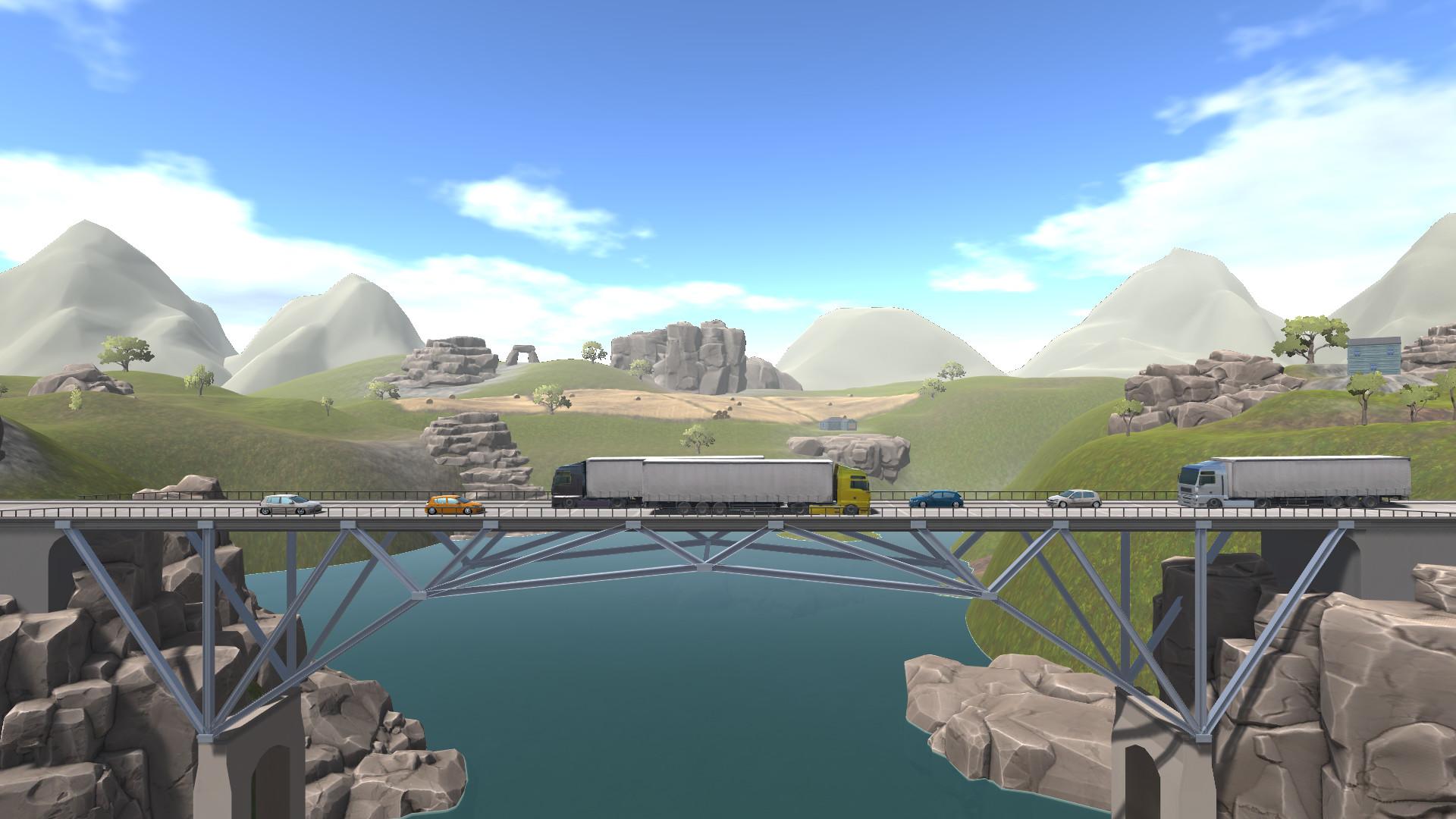
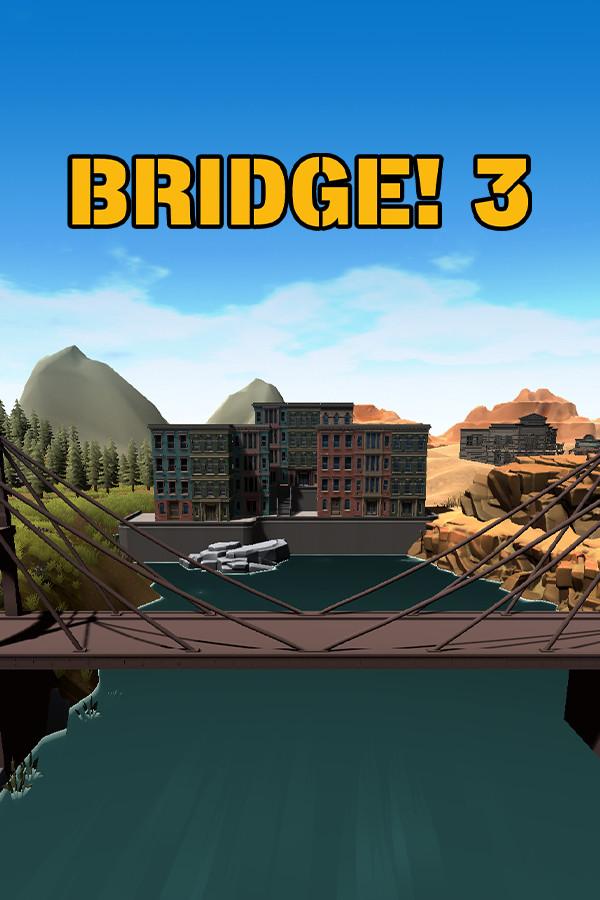
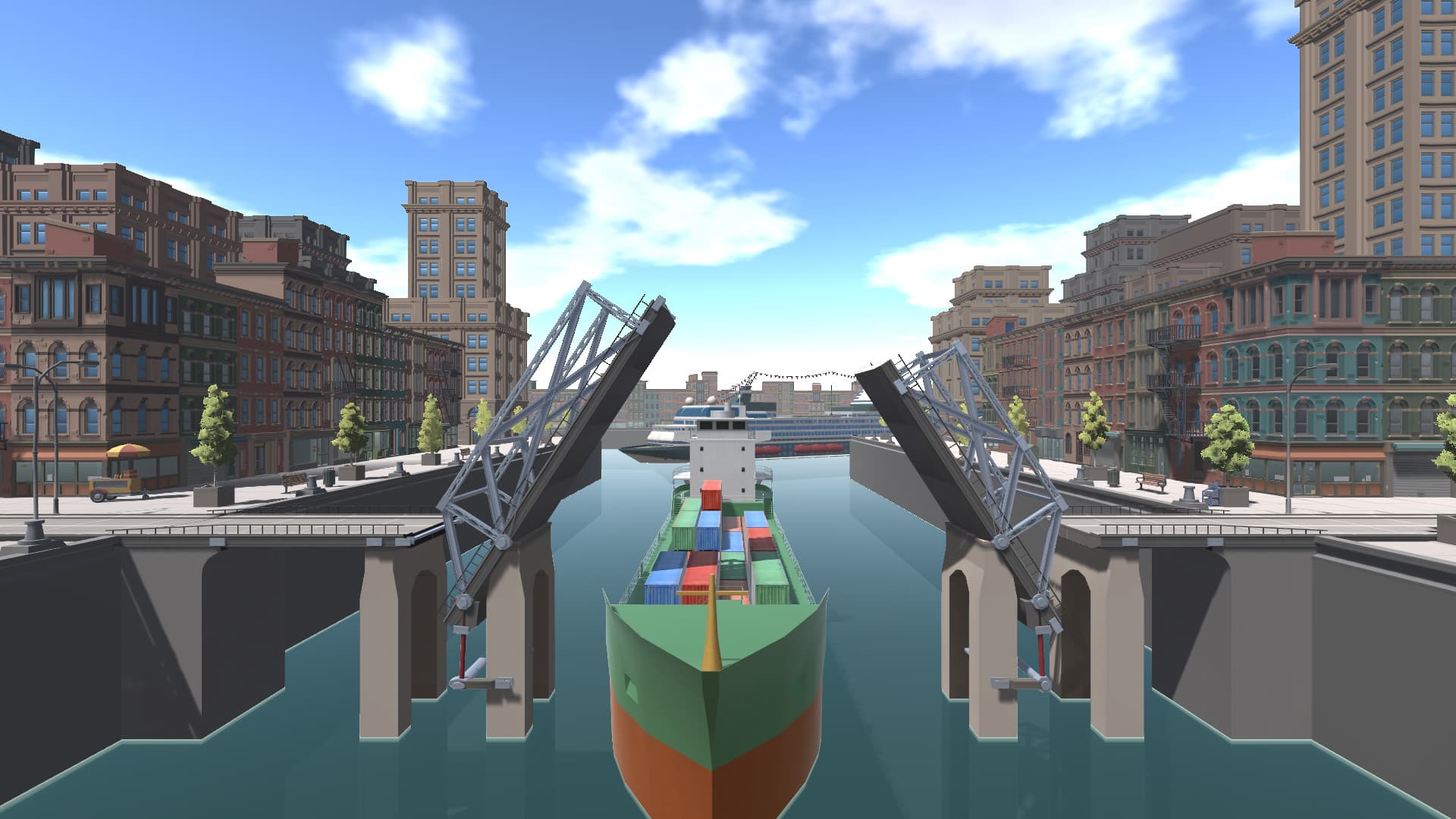
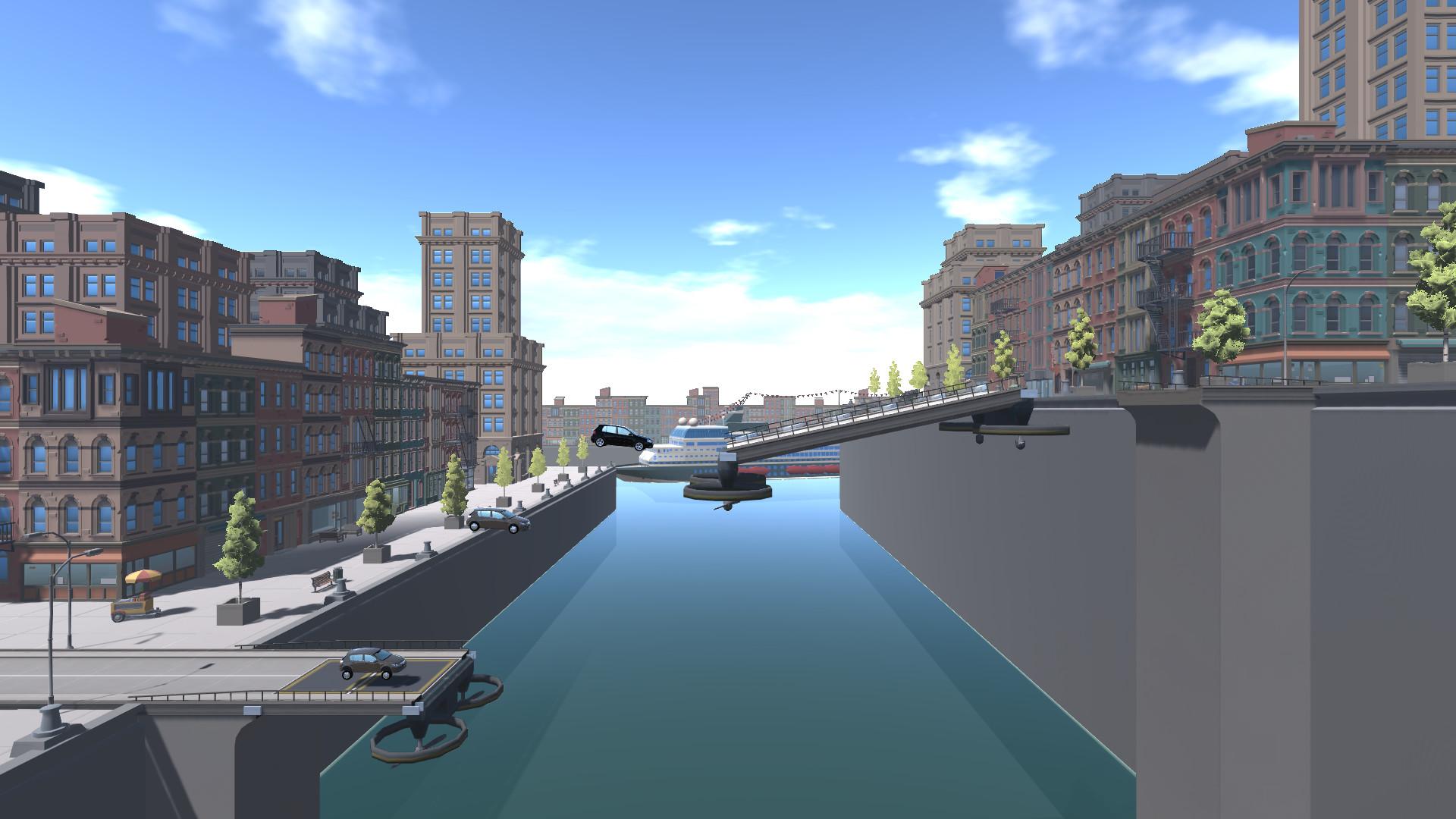
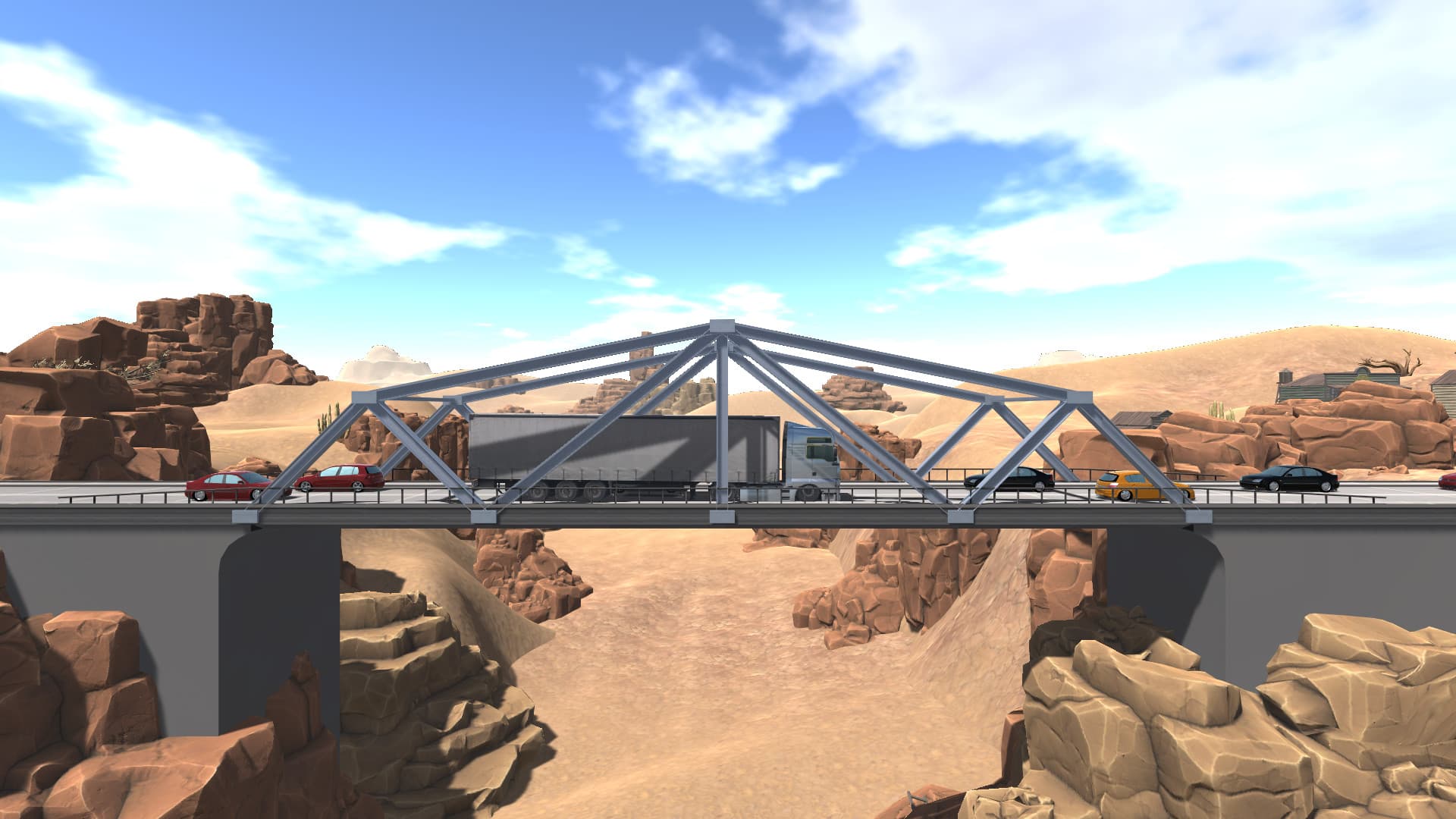
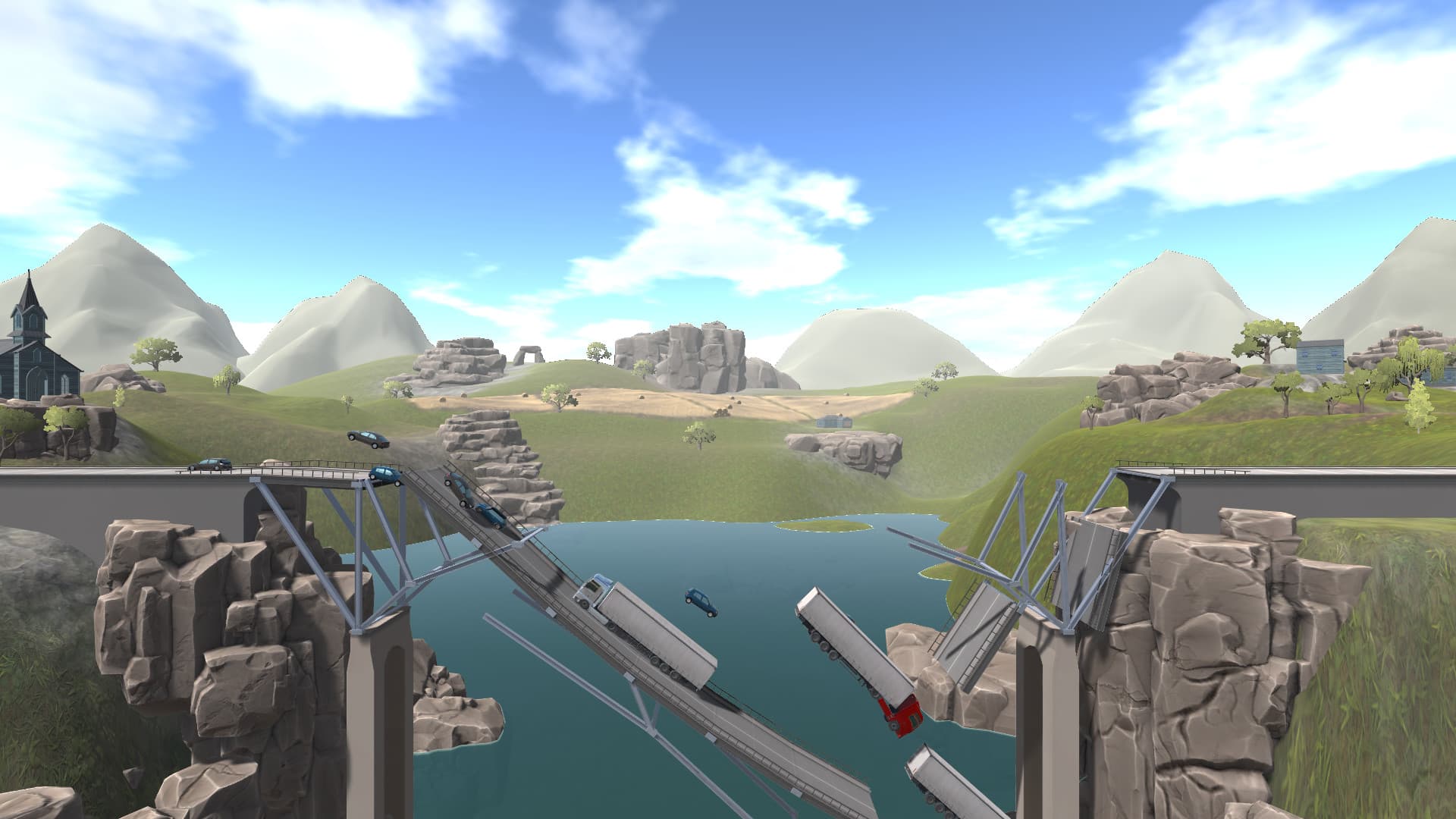
Let your creativity run as a bridge builder and take the challenge to prove yourself as a true master of bridge building! As a structural engineer and designer, you have the responsibility for a perfect static load capacity of the bridge. In Bridge! 3 you have the opportunity to build your bridges and their carrying capacity to the utmost!
You want to create your own level? No problem, because you can design the most complicated bridges the world has ever seen. Use all the new and exciting features that we have made available for you. ...
Systemanforderungen
- Steam account is required for game activation and installation.
- Windows Requirements
- Requires a 64-bit processor and operating system
- Betriebssystem
- Windows 7 SP1+ 64bit
- Prozessor
- Intel® Core™ 2 Duo / AMD® Athlon™ X2, min. 2.8 GHz
- Arbeitsspeicher
- 8 MB RAM
- Grafik
- Nvidia® / AMD® with 2048 MB memory
- DirectX
- Version 10
- Speicherplatz
- 5 GB available space
- Soundkarte
- DirectX compatible
- Requires a 64-bit processor and operating system
- Betriebssystem
- Windows 7 SP1+ 64bit
- Prozessor
- Intel® Core™ 2 Quad / AMD® Phenom™ X4, min. 3,4 GHz
- Arbeitsspeicher
- 16 MB RAM
- Grafik
- Nvidia® / AMD® with 4096 MB memory
- DirectX
- Version 10
- Speicherplatz
- 5 GB available space
- Soundkarte
- DirectX compatible
Rechtliche Hinweise
© 2019 AEROSOFT. All rights reserved. All trademarks and brand names are trademarks or registered trademarks of the respective owners. Copyrights are serious stuff. If you find any pirated copies of this software please notify us. We will make sure reports of copyrights violation are rewarded.
Aerosoft GmbH
Lindberghring 12
D-33142 Büren, Germany