



So aktivieren Sie
- Installiere Steam und melde dich bei deinem Konto an (ein kostenloses Konto reicht).
- Wähle im oberen Menü „Spiele“ → „Ein Produkt bei Steam aktivieren…“.
- Gib deinen Key genau wie in der Bestellung ein (mit Bindestrichen) und bestätige. Das Spiel erscheint in deiner Bibliothek.
Über das Spiel
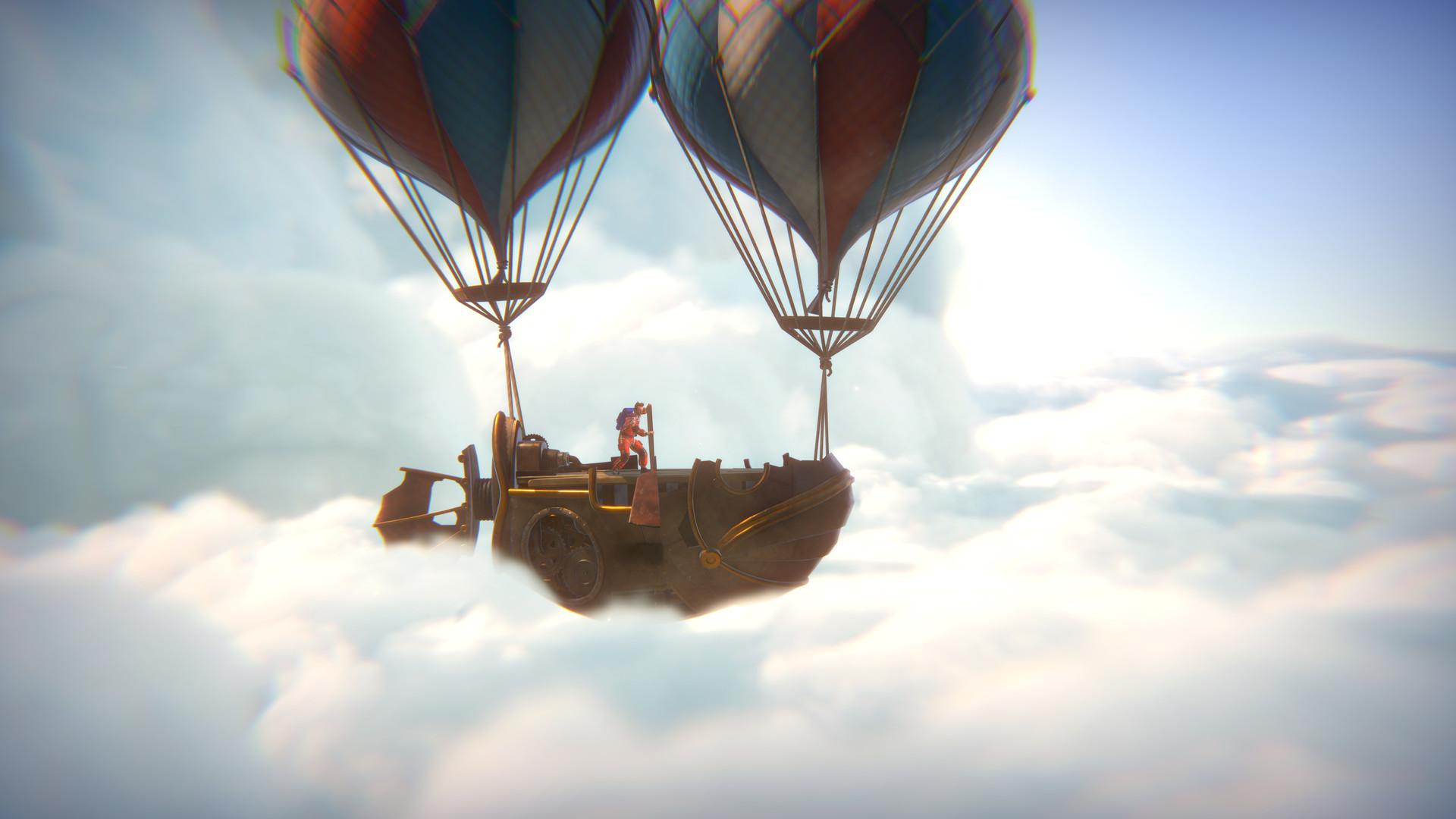
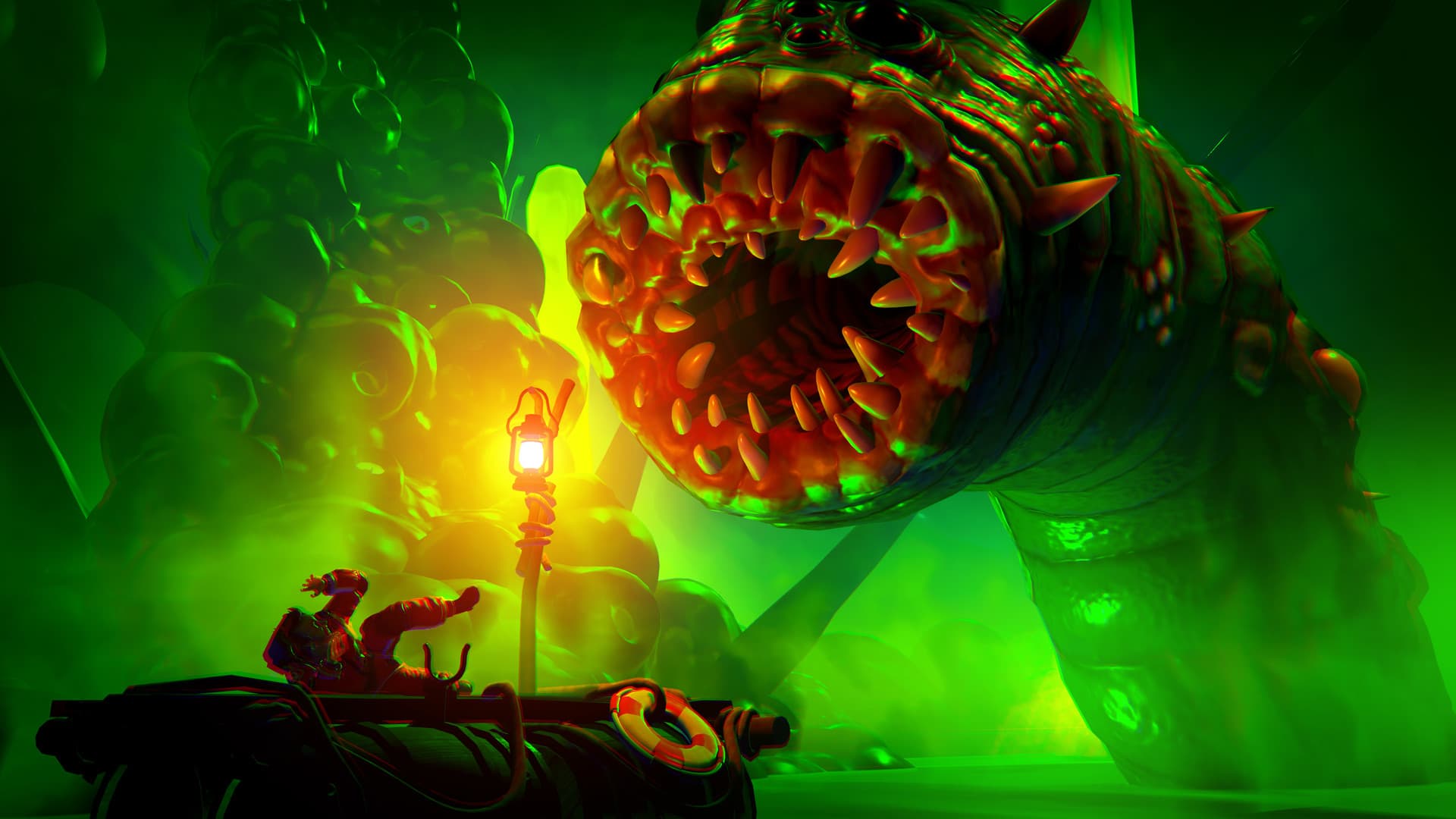
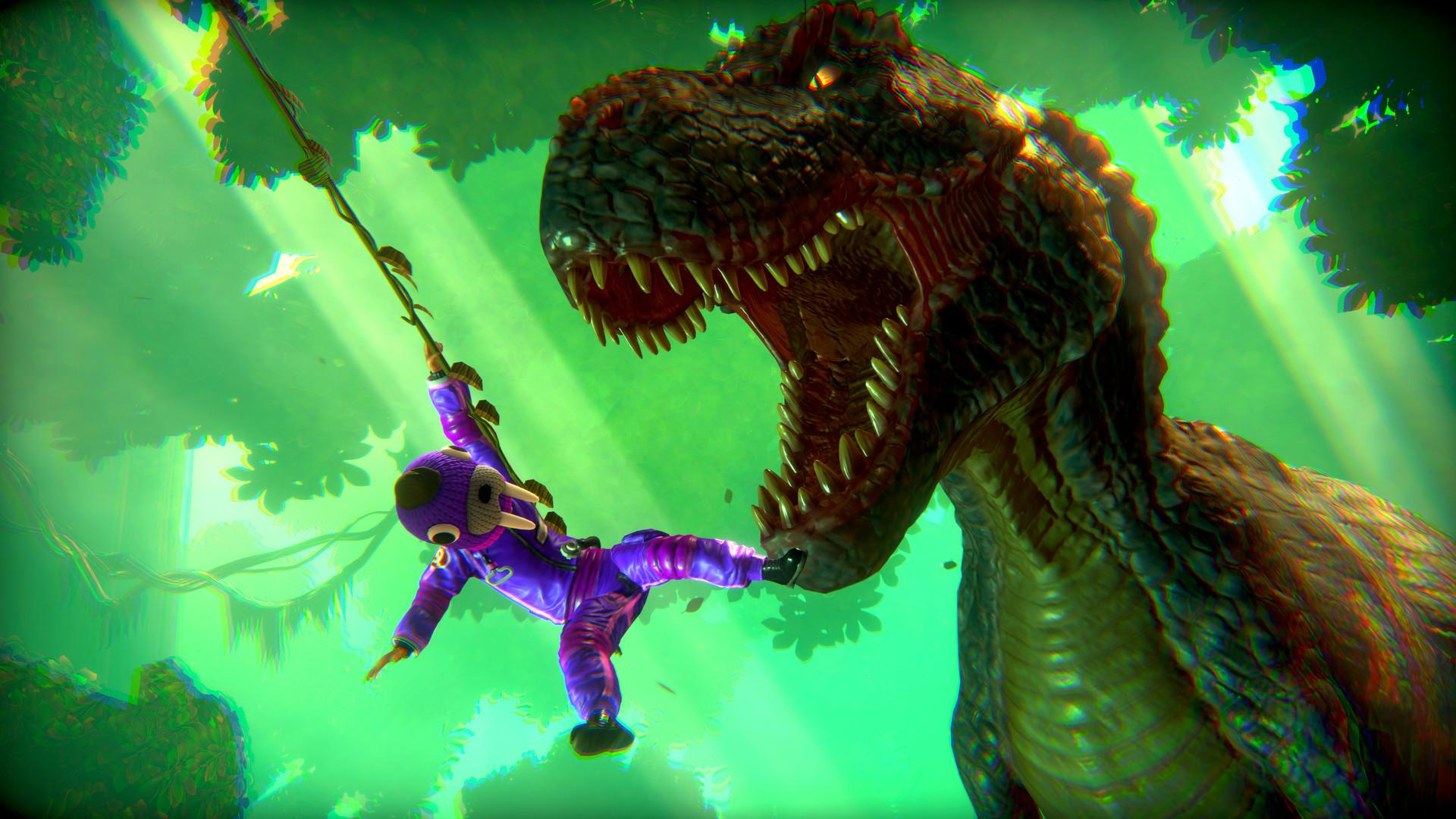
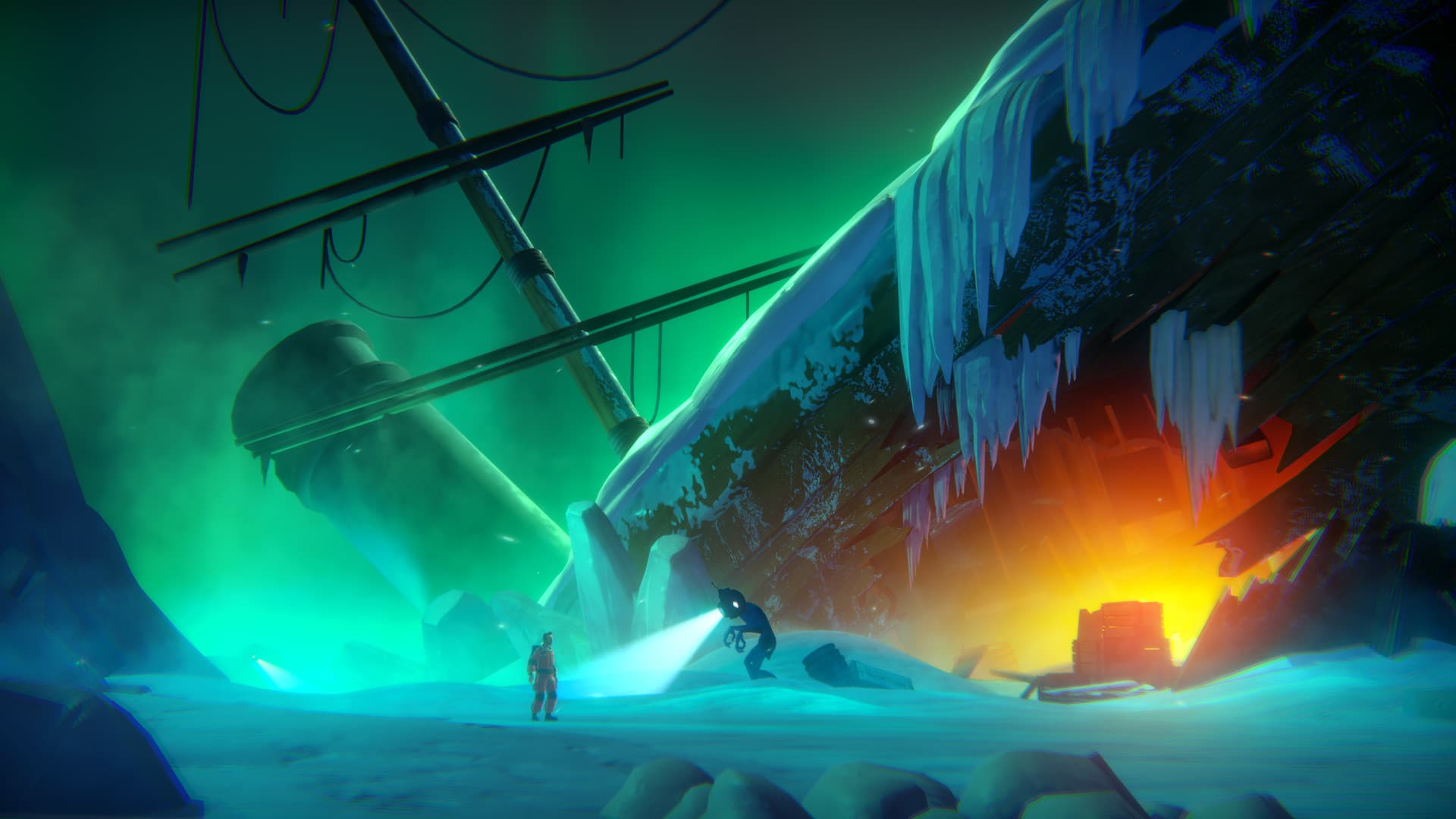
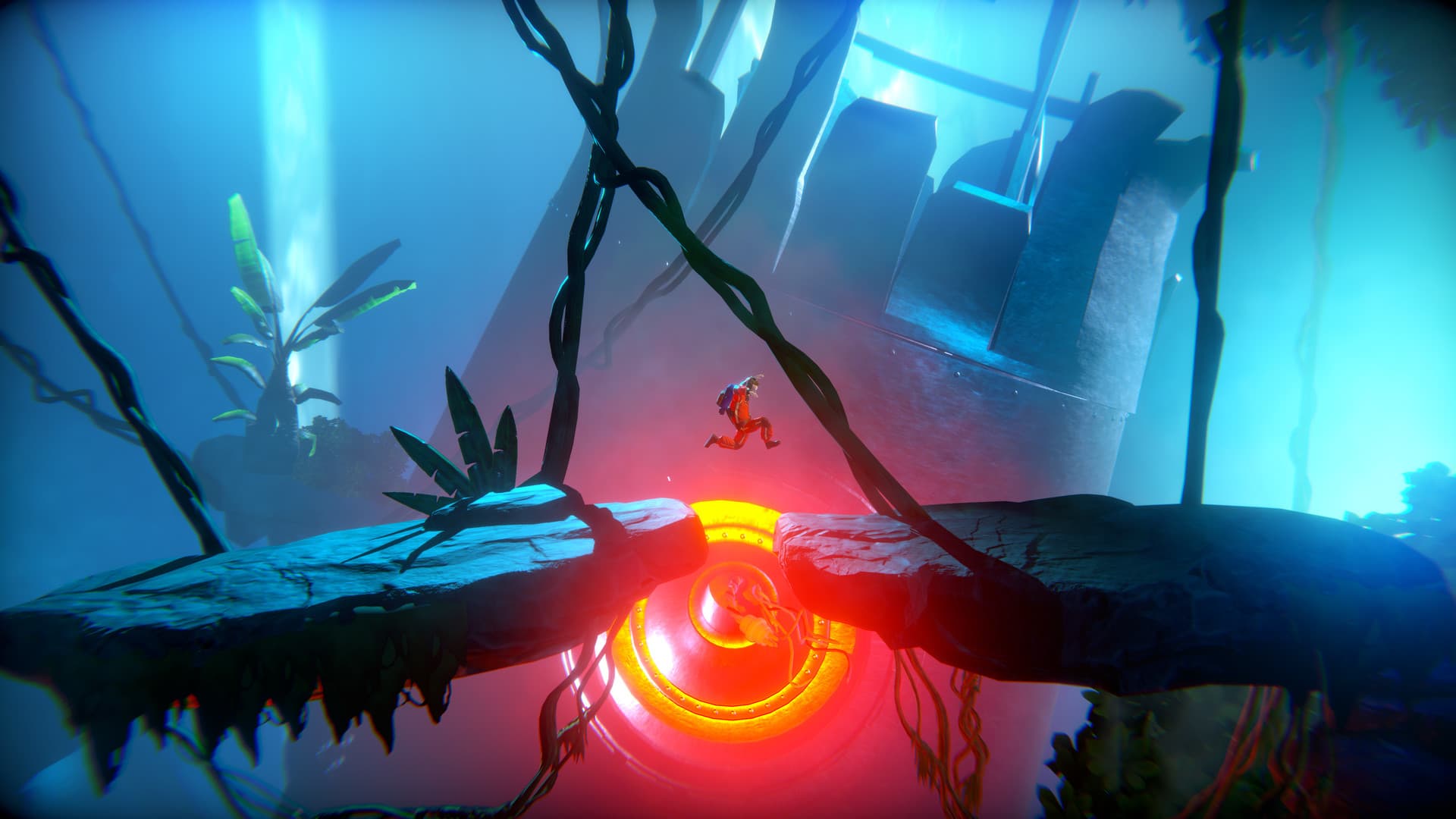
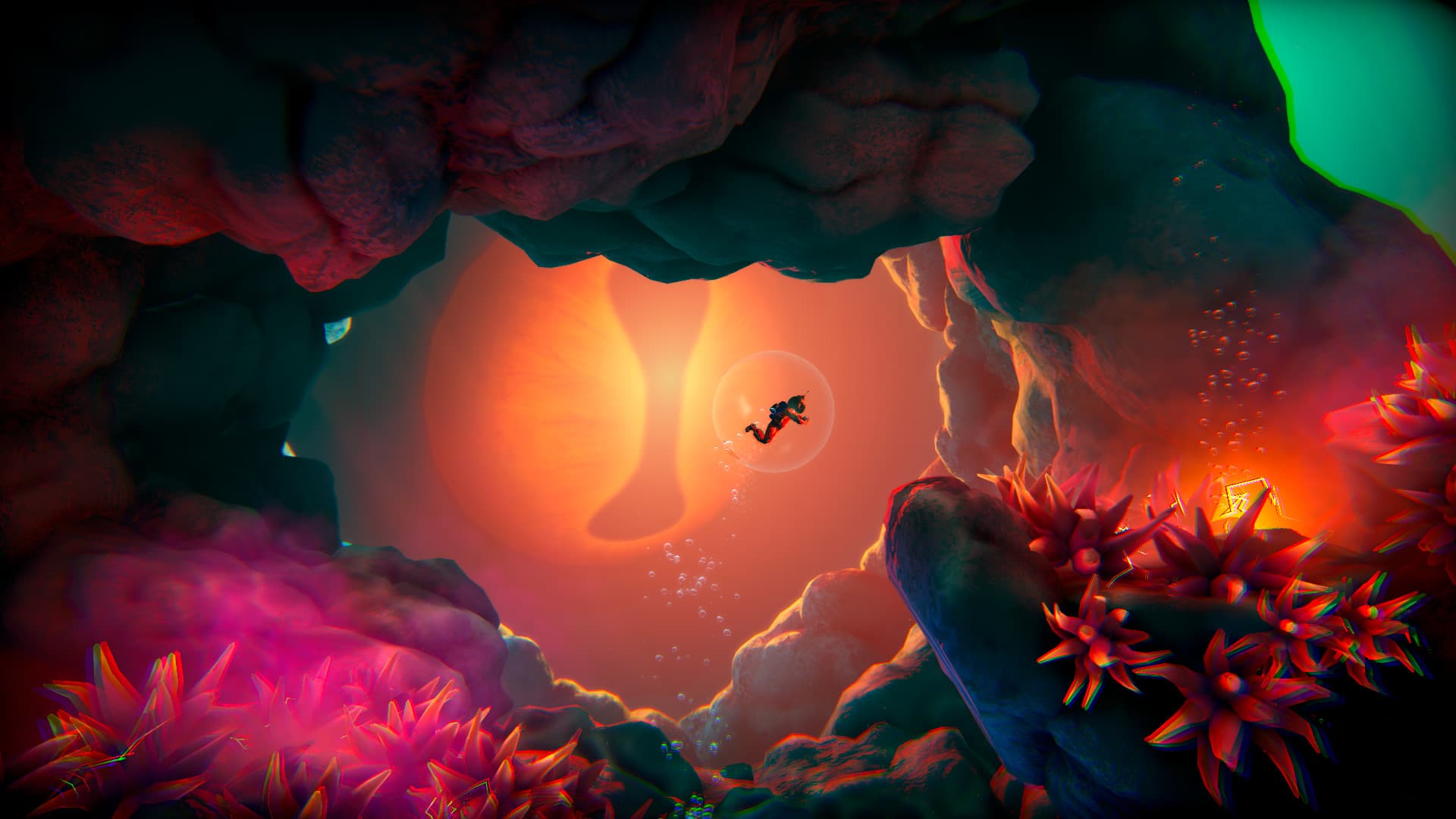
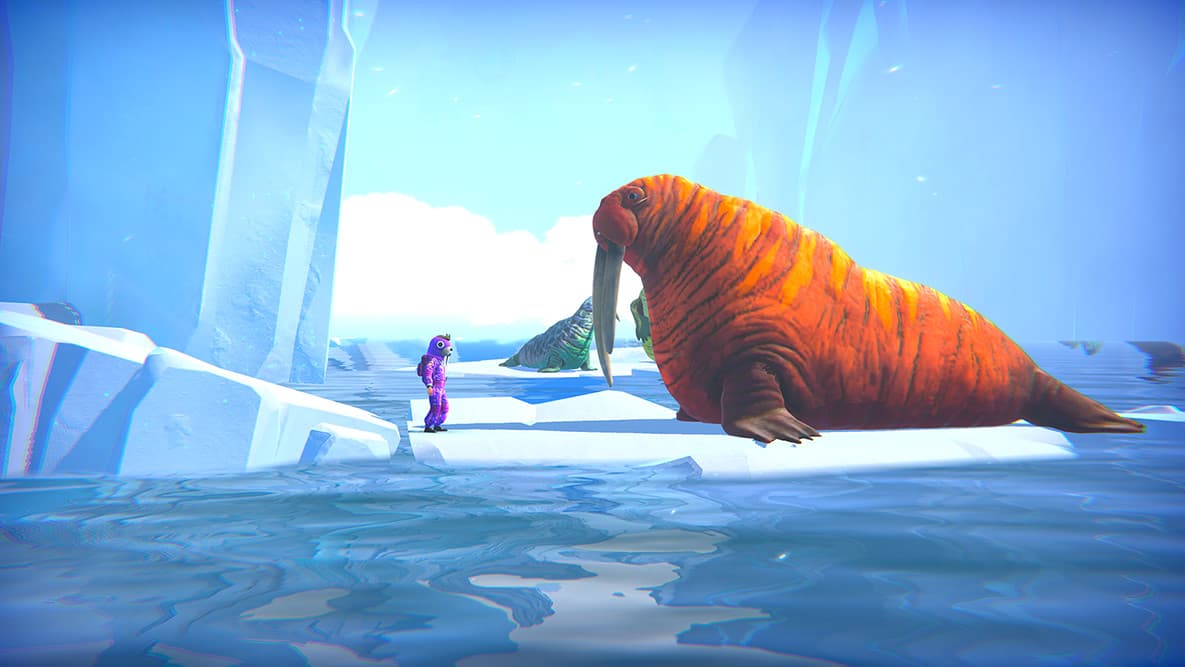
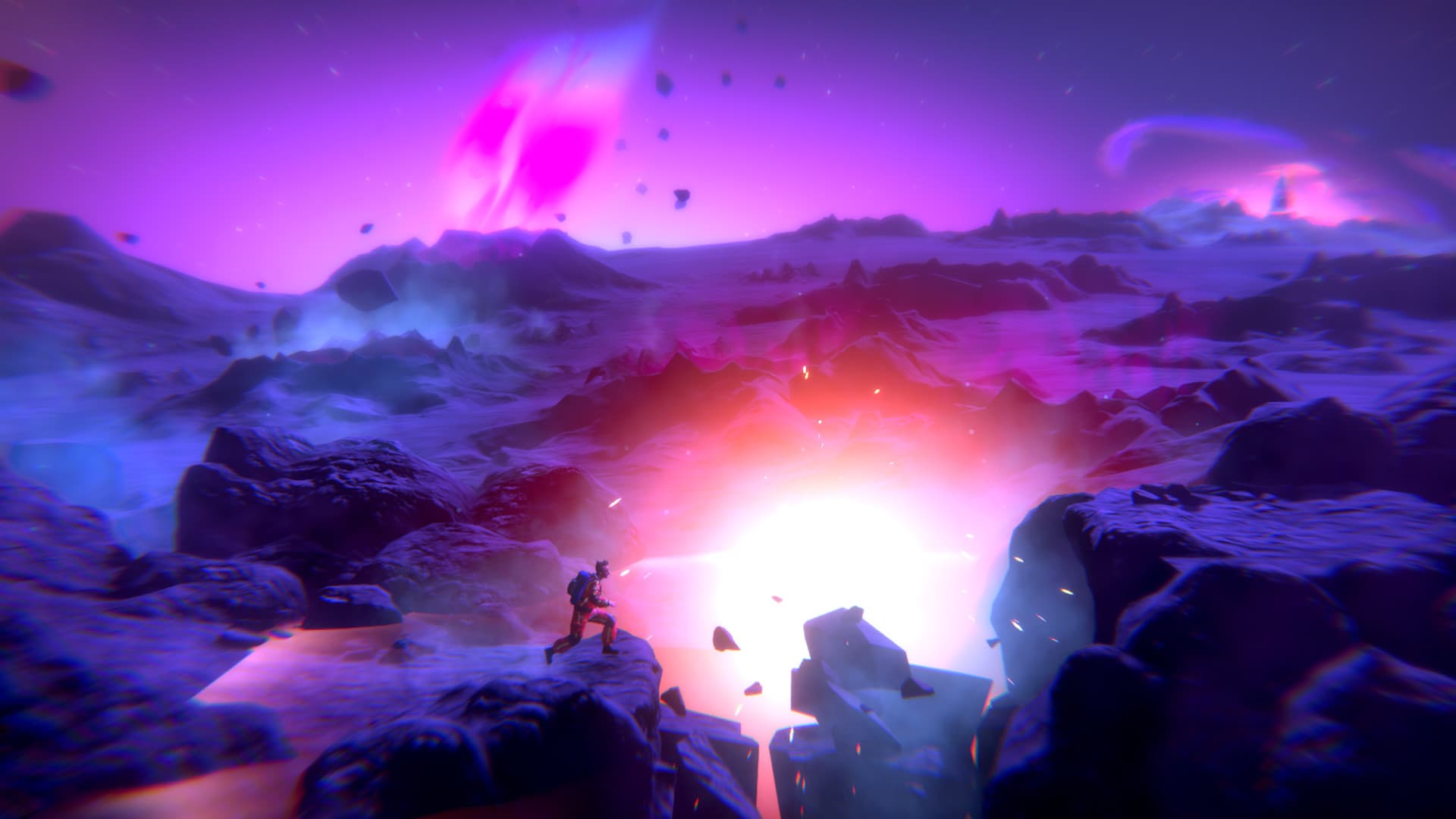
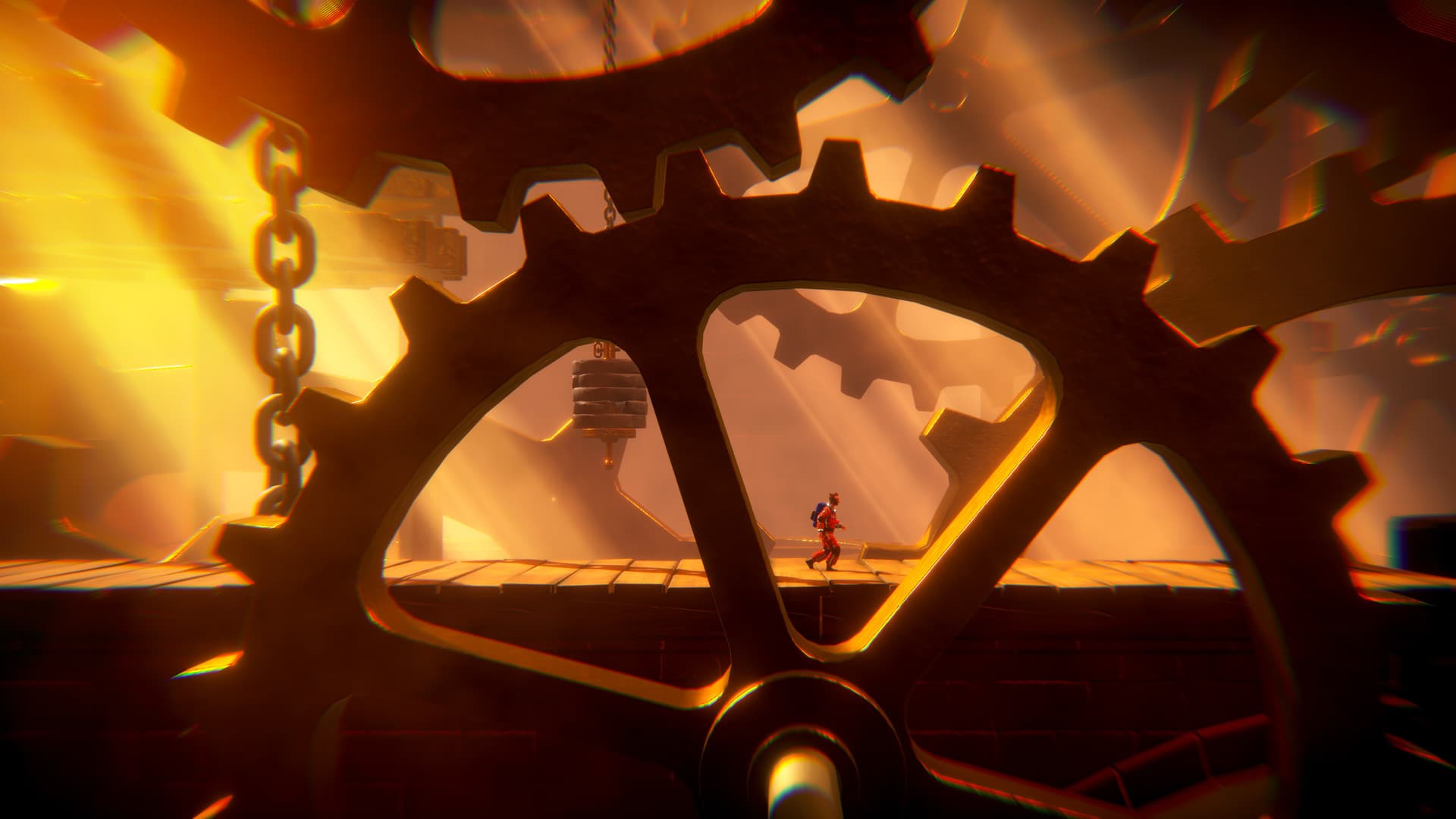
The year is 1962 and NASA are trying to put a man on the moon. In a remote corner of Siberia, a Soviet cosmonaut is heading in the other direction. Comrade Ivan Ivanovich is dropped into an extinct volcano in his exploration capsule, Little Orpheus, to explore the center of the earth. He promptly vanishes. ...
Systemanforderungen
Minimum
- Steam account is required for game activation and installation.
- Windows Requirements
- Requires a 64-bit processor and operating system
- Betriebssystem
- Windows 10 (64-bit)
- Prozessor
- AMD FX 6300 X6 / Intel Core i5-3570K
- Arbeitsspeicher
- 8 GB RAM
- Grafik
- 2 GB VRAM, Radeon 7870 / GeForce GTX 660
- DirectX
- Version 11
Empfohlen
- Requires a 64-bit processor and operating system
- Betriebssystem
- Windows 10 (64-bit)
- Prozessor
- AMD FX 6300 X6 / Intel Core i5-3570K
- Arbeitsspeicher
- 8 GB RAM
- Grafik
- 2 GB VRAM, Radeon 7870 / GeForce GTX 660
- DirectX
- Version 12
Rechtliche Hinweise
© 2021 Sumo Digital Ltd. All rights reserved. Created by The Chinese Room. Published and distributed by Secret Mode Limited under licence from Sumo Digital Ltd. Sumo Digital Ltd, Secret Mode Limited and The Chinese Room Limited are part of Sumo Group.
LITTLE ORPHEUS®, THE CHINESE ROOM® and SUMO DIGITAL® are registered trade marks of Sumo Group plc.
Apple Arcade is a trademark of Apple Inc.