


So aktivieren Sie
- Installiere Steam und melde dich bei deinem Konto an (ein kostenloses Konto reicht).
- Wähle im oberen Menü „Spiele“ → „Ein Produkt bei Steam aktivieren…“.
- Gib deinen Key genau wie in der Bestellung ein (mit Bindestrichen) und bestätige. Das Spiel erscheint in deiner Bibliothek.
Über das Spiel
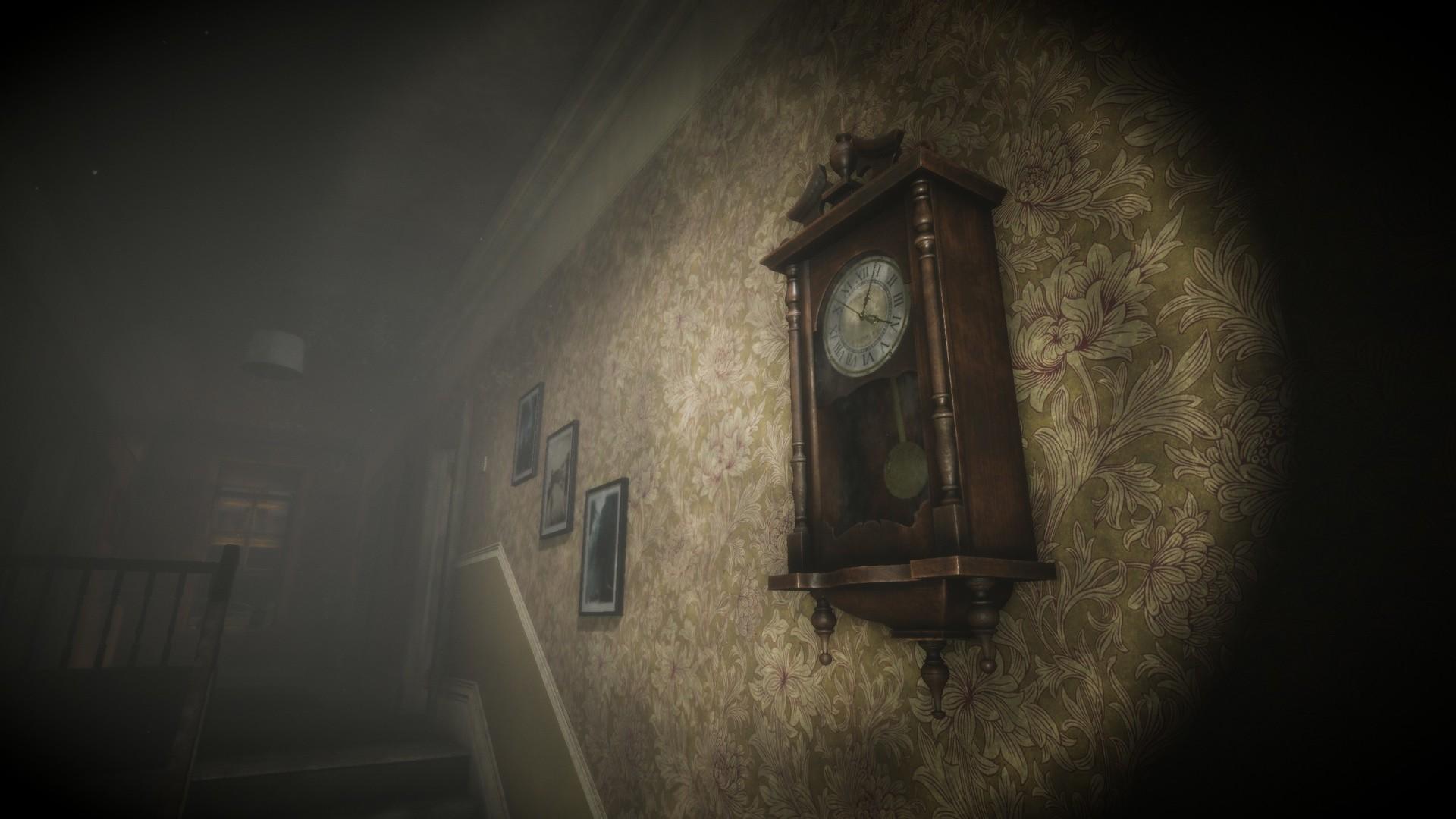
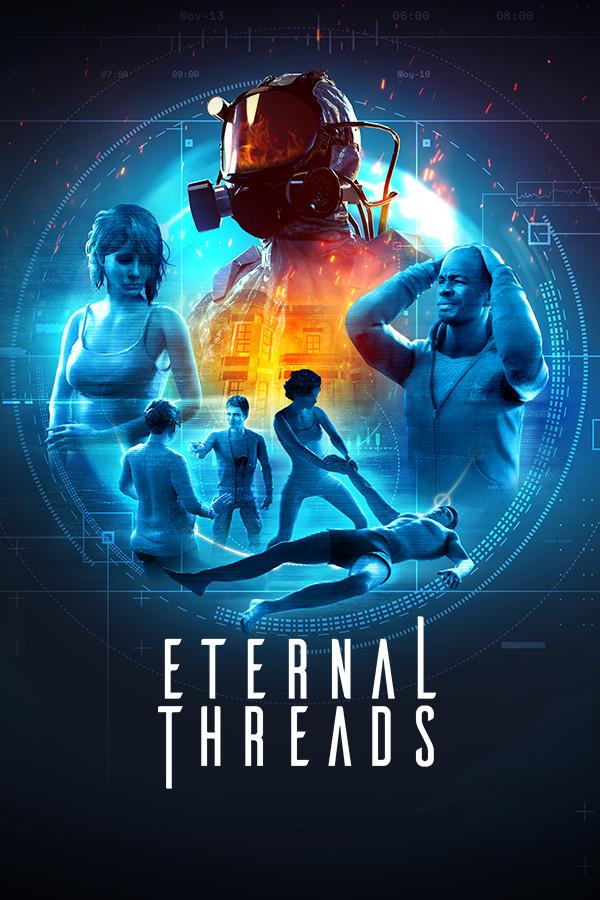
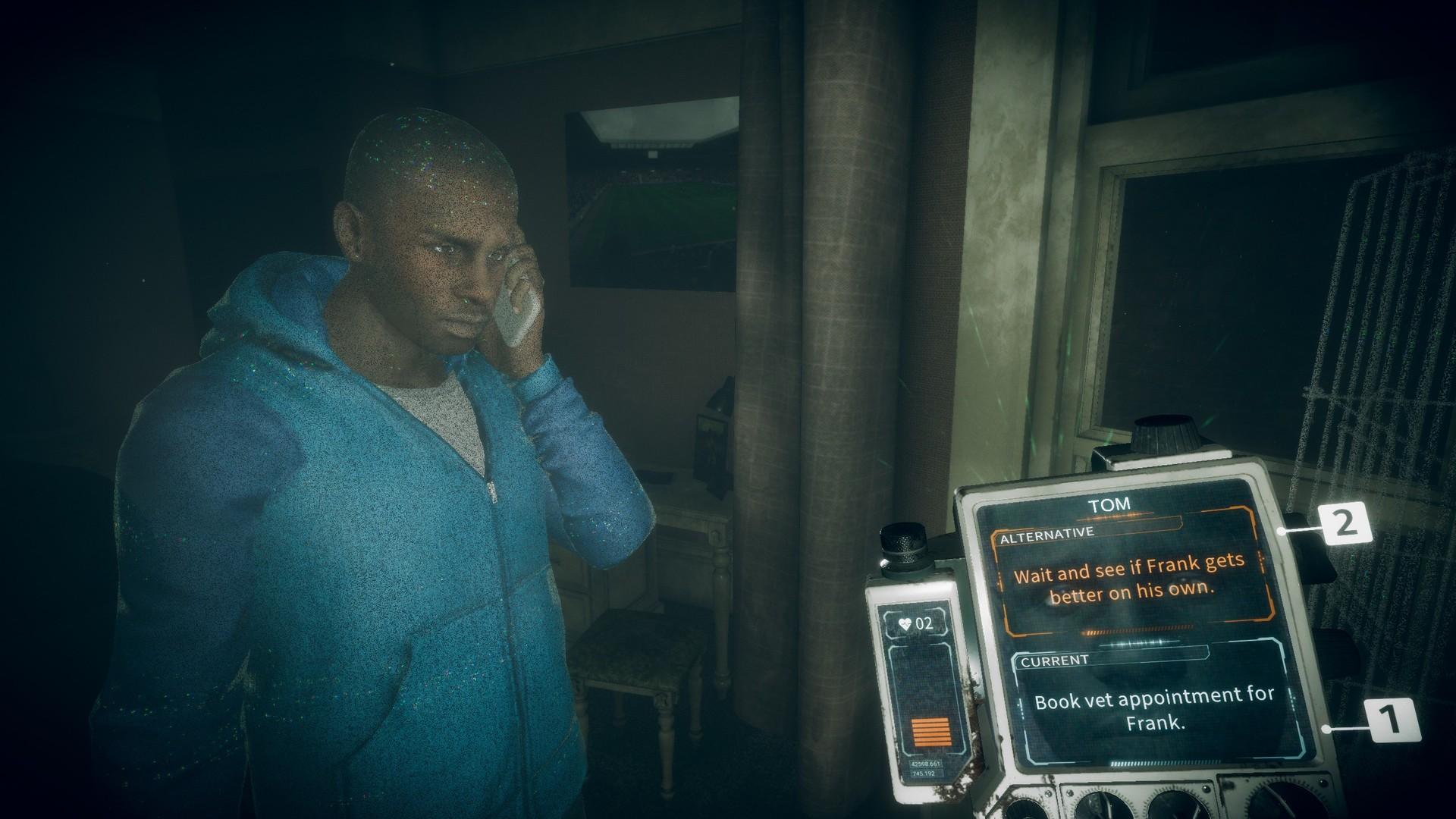
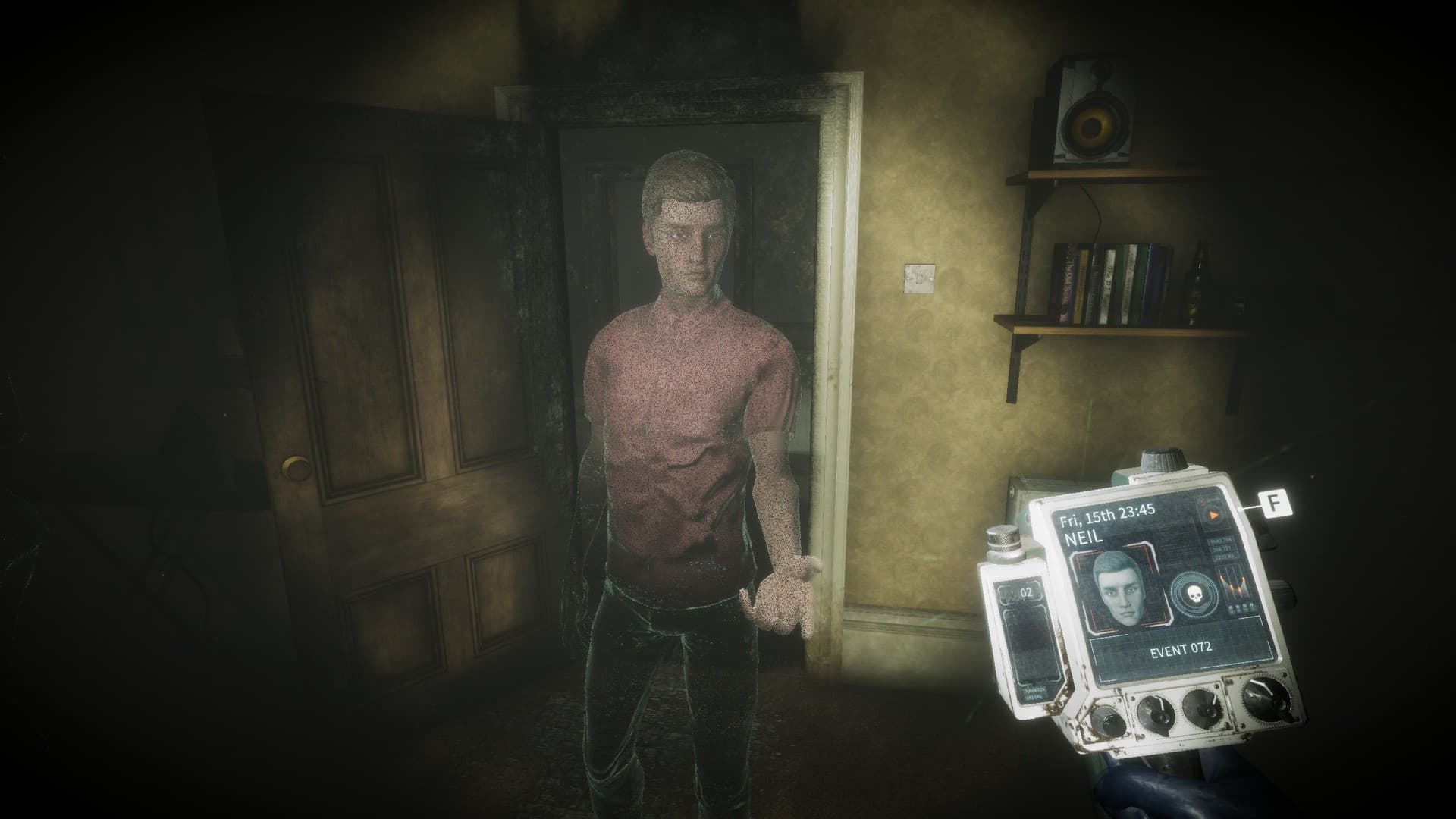
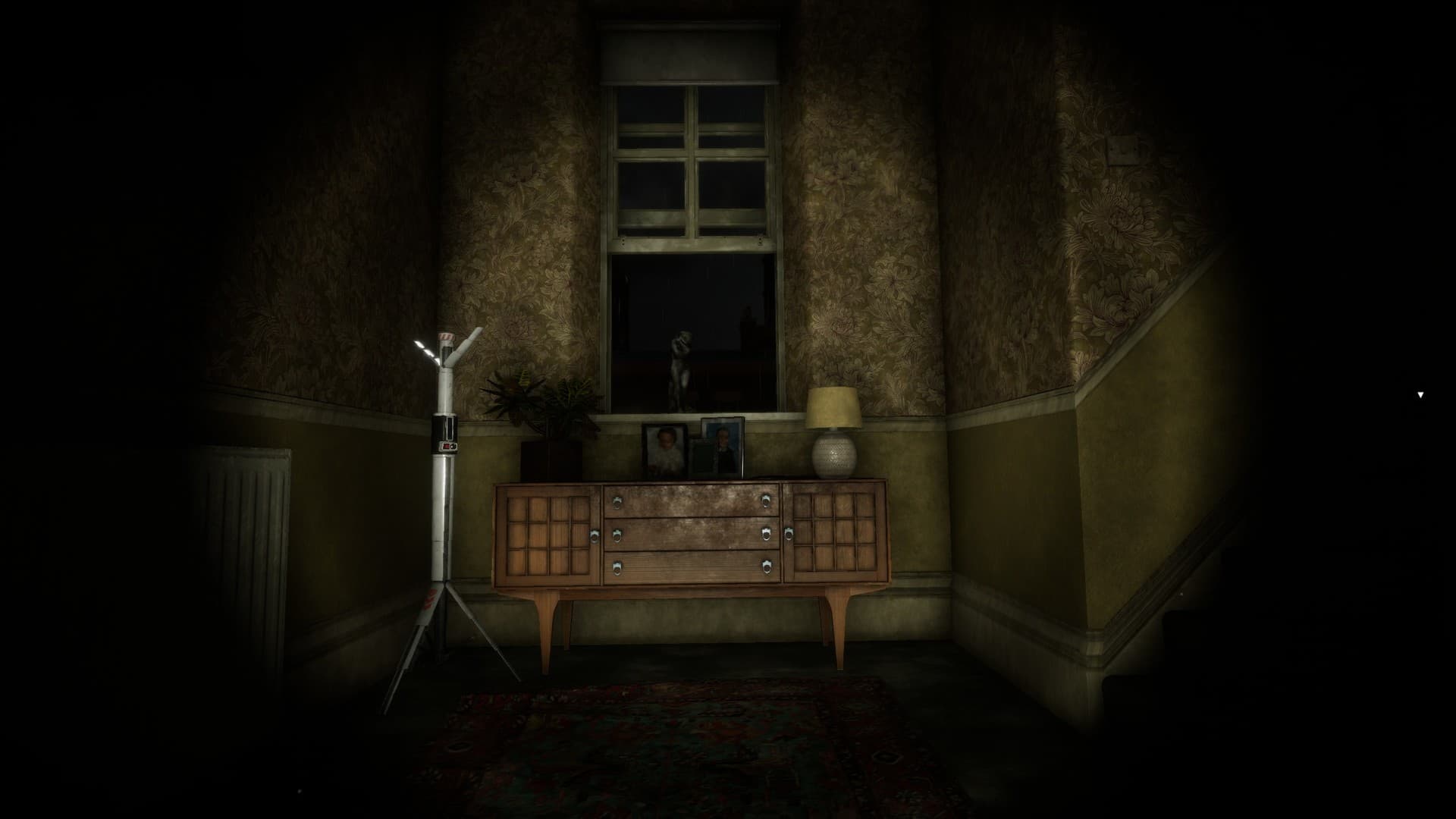
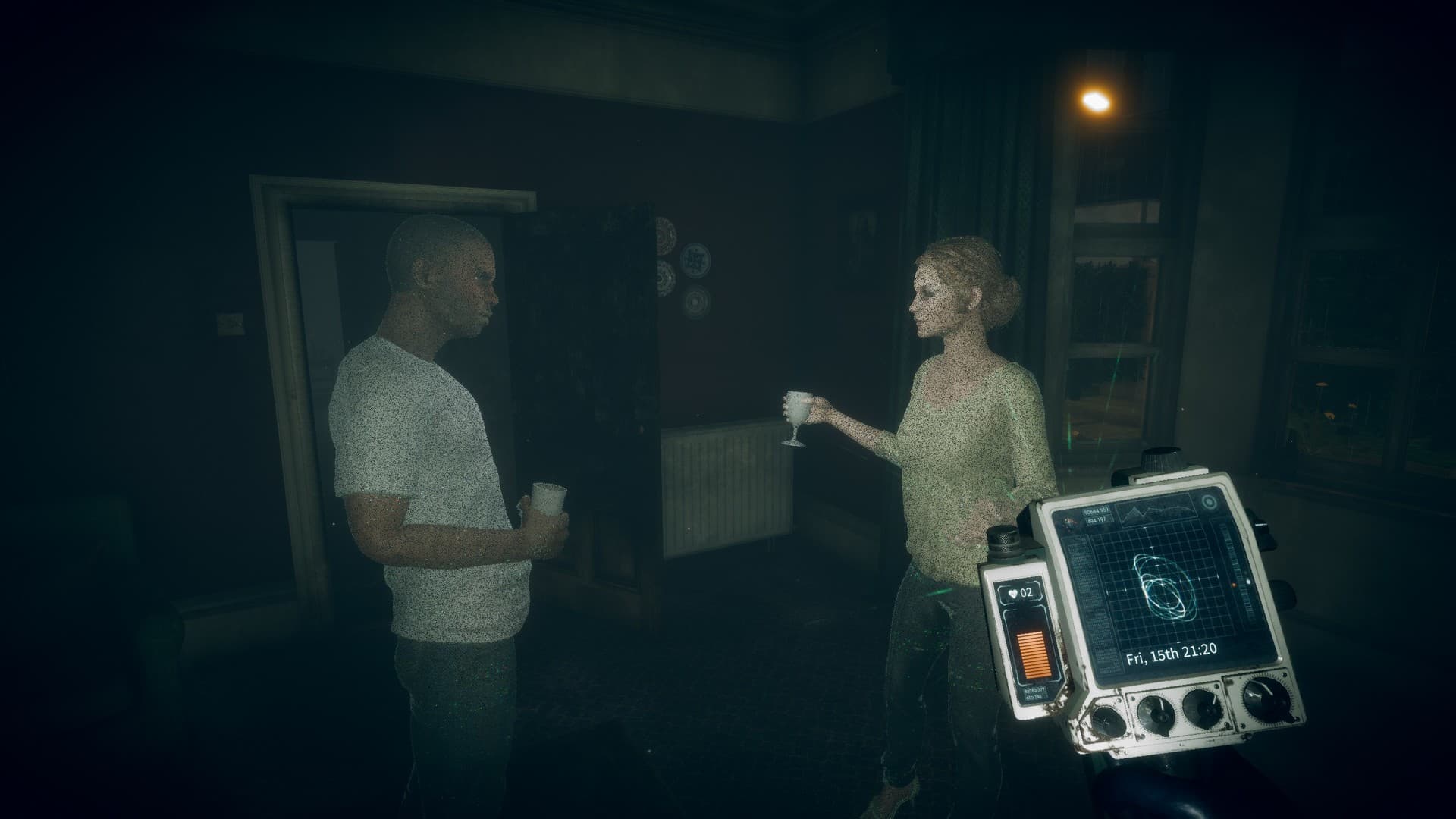
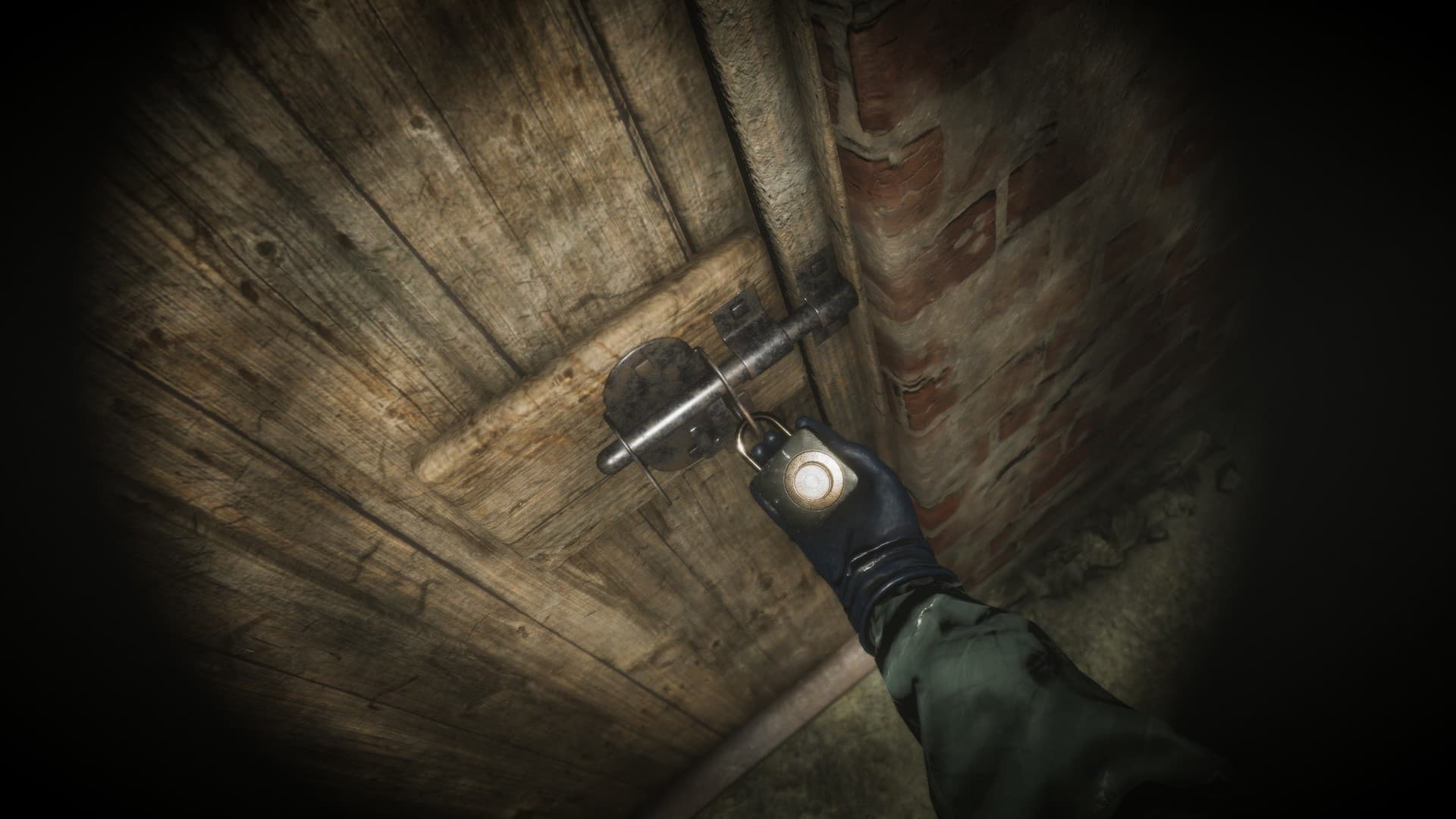
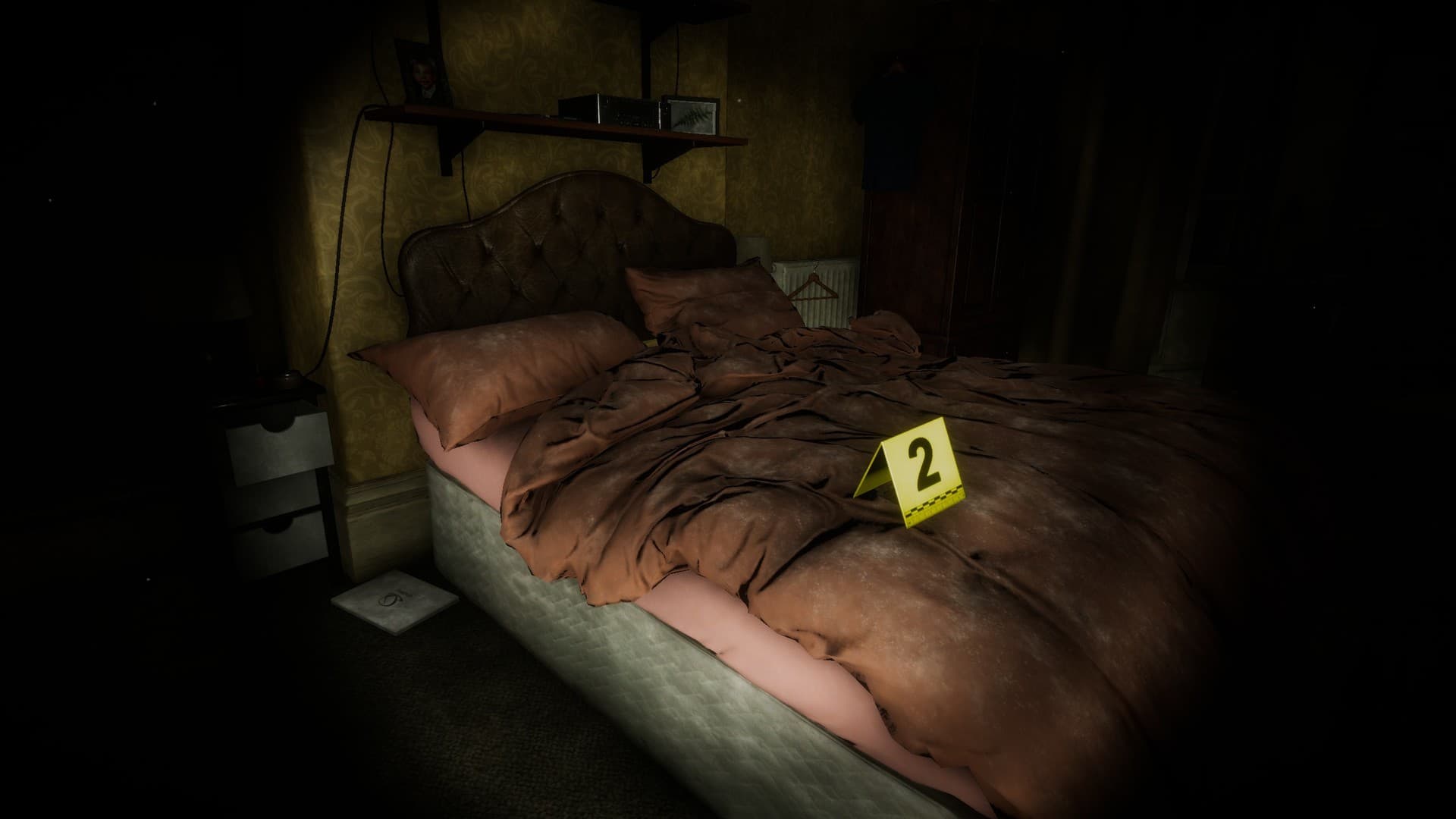
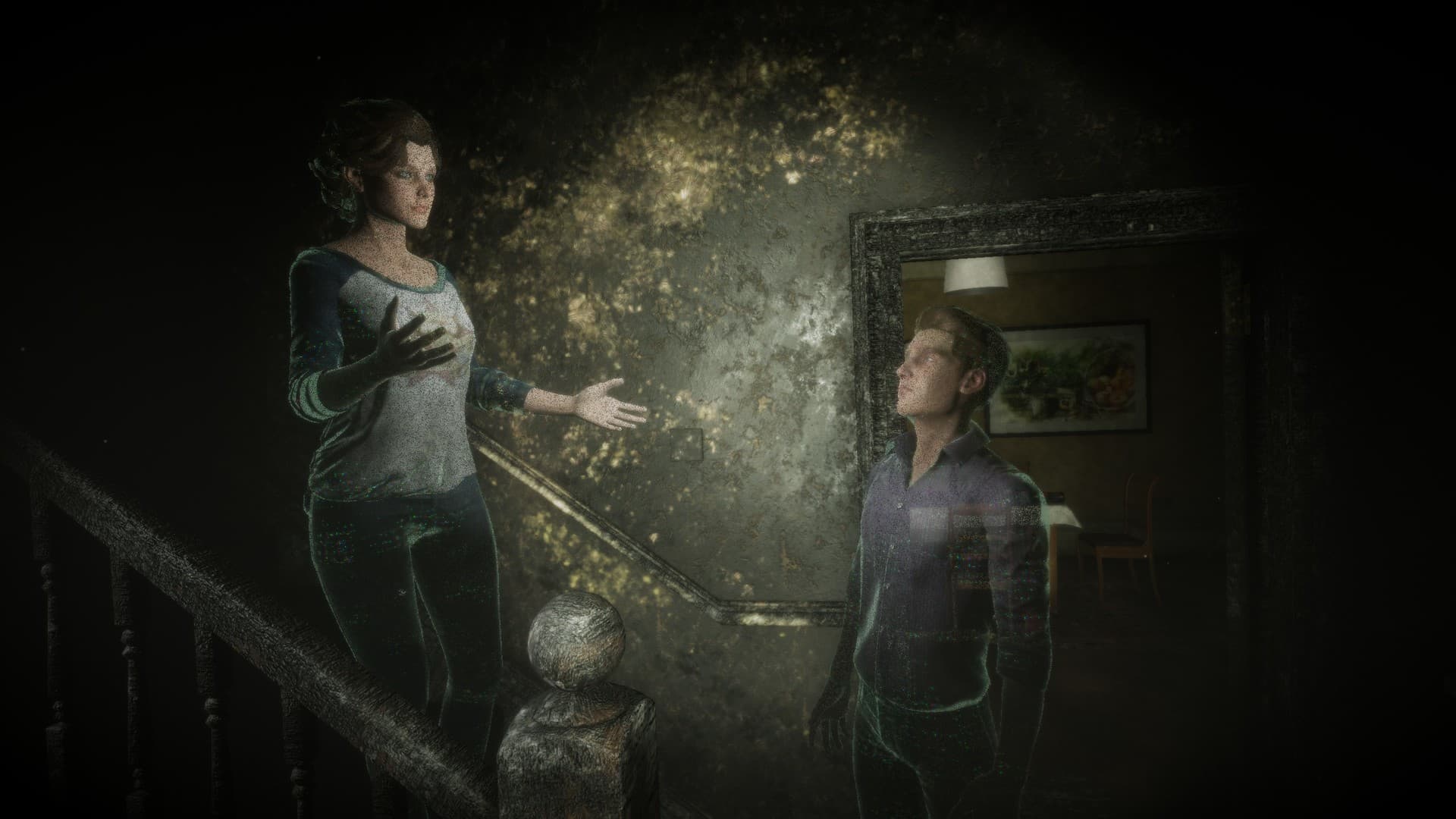
Eternal Threads is a single-player, first-person story-driven puzzle game of time manipulation, choice and consequence.
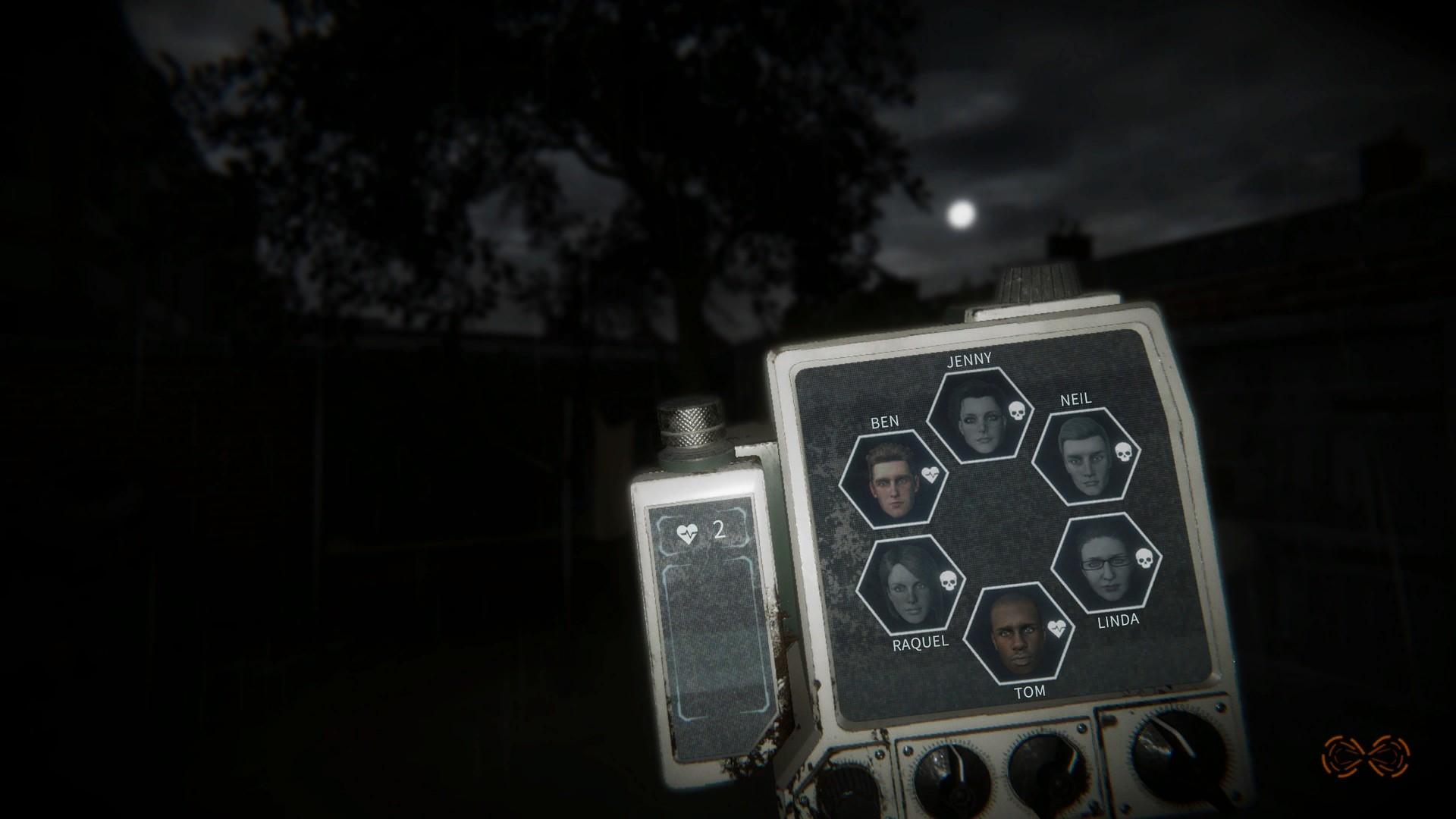
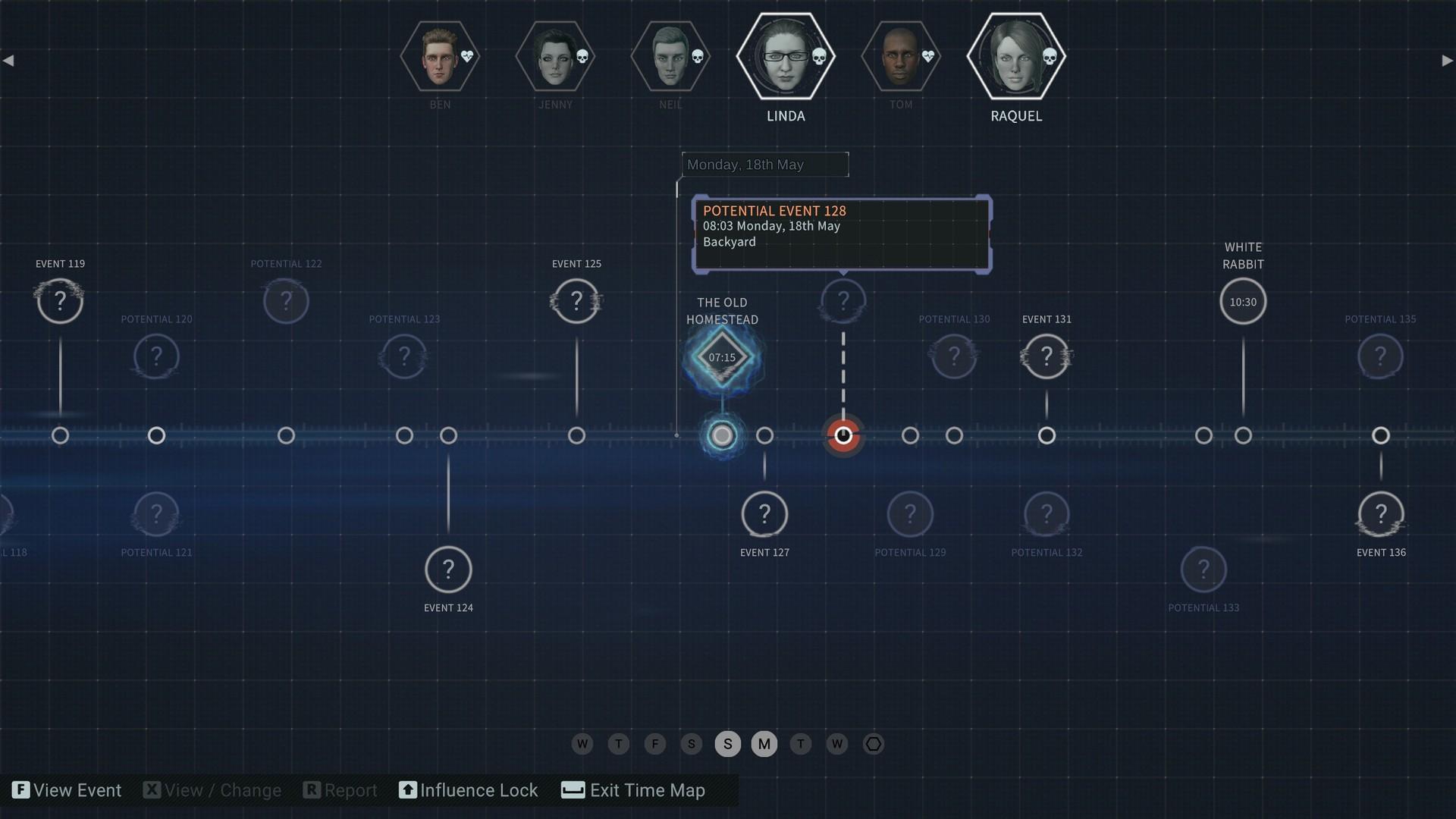
As an operative tasked with fixing corruption in the timestream, you have been sent to the North of England in May 2015, where six people died in a house fire. Prohibited from simply stopping the fire, you must instead manipulate the choices made by the housemates in the week leading up to it so that they all survive the event. ...
Systemanforderungen
Minimum
- Steam account is required for game activation and installation.
- Windows Requirements
- Minimum
- Betriebssystem
- Windows 10 (64-bit)
- Prozessor
- AMD FX 6300 X6 / Intel Core i5-3570K
- Arbeitsspeicher
- 8 GB RAM
- Grafik
- 2 GB VRAM, Radeon 7870 / GeForce GTX 660
- DirectX
- Version 11
Empfohlen
Rechtliche Hinweise
© 2022 Magenta Software Games Ltd t/a Cosmonaut Studios. All rights reserved. Published and distributed by Secret Mode Limited. Secret Mode Limited is part of Sumo Group. SECRET MODE® is a registered trade mark of Sumo Group plc.