

So aktivieren Sie
- Installiere Steam und melde dich bei deinem Konto an (ein kostenloses Konto reicht).
- Wähle im oberen Menü „Spiele“ → „Ein Produkt bei Steam aktivieren…“.
- Gib deinen Key genau wie in der Bestellung ein (mit Bindestrichen) und bestätige. Das Spiel erscheint in deiner Bibliothek.
Offizielle Aktivierungsanleitung von Steam
Damit Sie das Spiel aktivieren können benötigen Sie einen 'Steam-Account'. Weitere Informationen zur Aktivierung finden Sie unter diesem Link: https://support.steampowered.com/kb_article.php?ref=5414-TFBN-1352
Über das Spiel
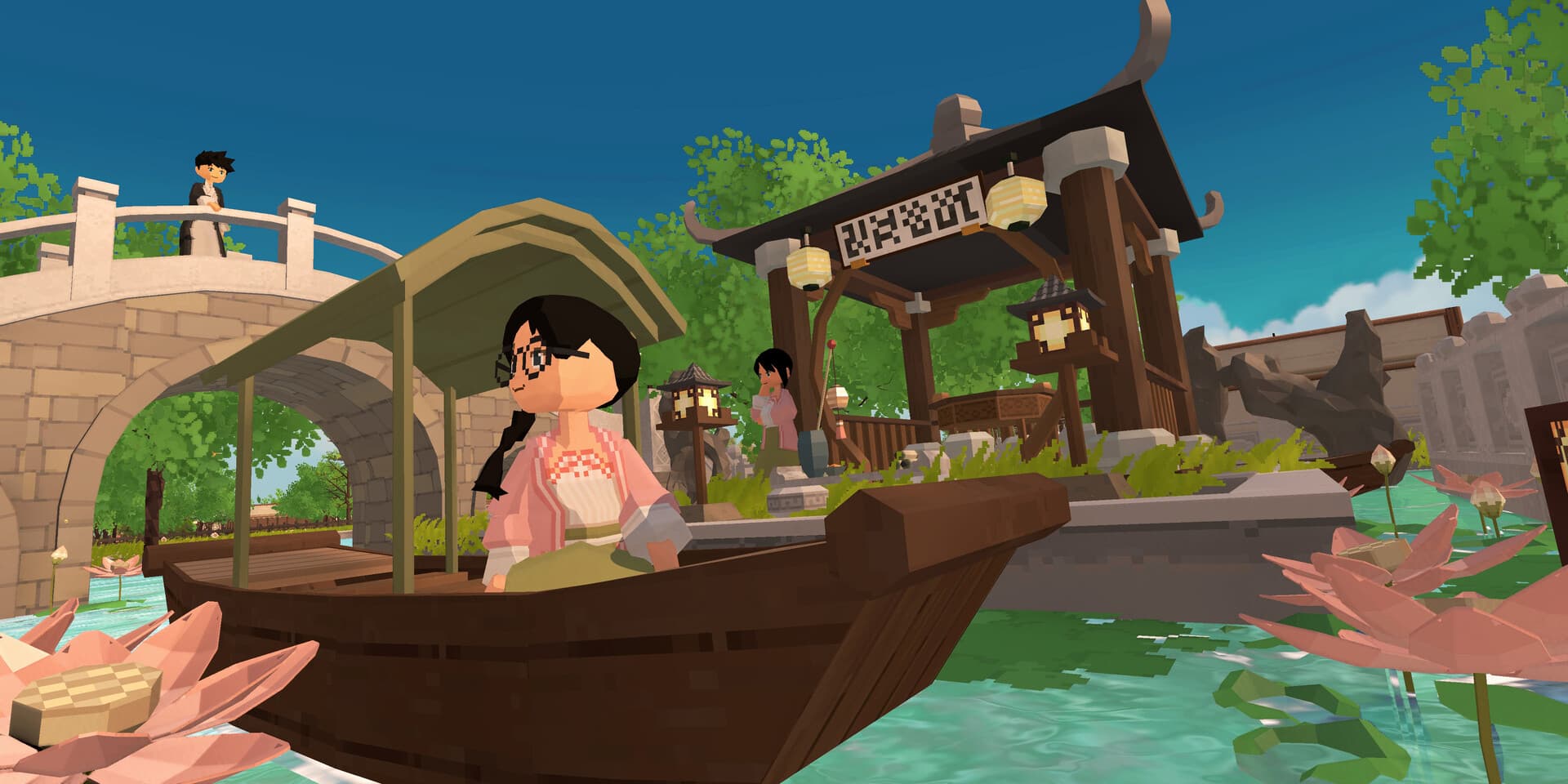
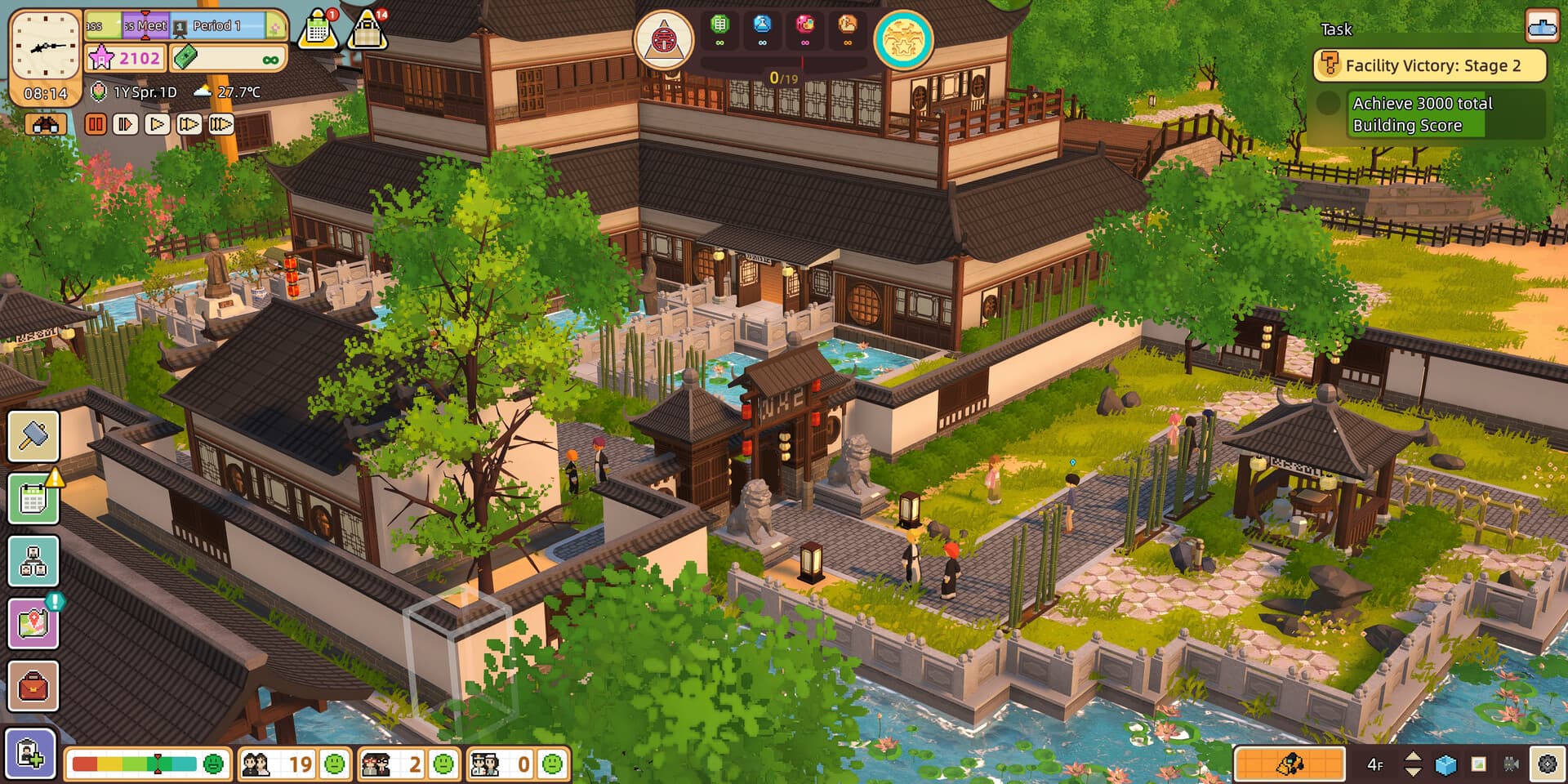
This DLC contains:
Special Facilities
- Tai Chi Institution
- Traditional Chinese Dessert Shop
Furniture
- 17 courtyard furniture
- 17 school furniture
- 15 walls
- 12 structures for covered bridges
- 20 Chinese eaves
- 12 pond decorations
- 8 Chinese-style door & window combos
- 7 rockeries
- 2 plants
Items
- Osmanthus Rice Dumplings
- Ginger Milk Curd
- Phoenix Cookies
- Large Spinning Top
- Iron Hoop
- Small Sandbag
Course
- Tai Chi Weight-Loss Practice
Clothing
- Water Towns Clothing Set (Male)
- Water Towns Clothing Set (Female)
Walls & Floors
- 6 walls
- 5 floors
Recess ...
Systemanforderungen
Minimum
- Requires a 64-bit processor and operating system
- Betriebssystem
- Win 10
- Prozessor
- Intel Core i3-2100
- Arbeitsspeicher
- 8 GB RAM
- Grafik
- Nvidia GeForce GTX760
- DirectX
- Version 11
- Speicherplatz
- 5available space GB available space
Empfohlen
- Requires a 64-bit processor and operating system
- Betriebssystem
- Win 10
- Prozessor
- Intel Core i5 -7500 | AMD Ryzen 5 5600X
- Arbeitsspeicher
- 16 GB RAM
- Grafik
- Nvidia GeForce GTX1060
- DirectX
- Version 11
- Speicherplatz
- 5available space GB available space
Rechtliche Hinweise
©2023 Let's School, a game developed by Pathea Games and published by Pathea Games, PM Studio. Their respective logos are trademarks or registered trademarks. All rights reserved.