



So aktivieren Sie
- Installiere Steam und melde dich bei deinem Konto an (ein kostenloses Konto reicht).
- Wähle im oberen Menü „Spiele“ → „Ein Produkt bei Steam aktivieren…“.
- Gib deinen Key genau wie in der Bestellung ein (mit Bindestrichen) und bestätige. Das Spiel erscheint in deiner Bibliothek.
Offizielle Aktivierungsanleitung von Steam
Damit Sie das Spiel aktivieren können benötigen Sie einen 'Steam-Account'. Weitere Informationen zur Aktivierung finden Sie unter diesem Link: https://support.steampowered.com/kb_article.php?ref=5414-TFBN-1352
Über das Spiel
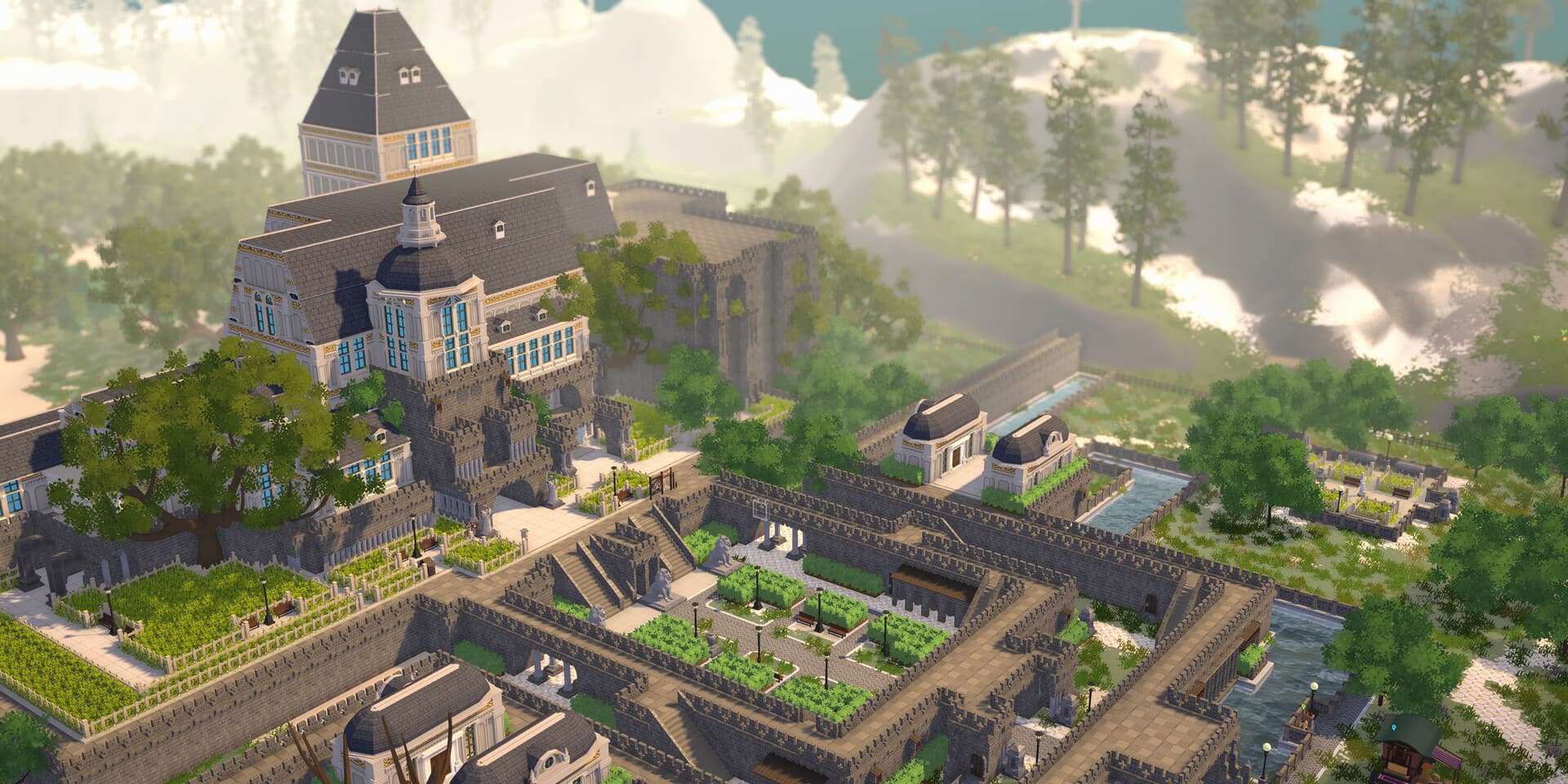
What's the school of my dreams? Study by the waterfront surrounded by bamboo forest, or searching the resource of magic behind the mystery castles? Don't be bothered to even think about which one you desire, the Let's School - Super Headmaster Edition gets you covered for both! Time to elevate the ideal academy to the next level!
This bundle contains:
- Let's School
- Let's School - Water Towns Furniture Pack
- Let's School - Magical Castles Furniture Pack
Systemanforderungen
- Requires a 64-bit processor and operating system
- Betriebssystem
- Win 10
- Prozessor
- Intel Core i3-2100
- Arbeitsspeicher
- 8 GB RAM
- Grafik
- Nvidia GeForce GTX760
- DirectX
- Version 11
- Speicherplatz
- 5available space GB available space
- Requires a 64-bit processor and operating system
- Betriebssystem
- Win 10
- Prozessor
- Intel Core i5 -7500 | AMD Ryzen 5 5600X
- Arbeitsspeicher
- 16 GB RAM
- Grafik
- Nvidia GeForce GTX1060
- DirectX
- Version 11
- Speicherplatz
- 5available space GB available space
Rechtliche Hinweise
©2023 Let's School, a game developed by Pathea Games and published by Pathea Games, PM Studio. Their respective logos are trademarks or registered trademarks. All rights reserved.