





So aktivieren Sie
- Installiere Steam und melde dich bei deinem Konto an (ein kostenloses Konto reicht).
- Wähle im oberen Menü „Spiele“ → „Ein Produkt bei Steam aktivieren…“.
- Gib deinen Key genau wie in der Bestellung ein (mit Bindestrichen) und bestätige. Das Spiel erscheint in deiner Bibliothek.
Offizielle Aktivierungsanleitung von Steam
Damit Sie das Spiel aktivieren können benötigen Sie einen 'Steam-Account'. Weitere Informationen zur Aktivierung finden Sie unter diesem Link: https://support.steampowered.com/kb_article.php?ref=5414-TFBN-1352
Über das Spiel
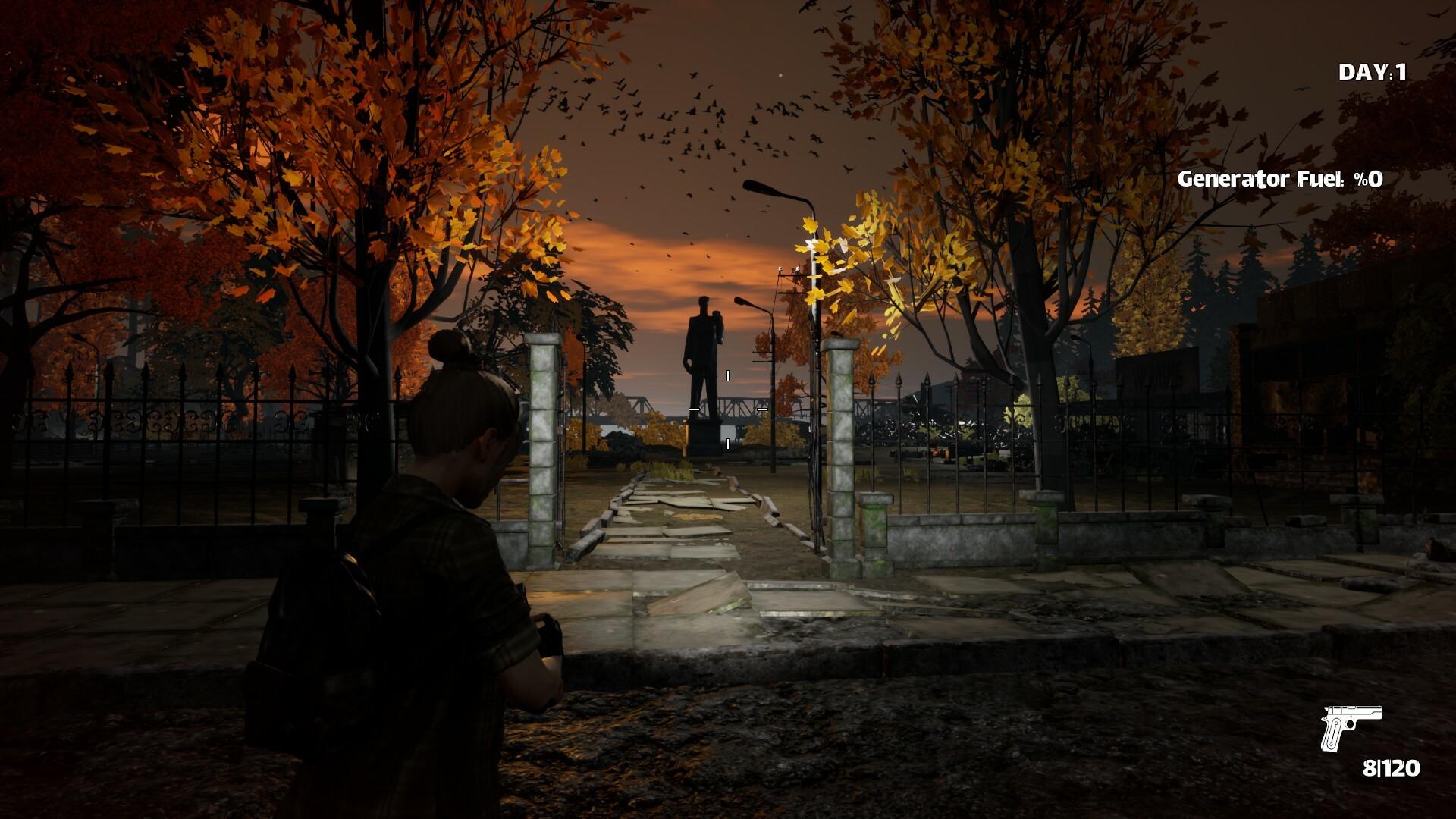
Borderwatch is a 3rd person co-op zombie survival game. The world is invaded by infected creatures. As
a result of this invasion, the union of nations has decided to leave the world. After the decision to leave
Earth, a final call has been made for the survivors. Helicopters will take off from all capitals in the world
every 10 days. The people who catch up with this helicopter will survive.
Build your team, Loot and Survive! ...
Systemanforderungen
Minimum
- Betriebssystem
- WINDOWS 10
- Prozessor
- INTEL® CORE™ I5-6600K OR AMD RYZEN 5 1600
- Arbeitsspeicher
- 4 GB RAM
- Grafik
- NVIDIA GTX 1050 OR RADEON RX 560
- Netzwerk
- BROADBAND INTERNET CONNECTİON
- Speicherplatz
- 10 GB AVAILABLE SPACE
- Zusätzliche Hinweise
- (FOR 1080P RESOLUTION AND MEDIUM QUALITY SETTINGS WITH 60 FPS)
Empfohlen
- Betriebssystem
- WINDOWS 11
- Prozessor
- INTEL® CORE™ I5-6700K OR AMD RYZEN 7 1700X
- Arbeitsspeicher
- 8 GB RAM
- Grafik
- NVIDIA RTX 2060 OR AMD RADEON RX 6600
- Netzwerk
- BROADBAND INTERNET CONNECTION
- Speicherplatz
- 10 MB AVAILABLE SPACE
- Zusätzliche Hinweise
- (FOR 2K RESOLUTION AND VERY HIGH QUALITY SETTINGS WITH 60 FPS)


