




So aktivieren Sie
- Installiere Steam und melde dich bei deinem Konto an (ein kostenloses Konto reicht).
- Wähle im oberen Menü „Spiele“ → „Ein Produkt bei Steam aktivieren…“.
- Gib deinen Key genau wie in der Bestellung ein (mit Bindestrichen) und bestätige. Das Spiel erscheint in deiner Bibliothek.
Offizielle Aktivierungsanleitung von Steam
Damit Sie das Spiel aktivieren können benötigen Sie einen 'Steam-Account'. Weitere Informationen zur Aktivierung finden Sie unter diesem Link: https://support.steampowered.com/kb_article.php?ref=5414-TFBN-1352
Über das Spiel
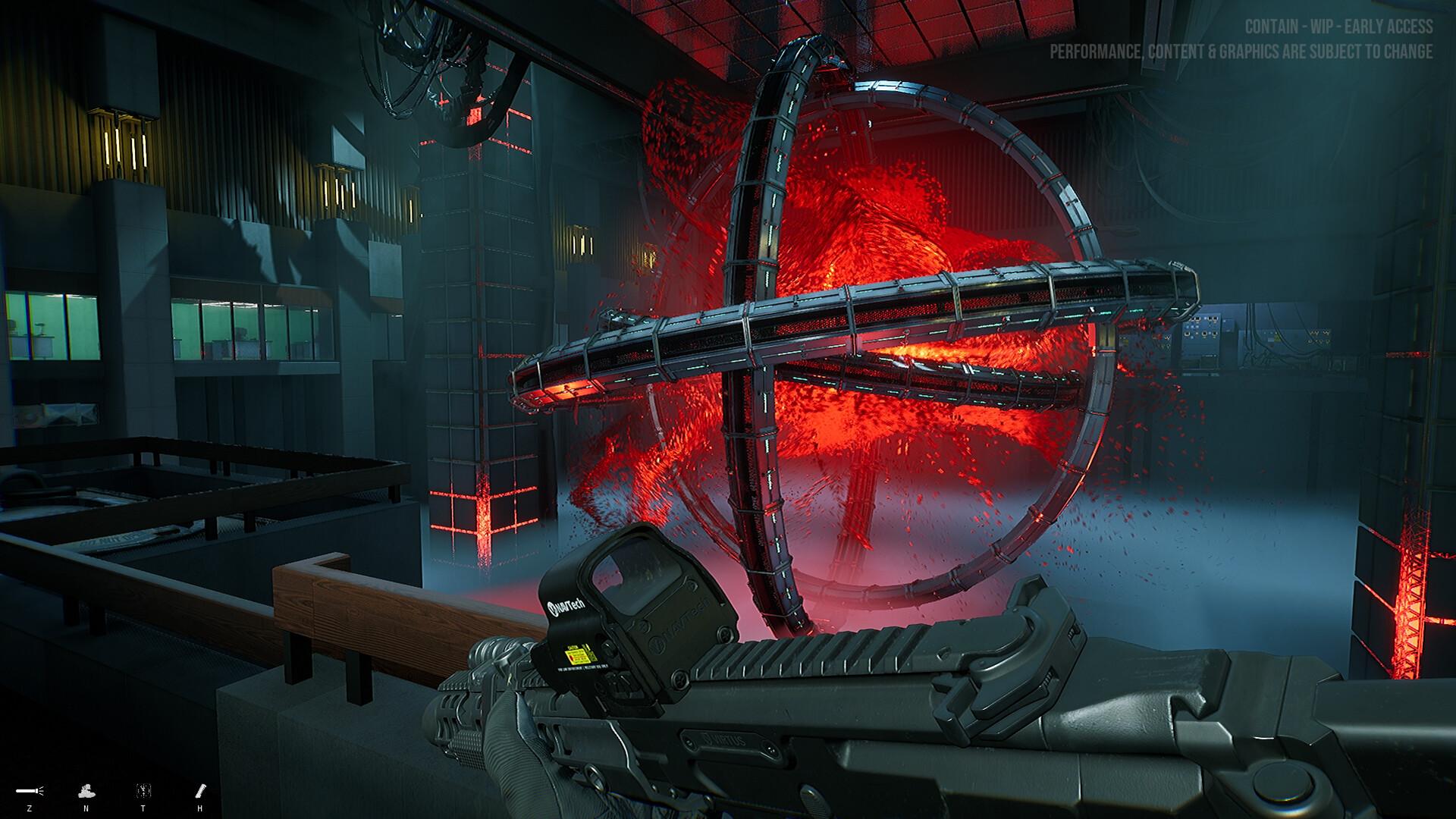
Contain is a first-person cooperative tactical shooter, but if you like you can play as a Lone Wolf. There is an organization that directs many task forces that are trying to control objects of supernatural origin that have fallen from space. The story centers on a special task force.
Fully customize your character from basic outfit and gear to in-depth customization, you decide on every pouch and attachment placement.
Like your outfit and gear, you can fully customize your guns with a gunsmith system. ...
Systemanforderungen
- Windows
- Betriebssystem
- 64-bit Windows 7, Windows 8.1, Windows 10
- Prozessor
- Intel Core i5-6600K
- Arbeitsspeicher
- 16 GB RAM
- Grafik
- GeForce GTX 1070
- DirectX
- Version 11
- Netzwerk
- Broadband Internet connection
- Speicherplatz
- 55 GB available space
- Soundkarte
- No recommendation
- Zusätzliche Hinweise
- We recommend installing it on an SSD for better performance.
- Windows
- Betriebssystem
- 64-bit Windows 7, Windows 8.1, Windows 10
- Prozessor
- Intel Core i7-11700
- Arbeitsspeicher
- 16 GB RAM
- Grafik
- NVIDIA GeForce RTX 3060
- DirectX
- Version 12
- Netzwerk
- Broadband Internet connection
- Speicherplatz
- 55 GB available space
- Soundkarte
- No recommendation
- Zusätzliche Hinweise
- We recommend installing it on an SSD for better performance.


