




So aktivieren Sie
- Installiere Steam und melde dich bei deinem Konto an (ein kostenloses Konto reicht).
- Wähle im oberen Menü „Spiele“ → „Ein Produkt bei Steam aktivieren…“.
- Gib deinen Key genau wie in der Bestellung ein (mit Bindestrichen) und bestätige. Das Spiel erscheint in deiner Bibliothek.
Offizielle Aktivierungsanleitung von Steam
Damit Sie das Spiel aktivieren können benötigen Sie einen 'Steam-Account'. Weitere Informationen zur Aktivierung finden Sie unter diesem Link: https://support.steampowered.com/kb_article.php?ref=5414-TFBN-1352
Über das Spiel
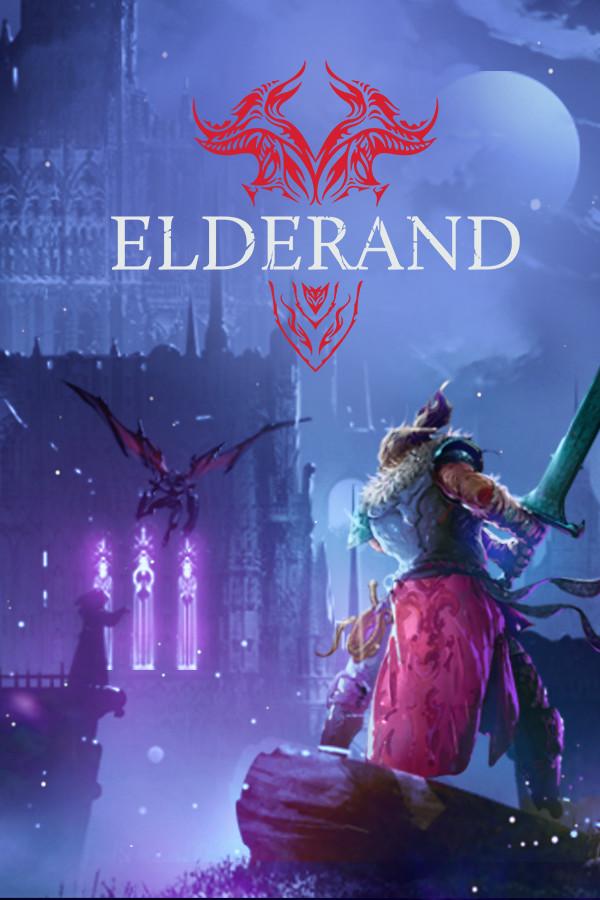
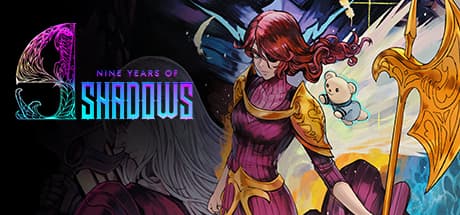
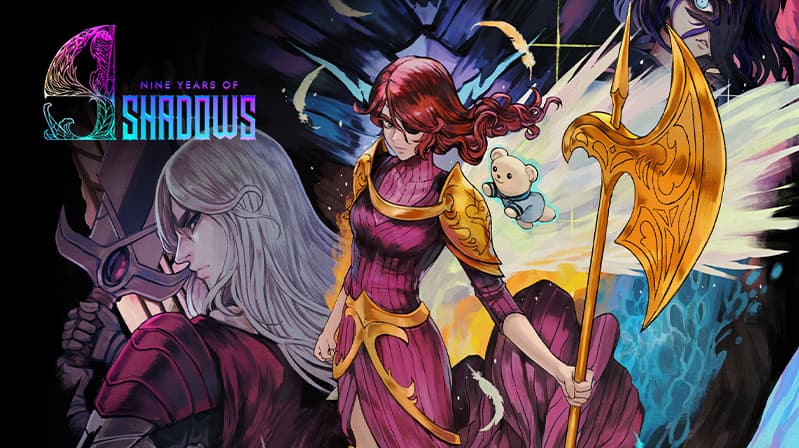
A Curse of Shadows
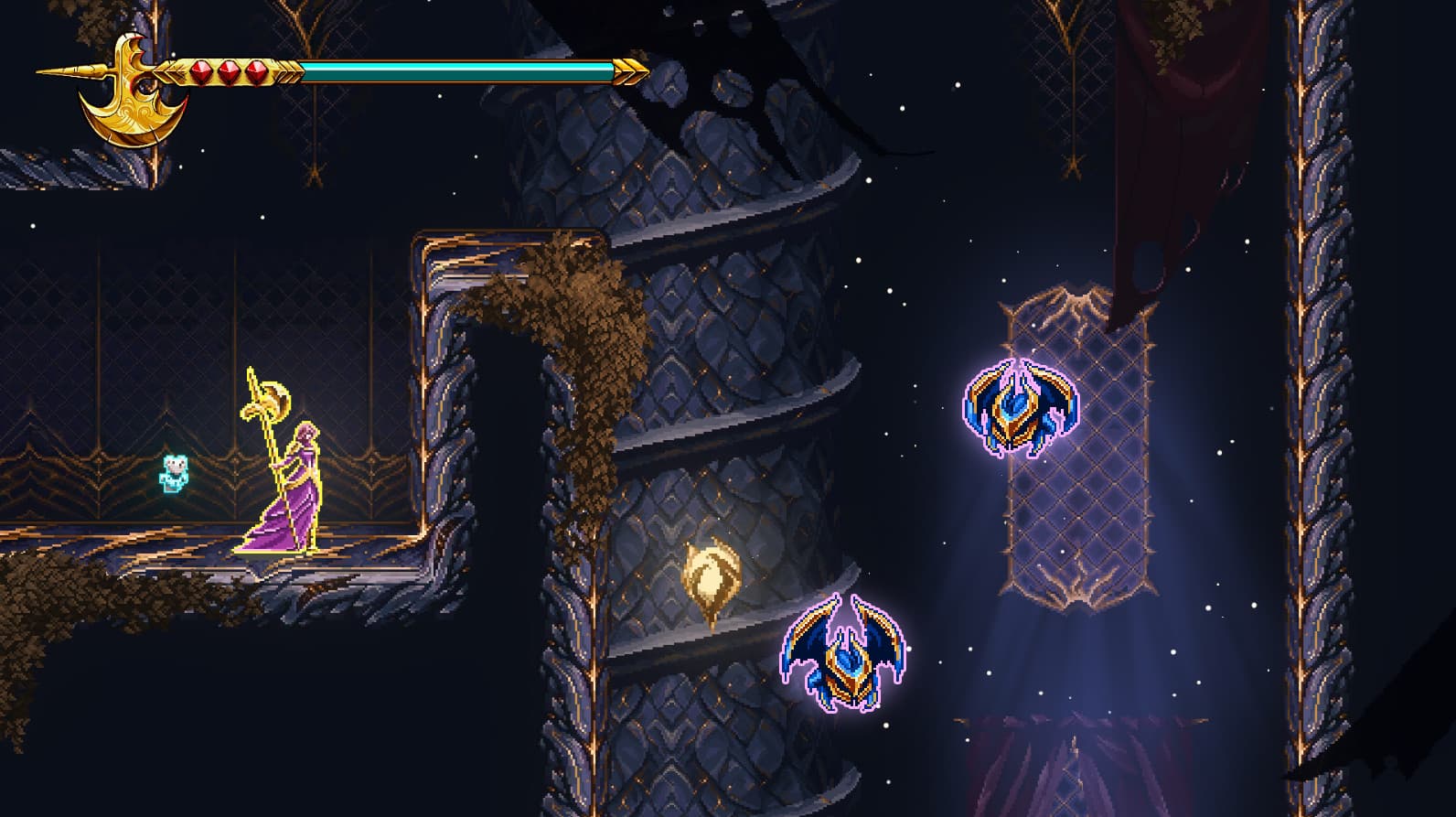
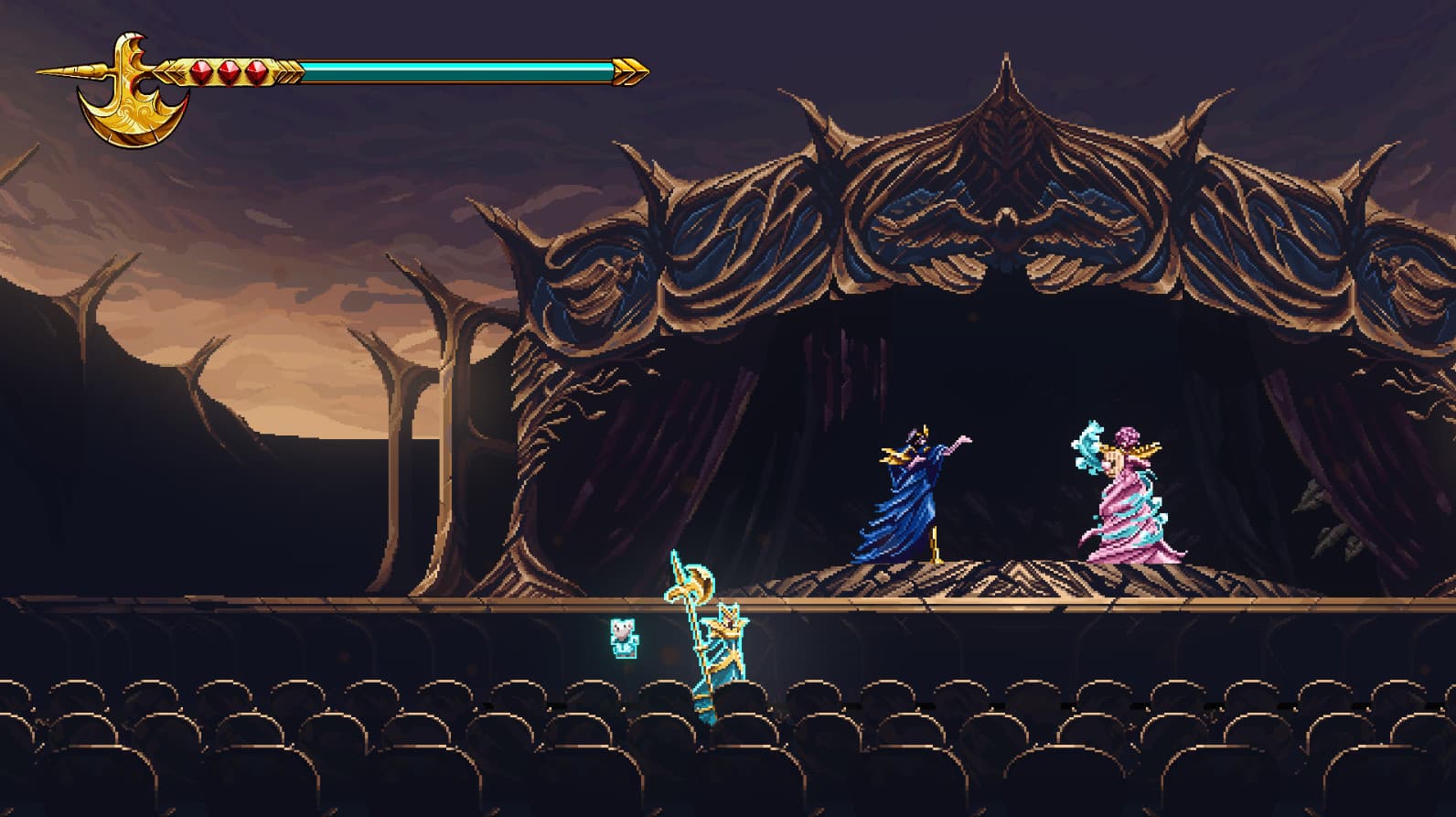
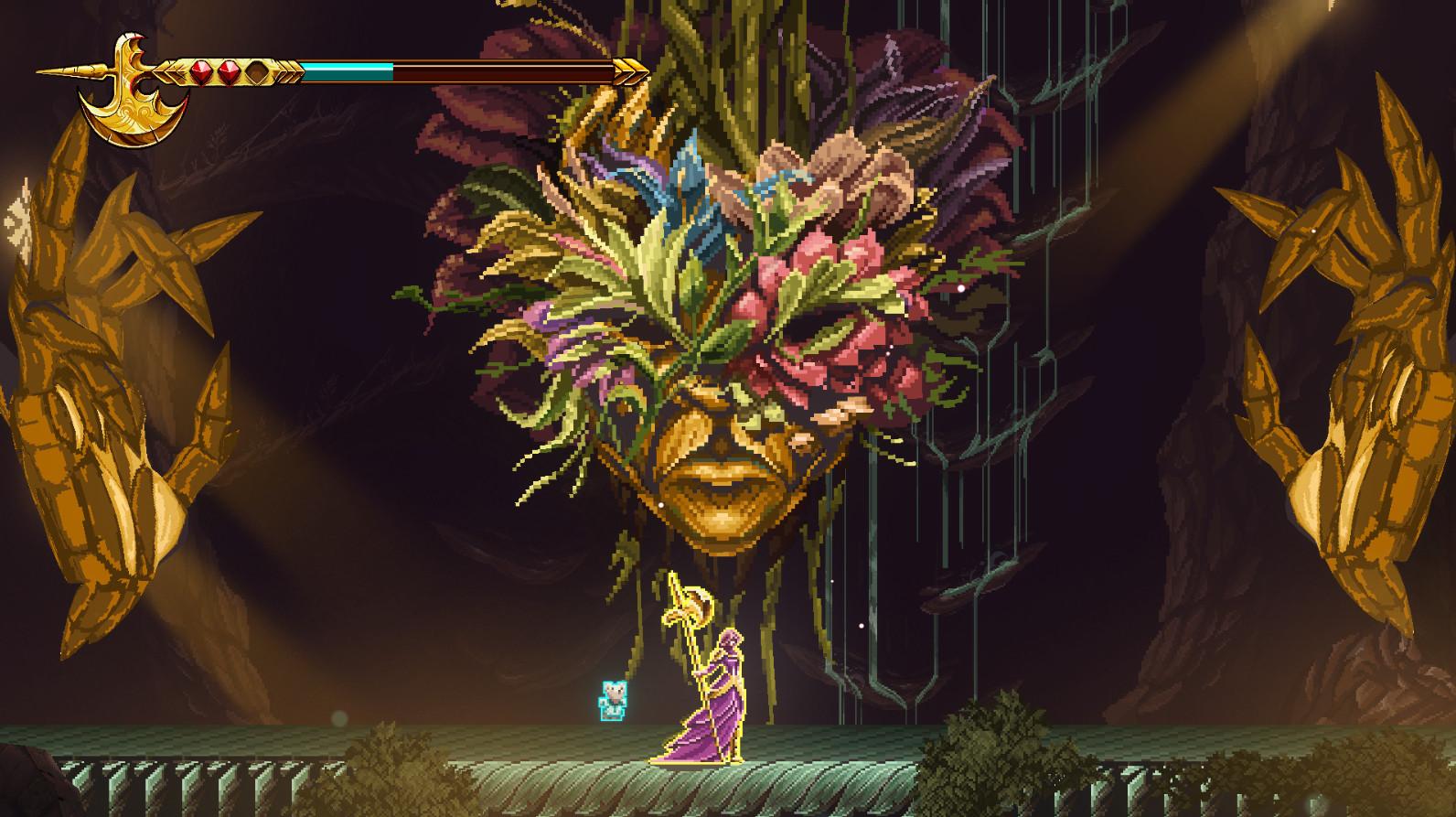
A fateful night of sorrow and ancient magic changed the life of a young child forever, and with it, everything else as mankind knew it. For 9 long years, the world has been submerged in the deepest of shadows, robbing every object and living creature of their color, their joy, and most importantly, hope. ...
Systemanforderungen
Minimum
- Requires a 64-bit processor and operating system
- Betriebssystem
- Windows 10
- Prozessor
- Intel Core i3-9100F
- Arbeitsspeicher
- 8 GB RAM
- Grafik
- GT 730
Empfohlen
- Requires a 64-bit processor and operating system
- Betriebssystem
- Windows 10
- Prozessor
- Intel Core i3-9100F
- Arbeitsspeicher
- 8 GB RAM
- Grafik
- GT 730