





활성화 방법
- Steam을(를) 설치하고 계정에 로그인하세요(무료 계정이면 충분합니다).
- 상단 메뉴에서 „게임” → „Steam에서 제품 활성화…”를 선택하세요.
- 주문에 표시된 그대로(하이픈 포함) 키를 입력하고 확인하세요. 게임이 라이브러리에 추가됩니다.
게임 정보
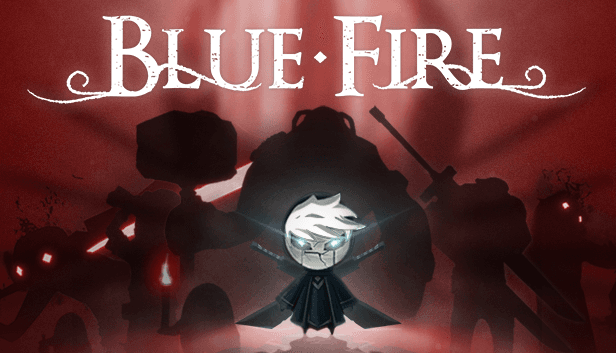
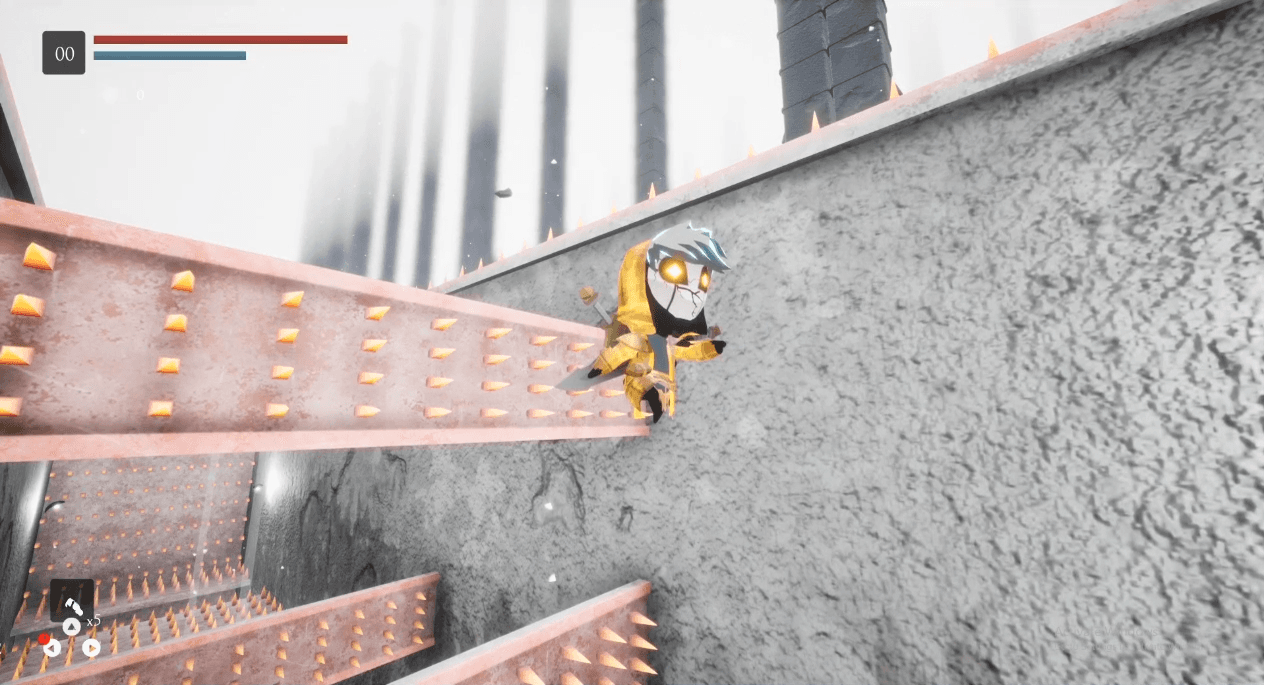
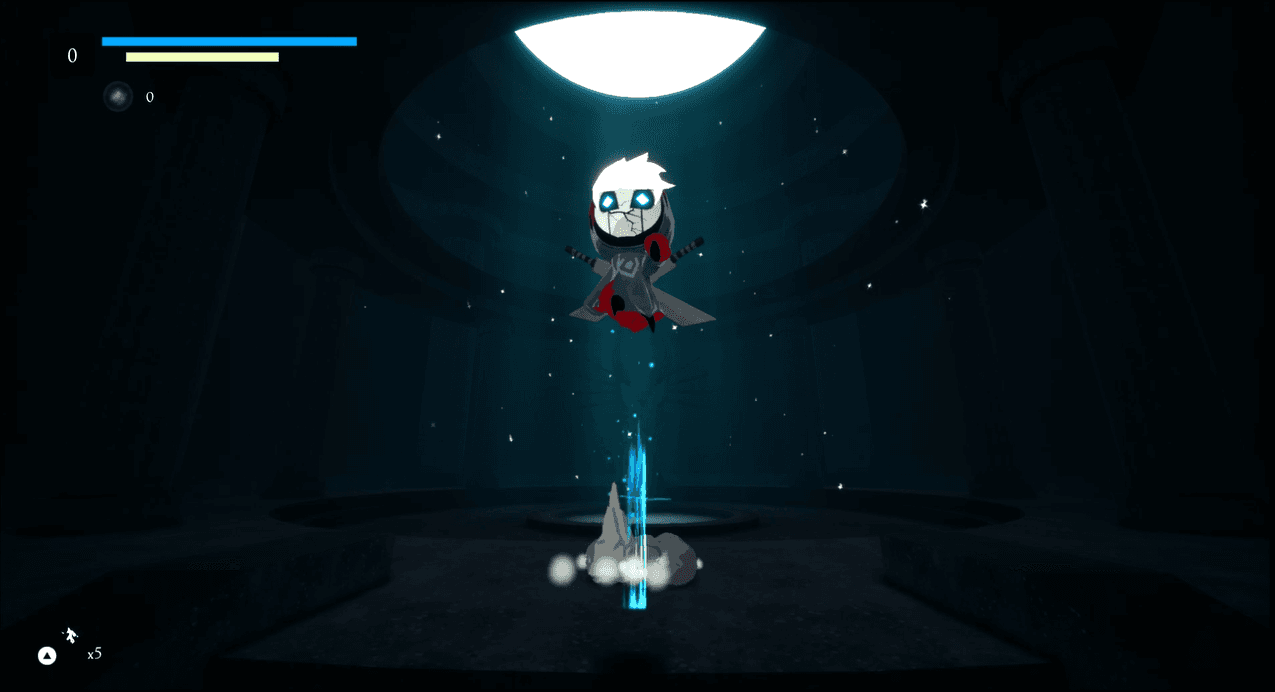
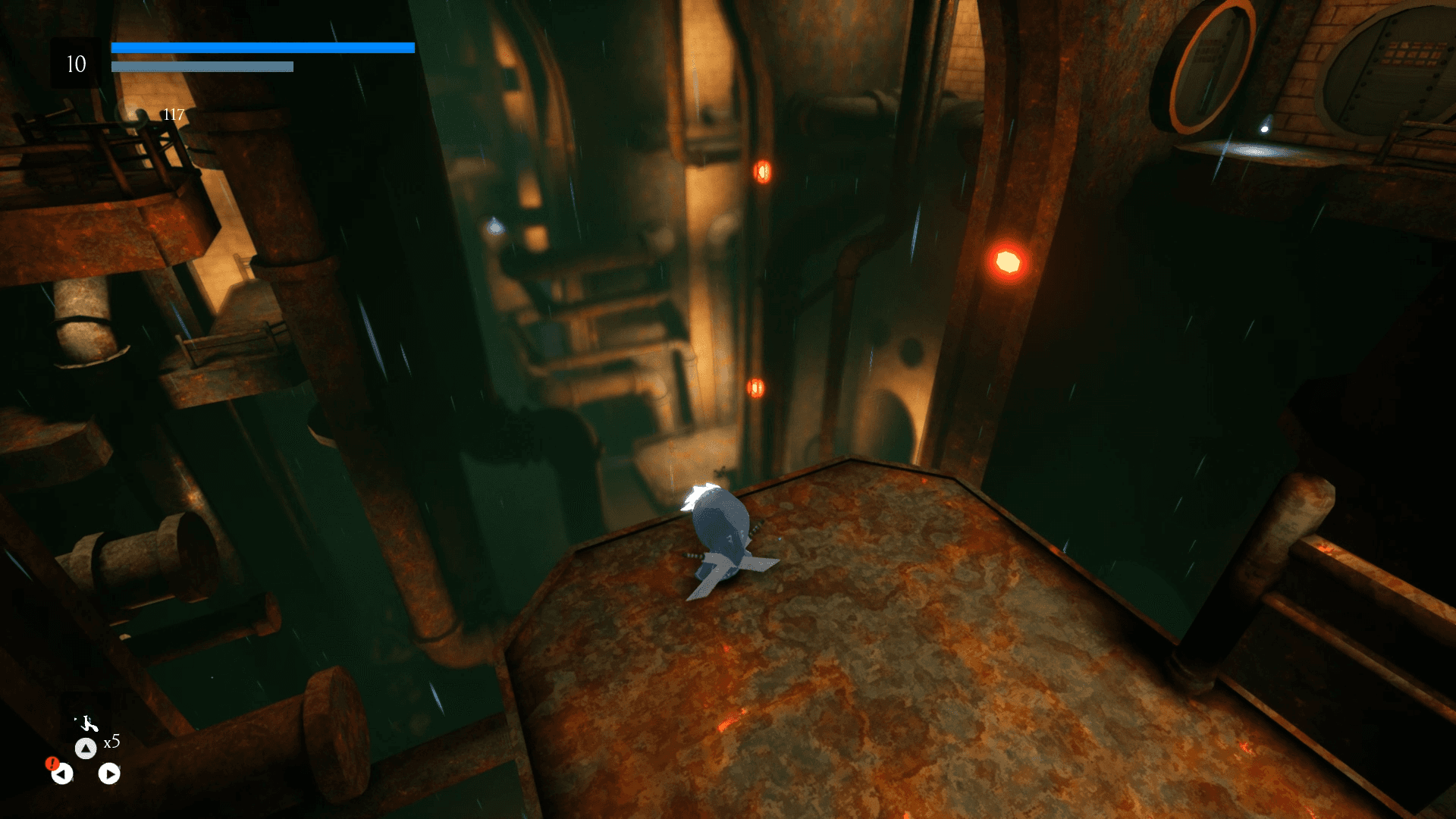
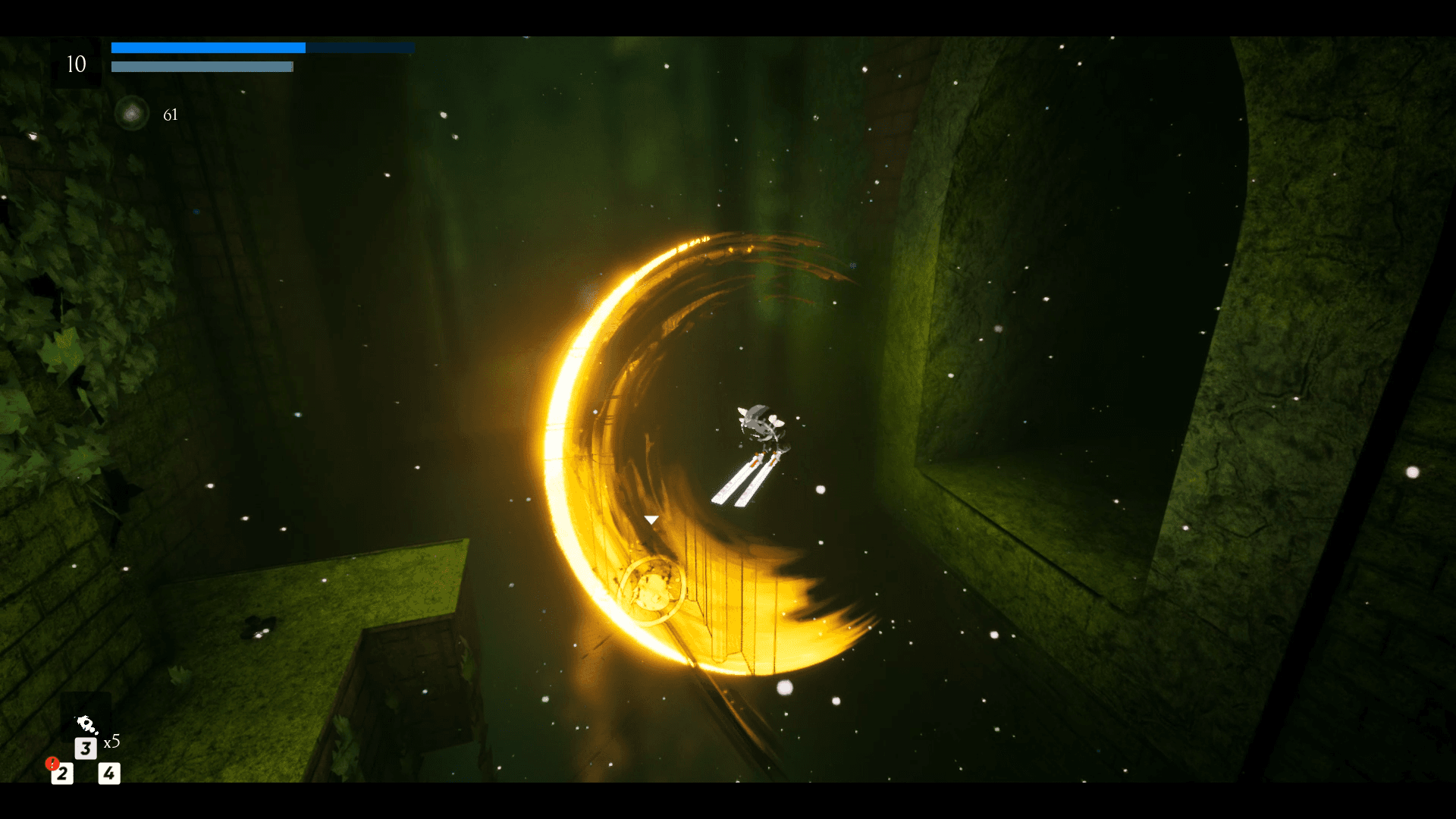
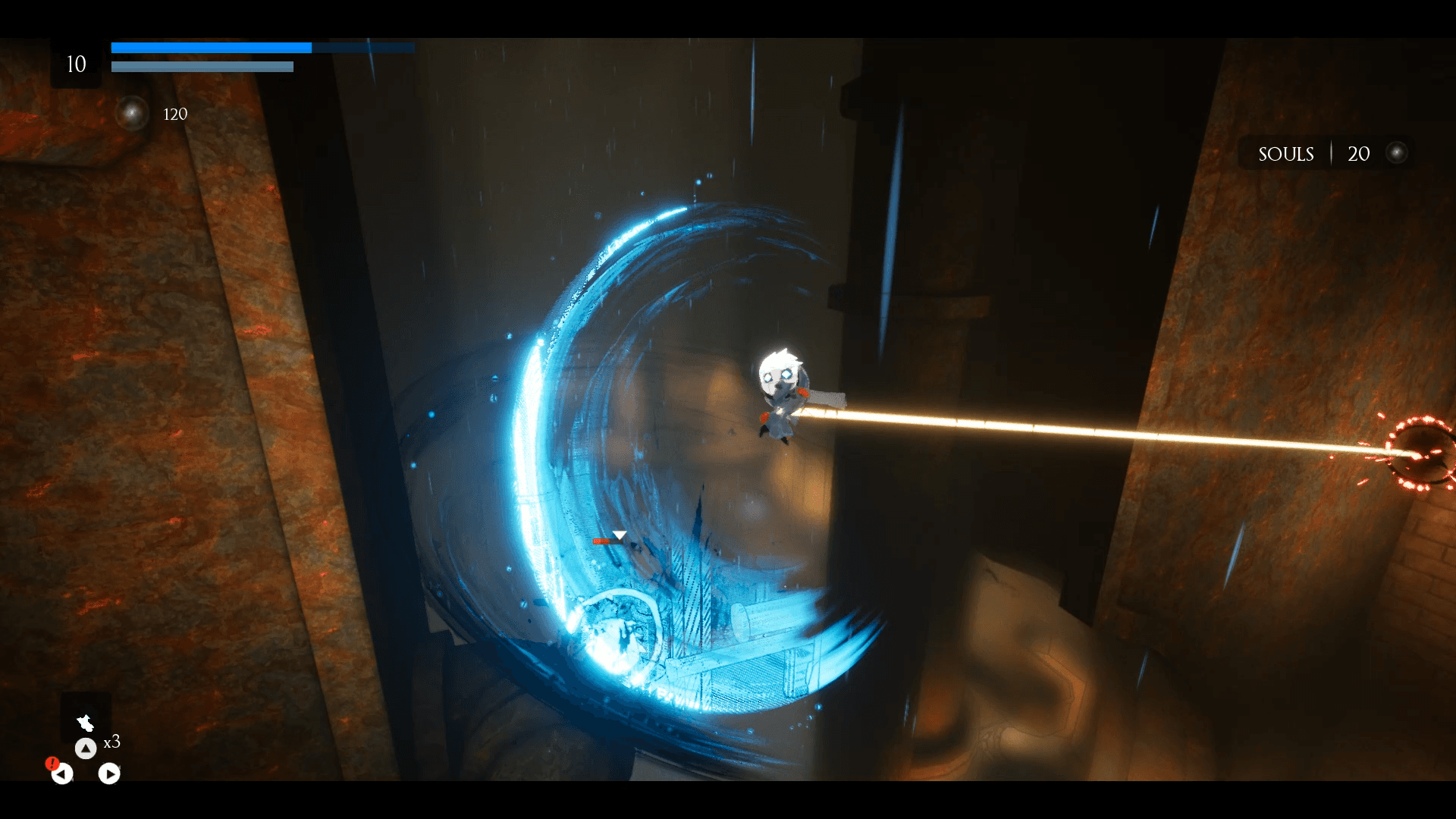
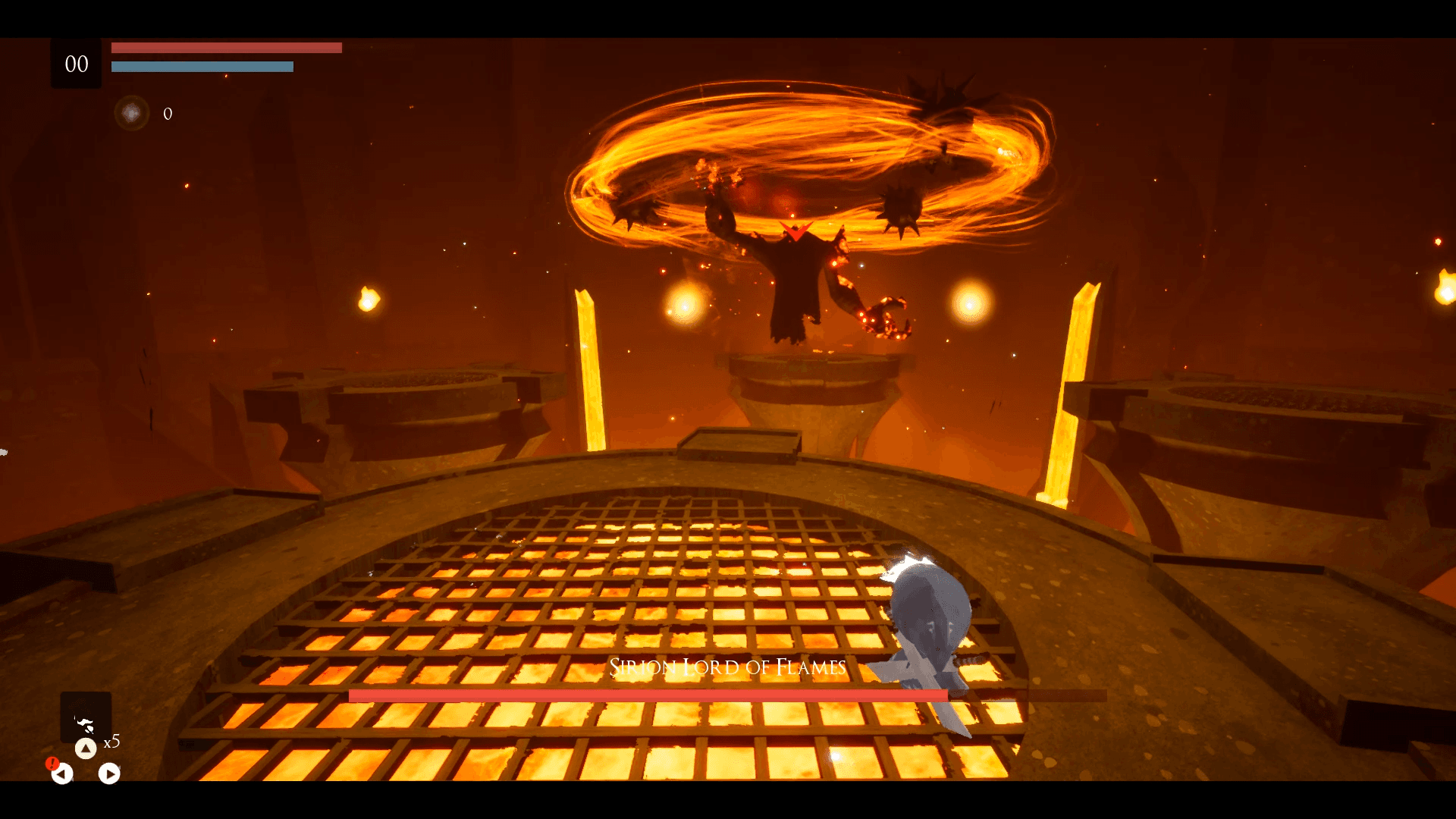
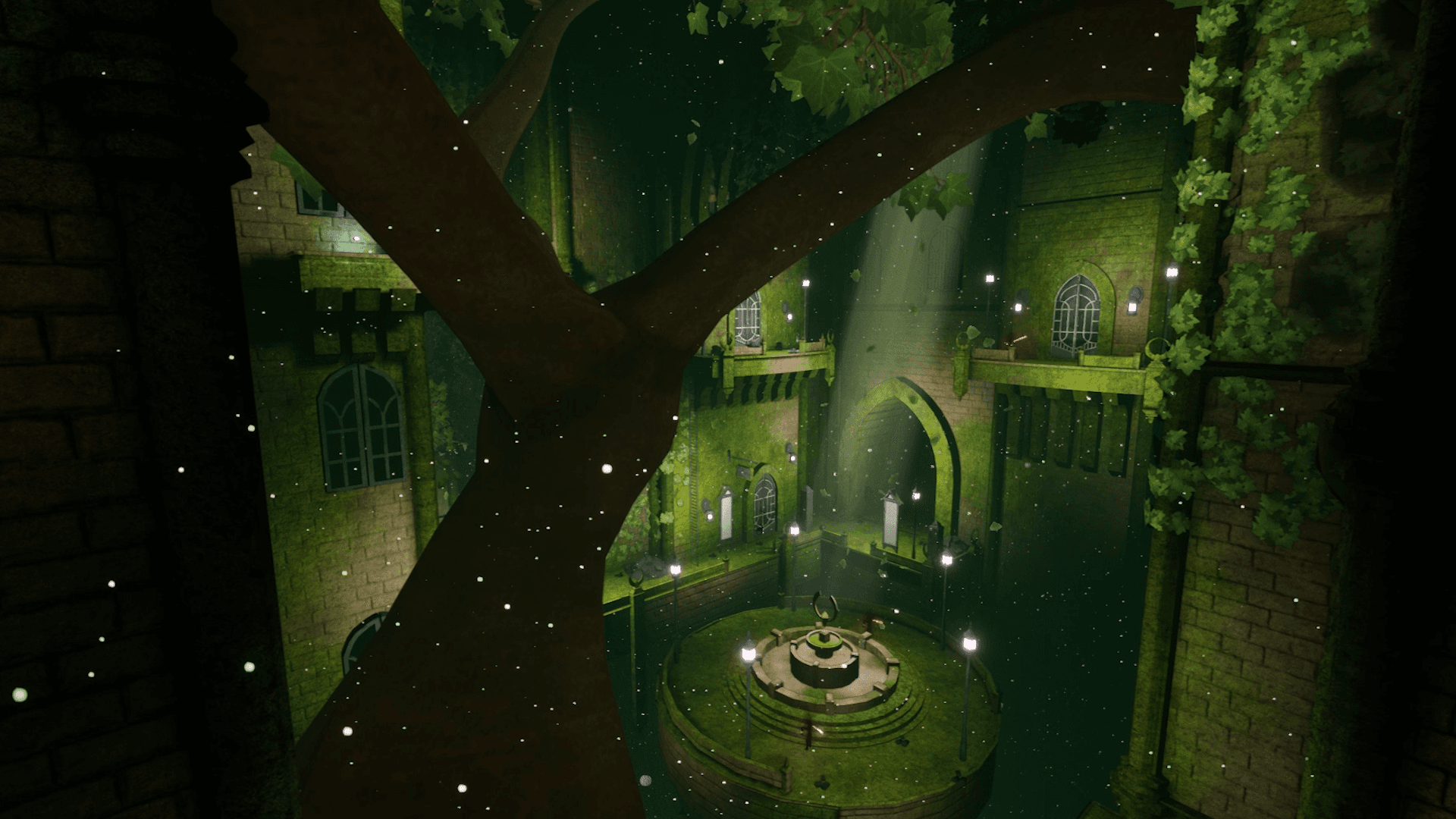
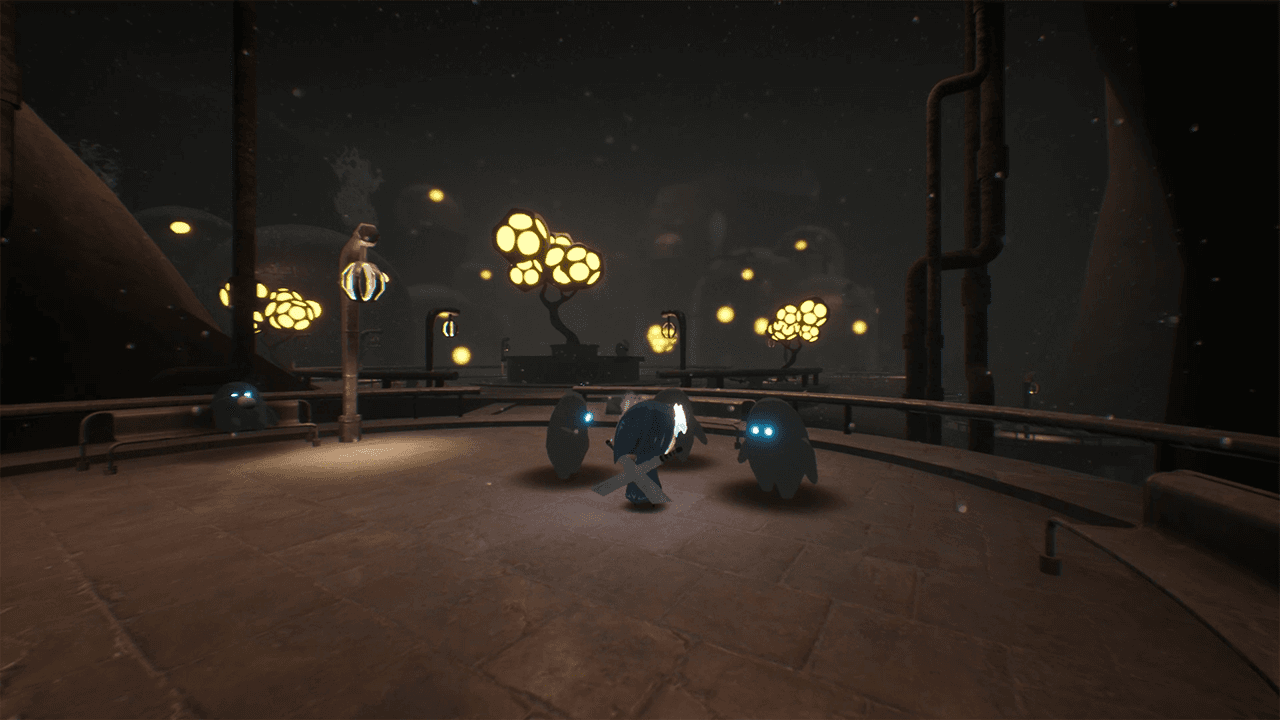
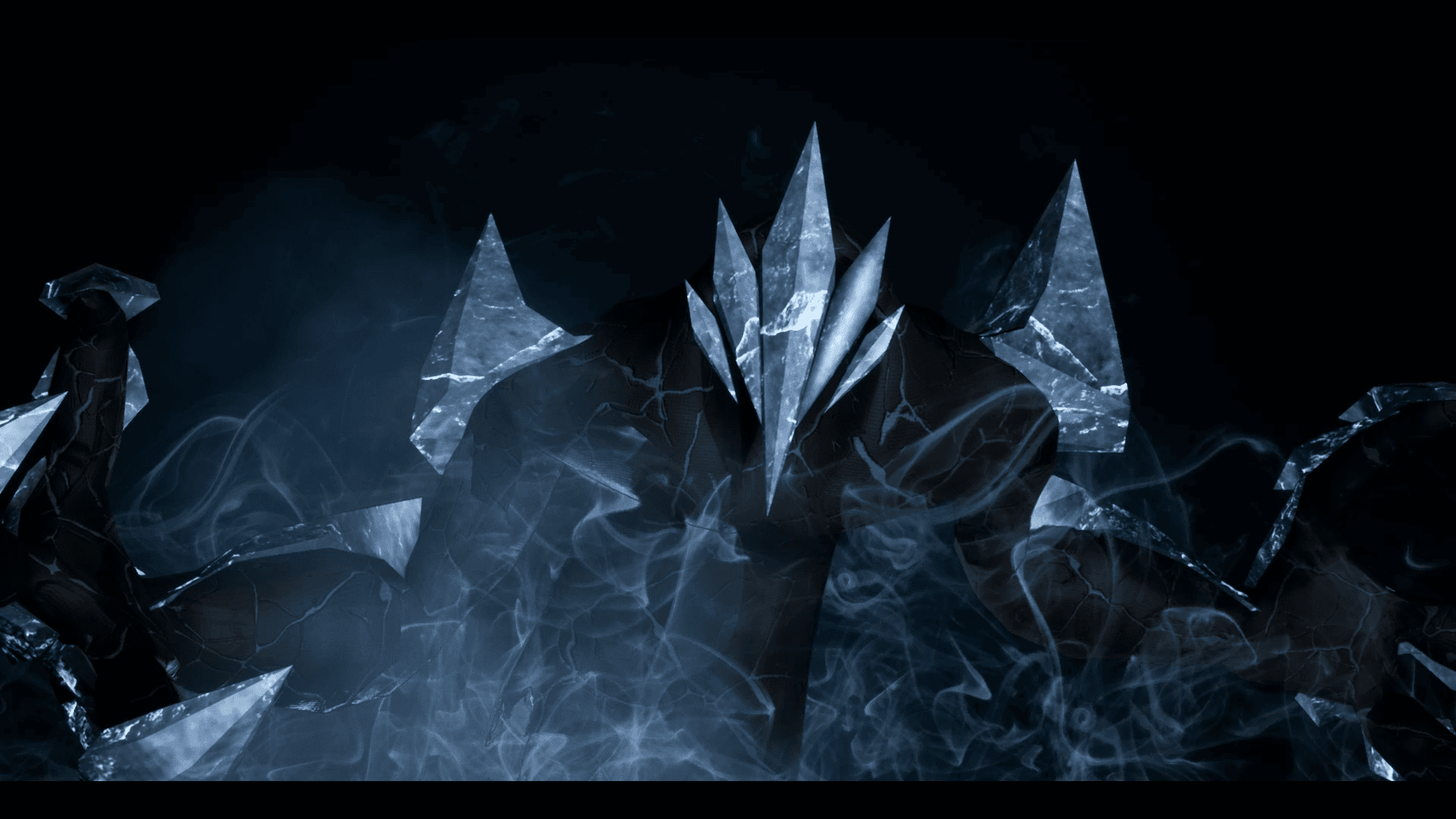
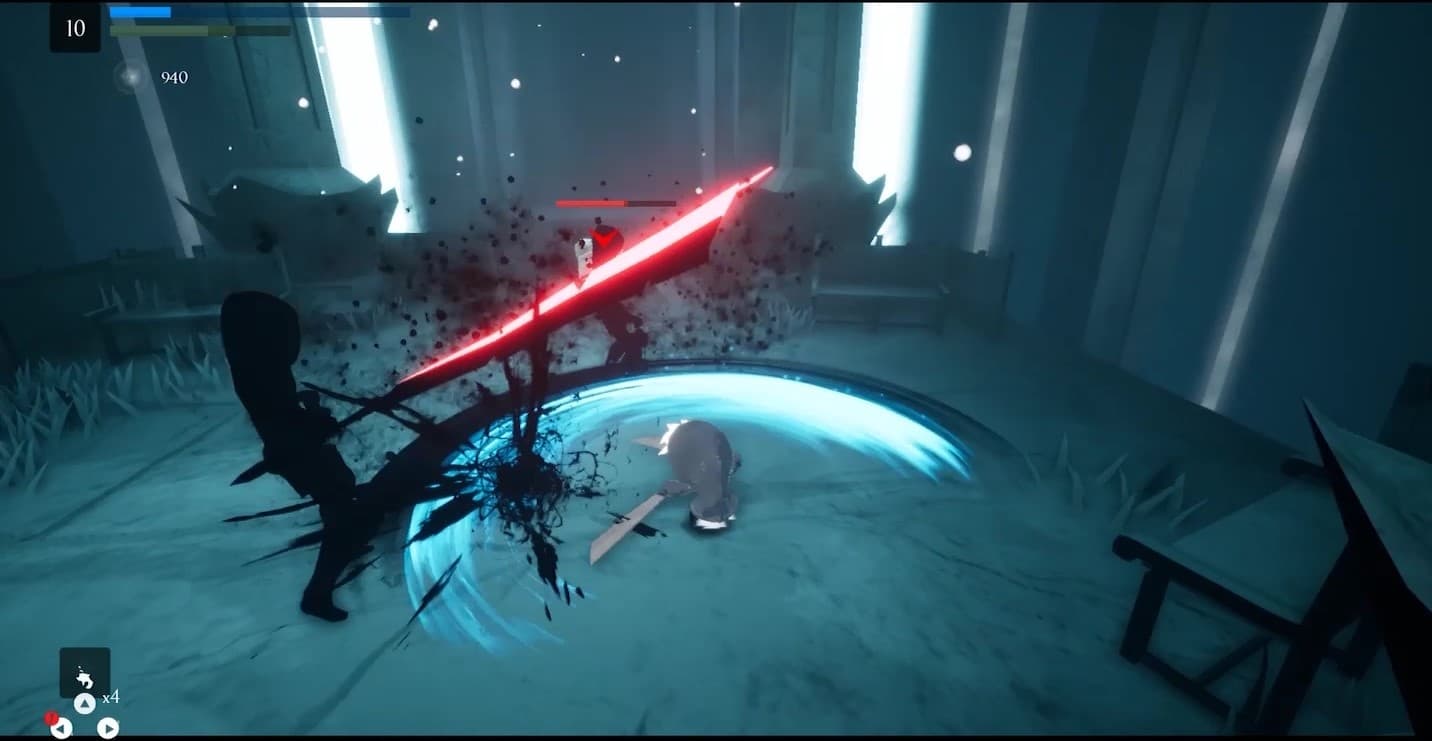
Embark on an extraordinary adventure through the perished world of Penumbra to explore unique temples filled with increasingly difficult 3D platforming challenges, diverse enemies, quests, collectibles, and more. Slash daunting adversaries, leap through deadly traps and master the art of movement.
시스템 요구 사항
최저한의
- 운영체제
- Windows 7
- 프로세서
- Requires a 64-bit 3.0GHz processor and operating system
- 메모리
- 4 GB RAM
- 그래픽
- DirectX End-User Runtimes (June 2010)
- 저장공간
- 6 GB available space
추천
- 운영체제
- Windows 10 64-bit
- 프로세서
- Quad-core Intel or AMD, 2.5 GHz or faster
- 메모리
- 8 GB RAM
- 그래픽
- DirectX 11 or DirectX 12 compatible graphics card
- DirectX
- Version 11
- 저장공간
- 6 GB available space