

कैसे सक्रिय करें
- Steam इंस्टॉल करें और अपने खाते में साइन इन करें (मुफ़्त खाता काफ़ी है)।
- ऊपर के मेनू में „Games” → „Activate a Product on Steam…” चुनें।
- कुंजी को ठीक वैसे ही दर्ज करें जैसे ऑर्डर में दिखाई गई है (डैश सहित) और पुष्टि करें। गेम आपकी लाइब्रेरी में दिखाई देगा।
गेम के बारे में
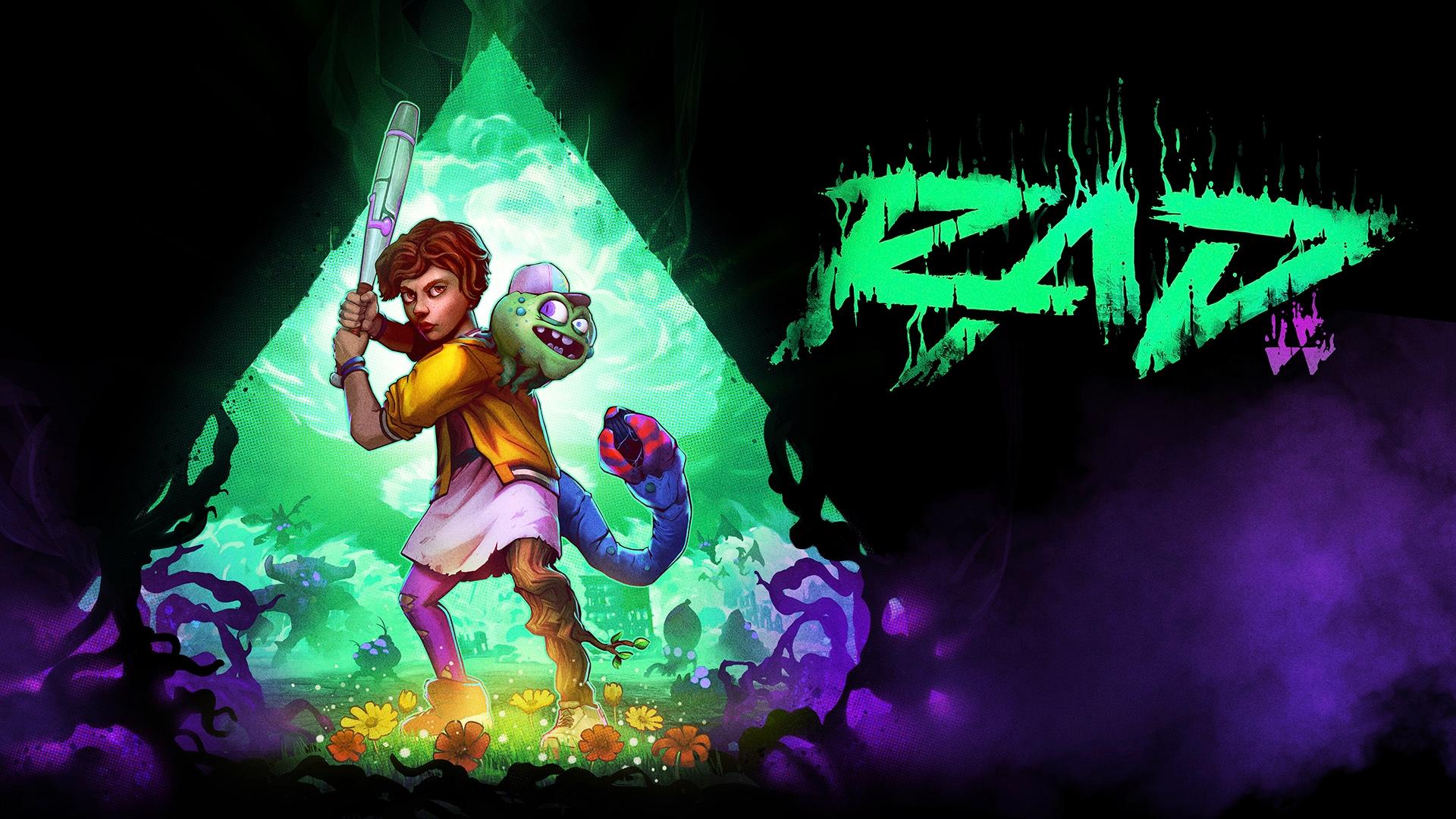
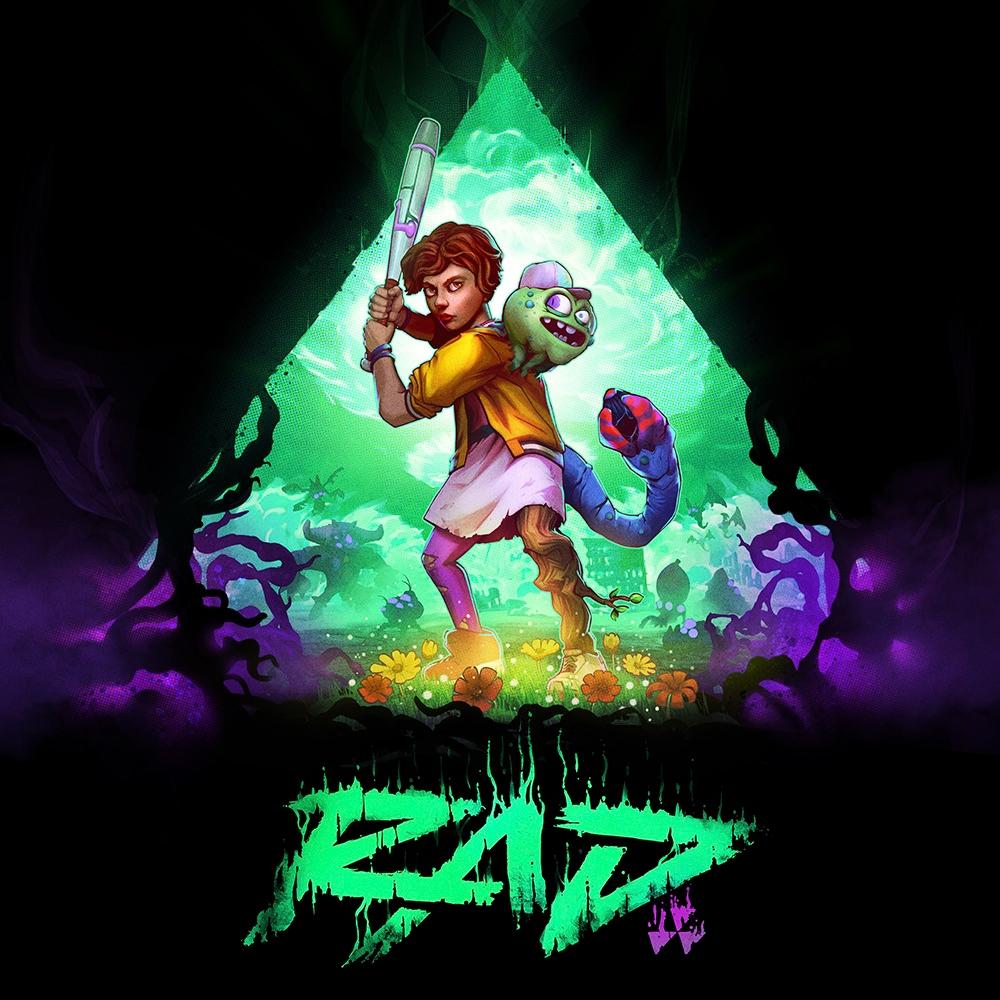
RAD is a 3D action rogue-like set in a post-post-apocalyptic world, where humanity has faced armageddon not once, but twice.
Playing as a teenage protagonist, you must venture into the Fallow — an ever-changing, radioactive wasteland filled with unknown and unspeakable creatures. It is here that you will find the solution to heal the world, and transform the cracked, barren landscape into a lush source of new life. ...
सिस्टम आवश्यकताएं
न्यूनतम
- Requires a 64-bit processor and operating system
- ऑपरेटिंग सिस्टम
- Windows 7 SP1 or Windows 10 (64-bit)
- प्रोसेसर
- Intel Core i5-2400, 3.10 GHz / AMD FX-8350, 4.00 GHz
- मेमोरी
- 4 GB RAM
- ग्राफ़िक्स
- Nvidia GTX 780, 3 GB / AMD RX 470, 4 GB
- DirectX
- Version 11
- स्टोरेज
- 6 GB available space
- साउंड कार्ड
- DirectX compatible soundcard or onboard chipset
सिफारिश की
- Requires a 64-bit processor and operating system
- ऑपरेटिंग सिस्टम
- Windows 10 (64-bit)
- प्रोसेसर
- Intel Core i5-4570, 3.20 GHz / AMD Ryzen 5 1400, 3.20 GHz
- मेमोरी
- 8 GB RAM
- ग्राफ़िक्स
- GeForce GTX 980, 4 GB / Radeon RX Vega 64, 8 GB
- DirectX
- Version 11
- स्टोरेज
- 6 GB available space
- साउंड कार्ड
- DirectX compatible soundcard or onboard chipset
कानूनी जानकारी
RAD™ &© BANDAI NAMCO Entertainment America Inc. The BANDAI NAMCO logo is a trademark of BANDAI NAMCO Holdings Inc.