





कैसे सक्रिय करें
- Steam इंस्टॉल करें और अपने खाते में साइन इन करें (मुफ़्त खाता काफ़ी है)।
- ऊपर के मेनू में „Games” → „Activate a Product on Steam…” चुनें।
- कुंजी को ठीक वैसे ही दर्ज करें जैसे ऑर्डर में दिखाई गई है (डैश सहित) और पुष्टि करें। गेम आपकी लाइब्रेरी में दिखाई देगा।
गेम के बारे में
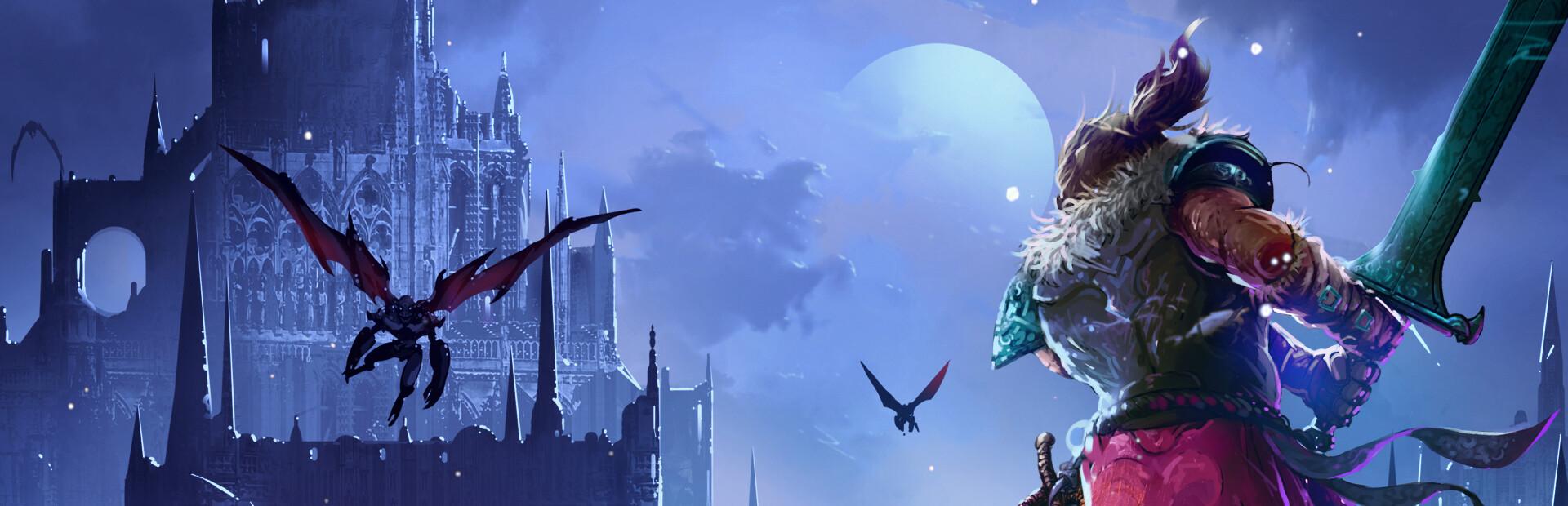
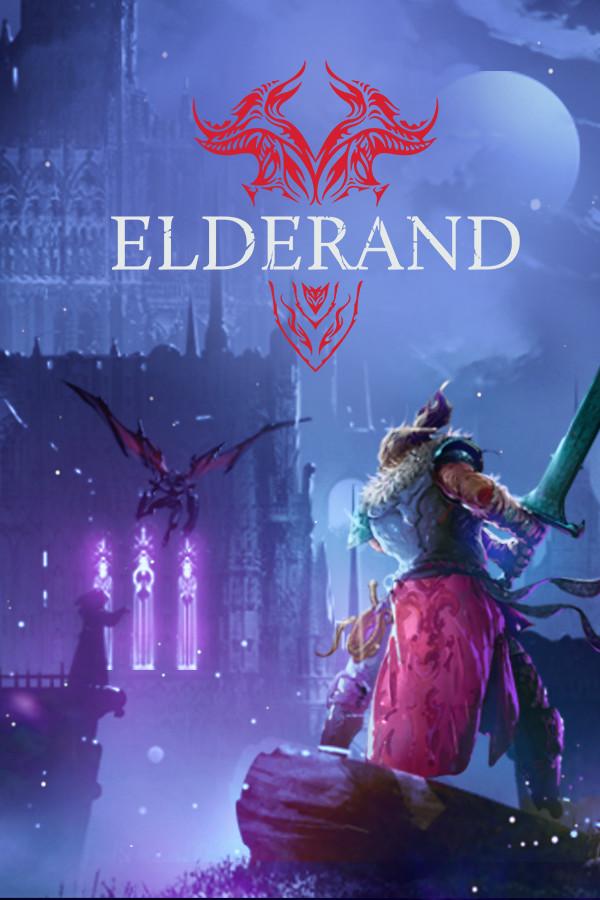
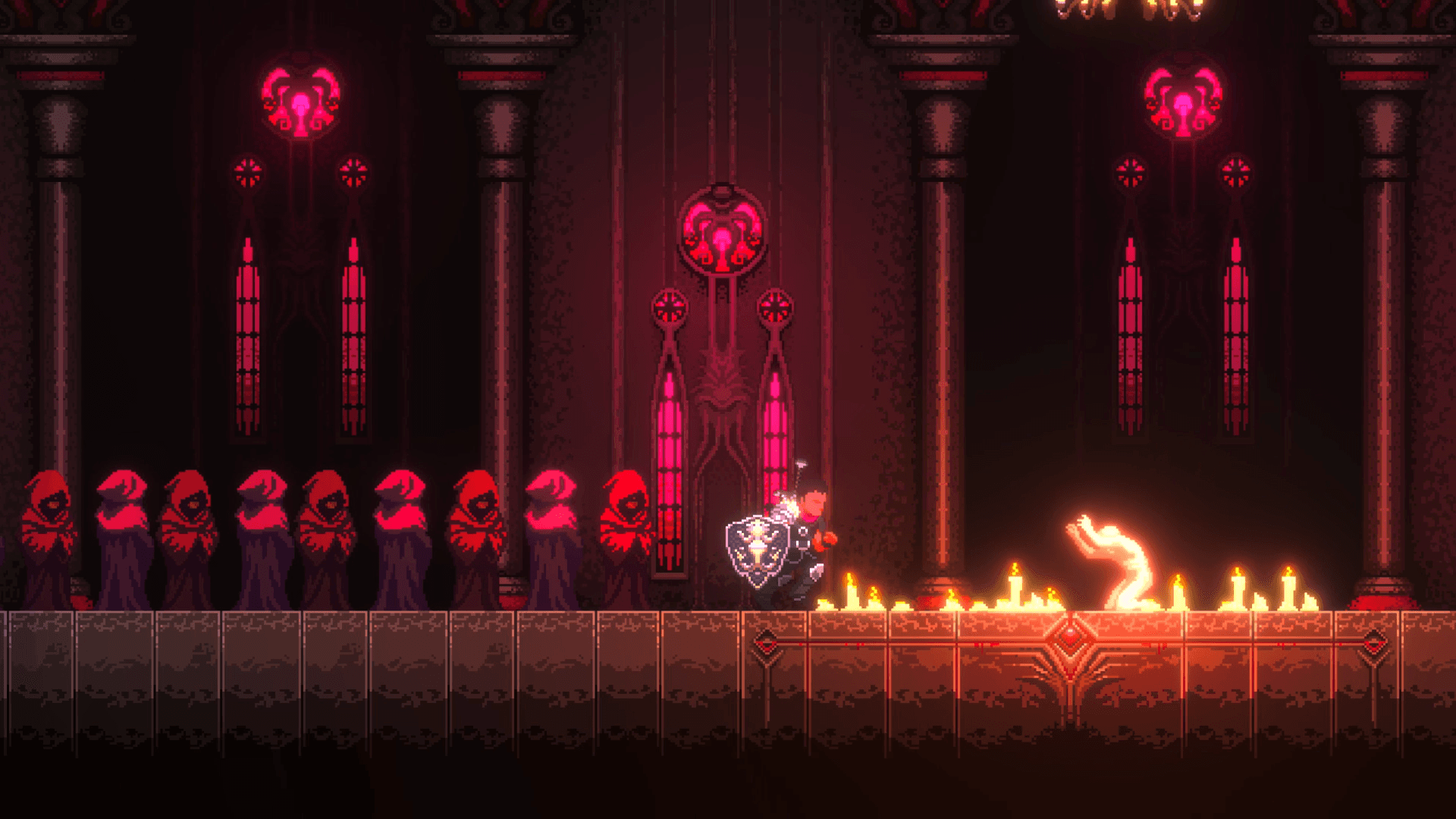
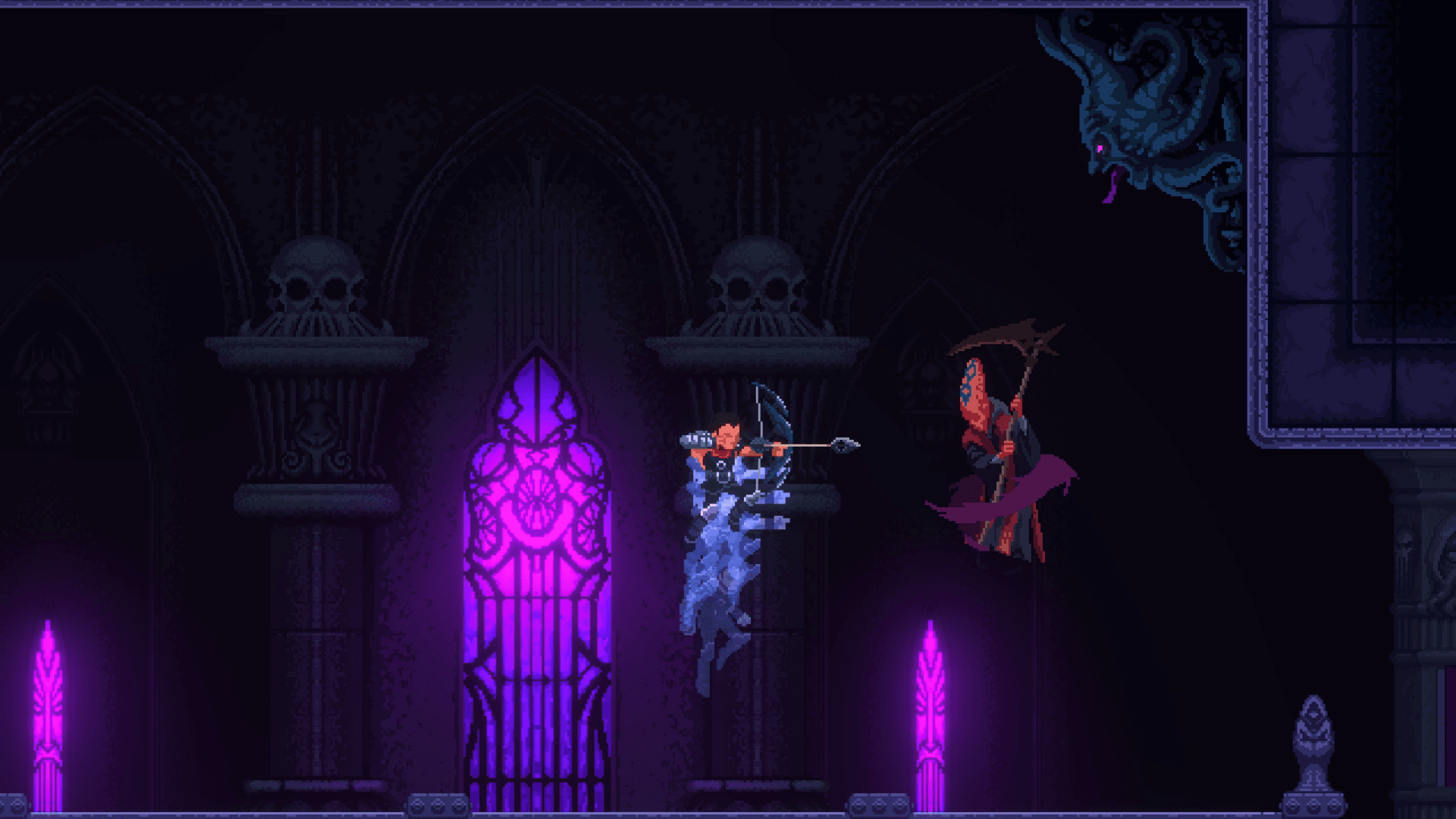
Through the darkness and madness, promised glory awaits. Heads will literally roll in this gruesome, retro-inspired action platformer, where only the strong will survive in brutal, skill-based combat against terrifying creatures.
Wield a variety of killing instruments and abilities to test your metal against towering, bone-chilling bosses. Explore a twisted Lovecraftian world shrouded in darkness and madness. RPG elements allow you to customize your battle experience to your liking, from your character’s appearance to skills, stats, and weapons. ...
सिस्टम आवश्यकताएं
न्यूनतम
- ऑपरेटिंग सिस्टम
- Windows 10 32bit
- प्रोसेसर
- Intel Core 2 Duo E7500 2.93 GHz / AMD Athlon 64 X2 Dual Core Processor 5600+ 2.9GHz
- मेमोरी
- 2 GB RAM
- ग्राफ़िक्स
- NVIDIA GeForce 9600 GT/ AMD Radeon HD 6450
- DirectX
- Version 11
- स्टोरेज
- 1 GB available space
- साउंड कार्ड
- Windows Compatible Sound card
सिफारिश की