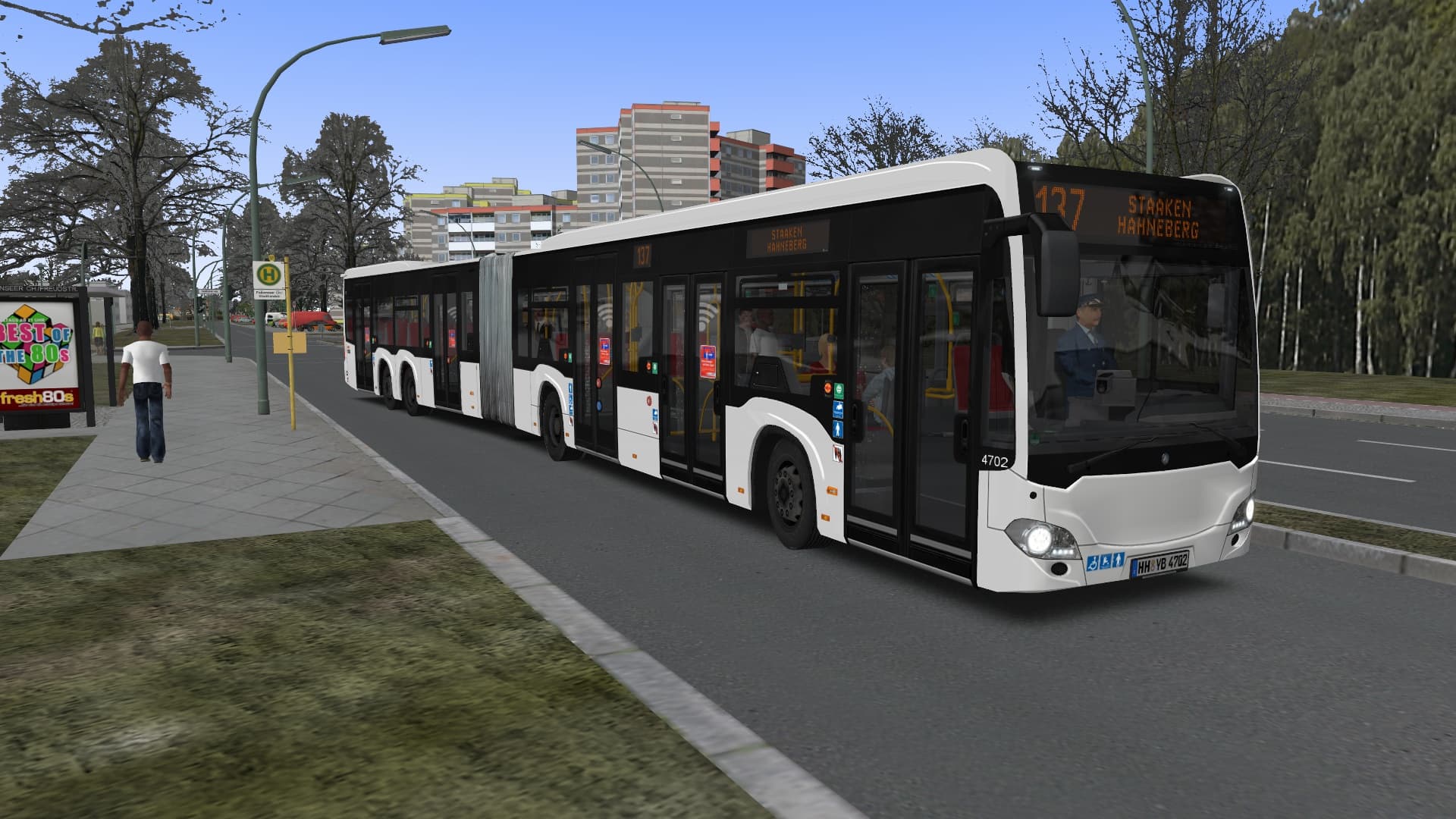
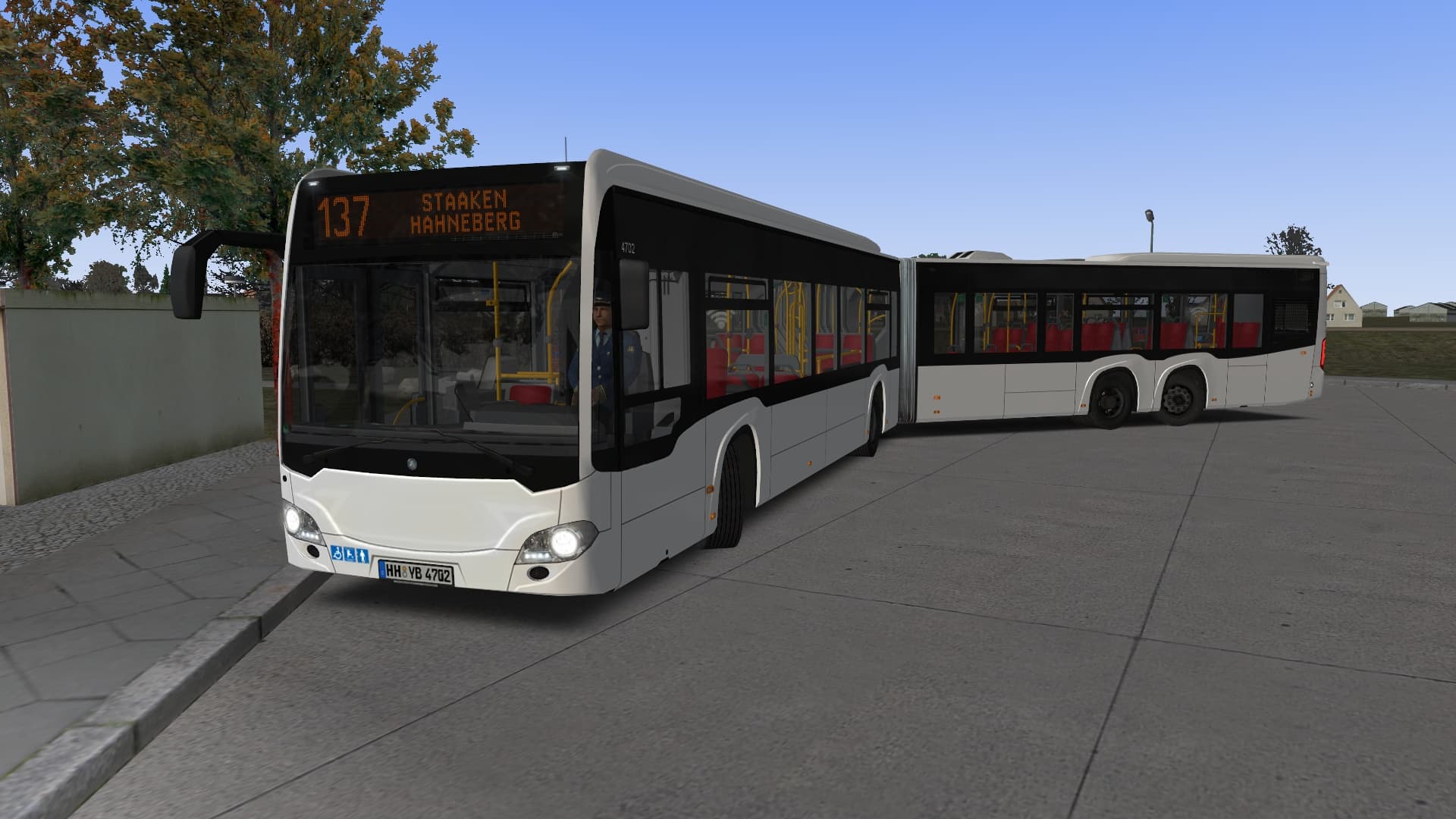
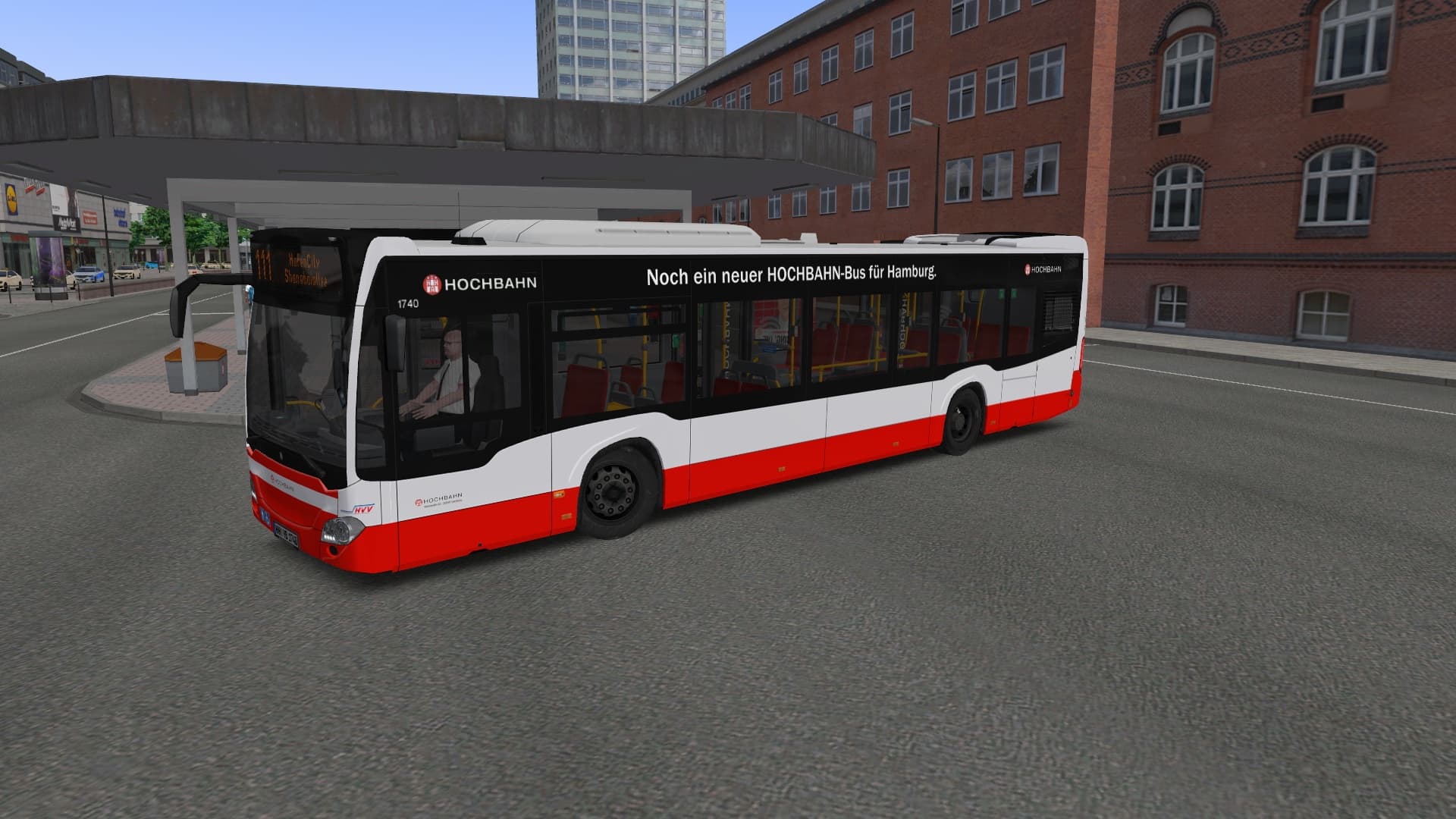
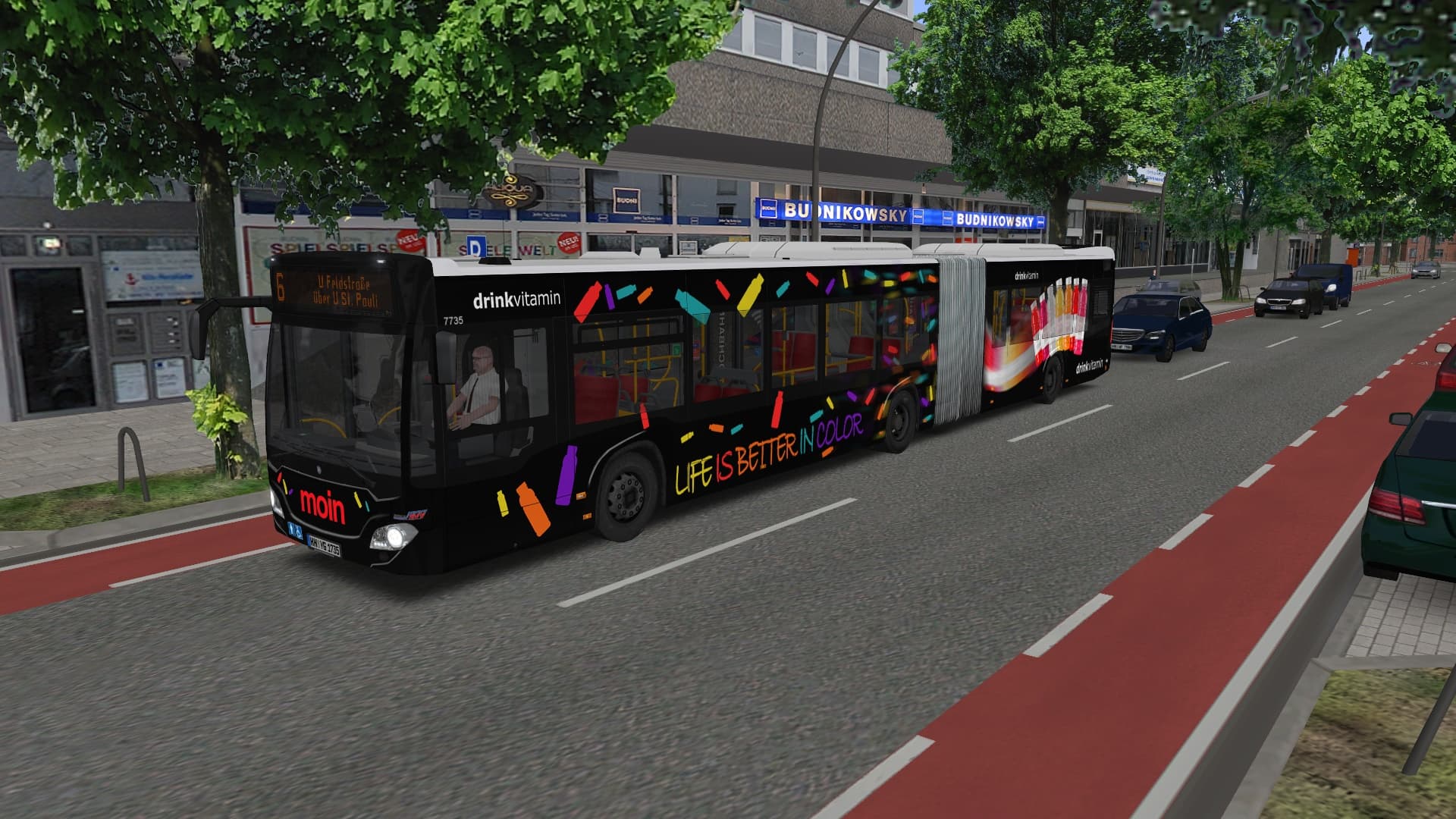
मुख्य जानकारी
- मंच

- उत्पादडिजिटल की
- रिलीज़ की तारीख15 मार्च 2018
- शैलियाँSimulator
- डेवलपरDarius Bode
- प्रकाशकAerosoft GmbH
कैसे सक्रिय करें
- Steam इंस्टॉल करें और अपने खाते में साइन इन करें (मुफ़्त खाता काफ़ी है)।
- ऊपर के मेनू में „Games” → „Activate a Product on Steam…” चुनें।
- कुंजी को ठीक वैसे ही दर्ज करें जैसे ऑर्डर में दिखाई गई है (डैश सहित) और पुष्टि करें। गेम आपकी लाइब्रेरी में दिखाई देगा।
गेम के बारे में
सिस्टम आवश्यकताएं
न्यूनतम
- Steam account required for game activation and installation
- This content requires the base game OMSI 2: Steam Edition on Steam in order to play
- PC System Requirements
- न्यूनतम
- ऑपरेटिंग सिस्टम
- 7 / 8 / 10
- प्रोसेसर
- Dual Core CPU with 3 GHz
- मेमोरी
- 4 GB RAM
- ग्राफ़िक्स
- 1 GB VRAM
- DirectX
- Version 9.0c
- स्टोरेज
- 5 GB available space
- अतिरिक्त जानकारी
- OMSI 2 – Der Omnibussimulator v2.2.032
सिफारिश की
कानूनी जानकारी
Copyright © 2018 AEROSOFT. All rights reserved. All trademarks and brand names are trademarks or registered trademarks of the respective owners. Copyrights are serious stuff. If you find any pirated copies of this software please notify us. We will make sure reports of copyrights violation are rewarded. Aerosoft GmbHLindberghring 12D-33142 Büren, Germany