



कैसे सक्रिय करें
- Steam इंस्टॉल करें और अपने खाते में साइन इन करें (मुफ़्त खाता काफ़ी है)।
- ऊपर के मेनू में „Games” → „Activate a Product on Steam…” चुनें।
- कुंजी को ठीक वैसे ही दर्ज करें जैसे ऑर्डर में दिखाई गई है (डैश सहित) और पुष्टि करें। गेम आपकी लाइब्रेरी में दिखाई देगा।
गेम के बारे में
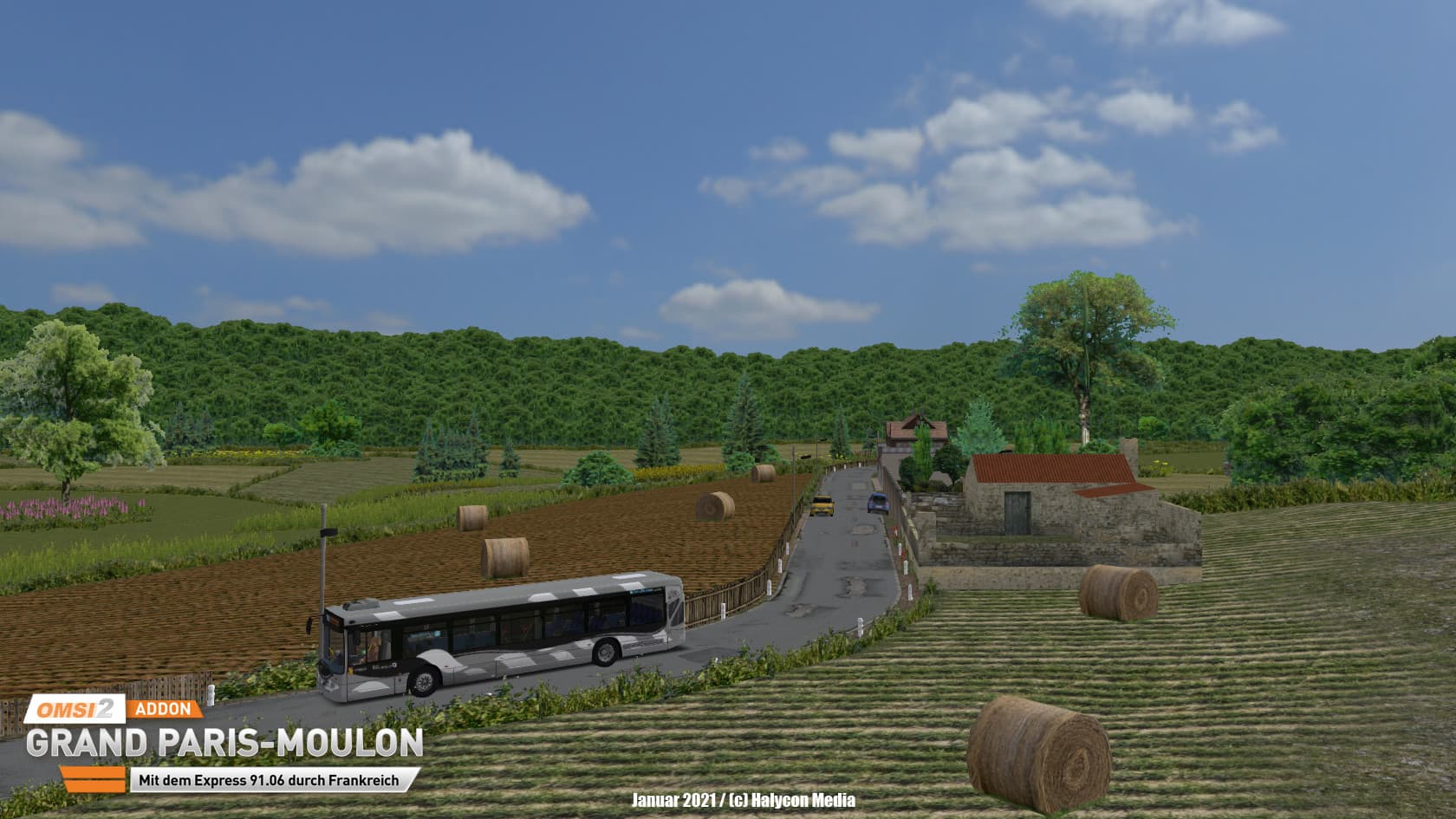
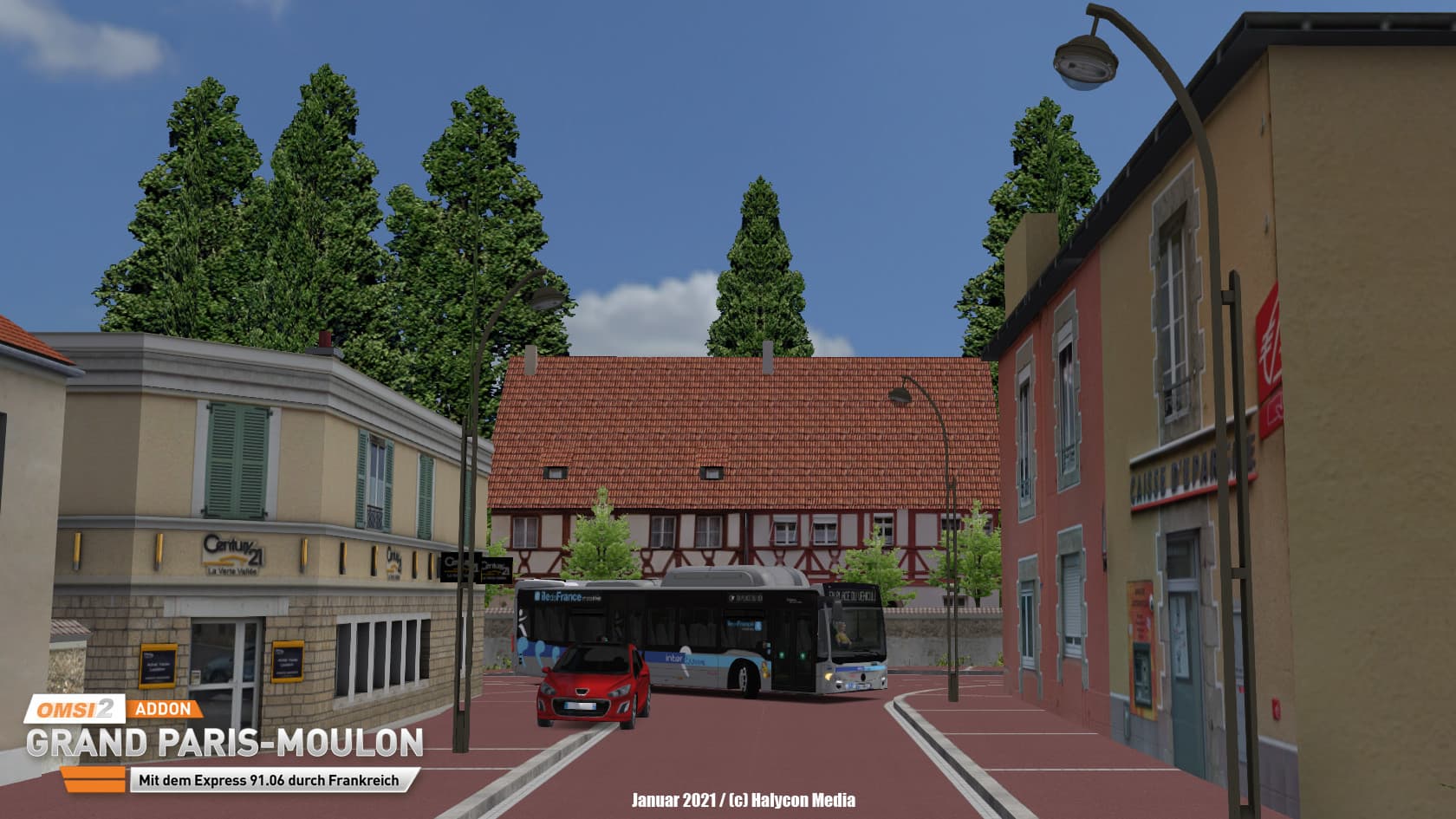
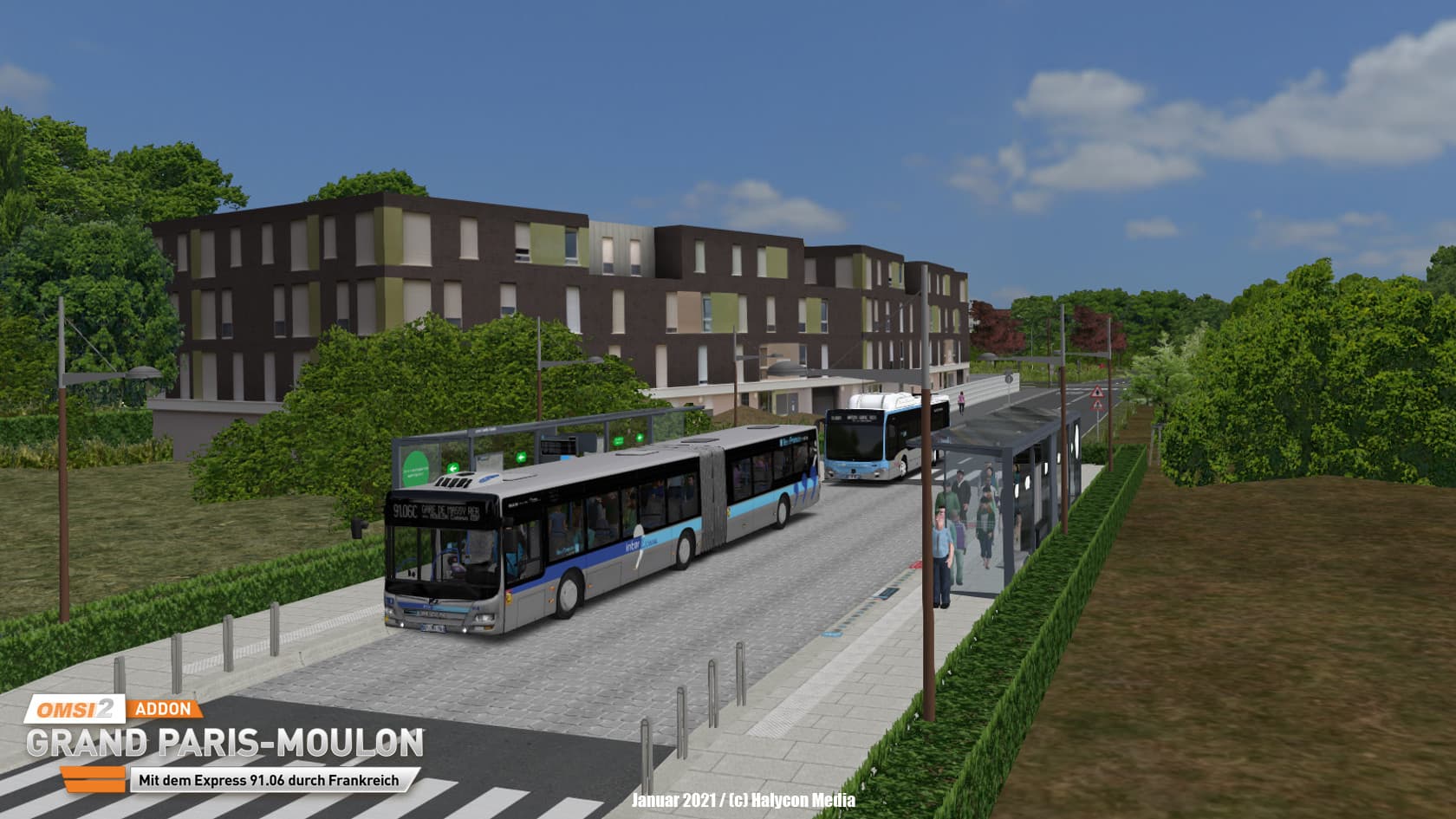
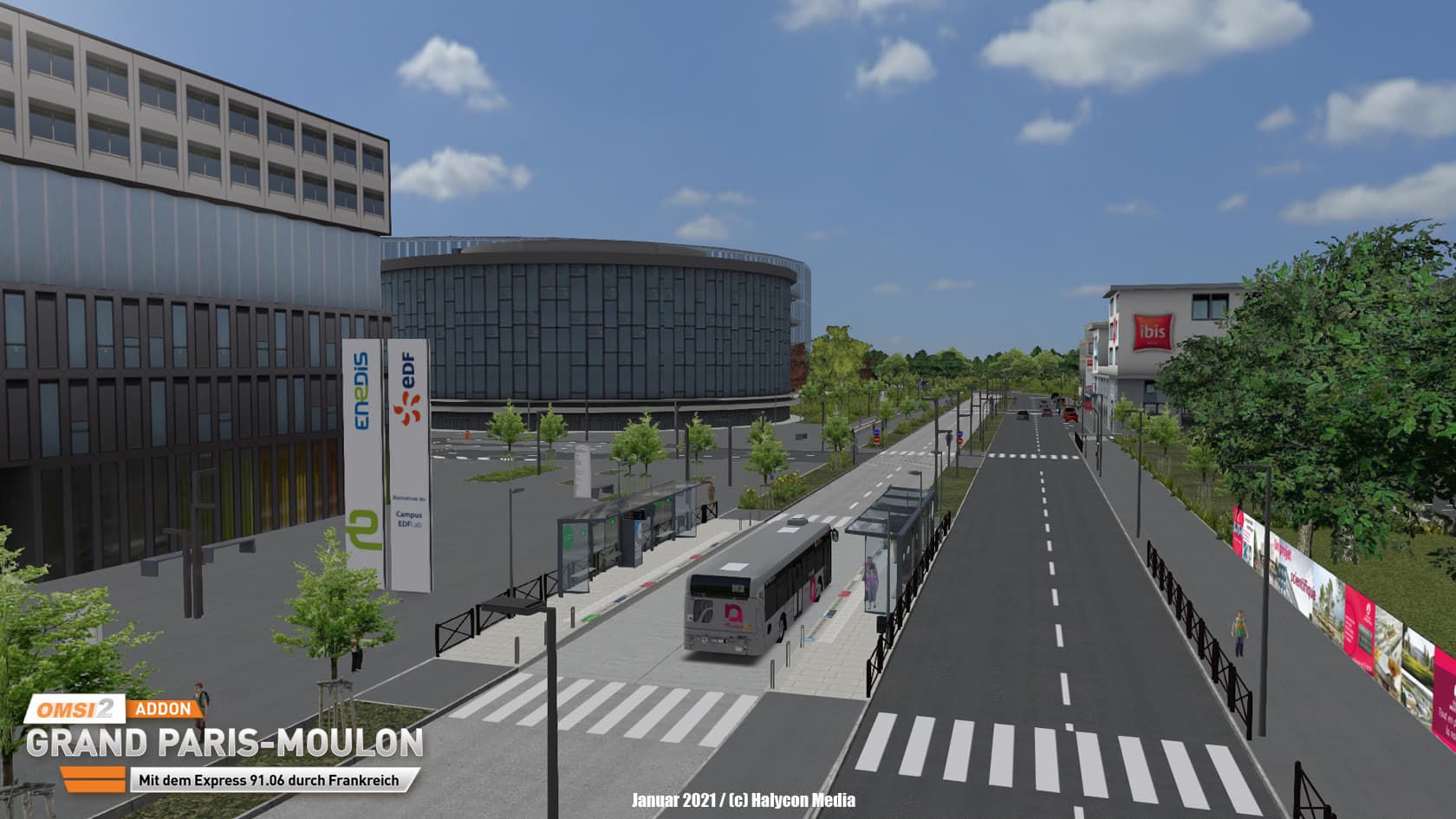
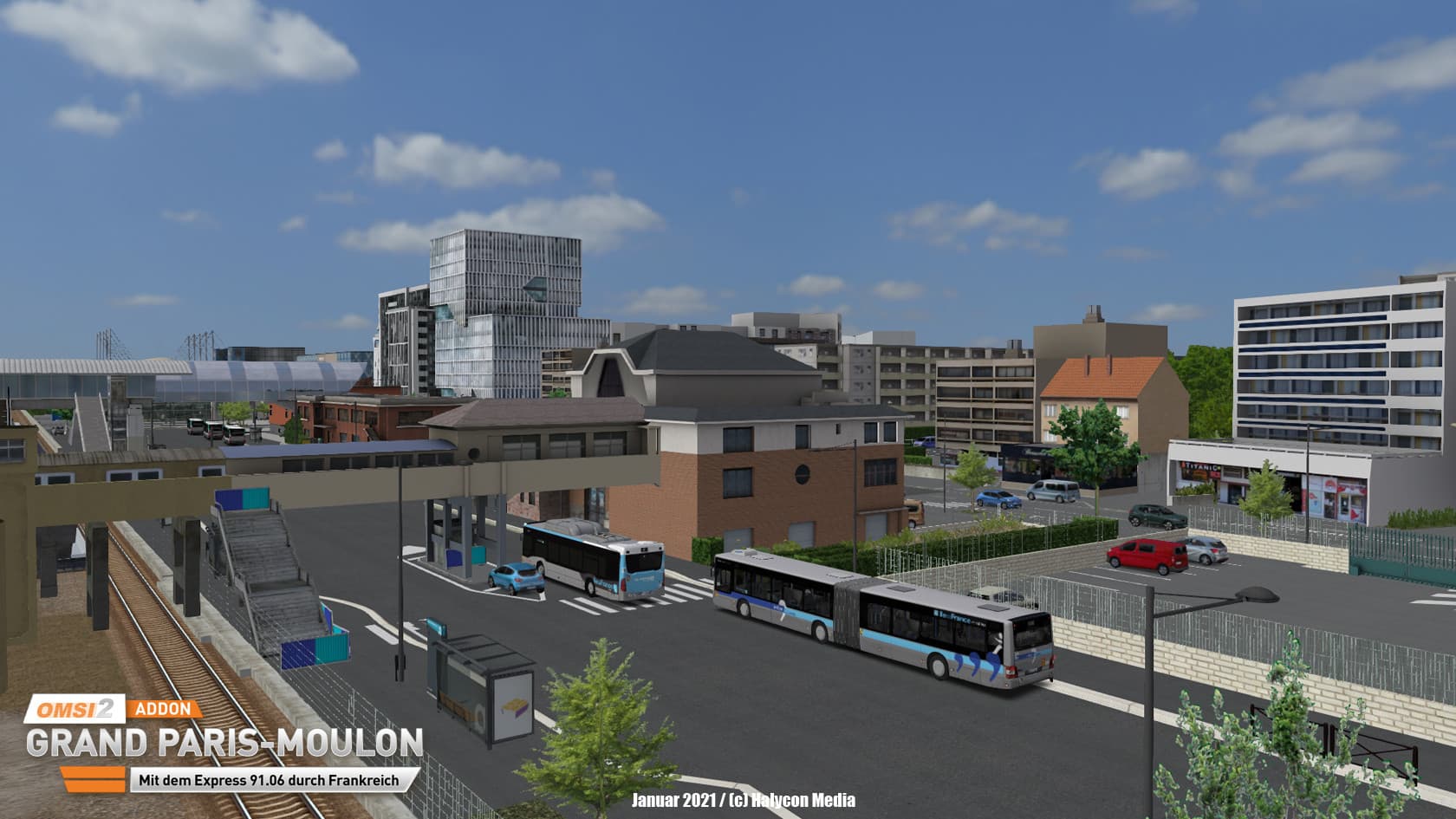
Bienvenue en France!
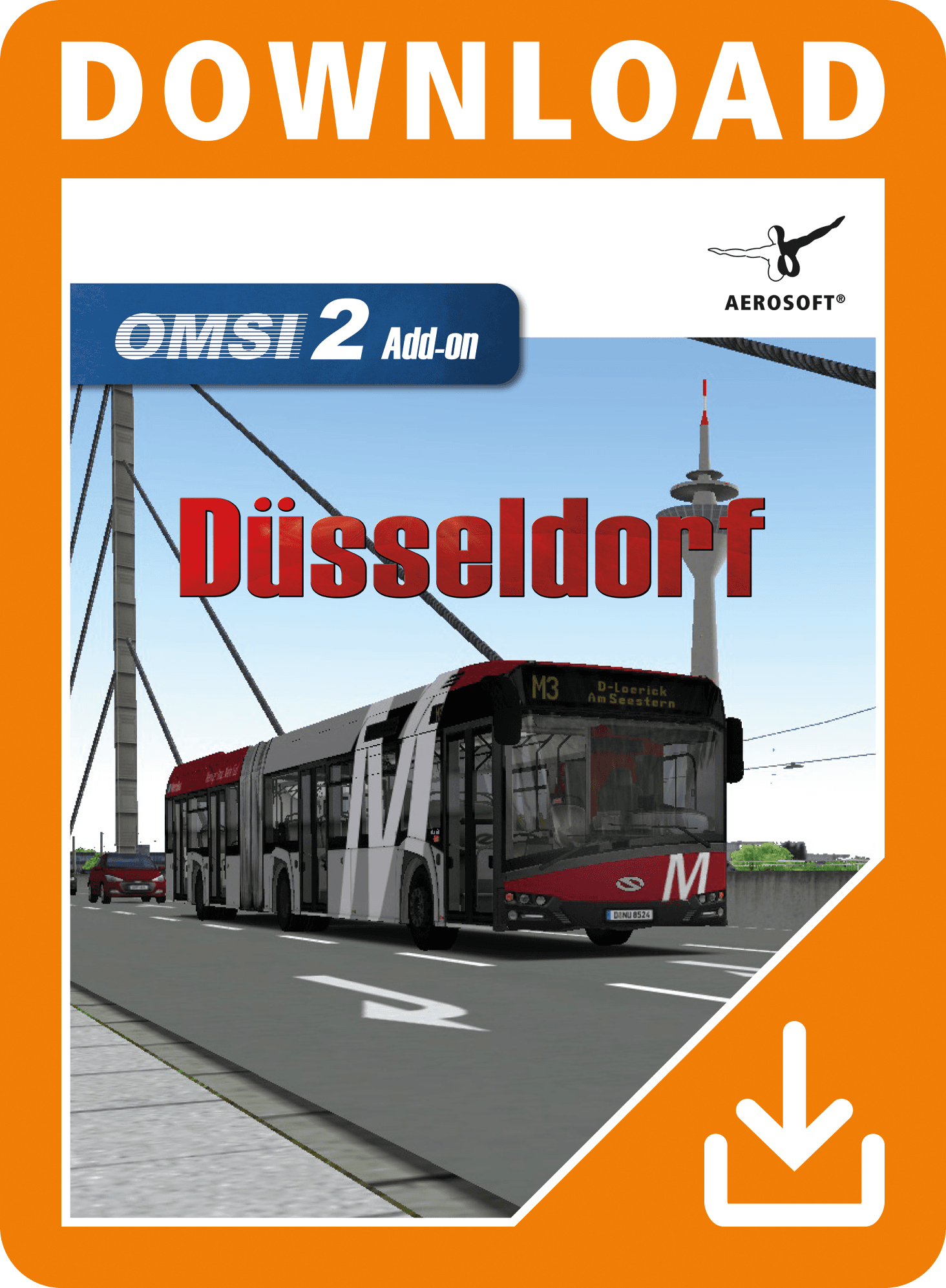
Now, after the OMSI-Map Saint-Servan, we are heading back to France.
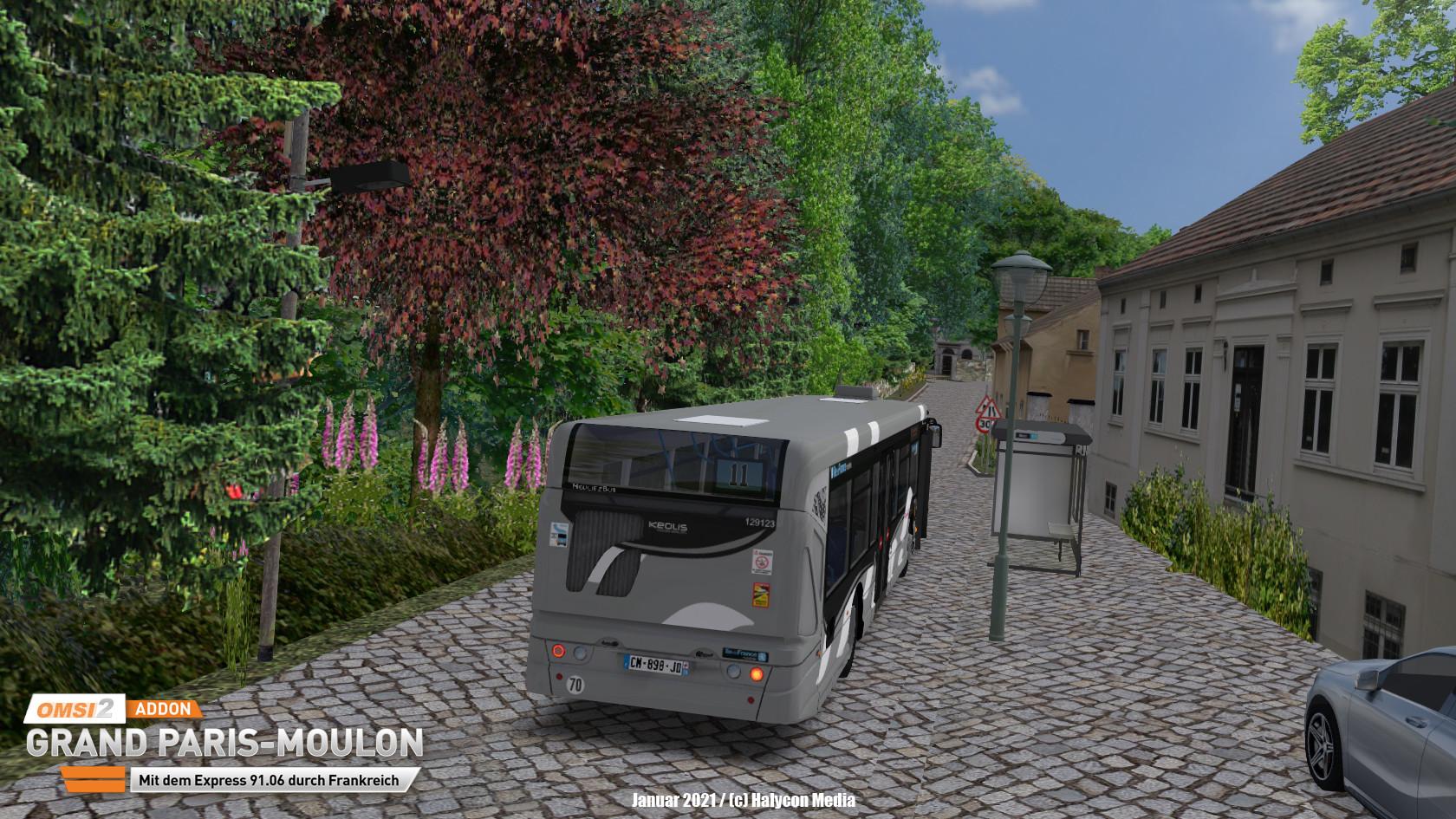
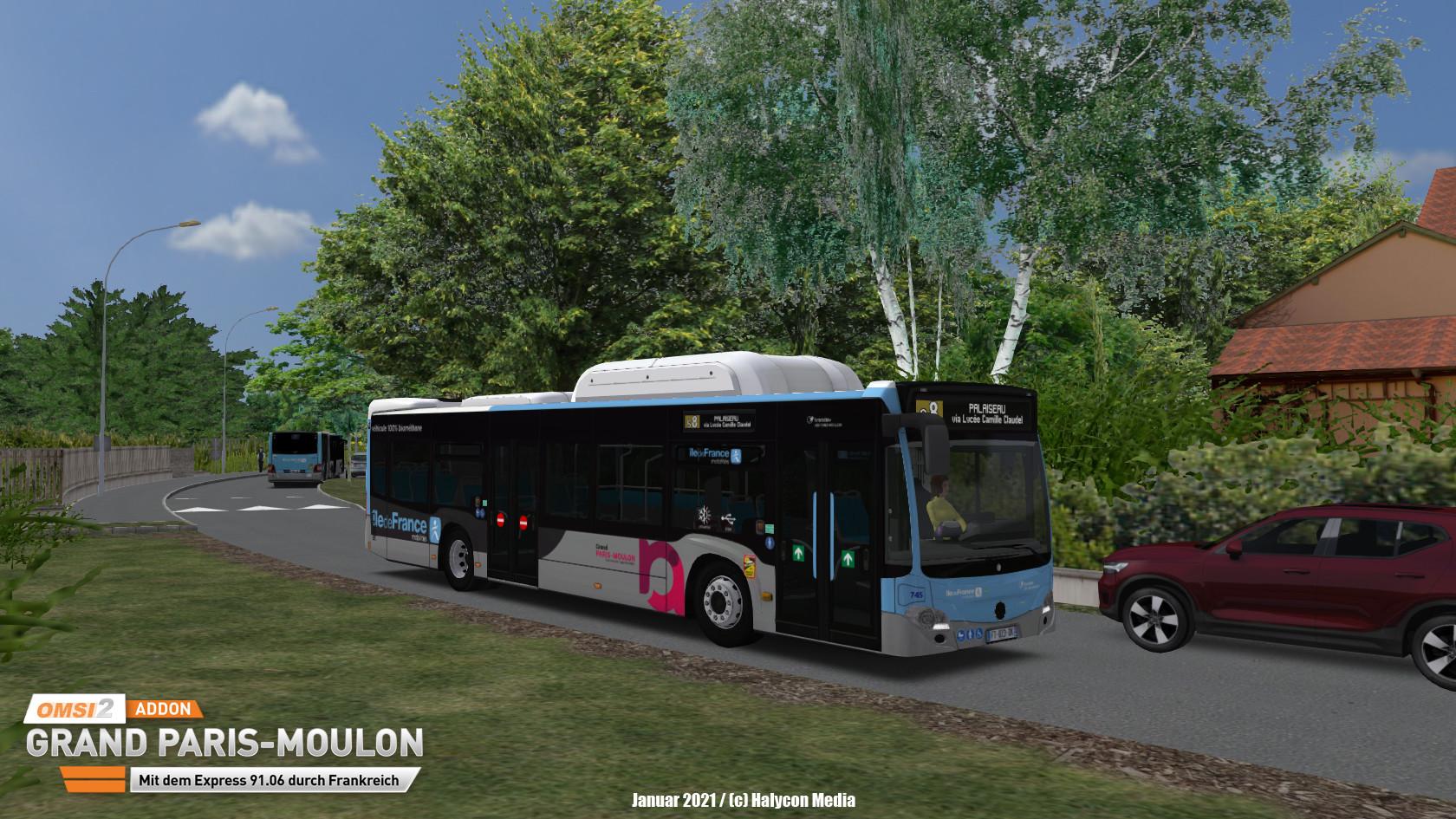
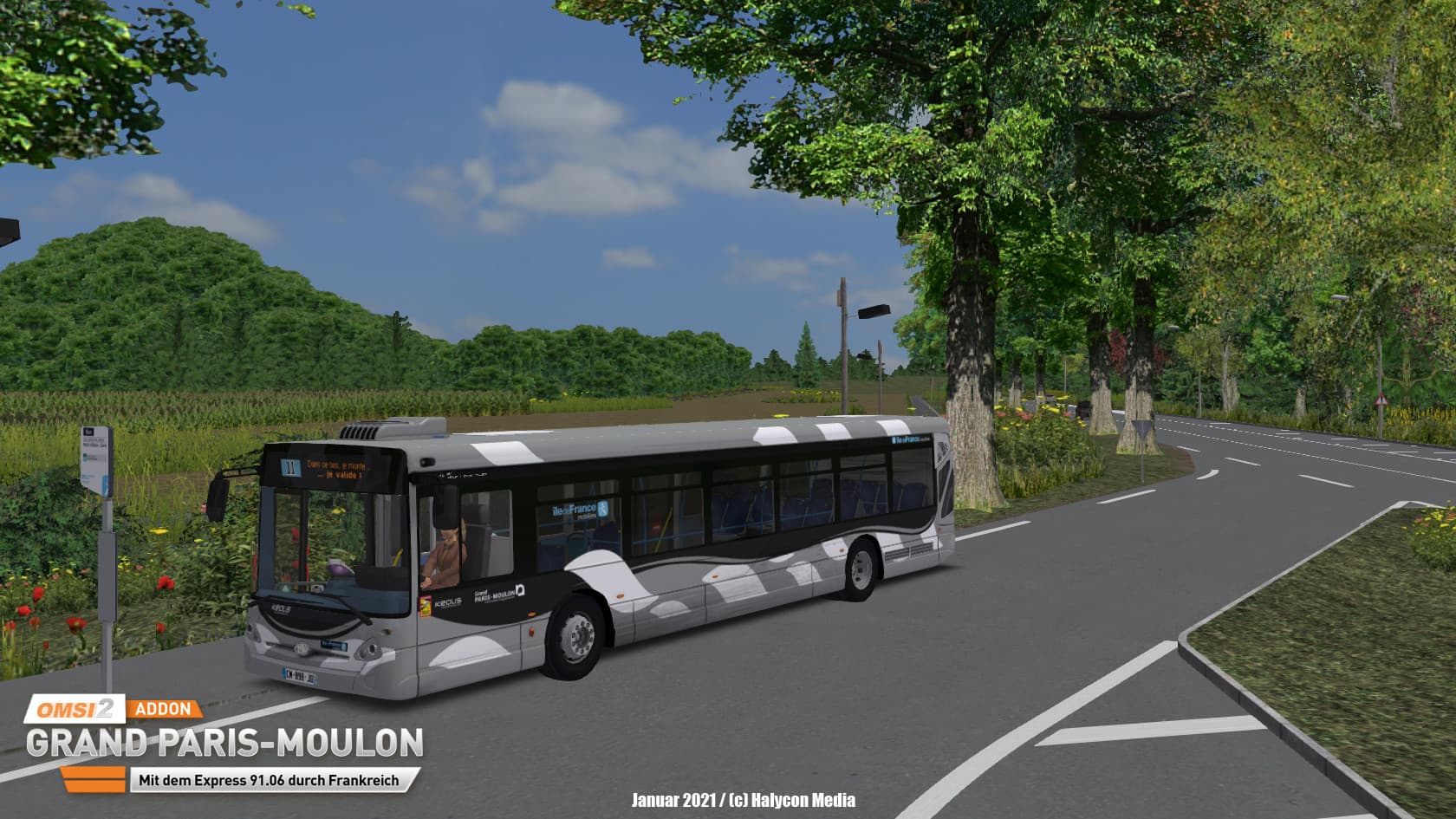
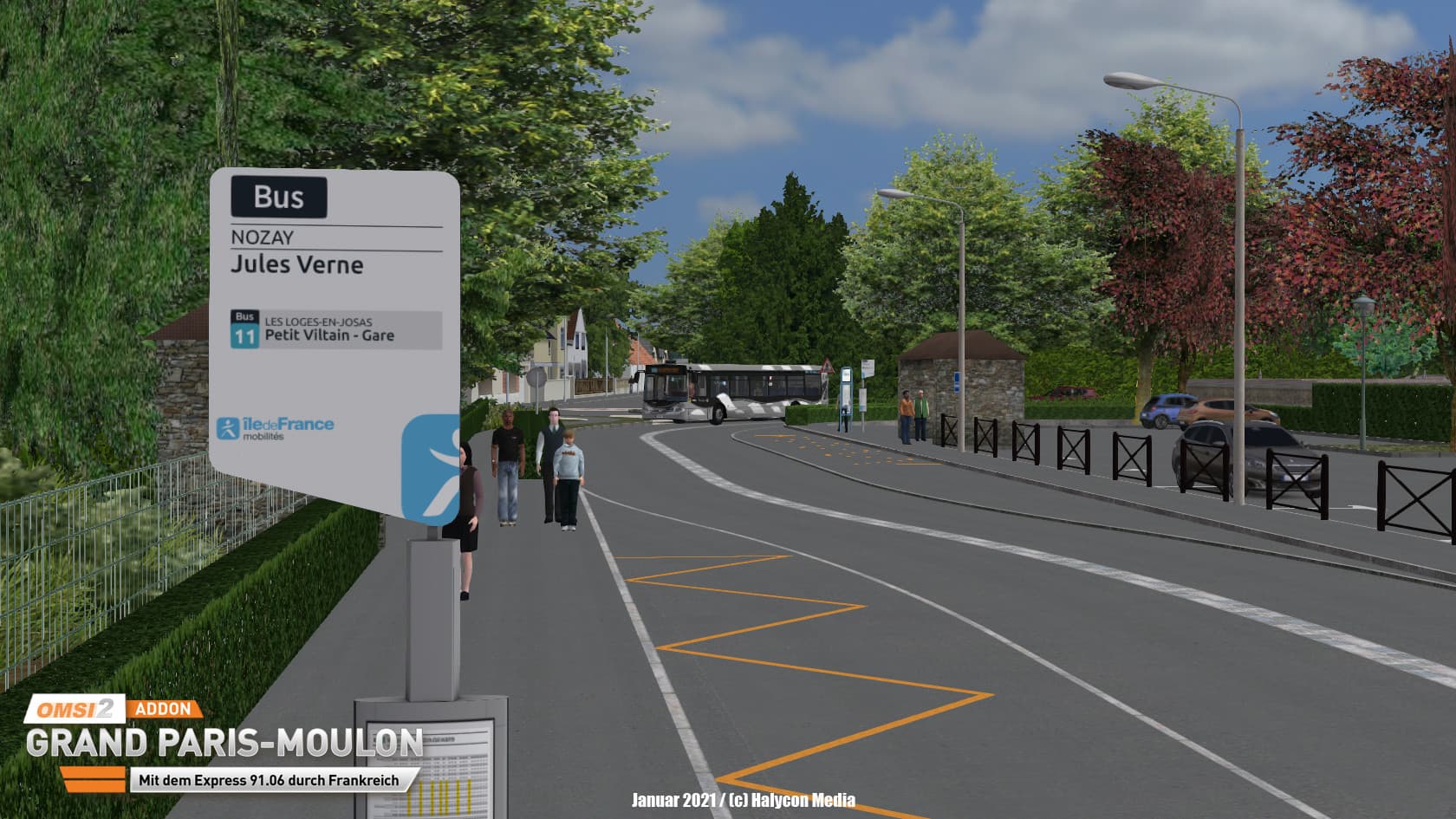
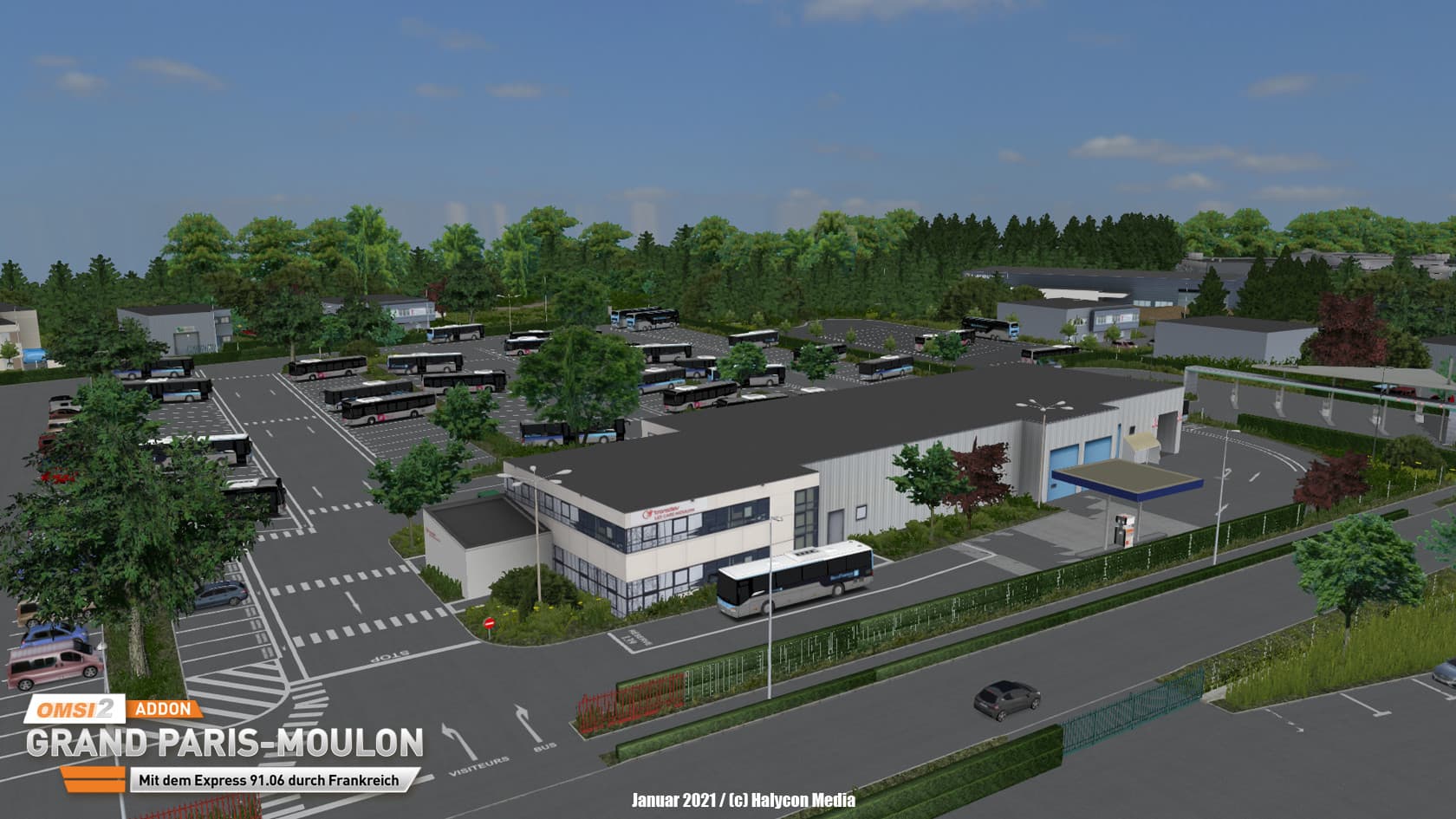
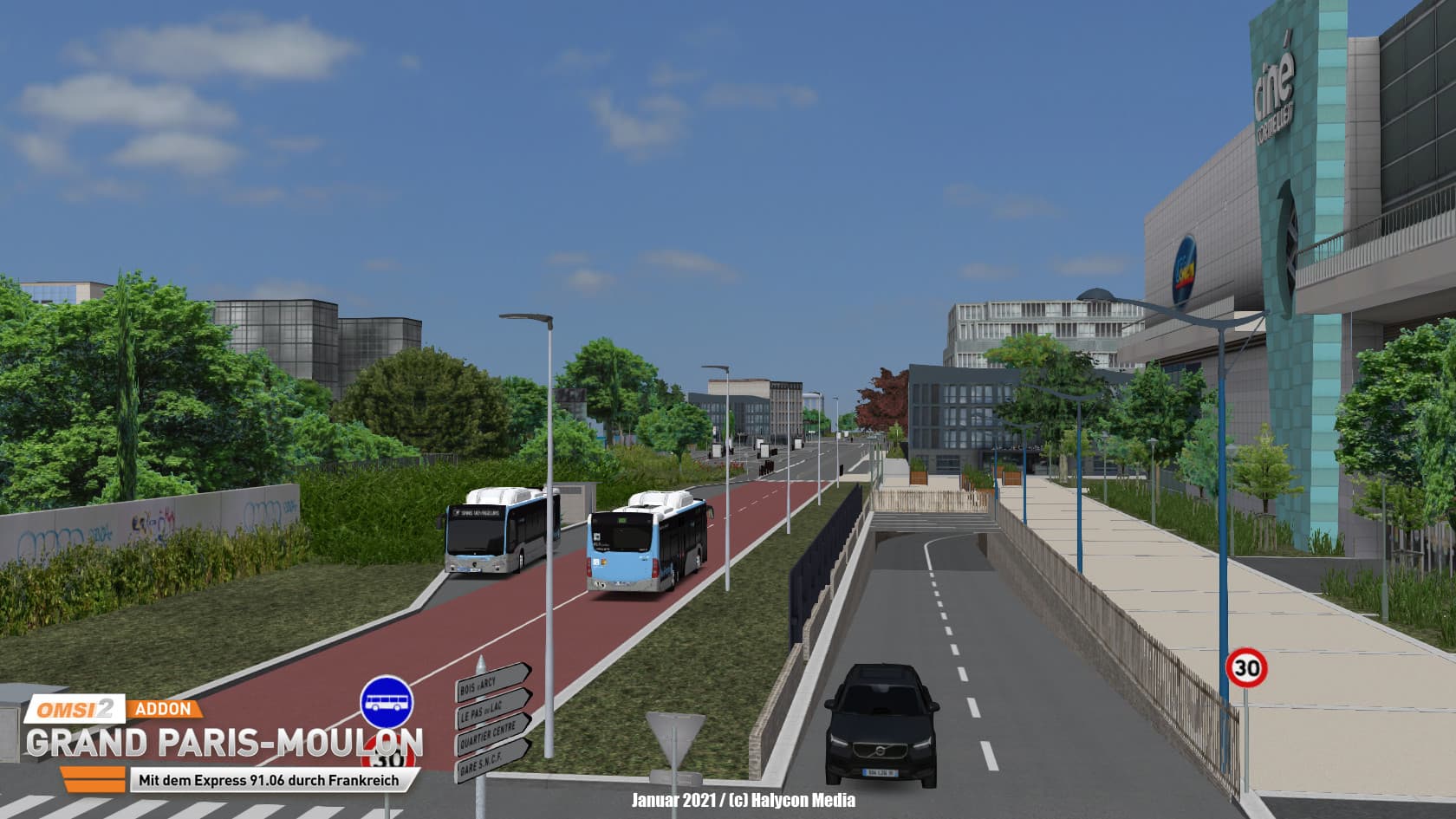
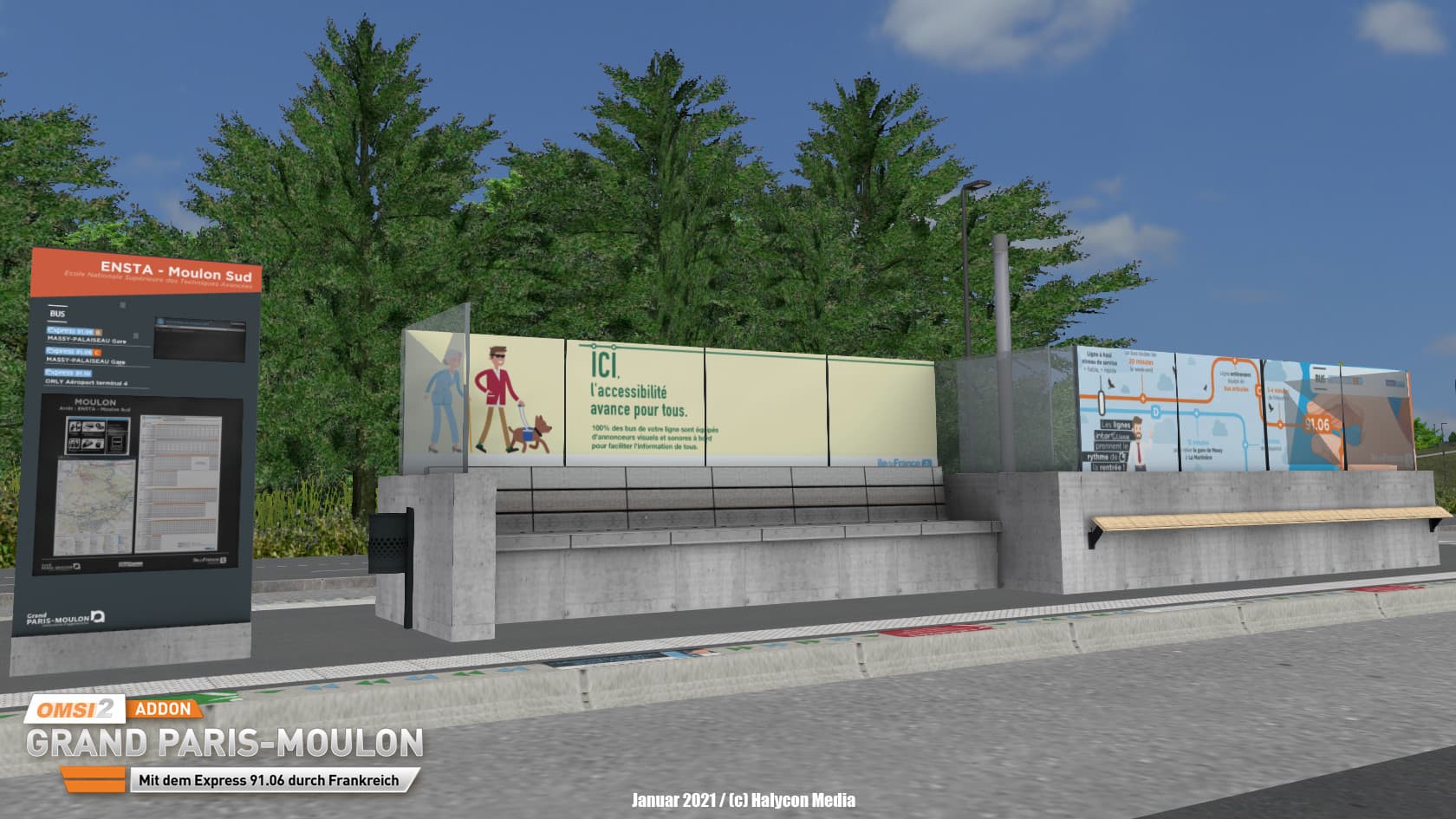
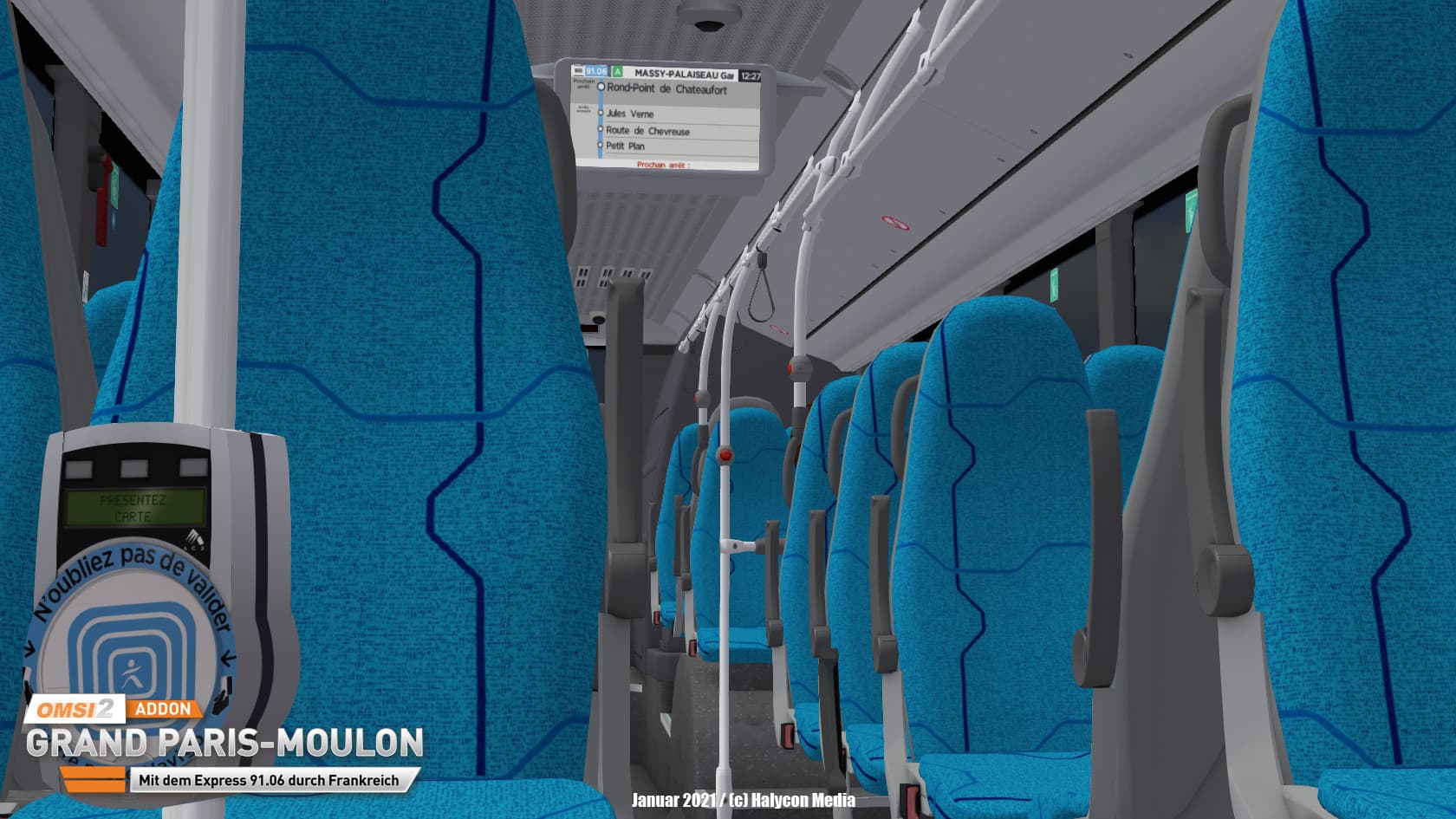
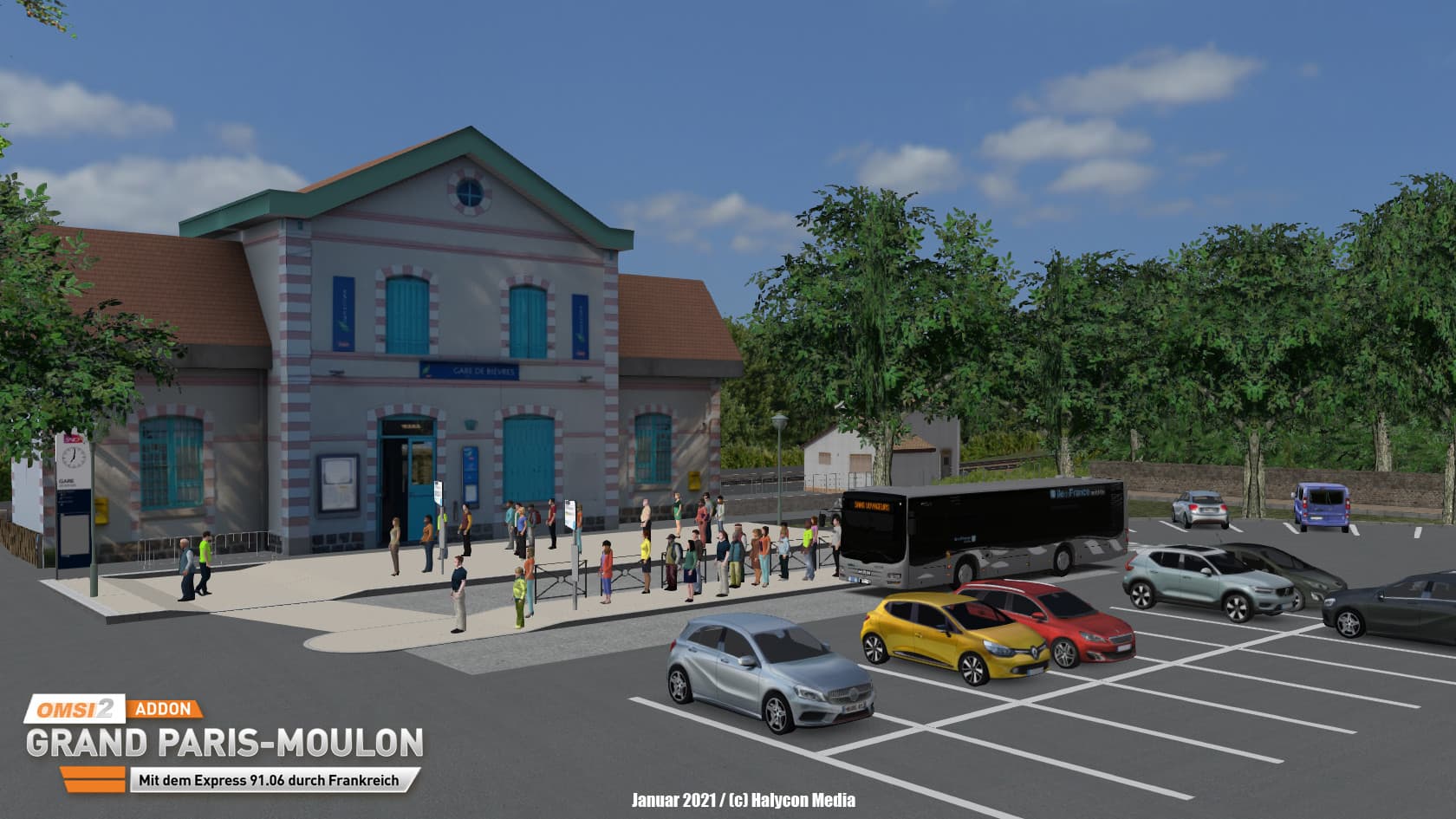
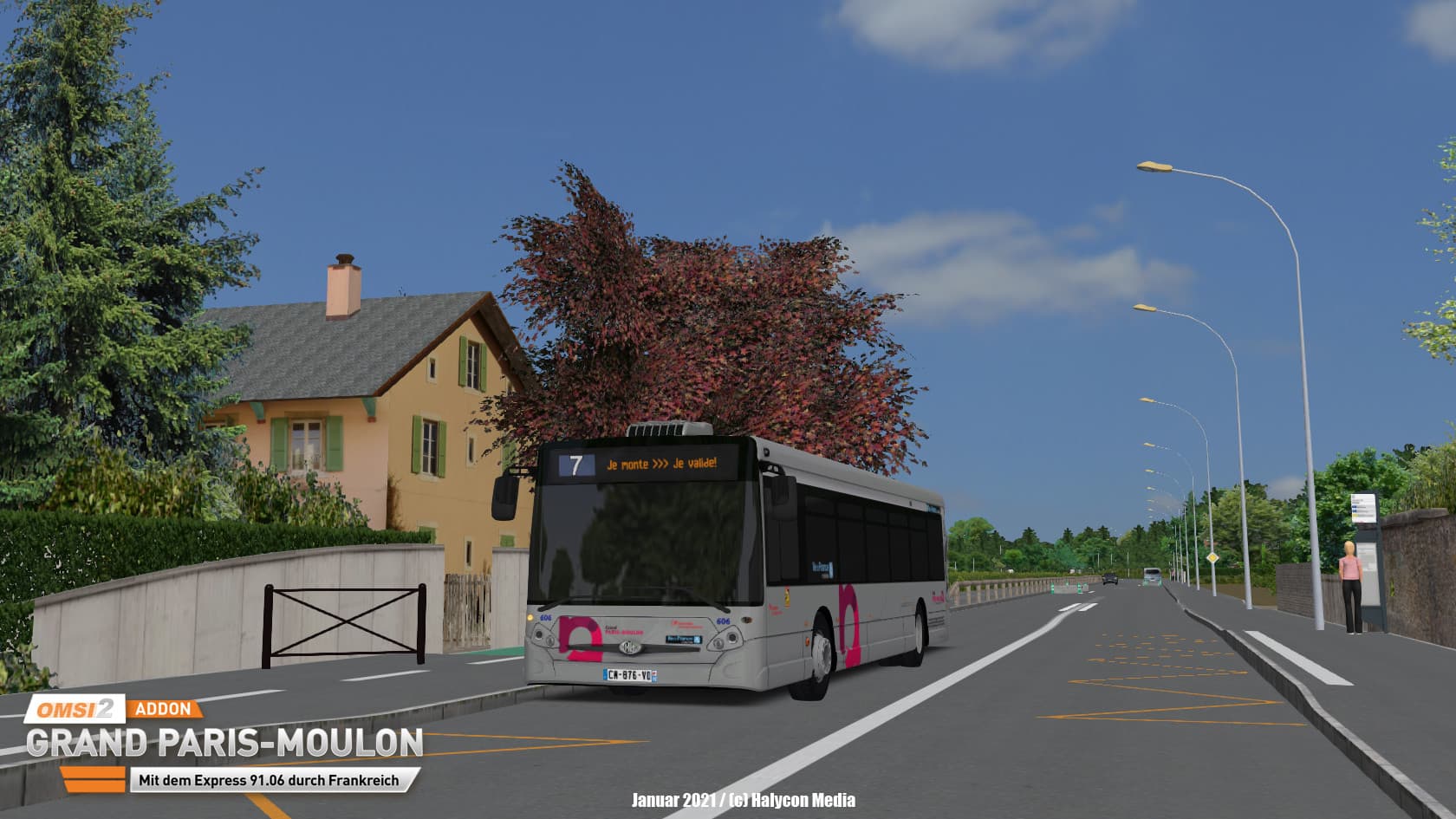
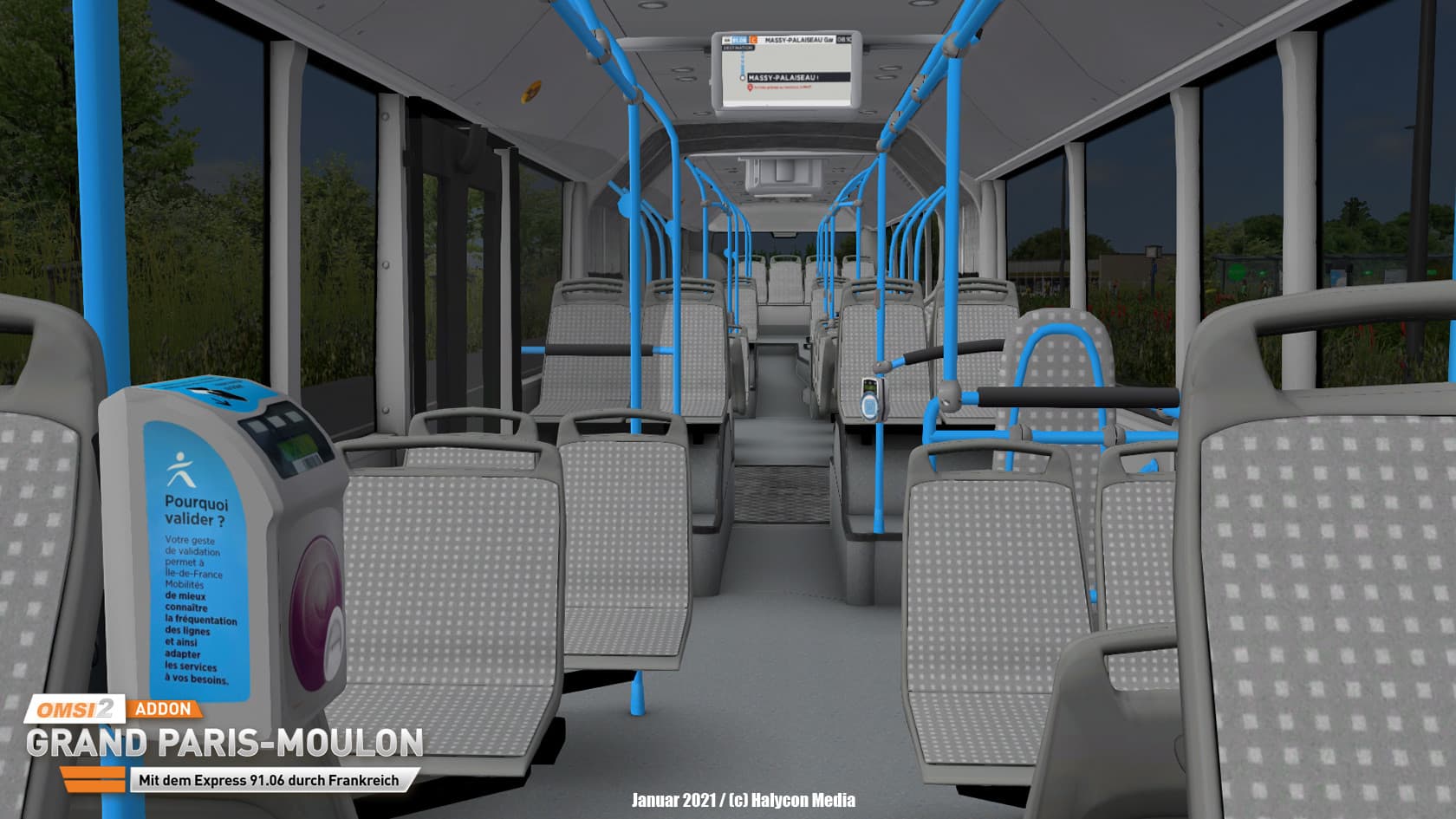
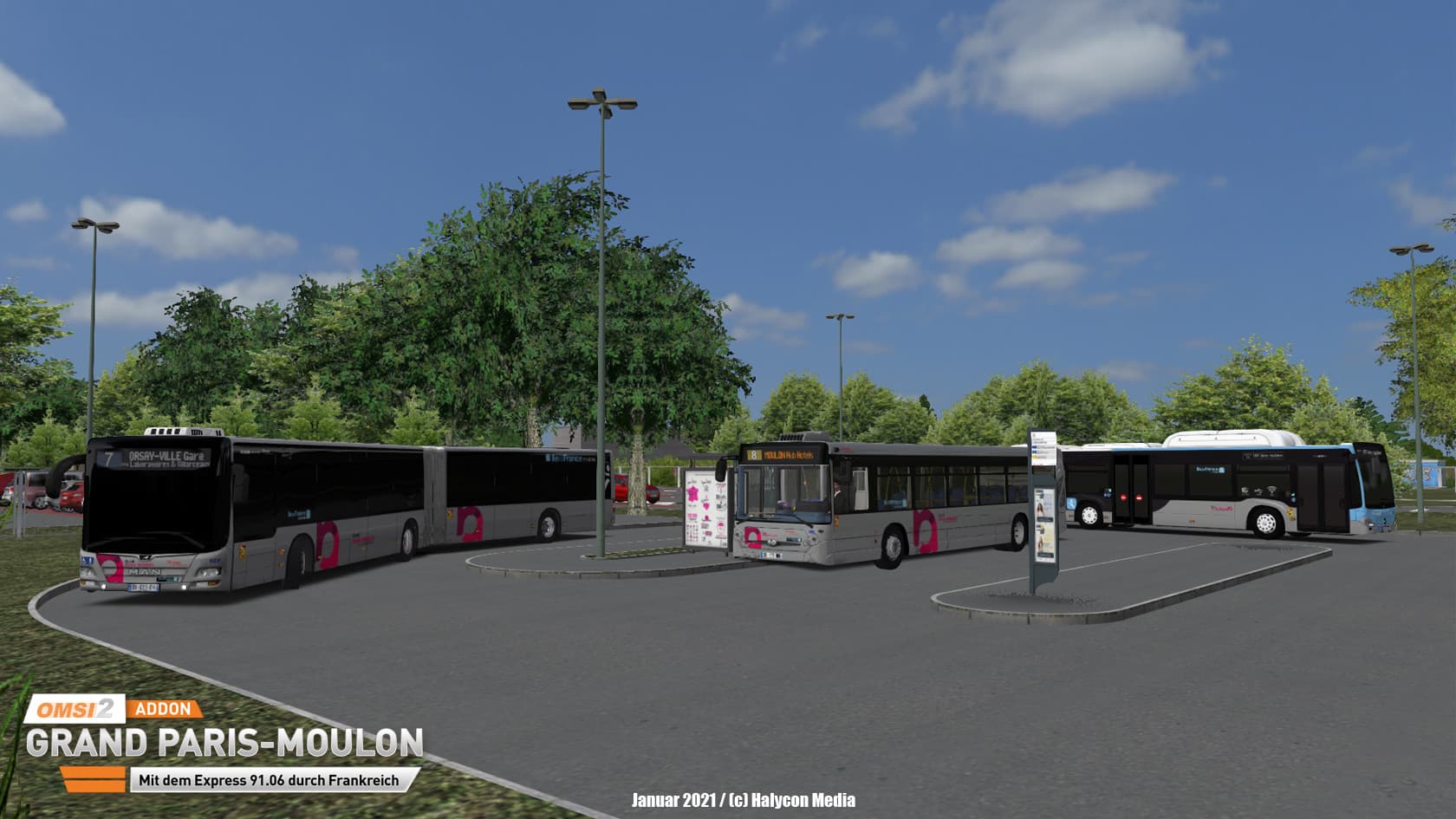
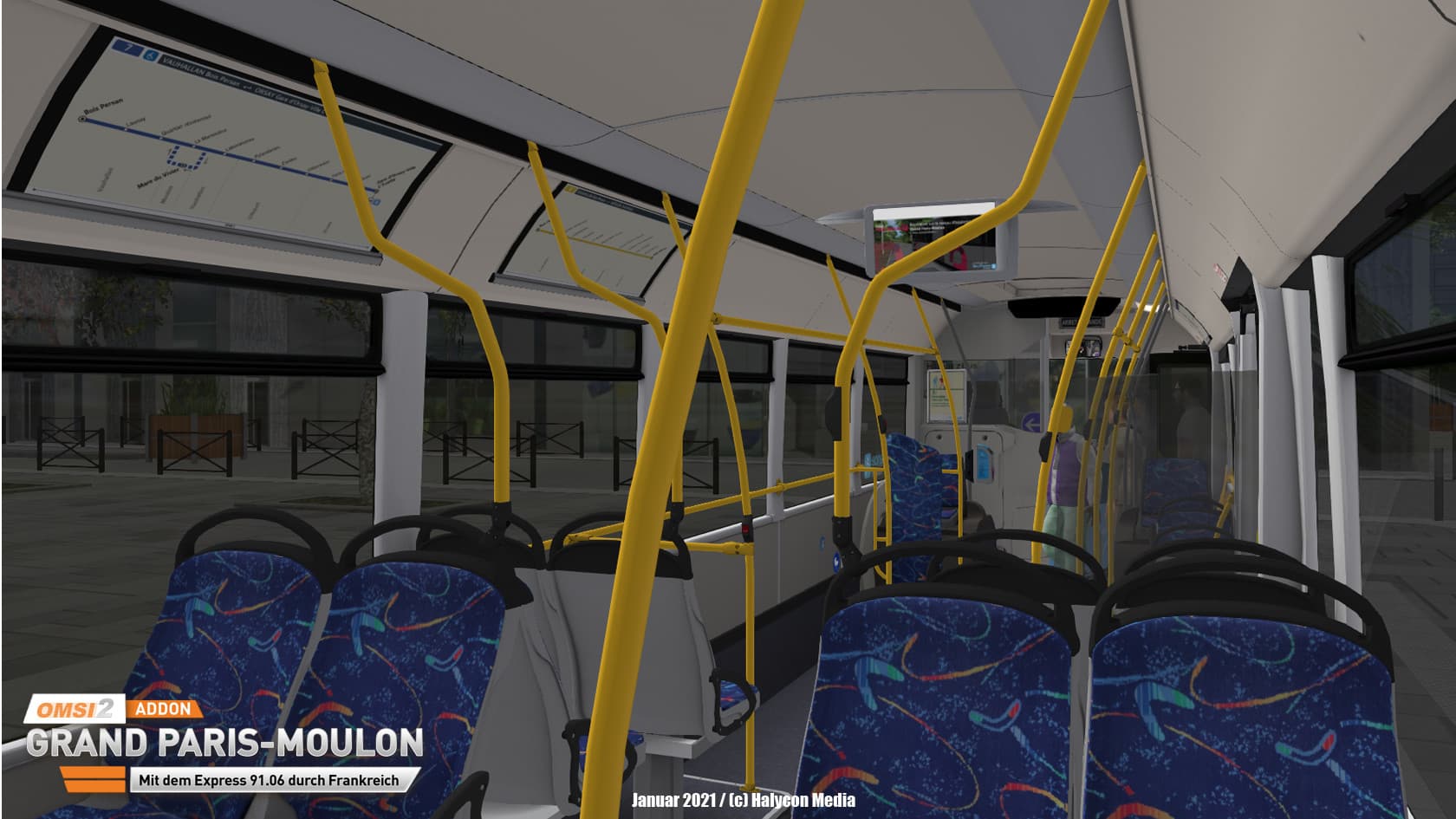
The AddOn Grand Paris Moulon - With the Express 91.06 through France from developer Creations AgoraS-114 plays in the area south of Paris.
Also in our neighbouring country there is a big fanbase for the bus simulator OMSI. And there's no doubt that this is a wonderful country for bus travel too. ...
सिस्टम आवश्यकताएं
न्यूनतम
- Steam account is required for game activation and installation
- This content requires the base game OMSI 2: Steam Edition on Steam in order to play.
- PC System Requirements
- न्यूनतम
- ऑपरेटिंग सिस्टम
- Win 8.1
- प्रोसेसर
- Dual-Core, e.g. Core i5 with 2.8 GHz or comparable
- मेमोरी
- 4 GB RAM
- ग्राफ़िक्स
- 3D graphics card with at least 1,024 MB
- DirectX
- Version 9.0c
- स्टोरेज
- 12 GB available space
- साउंड कार्ड
- Yes
- अतिरिक्त जानकारी
- For OMSI 2, the 4 GB patch is recommended | Installed full version OMSI 2 (at least version 2.3)
- अनुशंसित
- ऑपरेटिंग सिस्टम
- Win 10 / 64bit
- प्रोसेसर
- Quad-Core with 3.0 GHz
- मेमोरी
- 8 GB RAM
- ग्राफ़िक्स
- 2,048 MB
- साउंड कार्ड
सिफारिश की
कानूनी जानकारी
Copyright © 2020 AEROSOFT. All rights reserved. All trademarks and brand names are trademarks or registered trademarks of the respective owners. Copyrights are serious stuff. If you find any pirated copies of this software please notify us. We will make sure re- ports of copyrights violation are rewarded.
Aerosoft GmbHLindberghring 12D-33142 Büren, Germany