









कैसे सक्रिय करें
- Steam इंस्टॉल करें और अपने खाते में साइन इन करें (मुफ़्त खाता काफ़ी है)।
- ऊपर के मेनू में „Games” → „Activate a Product on Steam…” चुनें।
- कुंजी को ठीक वैसे ही दर्ज करें जैसे ऑर्डर में दिखाई गई है (डैश सहित) और पुष्टि करें। गेम आपकी लाइब्रेरी में दिखाई देगा।
गेम के बारे में
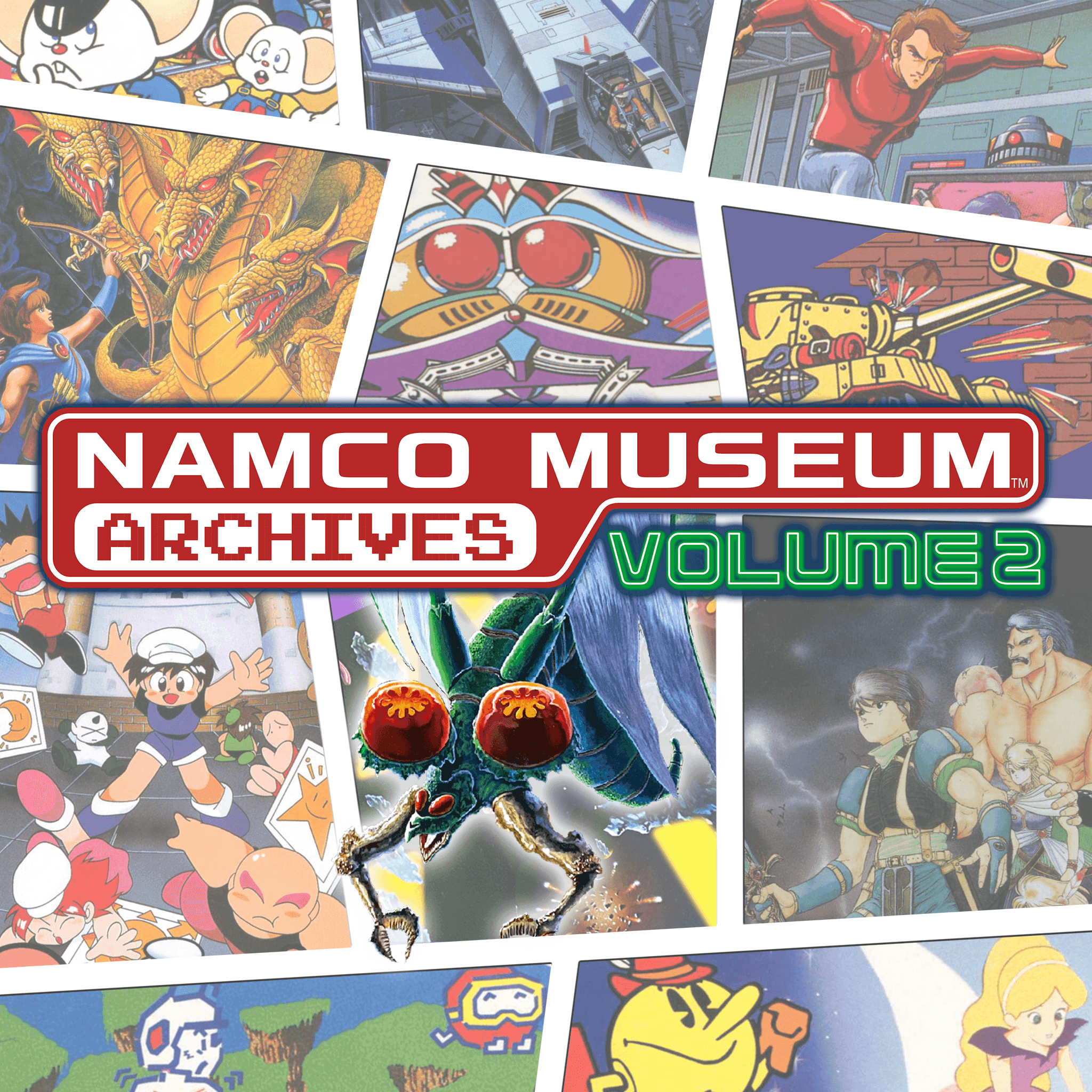
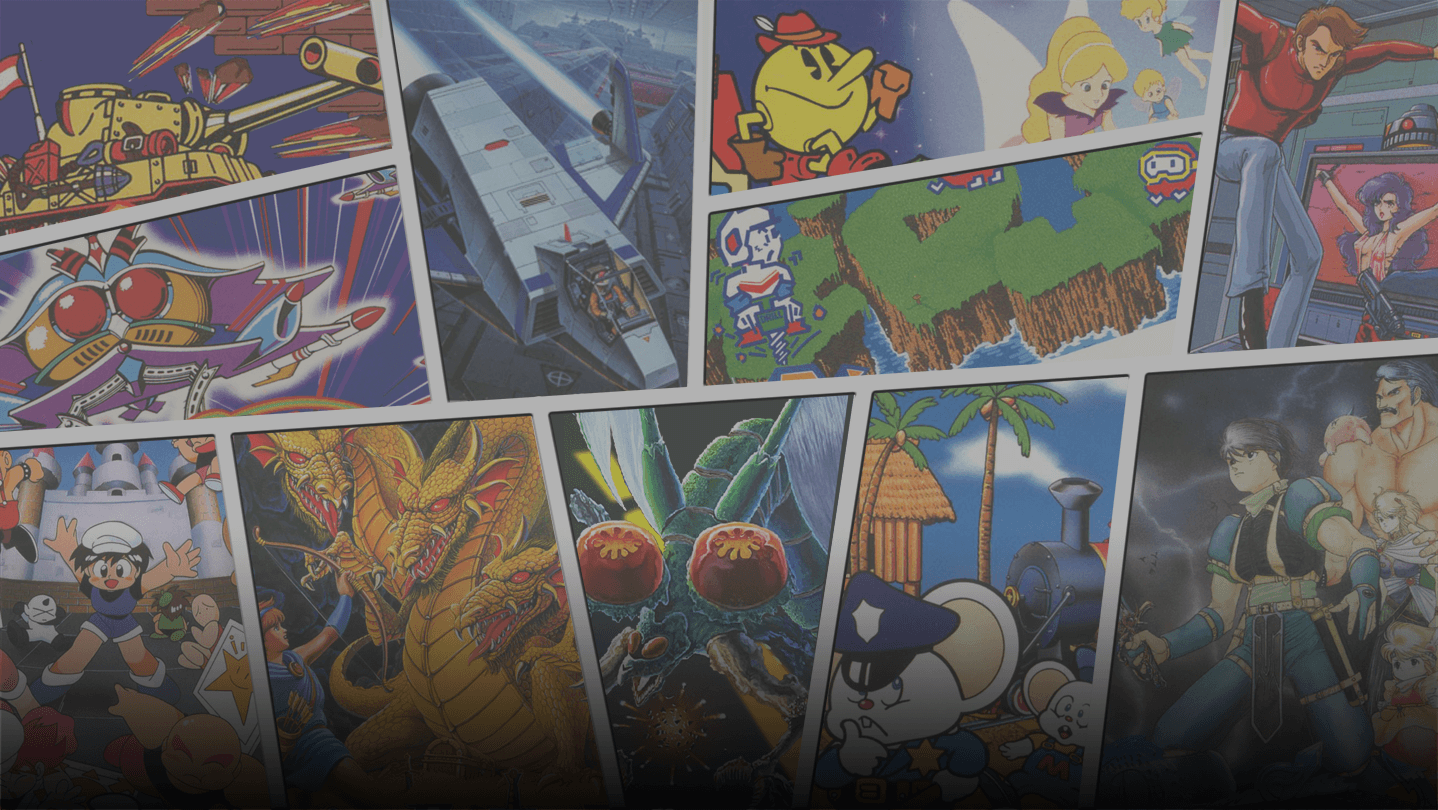
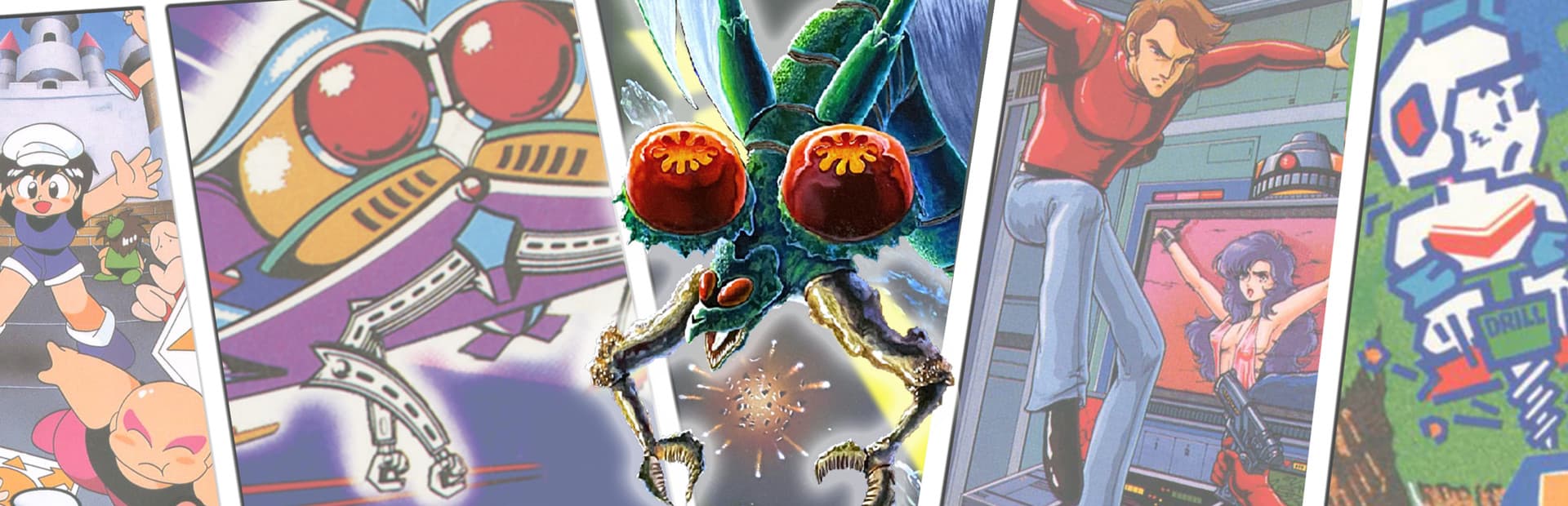
Includes 11 titles!
In addition to 10 classic Namco titles, some never before localized in the west, a NES-stylized version of "Gaplus" is included as a bonus!
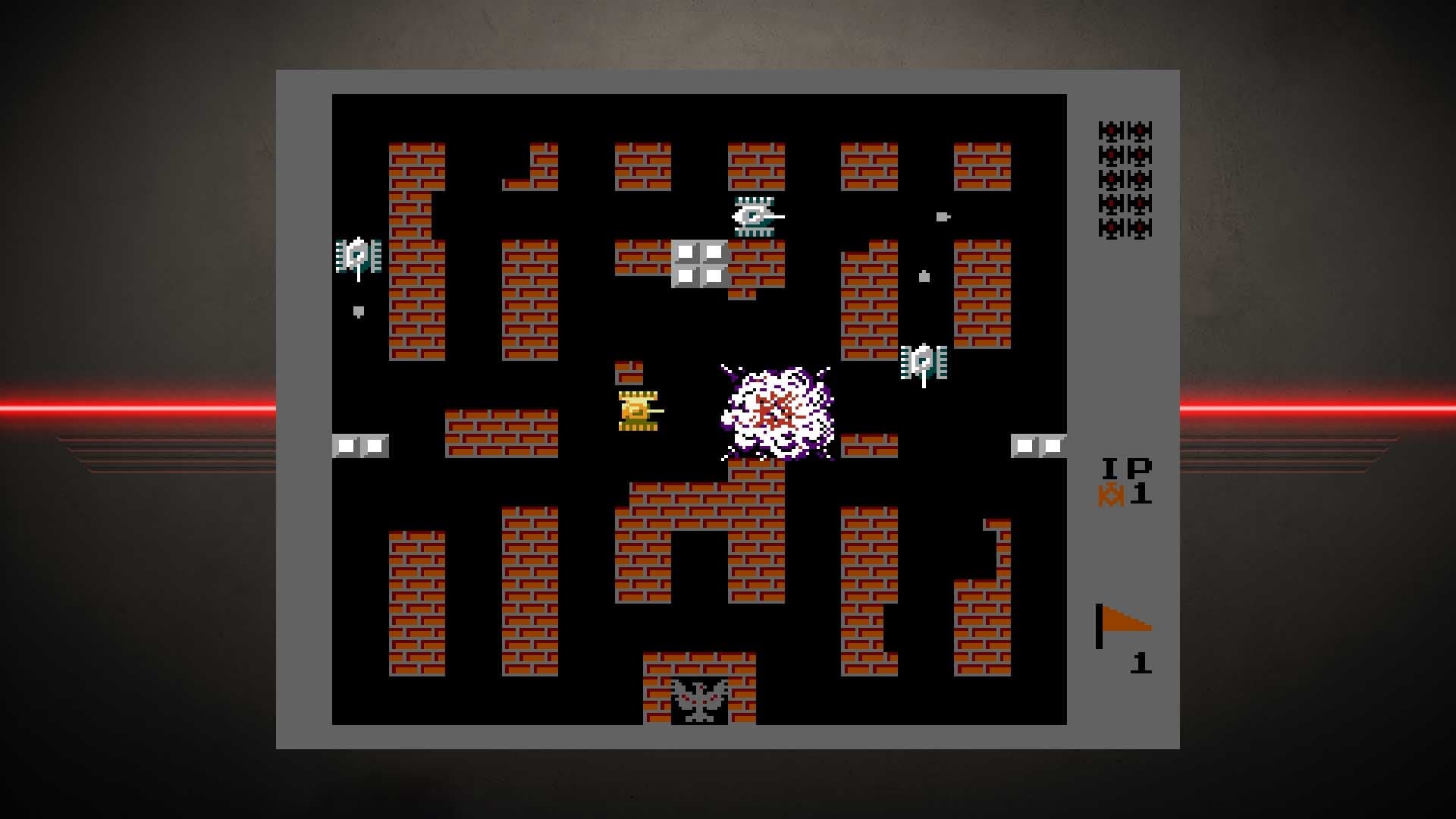
(Titles included: Galaga, Battle City, Pac-Land, Dig Dug II, Super Xevious, Mappy-Land, Legacy of the Wizard, Rolling Thunder, Dragon Buster II, Mendel Palace and Gaplus)
- Equipped with convenient modern functions!
Convenient features such as the "save function" that allows you to interrupt the game at any time and the "replay function" that allows you to start over at the last minute.
सिस्टम आवश्यकताएं
न्यूनतम
- Requires a 64-bit processor and operating system
- ऑपरेटिंग सिस्टम
- Windows 10 - 64bit
- प्रोसेसर
- Corei3 3120M
- मेमोरी
- 4 GB RAM
- ग्राफ़िक्स
- Intel HD Graphics 4000
- DirectX
- Version 9.0
- स्टोरेज
- 1 GB available space
सिफारिश की
- Requires a 64-bit processor and operating system
- ऑपरेटिंग सिस्टम
- Windows 10 - 64bit
- प्रोसेसर
- Intel Core i7-3770
- मेमोरी
- 8 GB RAM
- ग्राफ़िक्स
- NVIDIA GTX 760/AMD Radeon R9 270X
- DirectX
- Version 9.0
- स्टोरेज
- 1 GB available space