

कैसे सक्रिय करें
- Steam इंस्टॉल करें और अपने खाते में साइन इन करें (मुफ़्त खाता काफ़ी है)।
- ऊपर के मेनू में „Games” → „Activate a Product on Steam…” चुनें।
- कुंजी को ठीक वैसे ही दर्ज करें जैसे ऑर्डर में दिखाई गई है (डैश सहित) और पुष्टि करें। गेम आपकी लाइब्रेरी में दिखाई देगा।
गेम के बारे में
Purchase now and get the following bonus content for the expansion:
- ELDEN RING Shadow of the Erdtree Bonus Gesture
This is a Gesture that can be used in-game for Shadow of the Erdtree content.
*Bonus content will be available in-game when the expansion releases.
*The player can also unlock this later in the expansion.
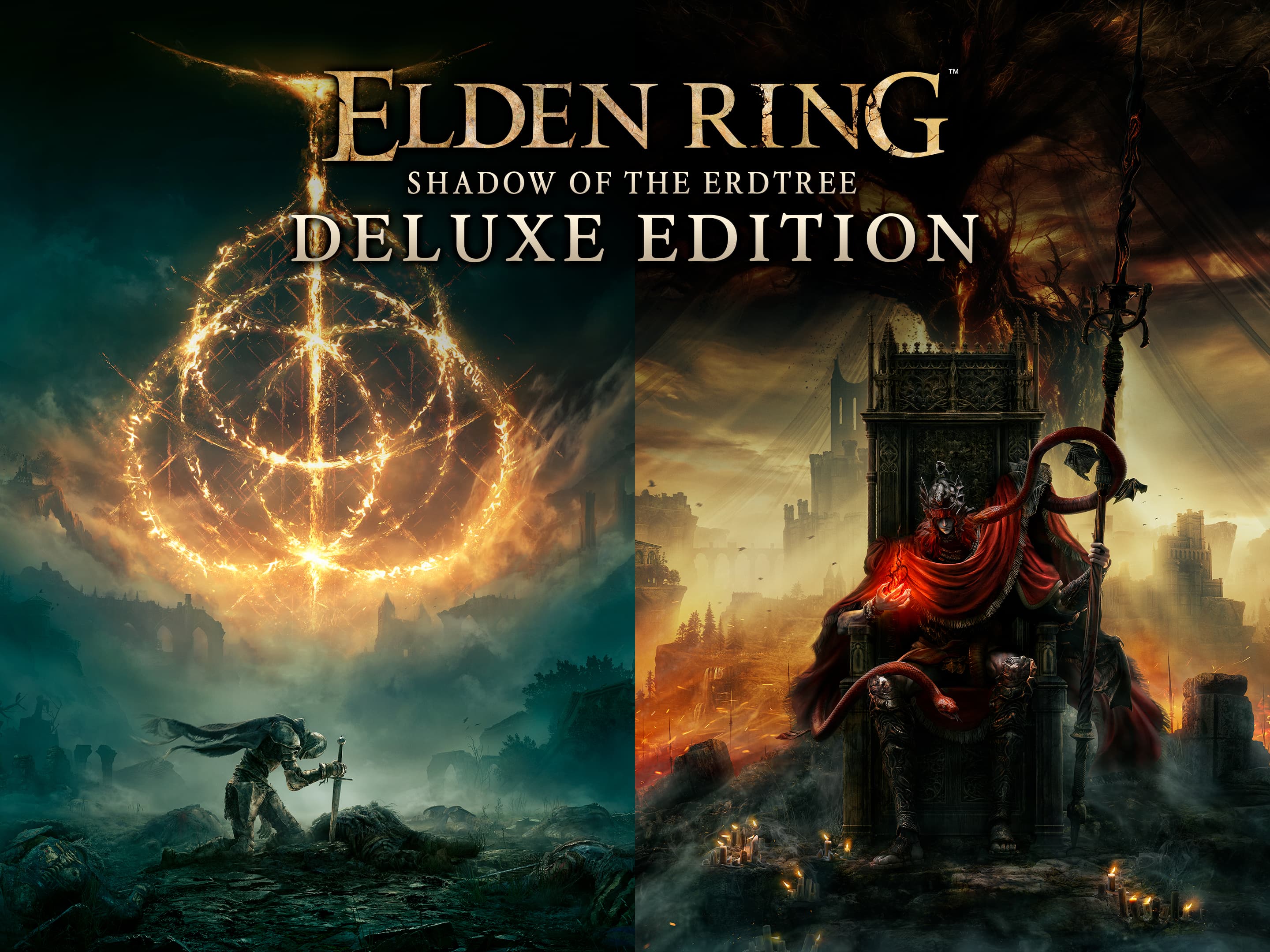
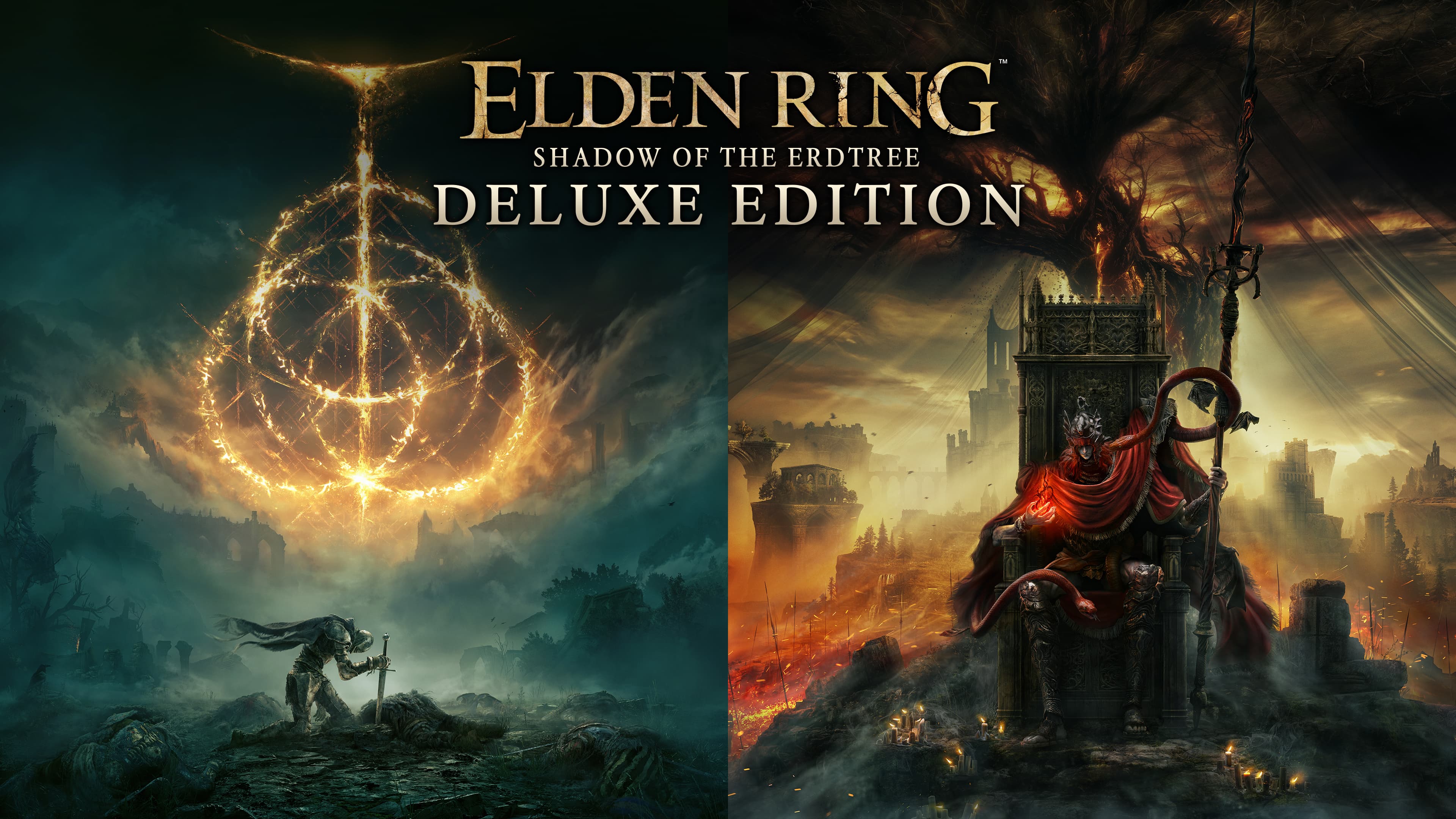
The Shadow of the Erdtree Deluxe Edition includes:
- ELDEN RING
- ELDEN RING Shadow of the Erdtree expansion
- ELDEN RING Digital Artbook & Original Soundtrack
- ELDEN RING Shadow of the Erdtree Digital Artbook & Original Soundtrack ...
सिस्टम आवश्यकताएं
न्यूनतम
- Requires a 64-bit processor and operating system
- ऑपरेटिंग सिस्टम
- Windows 10
- प्रोसेसर
- INTEL CORE I5-8400 or AMD RYZEN 3 3300X
- मेमोरी
- 12 GB RAM
- ग्राफ़िक्स
- NVIDIA GEFORCE GTX 1060 3 GB or AMD RADEON RX 580 4 GB
- DirectX
- Version 12
- स्टोरेज
- 60 GB available space
- साउंड कार्ड
- Windows Compatible Audio Device
सिफारिश की
- Requires a 64-bit processor and operating system
- ऑपरेटिंग सिस्टम
- Windows 10/11
- प्रोसेसर
- INTEL CORE I7-8700K or AMD RYZEN 5 3600X
- मेमोरी
- 16 GB RAM
- ग्राफ़िक्स
- NVIDIA GEFORCE GTX 1070 8 GB or AMD RADEON RX VEGA 56 8 GB
- DirectX
- Version 12
- स्टोरेज
- 60 GB available space
- साउंड कार्ड
- Windows Compatible Audio Device
कानूनी जानकारी
ELDEN RING™ & ©BANDAI NAMCO Entertainment Inc. / ©2022 FromSoftware, Inc.