


कैसे सक्रिय करें
- Steam इंस्टॉल करें और अपने खाते में साइन इन करें (मुफ़्त खाता काफ़ी है)।
- ऊपर के मेनू में „Games” → „Activate a Product on Steam…” चुनें।
- कुंजी को ठीक वैसे ही दर्ज करें जैसे ऑर्डर में दिखाई गई है (डैश सहित) और पुष्टि करें। गेम आपकी लाइब्रेरी में दिखाई देगा।
गेम के बारे में
It is 2150, one of the darkest years in the history of mankind…
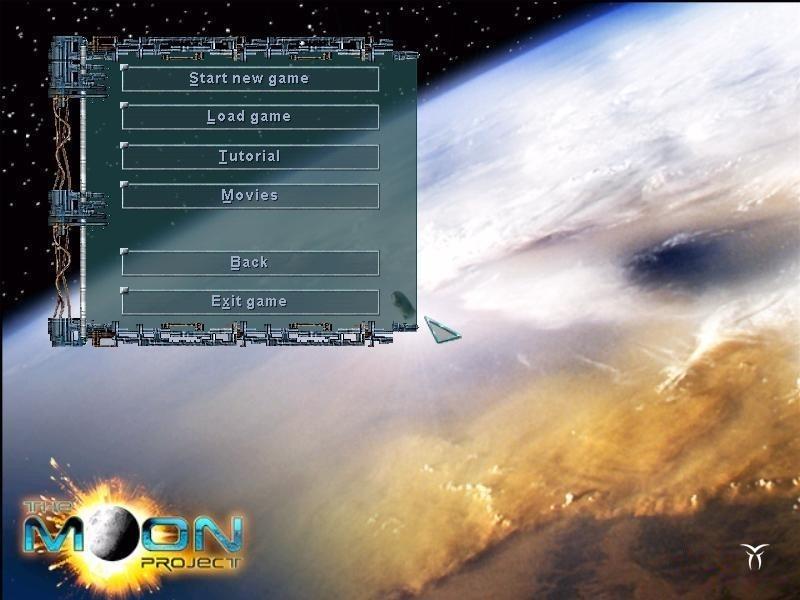
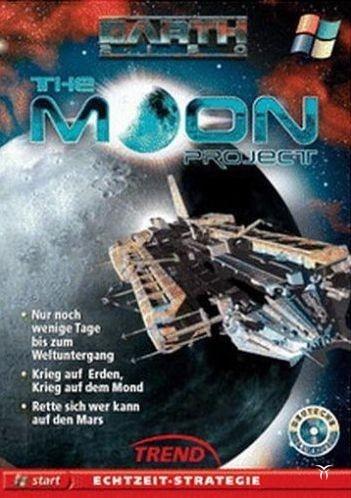
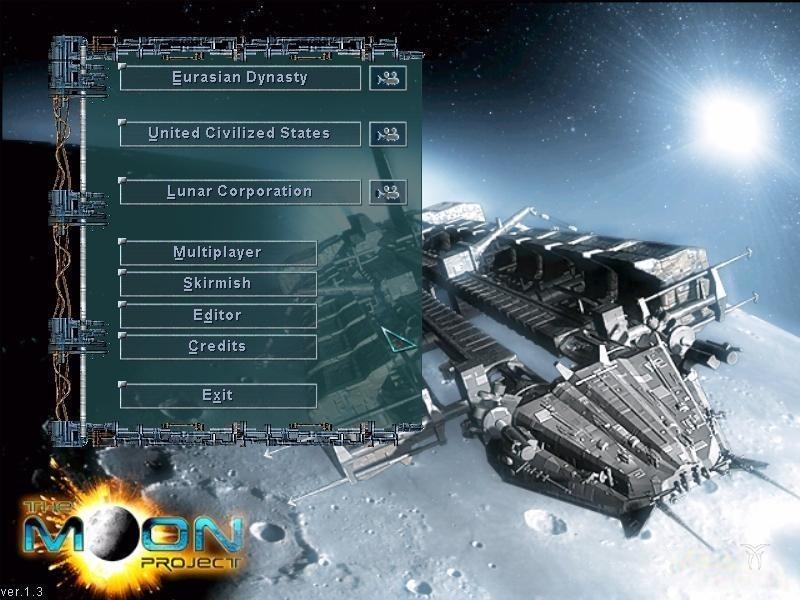
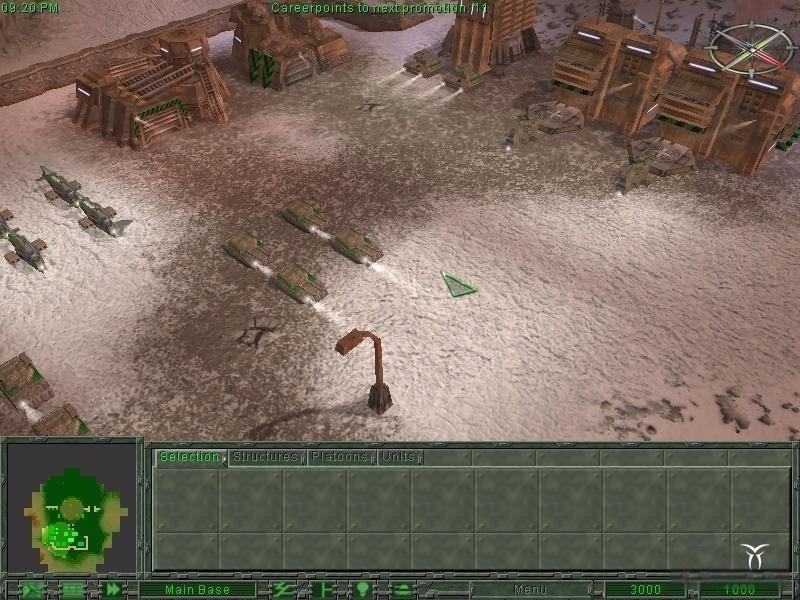
While the Lunar Corporation, Eurasian Dynasty and the United Civilized States battle it out to the bitter end on the home planet, a secret research project is underway on the moon. Only the project code name is known...."Project SunLight".
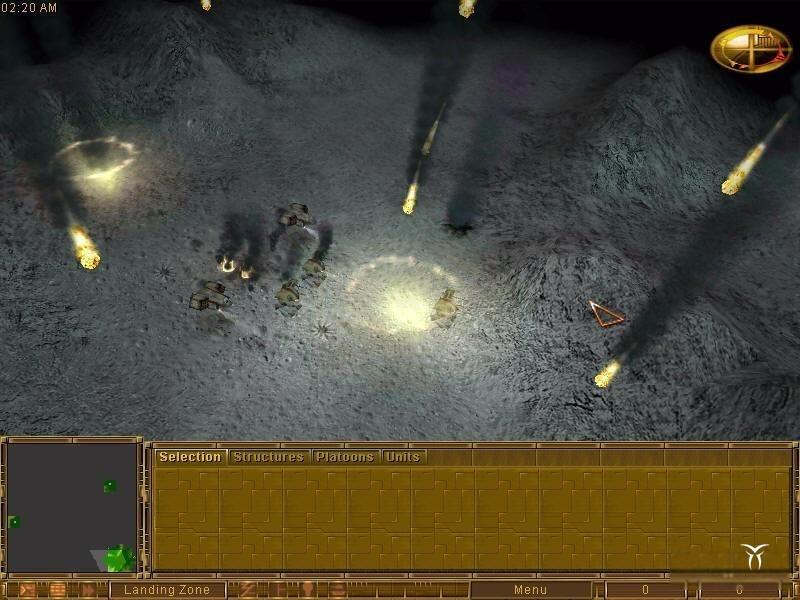
To find the reasons why the Lunar Corporation has become so obsessed with this project, a huge armada of UCS spaceships blasts off for the moon.....
सिस्टम आवश्यकताएं
न्यूनतम
- Graphic
- DirectXTM compatible Graphic Card with 3D-speedup
- Other
- 3-buttons mouse
- Other
- 8X
- Other
- CD Drive requirement
- ऑपरेटिंग सिस्टम
- Windows XP
- ऑपरेटिंग सिस्टम
- Windows 2000
- ऑपरेटिंग सिस्टम
- Windows 98
- ऑपरेटिंग सिस्टम
- Windows Millenium
- ऑपरेटिंग सिस्टम
- Windows 95
- प्रोसेसर
- PentiumTM Processor (IBM compatible) 0.300GHz
- मेमोरी
- 0.064GB
- स्टोरेज
- 0.35GB
- साउंड कार्ड
- DirectX compatible sound card
सिफारिश की
- Other
- CD Drive requirement
- Other
- 12X
- Other
- 3-buttons mouse
- Graphic
- DirectXTM compatible Graphic Card 16MB
- ऑपरेटिंग सिस्टम
- Windows 2000
- ऑपरेटिंग सिस्टम
- Windows XP
- ऑपरेटिंग सिस्टम
- Windows Millenium
- ऑपरेटिंग सिस्टम
- Windows 95
- ऑपरेटिंग सिस्टम
- Windows 98
- स्टोरेज
- 0.5GB
- प्रोसेसर
- PentiumTM Processor (IBM compatible) 0.500GHz
- साउंड कार्ड
- DirectX compatible sound card
- मेमोरी
- 0.128GB