



कैसे सक्रिय करें
- Steam इंस्टॉल करें और अपने खाते में साइन इन करें (मुफ़्त खाता काफ़ी है)।
- ऊपर के मेनू में „Games” → „Activate a Product on Steam…” चुनें।
- कुंजी को ठीक वैसे ही दर्ज करें जैसे ऑर्डर में दिखाई गई है (डैश सहित) और पुष्टि करें। गेम आपकी लाइब्रेरी में दिखाई देगा।
गेम के बारे में
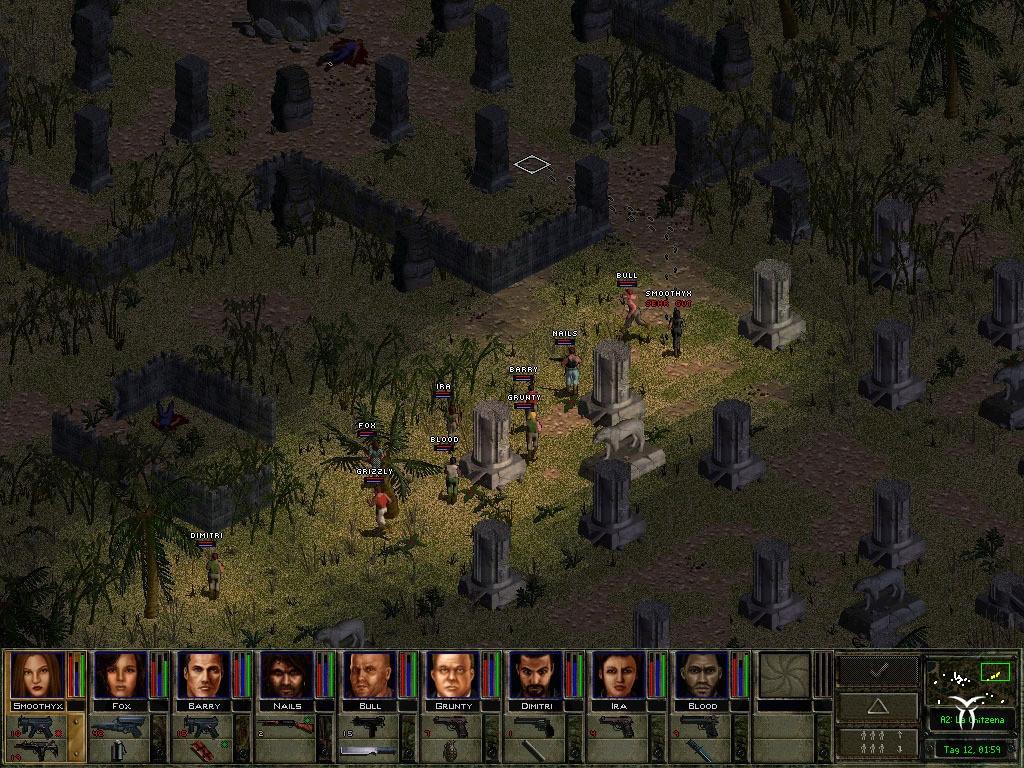
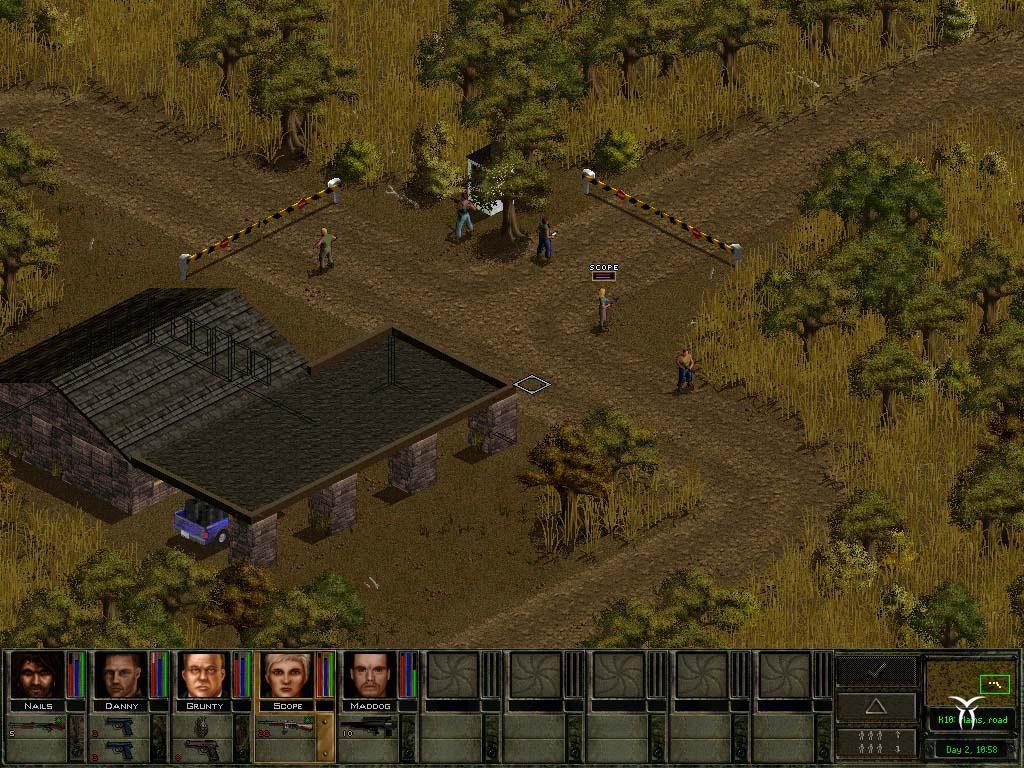
Jagged Alliance 2: Wildfire brings you back to Arulco. Although what you find there is in no way pleasing! The population is being terrorized by a reckless army; in the meantime the main export goods are drugs. Subversion and fraudulence has infiltrated all levels of local government and the ever-present Mafia has his fingers in many pies. ...
सिस्टम आवश्यकताएं
न्यूनतम
- Graphic
- 3D Graphics card 64MB
- Other
- DVD drive requirement
- Other
- 3-buttons mouse
- Other
- Keyboard requirement
- ऑपरेटिंग सिस्टम
- Windows XP
- ऑपरेटिंग सिस्टम
- Windows 7
- ऑपरेटिंग सिस्टम
- Windows Vista
- ऑपरेटिंग सिस्टम
- Windows 8
- प्रोसेसर
- AMD Singlecore
- प्रोसेसर
- Intel
- मेमोरी
- 0.128GB
- स्टोरेज
- 0.8GB
- साउंड कार्ड
- Sound Card
सिफारिश की
- Other
- DVD drive requirement
- Other
- Keyboard requirement
- Other
- 3-buttons mouse
- Graphic
- 3D Graphics card 128MB
- ऑपरेटिंग सिस्टम
- Windows 7
- ऑपरेटिंग सिस्टम
- Windows Vista
- ऑपरेटिंग सिस्टम
- Windows XP
- ऑपरेटिंग सिस्टम
- Windows 8
- स्टोरेज
- 0.9GB
- प्रोसेसर
- Intel
- साउंड कार्ड
- Sound Card
- मेमोरी
- 0.128GB