

कैसे सक्रिय करें
- Steam इंस्टॉल करें और अपने खाते में साइन इन करें (मुफ़्त खाता काफ़ी है)।
- ऊपर के मेनू में „Games” → „Activate a Product on Steam…” चुनें।
- कुंजी को ठीक वैसे ही दर्ज करें जैसे ऑर्डर में दिखाई गई है (डैश सहित) और पुष्टि करें। गेम आपकी लाइब्रेरी में दिखाई देगा।
गेम के बारे में
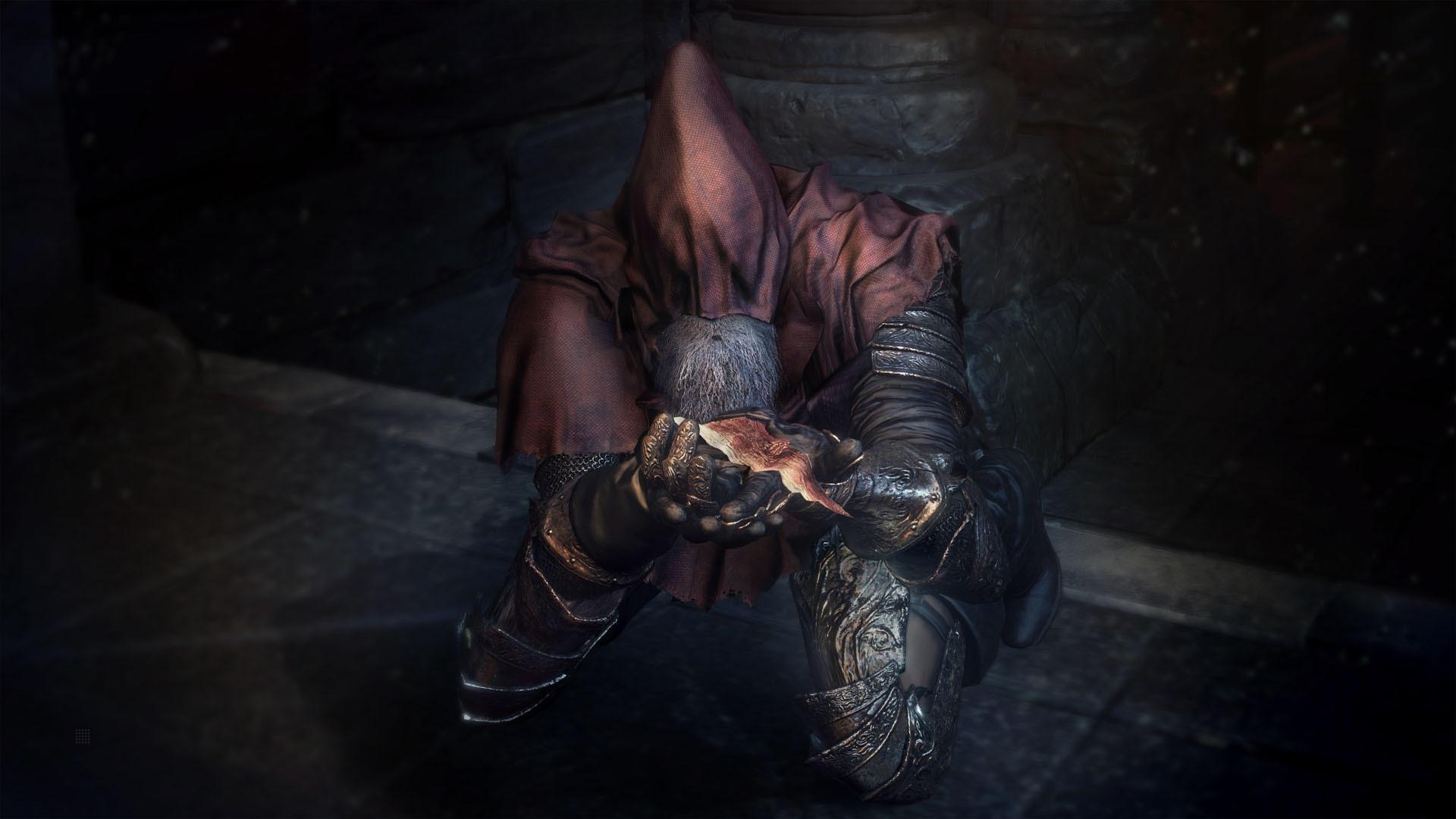
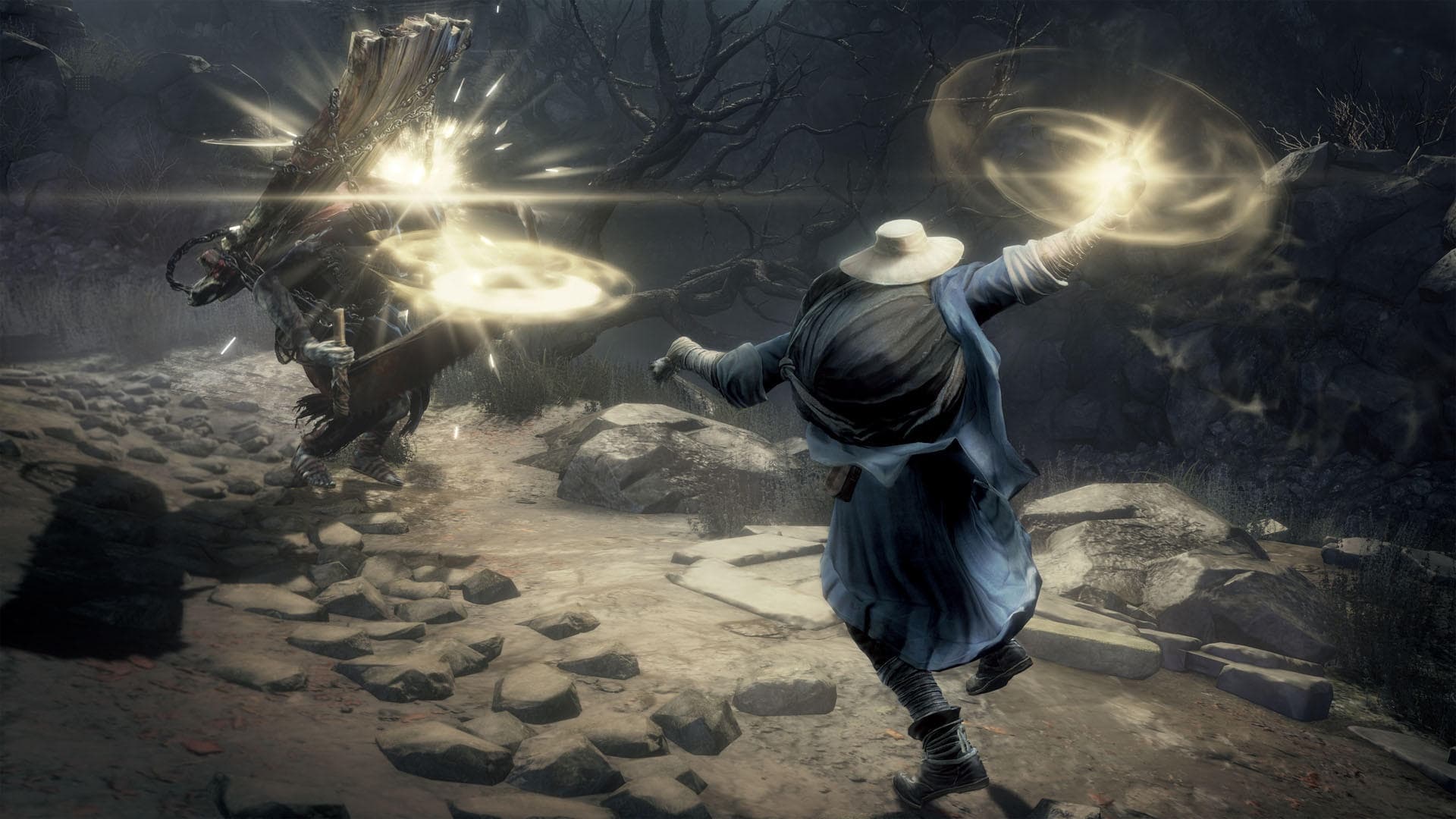
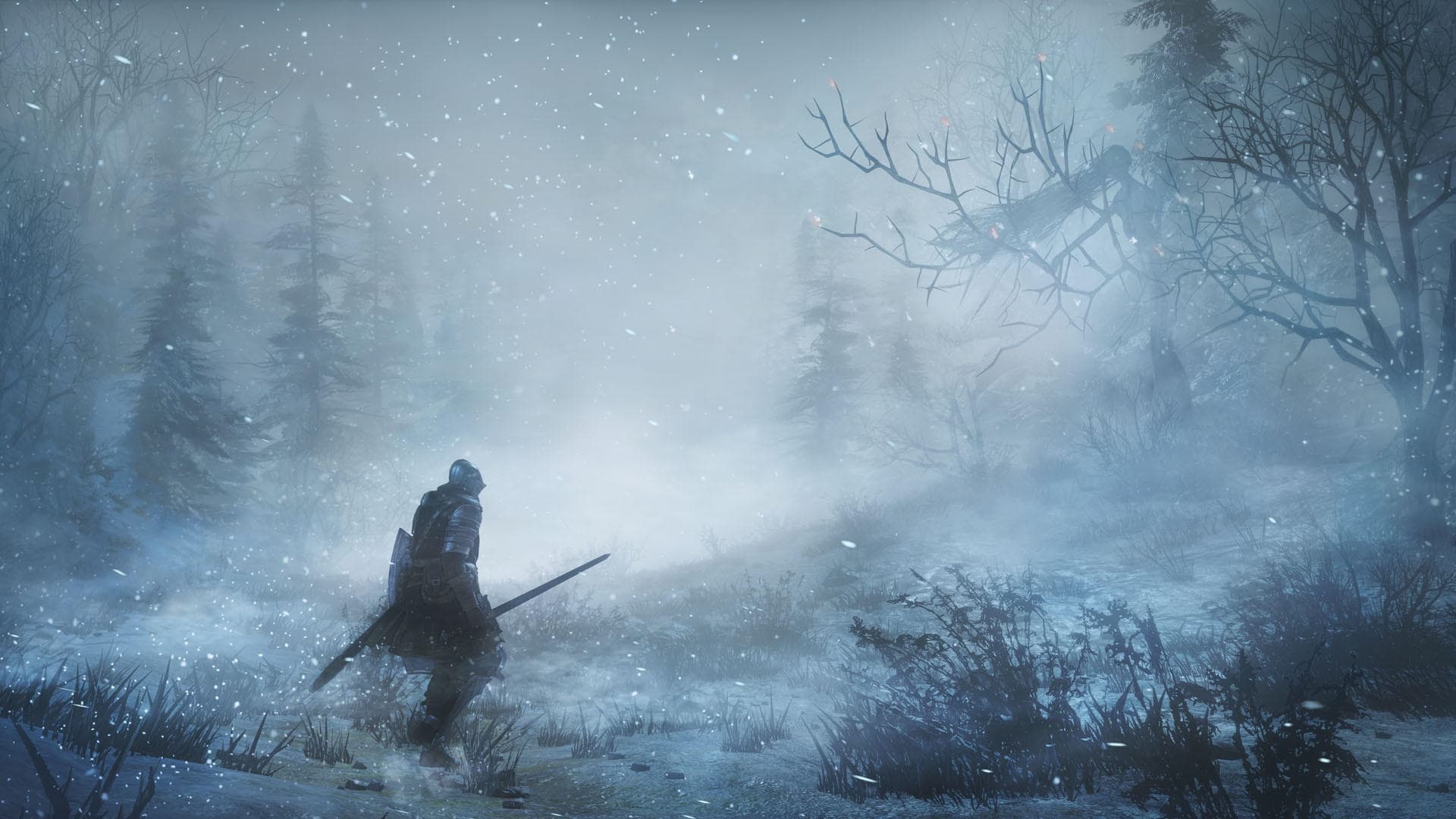
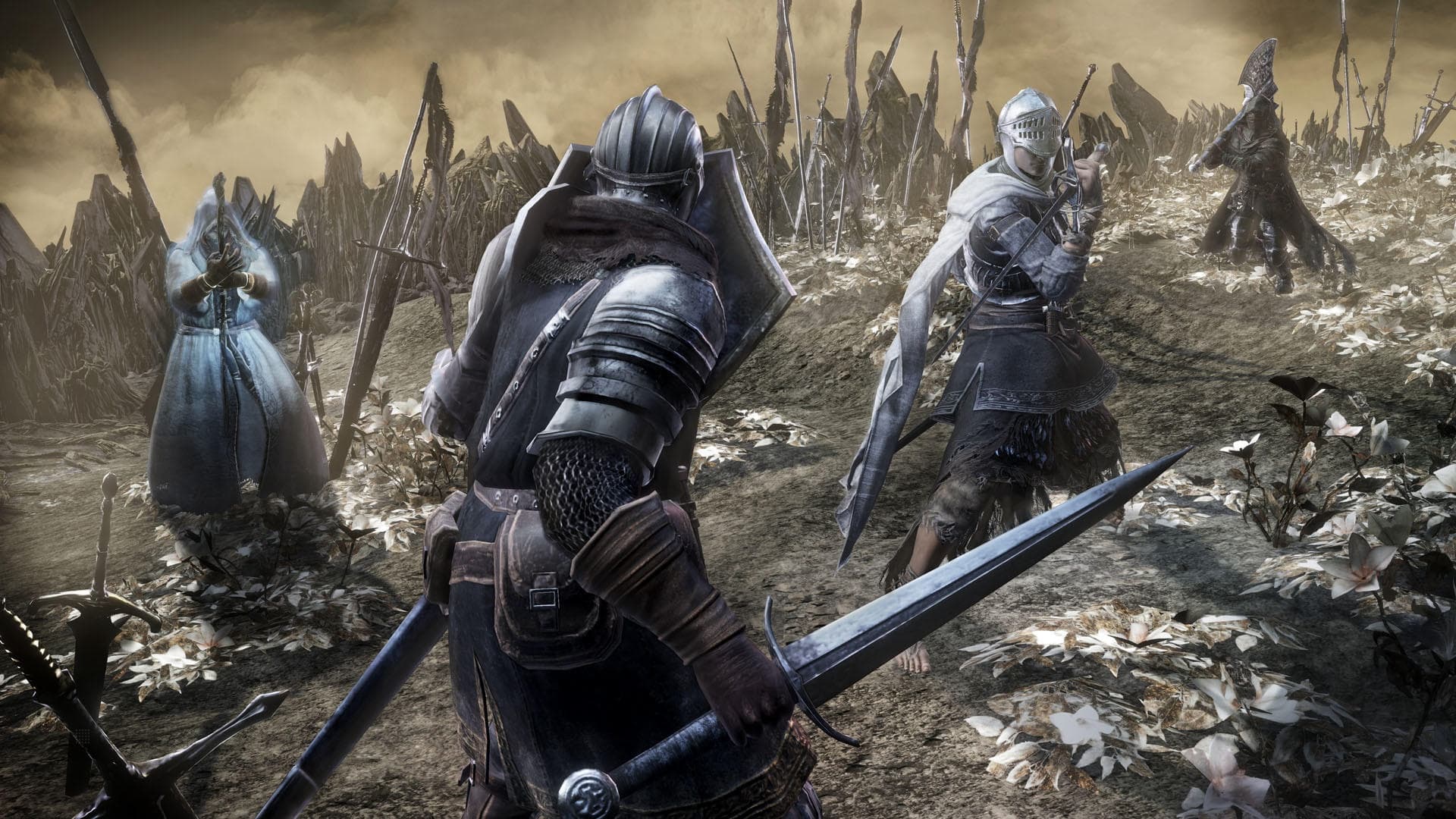
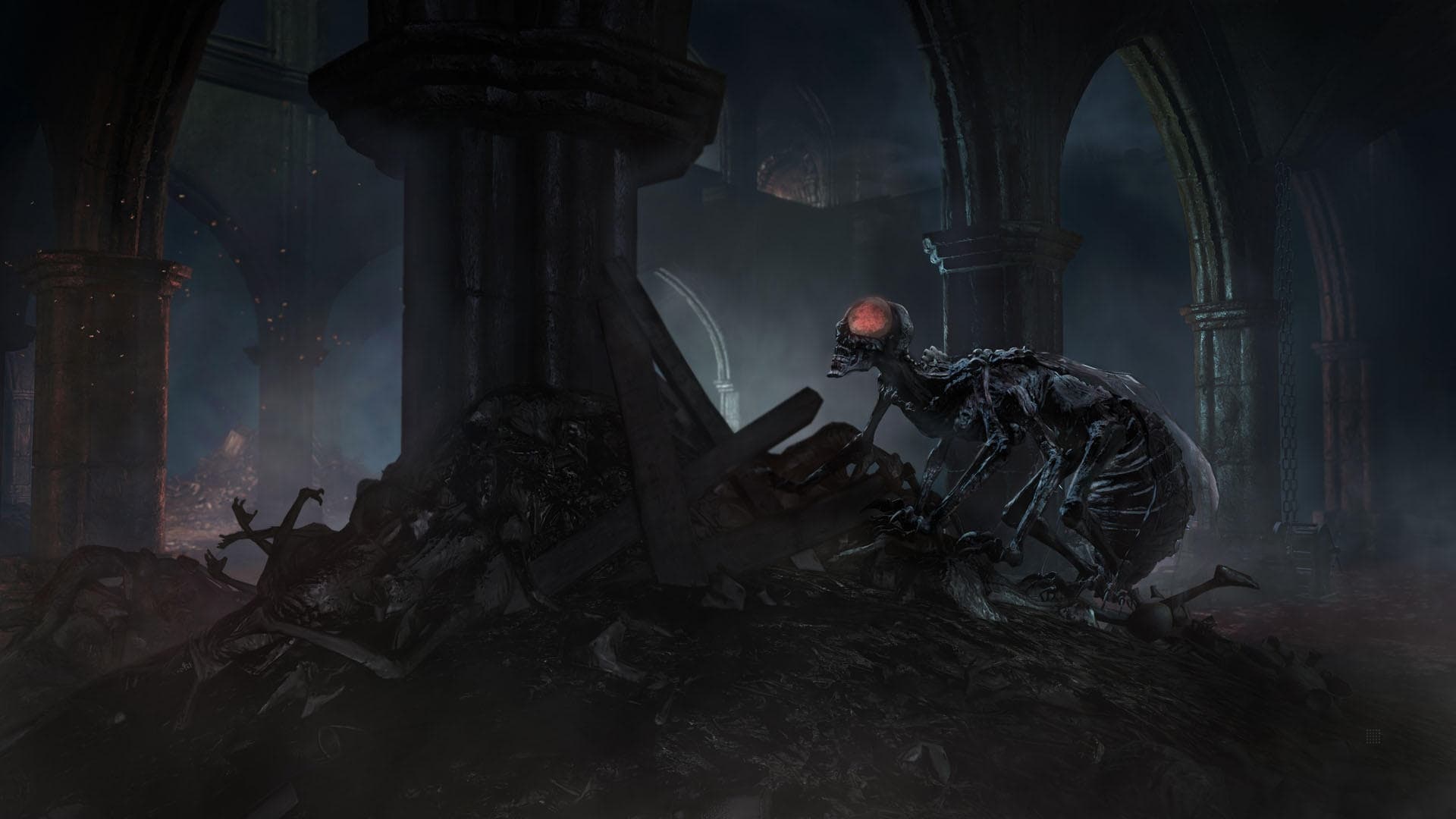
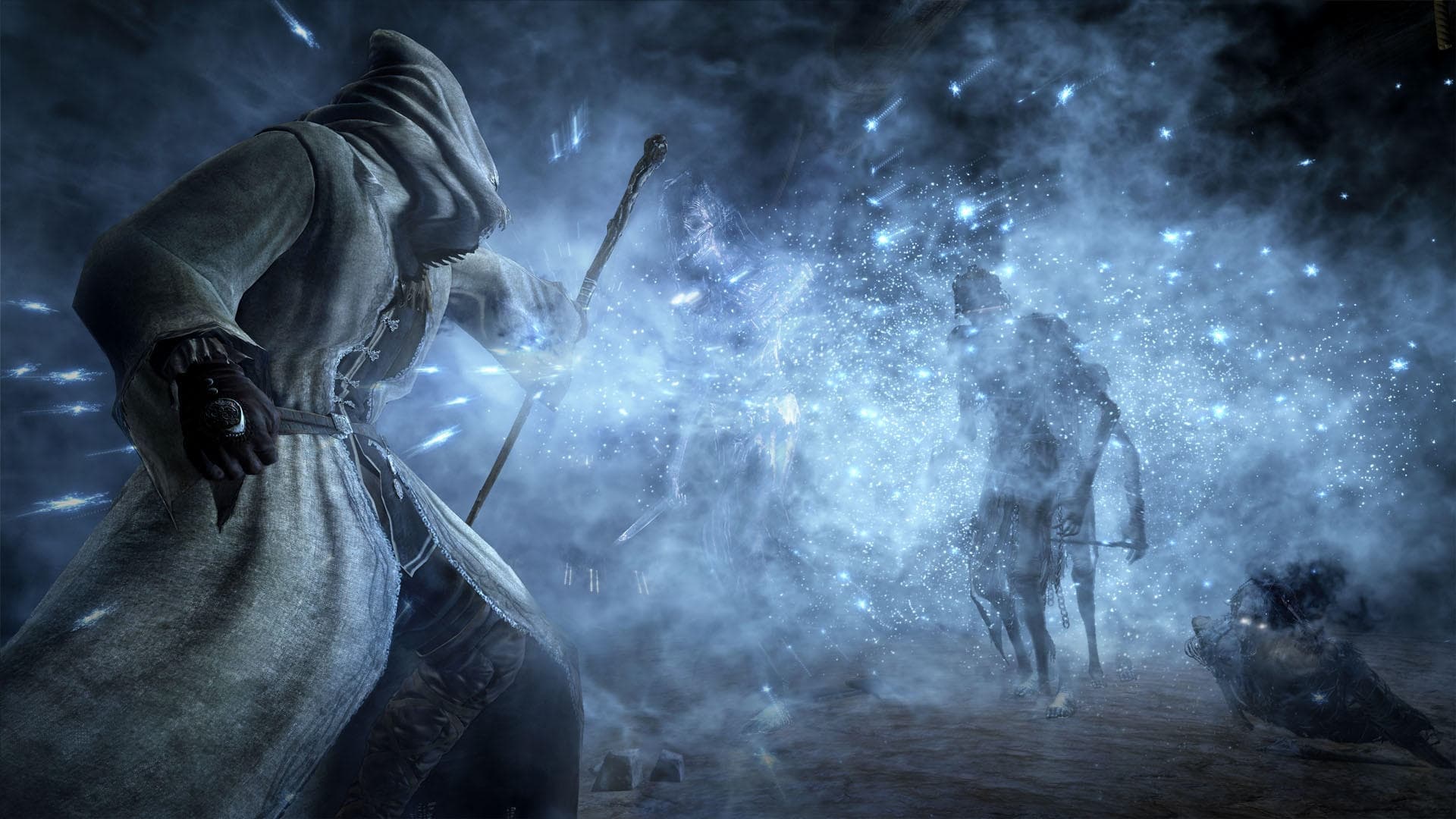
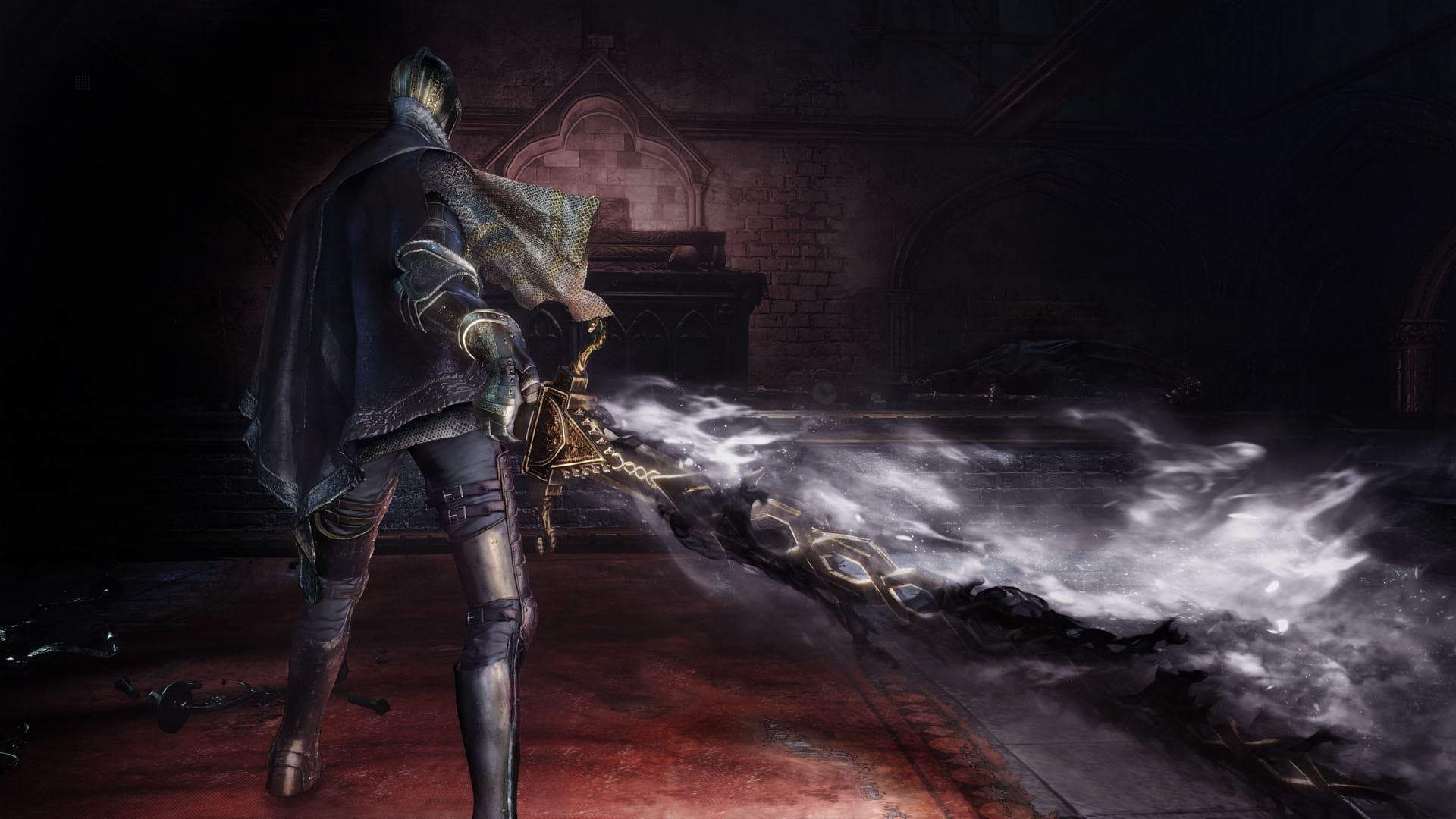
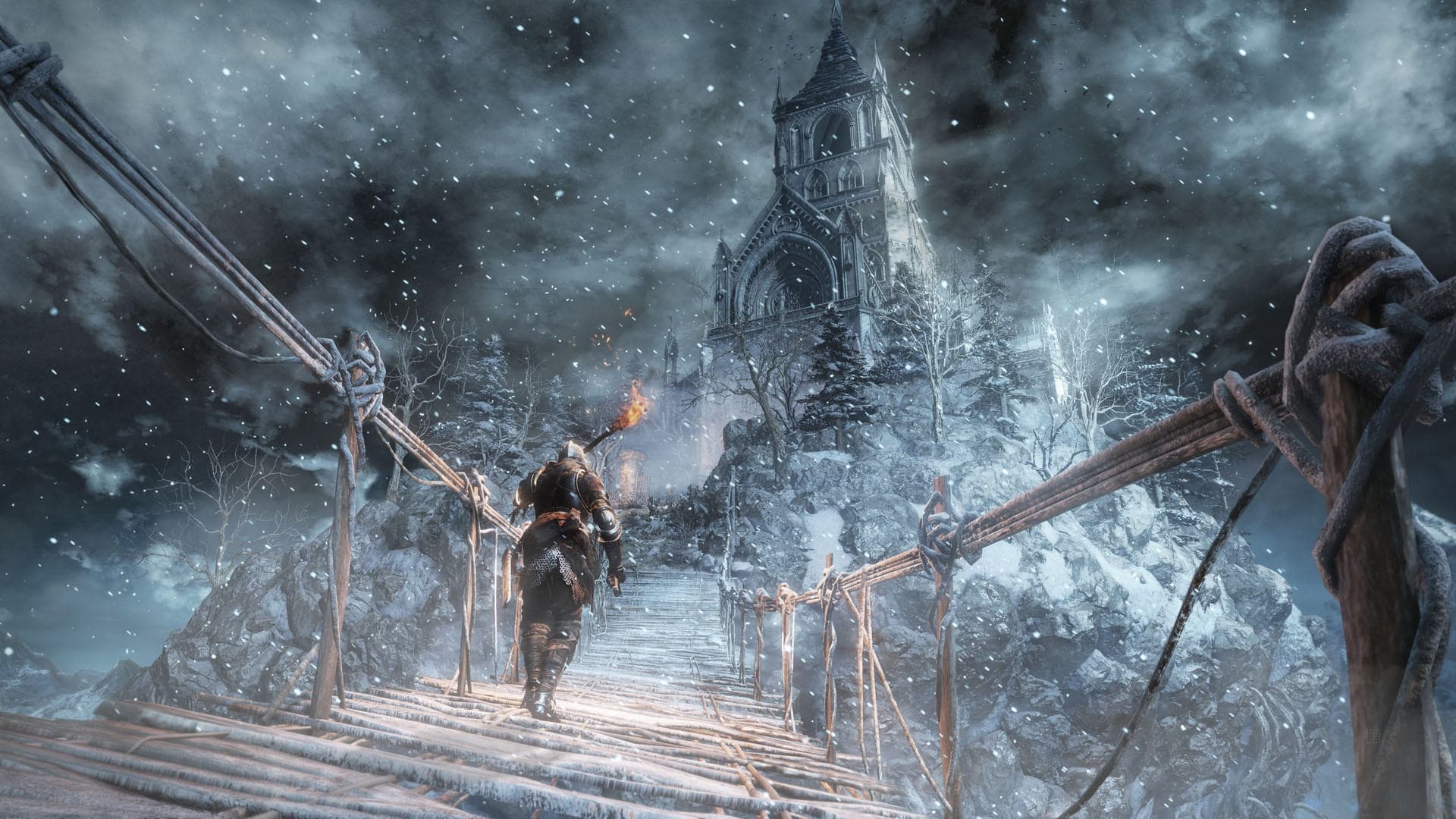
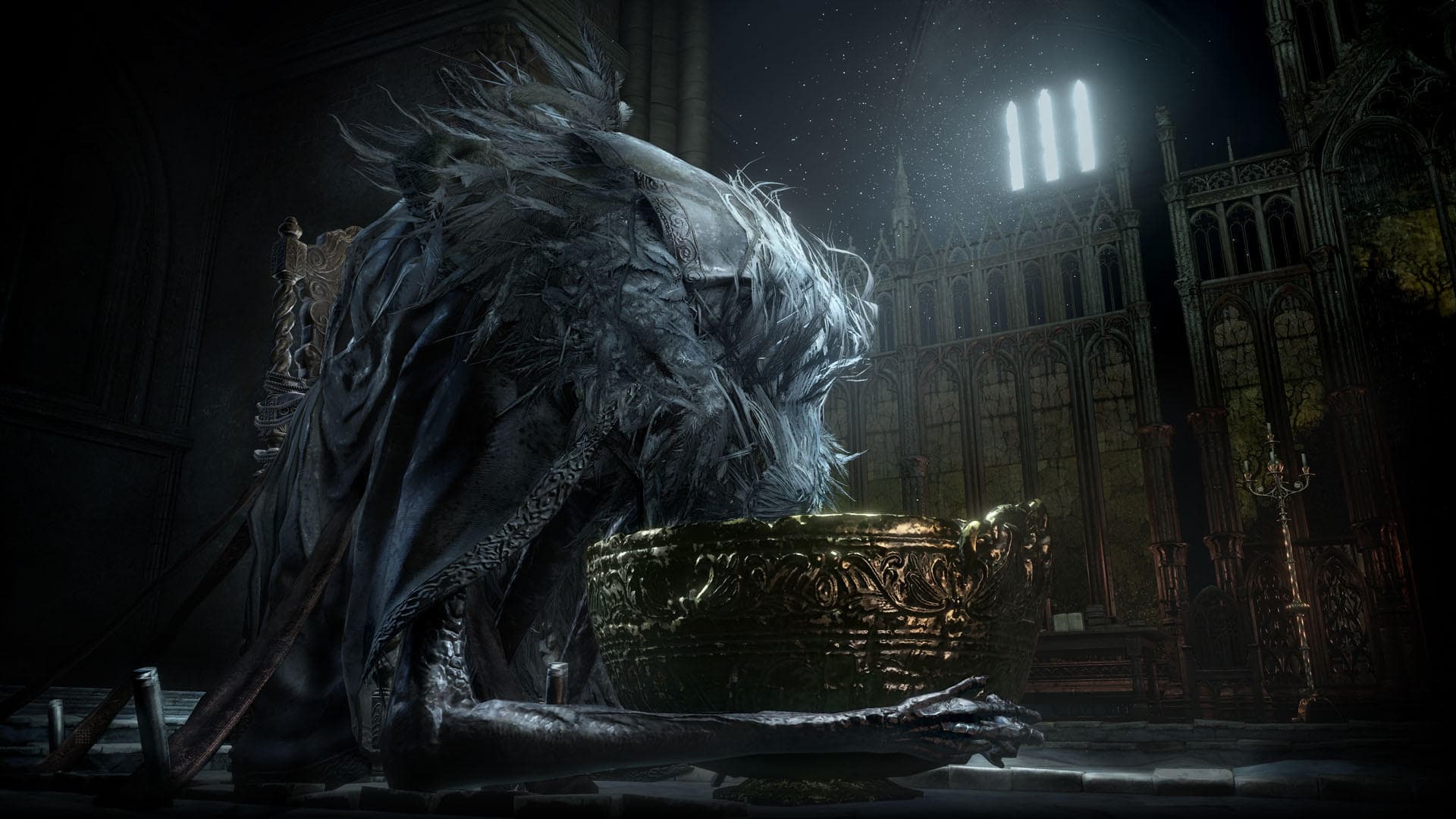
You, are the unkindled. As part of the Dark Souls™ III Season Pass, expand your Dark Souls™ III experience with the Ashes of Ariandel™ DLC pack. Journey to the snowy world of Ariandel and encounter new areas, bosses, enemies, weapons, armor set, magic spells and more. Will you accept the challenge and embrace the darkness once more?
सिस्टम आवश्यकताएं
न्यूनतम
- ऑपरेटिंग सिस्टम
- Windows 7 SP1 64bit, Windows 8.1 64bit Windows 10 64bit
- प्रोसेसर
- Intel Core i7-3770 / AMD® FX-8350
- मेमोरी
- 8 GB RAM
- ग्राफ़िक्स
- NVIDIA® GeForce GTX 970 / ATI Radeon R9 series
- DirectX
- Version 11
- नेटवर्क
- Broadband Internet connection
- स्टोरेज
- 25 GB available space
- साउंड कार्ड
- DirectX 11 sound device
- अतिरिक्त जानकारी
- Internet connection required for online play and product activation
सिफारिश की
- ऑपरेटिंग सिस्टम
- Windows 7 SP1 64bit, Windows 8.1 64bit Windows 10 64bit
- प्रोसेसर
- Intel Core i3-2100 / AMD® FX-6300
- मेमोरी
- 4 GB RAM
- ग्राफ़िक्स
- NVIDIA® GeForce GTX 750 Ti / ATI Radeon HD 7950
- DirectX
- Version 11
- नेटवर्क
- Broadband Internet connection
- स्टोरेज
- 25 GB available space
- साउंड कार्ड
- DirectX 11 sound device
- अतिरिक्त जानकारी
- Internet connection required for online play and product activation
कानूनी जानकारी
Dark Souls™ III: Ashes of Ariandel™ & ©BANDAI NAMCO Entertainment Inc. / ©2011-2016 FromSoftware, Inc.