

कैसे सक्रिय करें
- Steam इंस्टॉल करें और अपने खाते में साइन इन करें (मुफ़्त खाता काफ़ी है)।
- ऊपर के मेनू में „Games” → „Activate a Product on Steam…” चुनें।
- कुंजी को ठीक वैसे ही दर्ज करें जैसे ऑर्डर में दिखाई गई है (डैश सहित) और पुष्टि करें। गेम आपकी लाइब्रेरी में दिखाई देगा।
गेम के बारे में
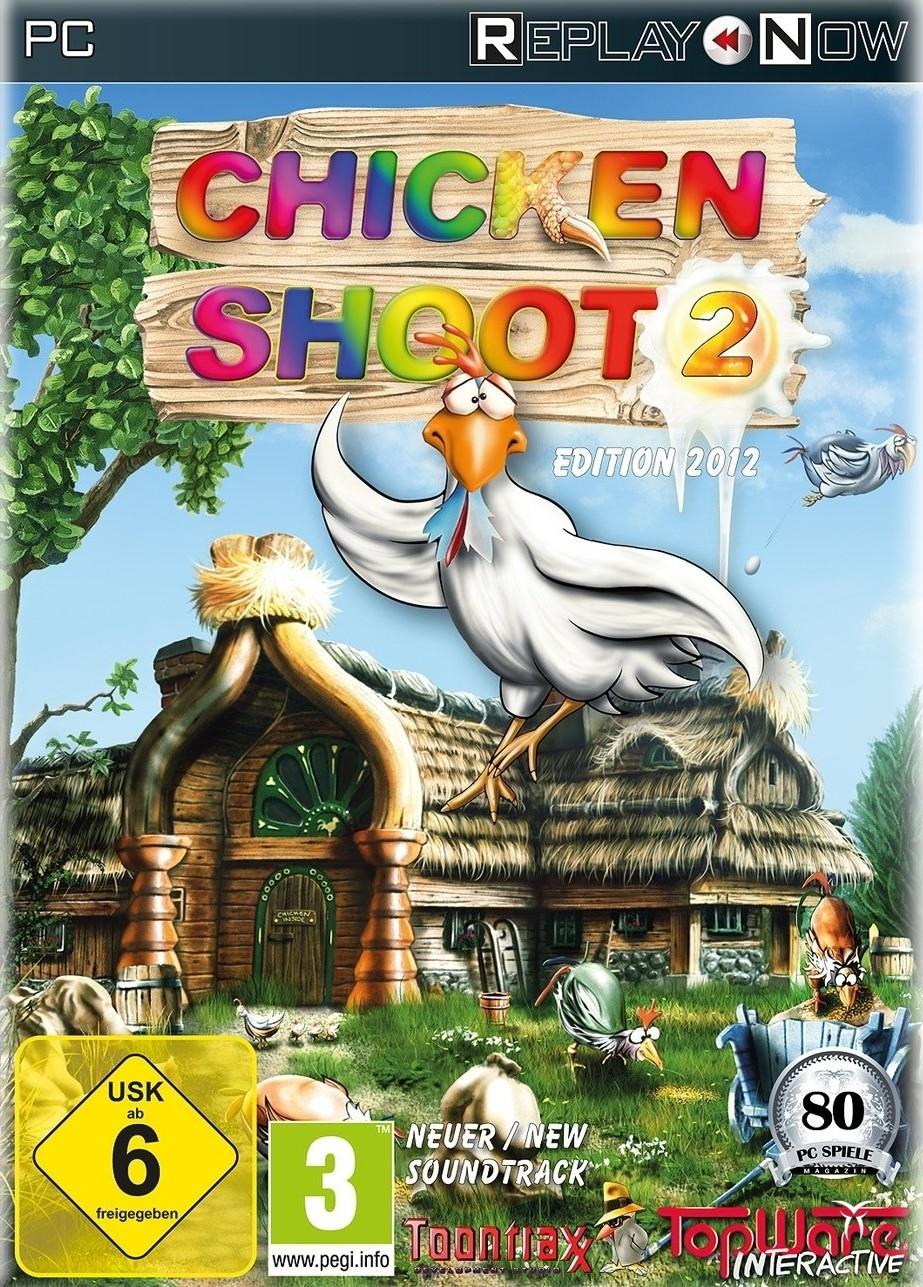
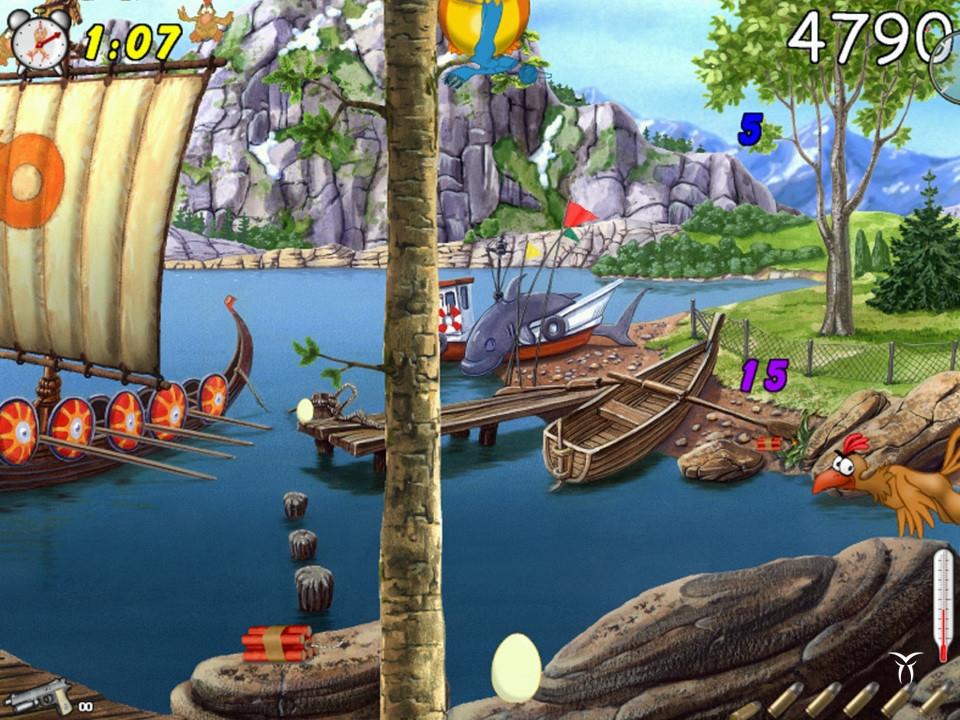
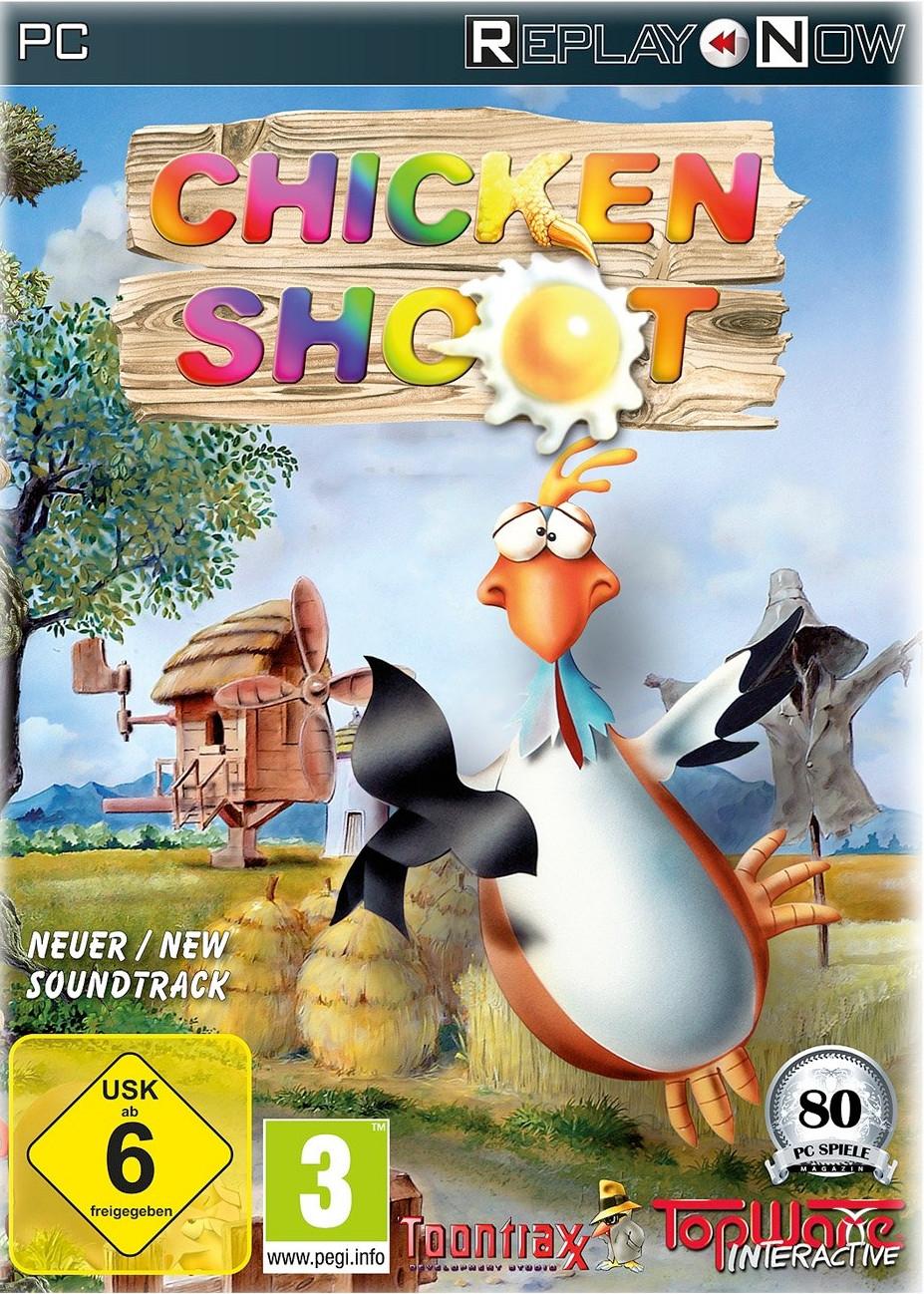
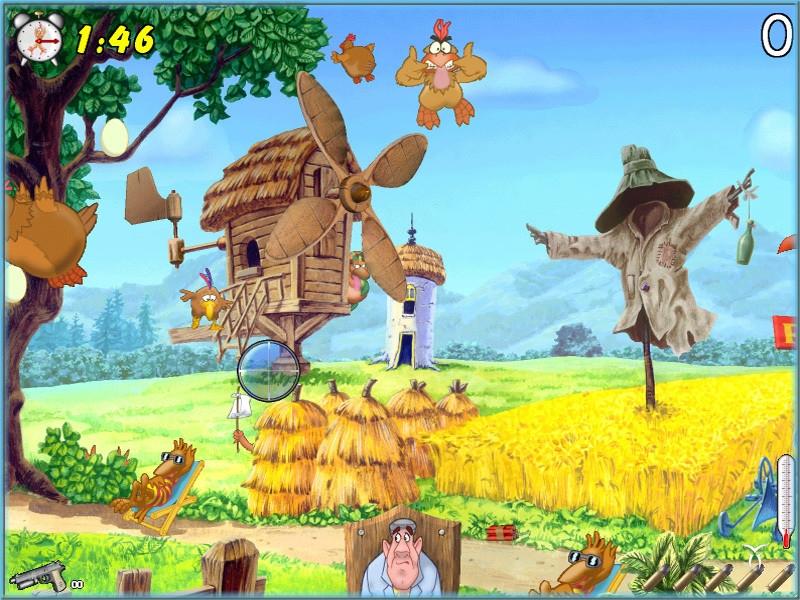
This tiresome bunch of feathered troublemakers is not giving any peace. Stop this hostile destruction from these rampaging roosters in Arcade mode, or fight against the clock in Classic mode in three difficulty levels. Six fabulous landscapes enchant the player again and again revealing new secrets and gimmicks every time. Punctuated with loads of original sound effects and underscored with idyllic music this game will amuse not only the lone player, but the whole family with its variety of comic chicken animations, unique surprises and hilarious, raucous chicken noises. ...
सिस्टम आवश्यकताएं
न्यूनतम
- Graphic
- 64MB
- Other
- 3-buttons mouse
- Other
- CD Drive requirement
- Other
- Keyboard requirement
- ऑपरेटिंग सिस्टम
- Windows XP
- ऑपरेटिंग सिस्टम
- Windows 7
- ऑपरेटिंग सिस्टम
- Windows Vista
- प्रोसेसर
- AMD Singlecore CPU
- प्रोसेसर
- Intel Singlecore CPU
- मेमोरी
- 0.128GB
- स्टोरेज
- 0.35GB
सिफारिश की
- Other
- CD Drive requirement
- Other
- Keyboard requirement
- Other
- 3-buttons mouse
- Graphic
- 128MB
- ऑपरेटिंग सिस्टम
- Windows 7
- ऑपरेटिंग सिस्टम
- Windows Vista
- ऑपरेटिंग सिस्टम
- Windows XP
- स्टोरेज
- 0.35GB
- प्रोसेसर
- Intel Singlecore CPU
- प्रोसेसर
- AMD Singlecore CPU
- मेमोरी
- 0.256GB