




कैसे सक्रिय करें
- Steam इंस्टॉल करें और अपने खाते में साइन इन करें (मुफ़्त खाता काफ़ी है)।
- ऊपर के मेनू में „Games” → „Activate a Product on Steam…” चुनें।
- कुंजी को ठीक वैसे ही दर्ज करें जैसे ऑर्डर में दिखाई गई है (डैश सहित) और पुष्टि करें। गेम आपकी लाइब्रेरी में दिखाई देगा।
गेम के बारे में
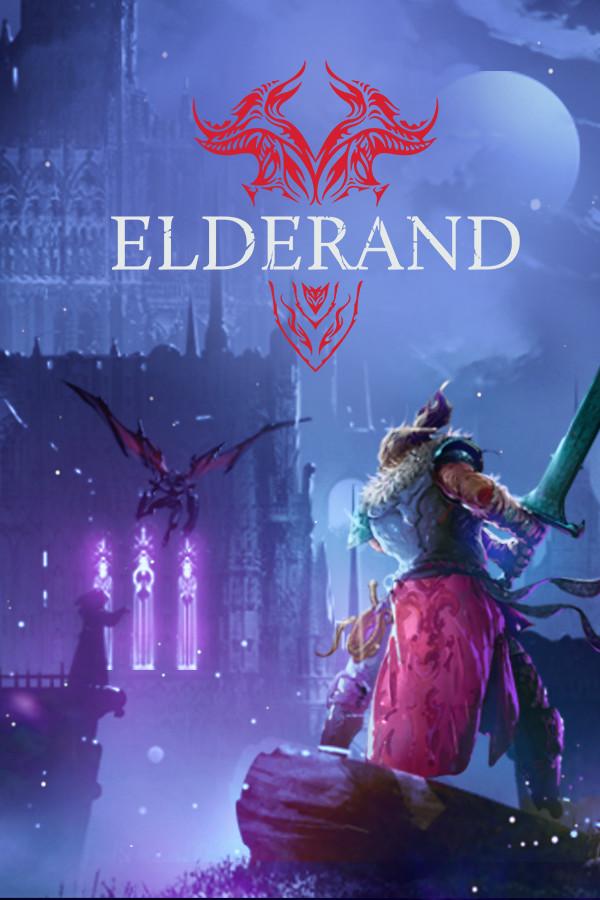
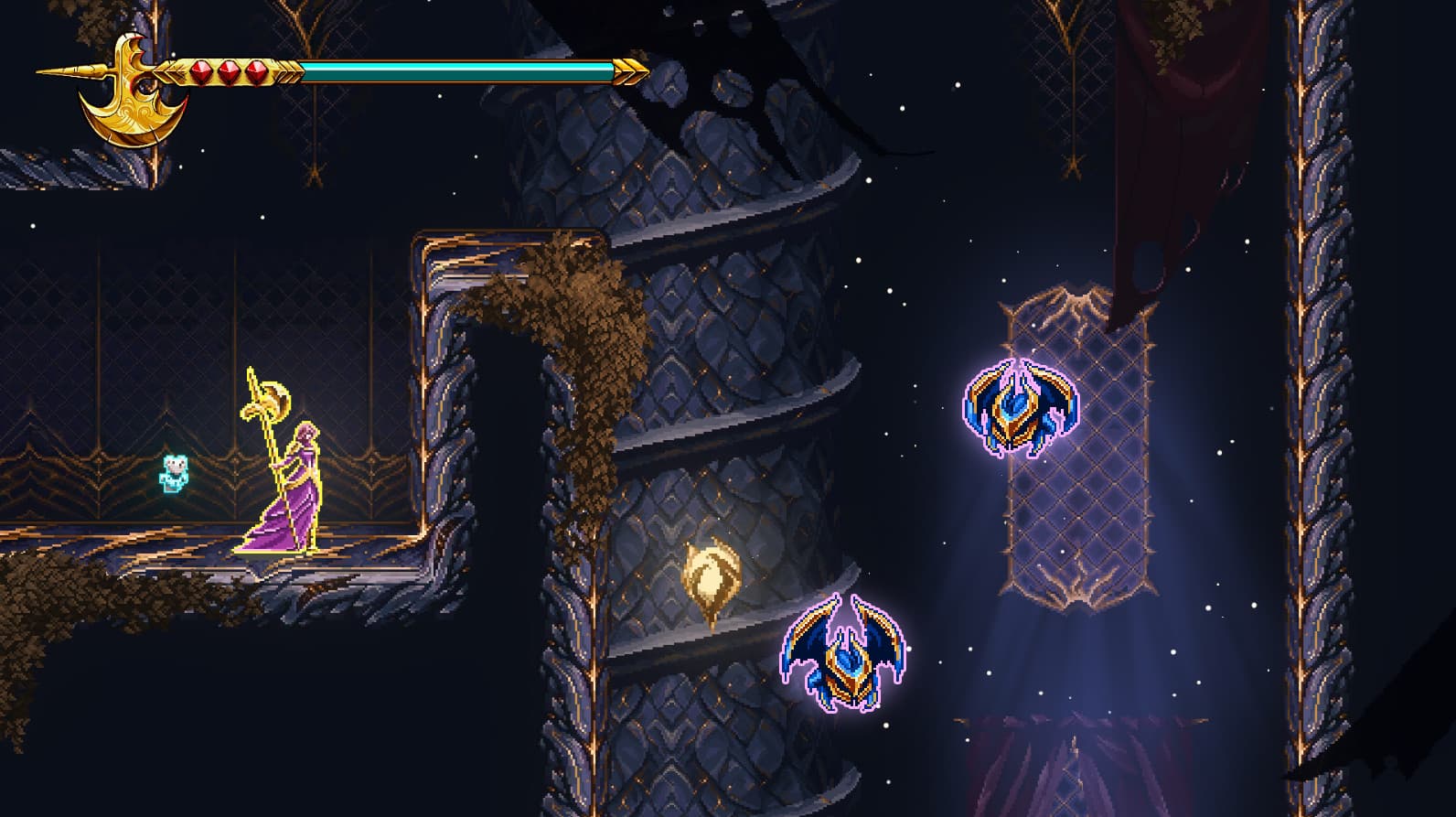
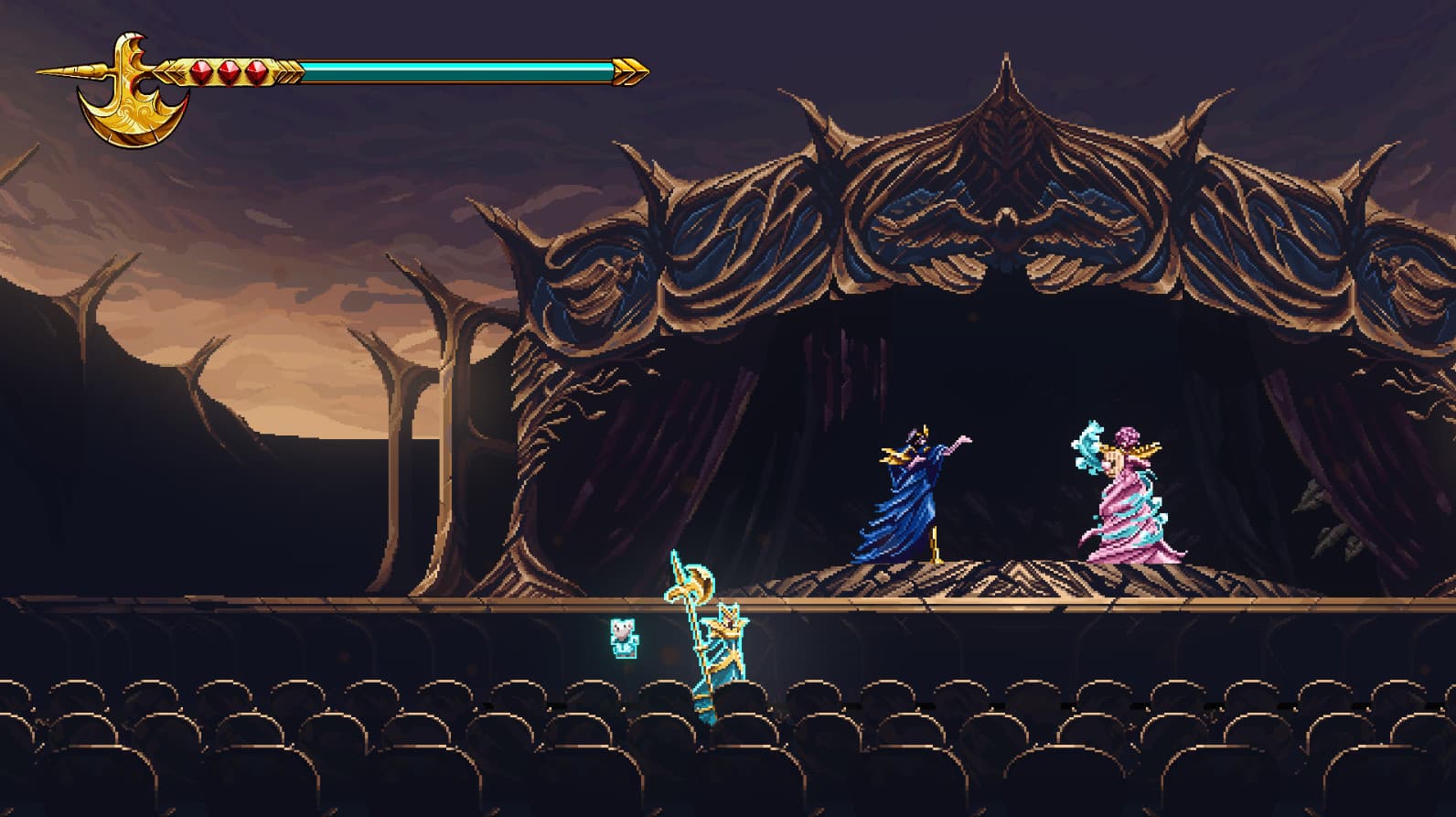
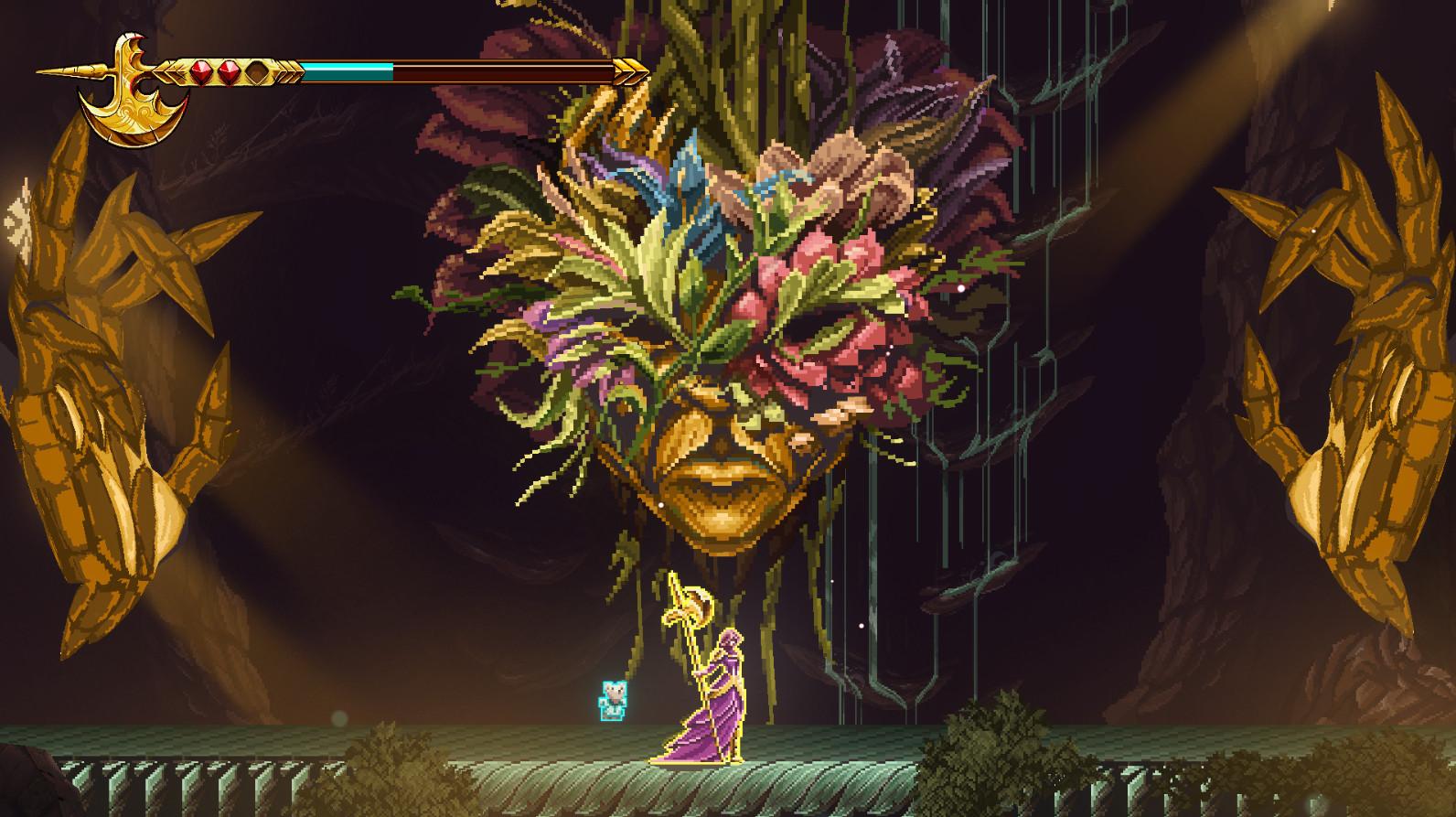
A Curse of Shadows
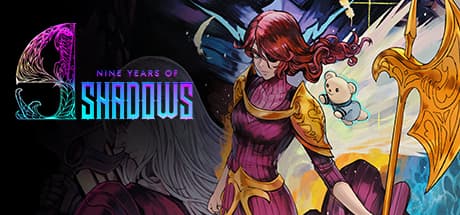
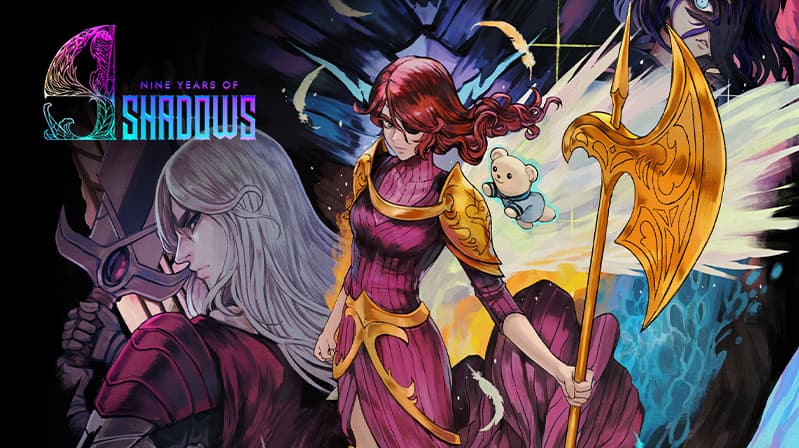
A fateful night of sorrow and ancient magic changed the life of a young child forever, and with it, everything else as mankind knew it. For 9 long years, the world has been submerged in the deepest of shadows, robbing every object and living creature of their color, their joy, and most importantly, hope. ...
सिस्टम आवश्यकताएं
न्यूनतम
- Requires a 64-bit processor and operating system
- ऑपरेटिंग सिस्टम
- Windows 10
- प्रोसेसर
- Intel Core i3-9100F
- मेमोरी
- 8 GB RAM
- ग्राफ़िक्स
- GT 730
सिफारिश की
- Requires a 64-bit processor and operating system
- ऑपरेटिंग सिस्टम
- Windows 10
- प्रोसेसर
- Intel Core i3-9100F
- मेमोरी
- 8 GB RAM
- ग्राफ़िक्स
- GT 730