Windows 11 Pro
Windows 11 Pro Key – License, Activation and Requirements
Windows 11 Pro and Home at Softflix
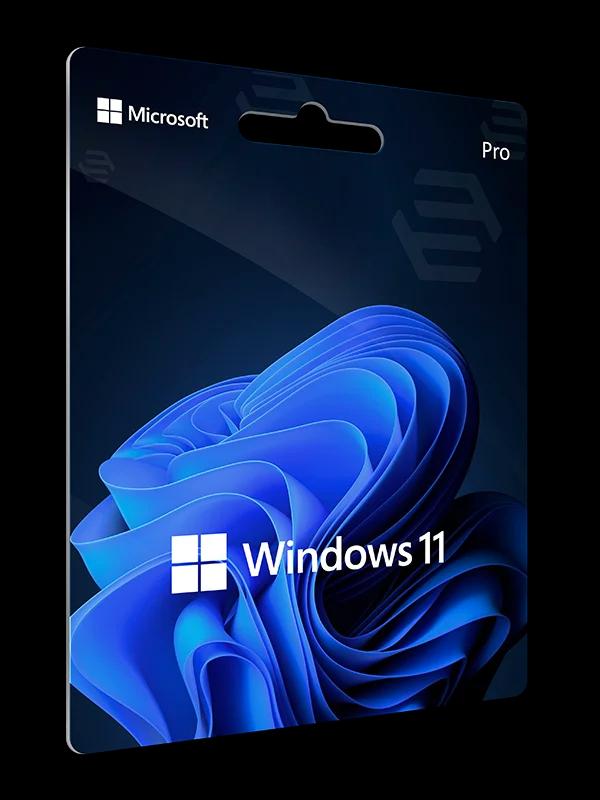
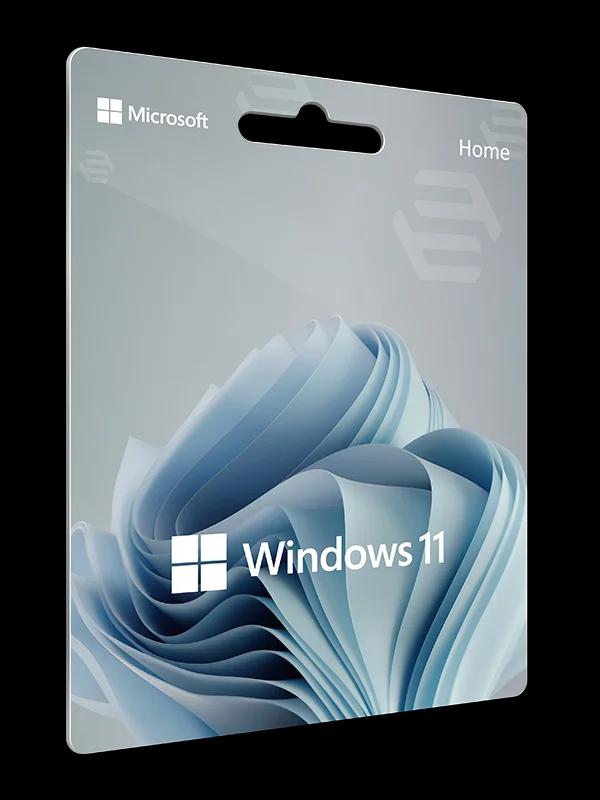
Windows 11 keys, plus Windows 10 Pro for older PCs. Each product has its own page with its name and description.
What a Windows 11 Pro licence is
Windows 11 Pro is the edition for people who need more than everyday computing: full disk encryption, virtualisation or remote access. A product key is a 25-character code that activates the licence once you enter it in Windows.
In an online shop the key arrives by e-mail and the licence is purely digital. We do not list the licence type (OEM, Retail, Volume) per product — if it matters to you, ask us. The general differences are explained below and in our guide to OEM, Retail and Volume licences.
If you are not sure you need Pro at all, read Windows 11 Home vs Pro.
What Pro adds over Home
Only differences that Microsoft documents are listed here.
| Feature | Windows 11 Home | Windows 11 Pro |
|---|---|---|
| Disk encryption | Device encryption, if the hardware meets its prerequisites | Full BitLocker as well as device encryption |
| Hyper-V | The Hyper-V role cannot be installed | Available |
| Windows Sandbox | Not supported on Home | Available |
| Remote Desktop (as the remote PC) | Can only act as a client | Can accept remote connections |
| Microsoft Entra ID join | Not available on Home | Available |
Microsoft publishes the full edition comparison on its Windows 11 Home vs Pro page.
Windows 11 hardware requirements
Home and Pro share the same minimum requirements.
| Item | Minimum |
|---|---|
| Processor | 1 GHz or faster with 2 or more cores, 64-bit |
| Memory | 4 GB RAM |
| Storage | 64 GB or larger |
| Firmware | UEFI with Secure Boot |
| Security module | Trusted Platform Module (TPM) version 2.0 |
| Display | Larger than 9 inches, at least 720p |
A PC that does not meet these requirements may still run Windows 10. See Windows 10 Pro.
Licence types: OEM, Retail and Volume
Windows is licensed through several channels, and they differ in what you may do with the licence afterwards. Under the Windows 11 licence terms, a preinstalled (OEM) licence can pass to another person only together with the licensed device. A stand-alone (Retail) licence can be moved to another device that belongs to you, after you remove it from the previous one. In some countries, including Germany, these transfer rules (section 4 of the licence terms, which covers preinstalled and stand-alone software) do not apply and national law governs.
Volume licences are governed by an organisation's volume licensing agreement.
We do not list the licence type (OEM, Retail, Volume) per product — if it matters to you, ask us. For the legal side, read are cheap software keys legal.
How to activate Windows 11 Pro with a key
The most common case: a PC running Windows 11 Home and a Pro key.
Open activation settings
Go to Settings, then System, then Activation.
Change the product key
Select Change product key, then Change.
Enter the key
Type the 25-character Windows 11 Pro key and select Next.
Wait for the upgrade
Windows applies the new edition and may ask you to restart.
Check activation status
Return to Settings, System, Activation and confirm Windows is activated.
Older PC: Windows 10 Pro
If your PC does not meet the Windows 11 requirements, Windows 10 is the alternative. Keep in mind that Windows 10 support ended on 14 October 2025. We explain the details, including extended security updates, on the Windows 10 Pro page.
Frequently asked questions
Short answers to the questions we hear most often.
Is Windows 11 Pro better than Home?
Pro adds features Home does not have: full BitLocker, Hyper-V, Windows Sandbox, hosting Remote Desktop connections and Microsoft Entra ID join. If you do not need them, Home is enough. See the Home vs Pro comparison.
What are the system requirements?
A 1 GHz or faster 64-bit processor with at least two cores, 4 GB of RAM, 64 GB of storage, UEFI with Secure Boot and TPM 2.0.
How do I upgrade from Windows 11 Home to Pro with a key?
Go to Settings, System, Activation, choose Change product key and enter your 25-character Pro key. This path applies to PCs running an activated copy of Windows 11 Home.
What is a digital licence?
It is an activation method tied to your hardware, so you do not need to re-enter the key. Linking it to a Microsoft account makes reactivation easier after hardware changes.
What licence type is a key from Softflix?
We do not list the licence type (OEM, Retail, Volume) per product — if it matters to you, ask us. The licence types guide explains the differences.
Can I keep using Windows 10 on an older PC?
Yes, but Windows 10 support ended on 14 October 2025. Eligible PCs can enrol in extended security updates. See Windows 10 Pro.
Legal basis and sources
We checked licensing rules and support dates against official documents. Links open the publishers’ pages.
- Windows 11 specifications and requirementsMicrosoft · microsoft.com
- upgrade from Windows Home to ProMicrosoft Support · support.microsoft.com
- activate WindowsMicrosoft Support · support.microsoft.com
- BitLockerMicrosoft Learn · learn.microsoft.com
- install Hyper-VMicrosoft Learn · learn.microsoft.com
- Windows SandboxMicrosoft Learn · learn.microsoft.com
- how to use Remote DesktopMicrosoft Support · support.microsoft.com
- Microsoft Entra joinMicrosoft Learn · learn.microsoft.com
- Windows 11 licence termsMicrosoft · microsoft.com
- Windows 10 support ends on October 14, 2025Microsoft Support · support.microsoft.com
Licences for your company?
Business account, quotes on request and invoices in your customer panel.