

So aktivieren Sie
- Installiere Steam und melde dich bei deinem Konto an (ein kostenloses Konto reicht).
- Wähle im oberen Menü „Spiele“ → „Ein Produkt bei Steam aktivieren…“.
- Gib deinen Key genau wie in der Bestellung ein (mit Bindestrichen) und bestätige. Das Spiel erscheint in deiner Bibliothek.
Über das Spiel
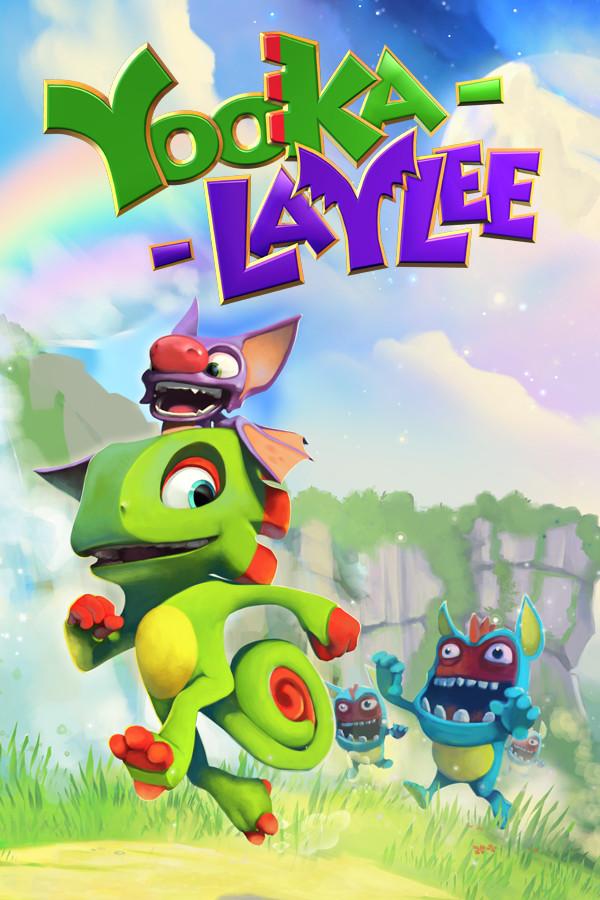
Yooka-Laylee Digital Deluxe is the ultimate platforming package, including an exclusive digital manual and art book, plus the game’s incredible soundtrack!
DIGITAL MANUAL & ART BOOK
Yooka-Laylee’s 24-page digital manual and art book features exclusive details on the characters, worlds and challenges set to feature in the highly-anticipated platformer revival! Oh, and there are a few excellent puns in there too, if you’re interested. ...
Systemanforderungen
Minimum
- Steam account is required for game activation and installation.
- Windows Requirements
- Requires a 64-bit processor and operating system
- Betriebssystem
- Windows 7 (64bit)
- Prozessor
- Intel i5-2500 3.3GHz
- Arbeitsspeicher
- 8 GB RAM
- Grafik
- NVidia GTS450 / AMD Radeon 6850HD
- DirectX
- Version 11
- Speicherplatz
- 9 GB available space
- Soundkarte
- Windows Compatible Card
- Zusätzliche Hinweise
- A Controller is STRONGLY recommended to play this game.
Empfohlen
- Requires a 64-bit processor and operating system
- Mac OS Requirements
- Minimum
- Requires a 64-bit processor and operating system
- Betriebssystem
- OSX 10.11 or higher
- Prozessor
- Intel i5-3470 3.2Ghz
- Arbeitsspeicher
- 8 GB RAM
- Grafik
- GeForce 675MX / AMD Radeon R9 M380
- Speicherplatz
- 9 GB available space
- Zusätzliche Hinweise
- A Controller is STRONGLY recommended to play this game.
Rechtliche Hinweise
Yooka-Laylee. Developed by Playtonic Games (c) 2023. Published by Playtonic Friends. Playtonic Games and Yooka-Laylee are registered trademarks of Playtonic Limited.