



So aktivieren Sie
- Installiere Steam und melde dich bei deinem Konto an (ein kostenloses Konto reicht).
- Wähle im oberen Menü „Spiele“ → „Ein Produkt bei Steam aktivieren…“.
- Gib deinen Key genau wie in der Bestellung ein (mit Bindestrichen) und bestätige. Das Spiel erscheint in deiner Bibliothek.
Offizielle Aktivierungsanleitung von Steam
Damit Sie das Spiel aktivieren können benötigen Sie einen 'Steam-Account'. Weitere Informationen zur Aktivierung finden Sie unter diesem Link: https://support.steampowered.com/kb_article.php?ref=5414-TFBN-1352
Über das Spiel
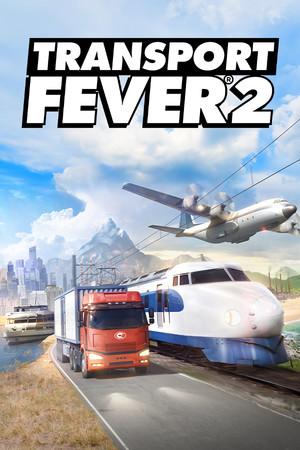
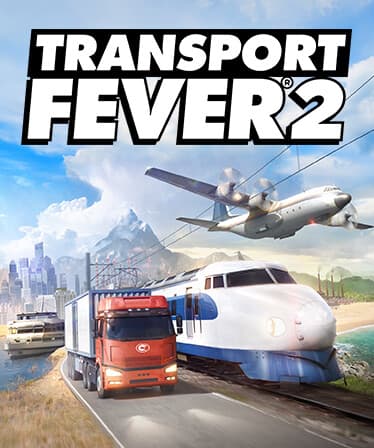
The classic transport simulation genre has a new gold standard with Transport Fever 2. Discover a whole new world by navigating transport routes through land, water and air. May progress and prosperity find their way!
Provide the world with the transport infrastructure it needs and make a fortune with custom-made transport services. Watch your trains run on rails, your buses and trucks thunder along roads, your ships power through the water, and your planes soar through the skies. Carry people on their way to work or play, and be the reason cities grow and thrive. Deliver raw materials and ...
Systemanforderungen
- Requires a 64-bit processor and operating system
- Betriebssystem
- Windows 7, 8 or 10 (64-bit)
- Prozessor
- Intel i5-2300 or AMD FX-6300
- Arbeitsspeicher
- 8 GB RAM
- Grafik
- NVIDIA GeForce GTX 560 or AMD Radeon HD 7850, 2 GB VRAM
- Requires a 64-bit processor and operating system
- Betriebssystem
- Windows 7, 8 or 10 (64-bit)
- Prozessor
- Intel i7-4770k or AMD Ryzen 5 1600
- Arbeitsspeicher
- 16 GB RAM
- Grafik
- NVIDIA GeForce GTX 1060 or AMD Radeon RX 580, 4 GB VRAM