



So aktivieren Sie
- Installiere Steam und melde dich bei deinem Konto an (ein kostenloses Konto reicht).
- Wähle im oberen Menü „Spiele“ → „Ein Produkt bei Steam aktivieren…“.
- Gib deinen Key genau wie in der Bestellung ein (mit Bindestrichen) und bestätige. Das Spiel erscheint in deiner Bibliothek.
Offizielle Aktivierungsanleitung von Steam
Damit Sie das Spiel aktivieren können benötigen Sie einen 'Steam-Account'. Weitere Informationen zur Aktivierung finden Sie unter diesem Link: https://support.steampowered.com/kb_article.php?ref=5414-TFBN-1352
Über das Spiel
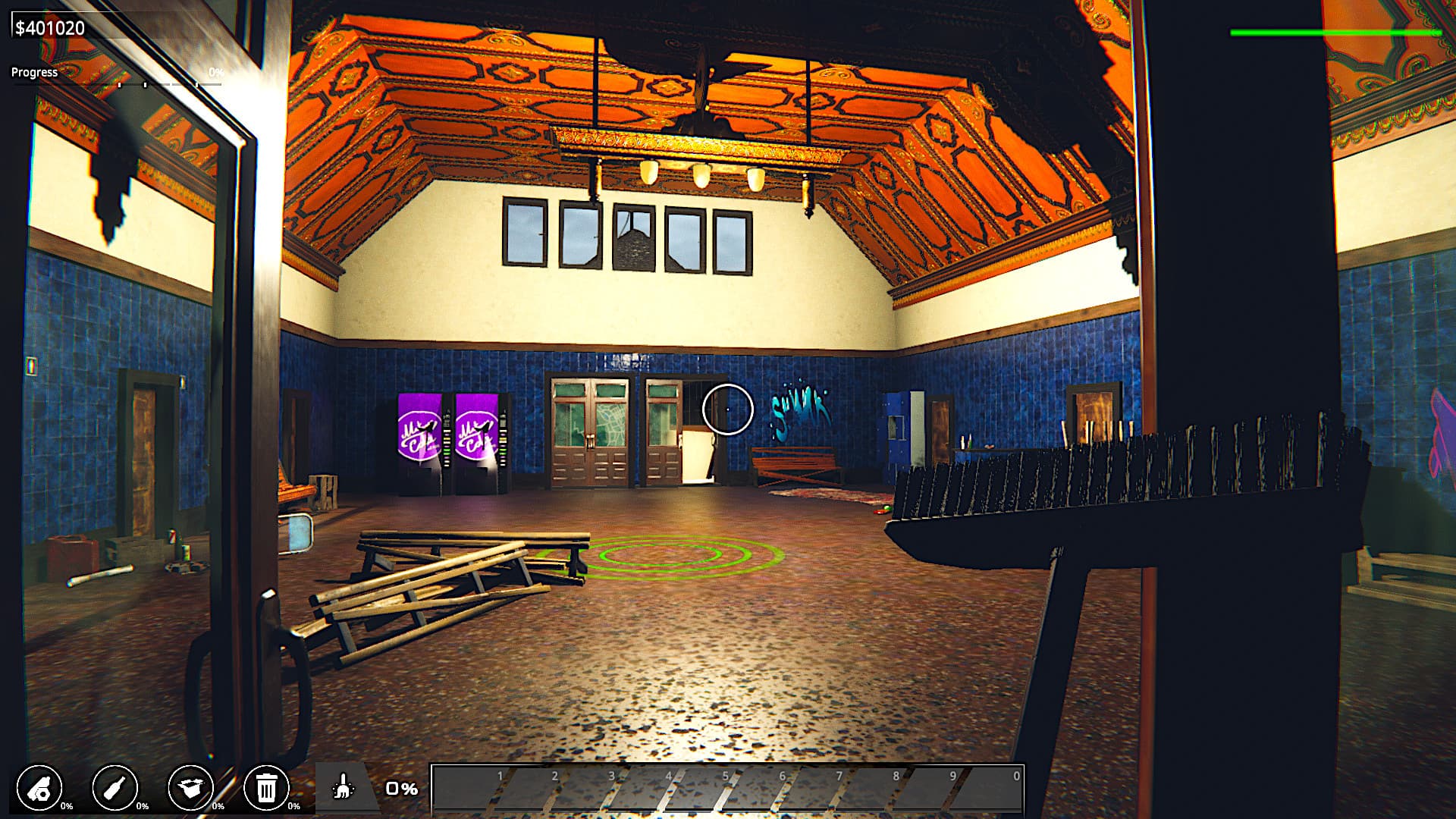
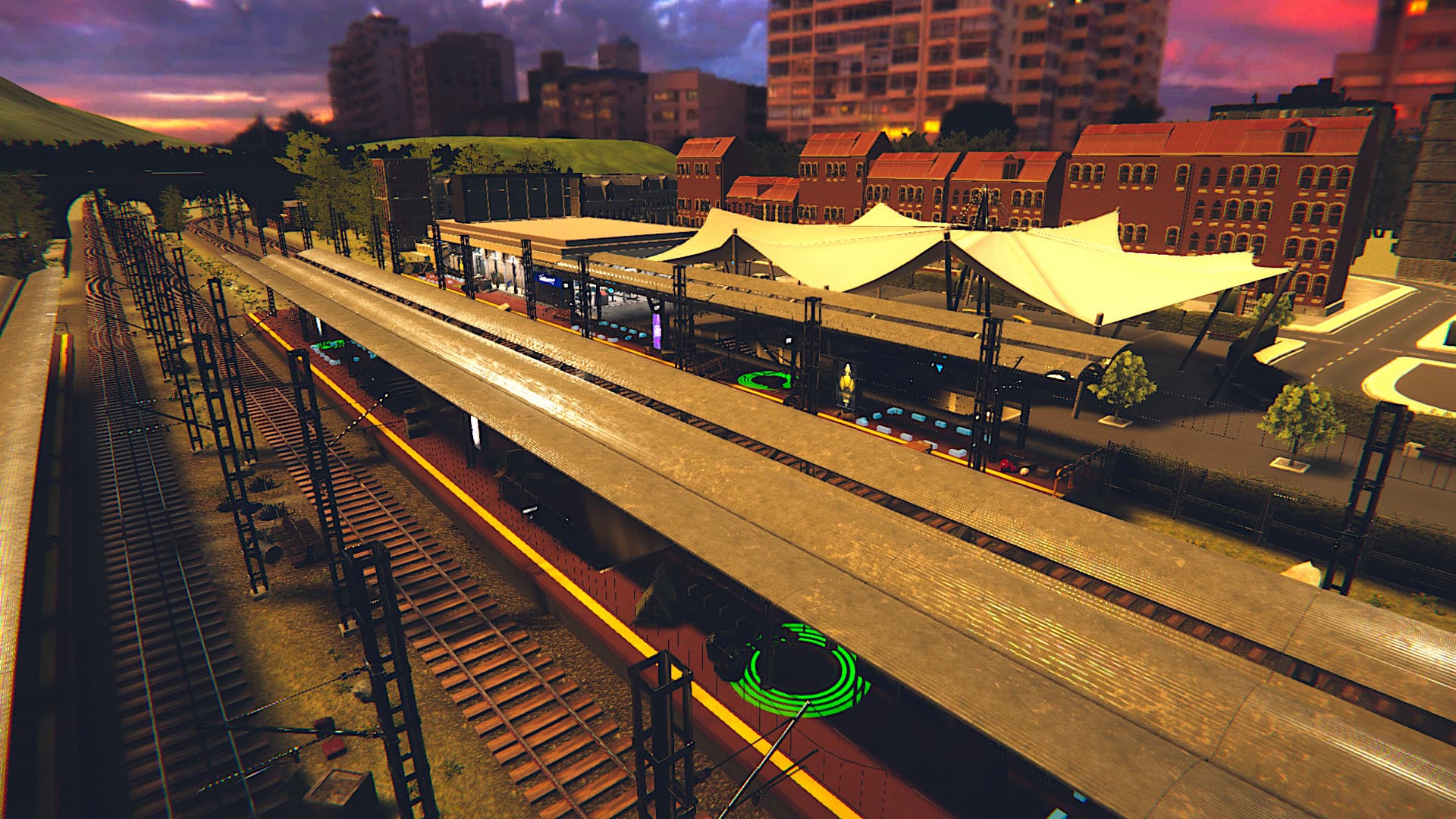
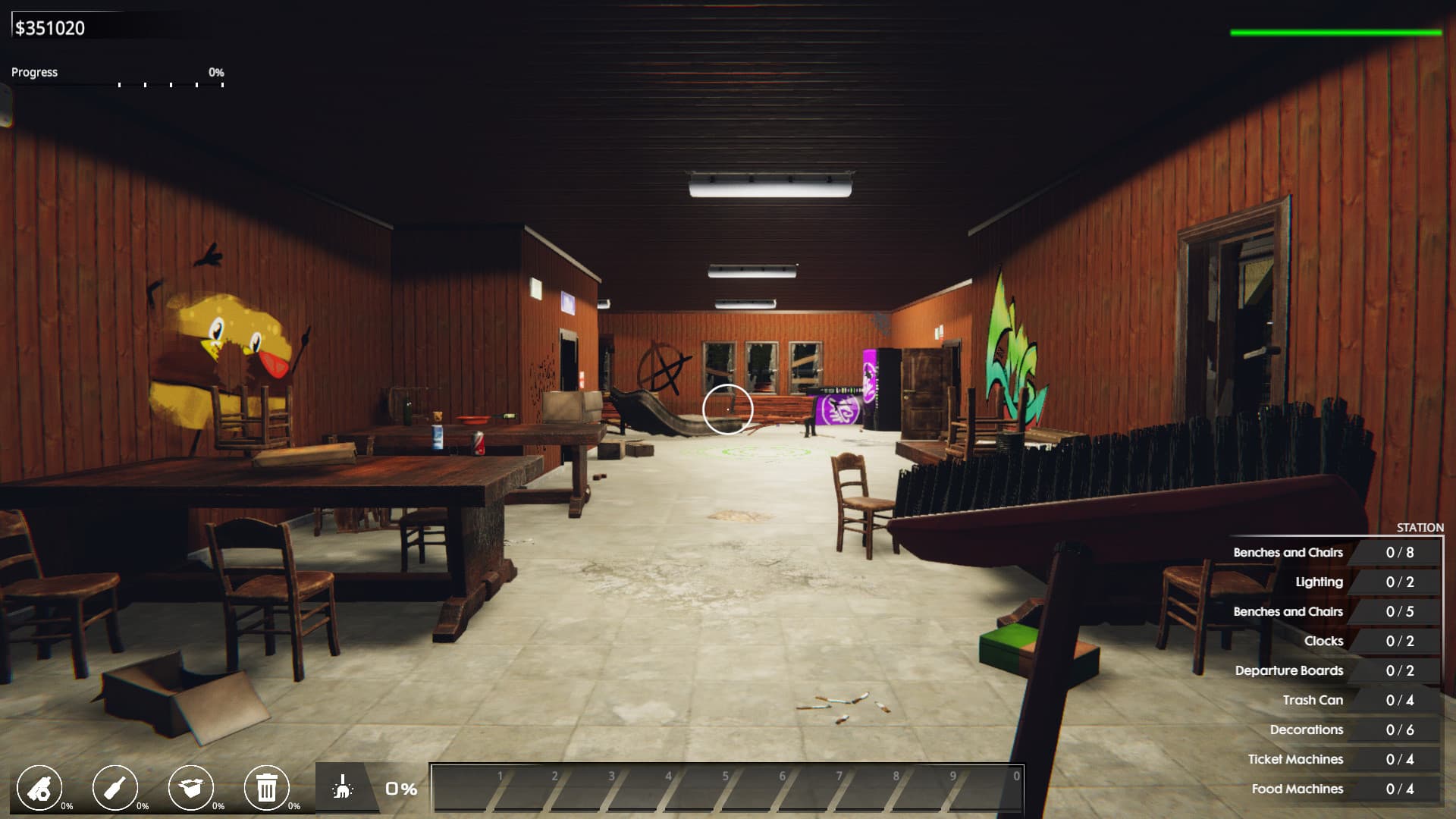
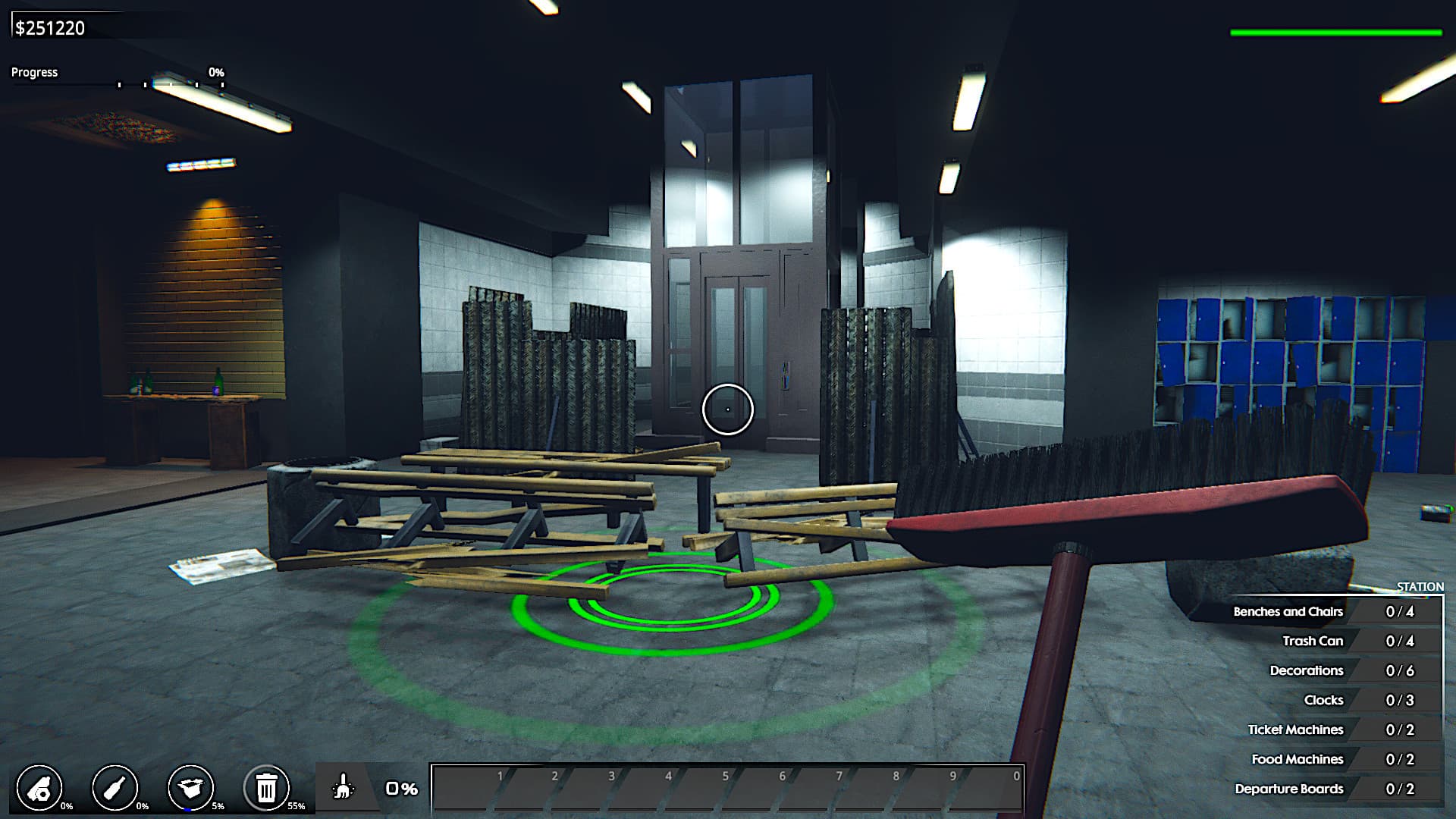
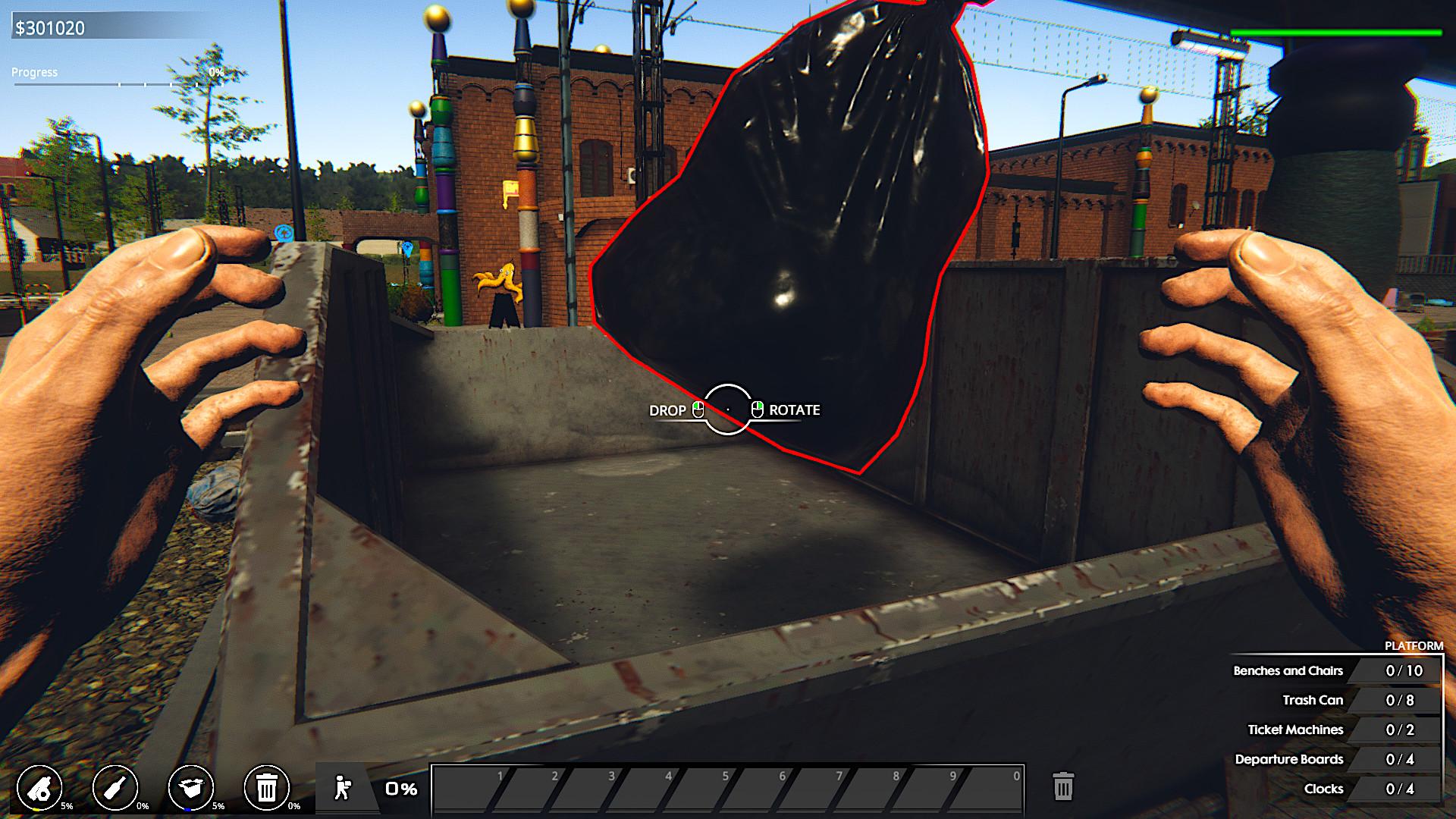
Welcome to an old, ruined train station. A place that will give you a lot of fun!
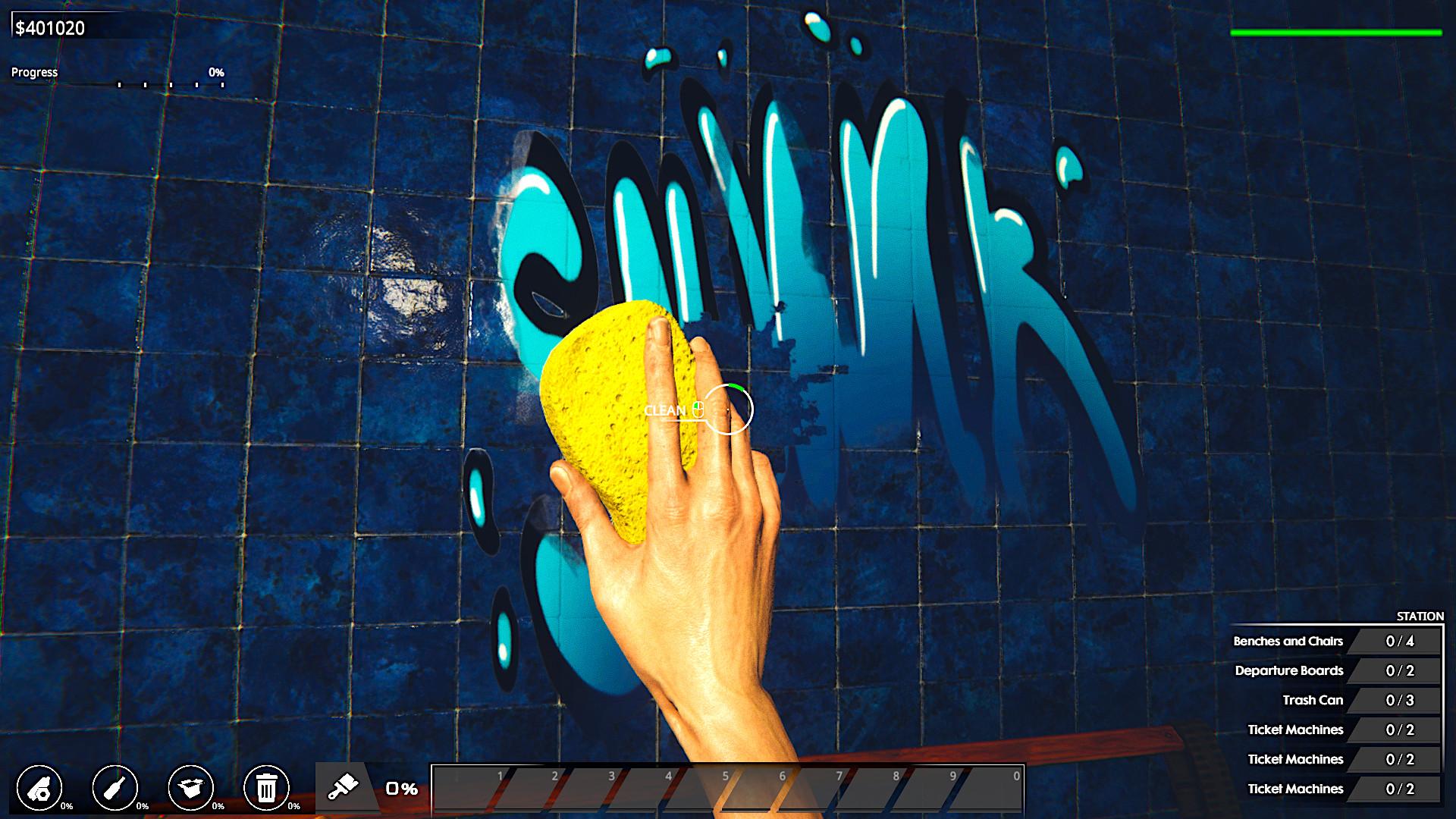
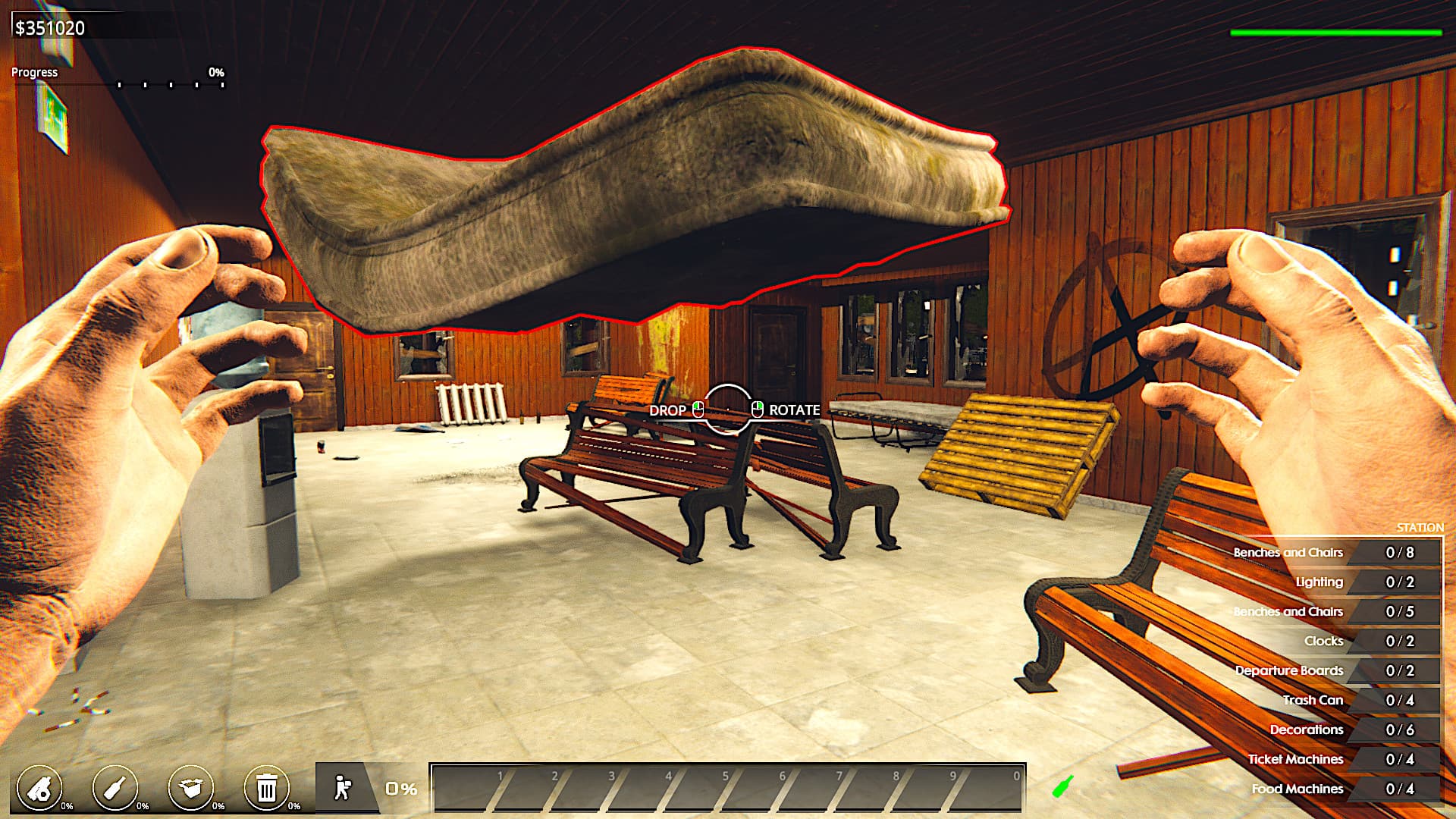
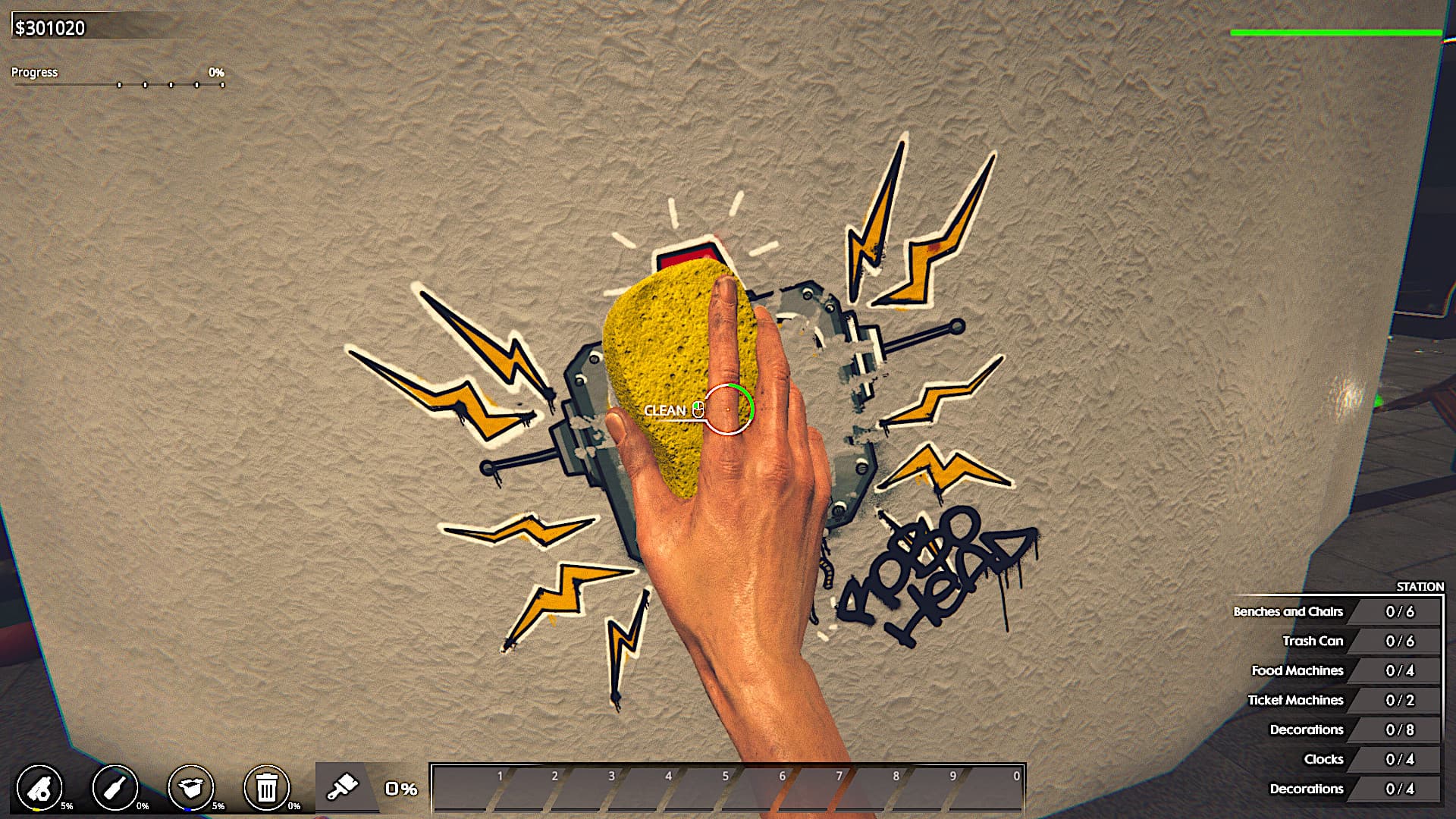
In Train Station Renovation - Germany DLC you will continue your journey as a renovation company specialised in restoring railway stations. After your succesful run with the full campaign from the base game your company will visit Germany to perform a complex renovation work on new stations. If you liked the original gameplay of Train Station Renovation you will find yourself right at home with this DLC! Clean, fix and decorate the stations away and make sure that each of them is ready for new visitors! ...
Systemanforderungen
- Betriebssystem
- Windows® 7/8/10
- Prozessor
- Intel Core i3-4130 / AMD Phenom II X4
- Arbeitsspeicher
- 4 GB RAM
- Grafik
- GeForce GTX 560 / AMD R7-260X
- DirectX
- Version 11
- Speicherplatz
- 5 GB available space
- Betriebssystem
- Windows® 10
- Prozessor
- Intel Core i5-7400 / AMD Ryzen 5 1600
- Arbeitsspeicher
- 8 GB RAM
- Grafik
- GeForce GTX 970 / AMD Radeon RX 580
- DirectX
- Version 11
- Speicherplatz
- 5 GB available space


