

So aktivieren Sie
- Installiere Steam und melde dich bei deinem Konto an (ein kostenloses Konto reicht).
- Wähle im oberen Menü „Spiele“ → „Ein Produkt bei Steam aktivieren…“.
- Gib deinen Key genau wie in der Bestellung ein (mit Bindestrichen) und bestätige. Das Spiel erscheint in deiner Bibliothek.
Offizielle Aktivierungsanleitung von Steam
Damit Sie das Spiel aktivieren können benötigen Sie einen 'Steam-Account'. Weitere Informationen zur Aktivierung finden Sie unter diesem Link: https://support.steampowered.com/kb_article.php?ref=5414-TFBN-1352
Über das Spiel
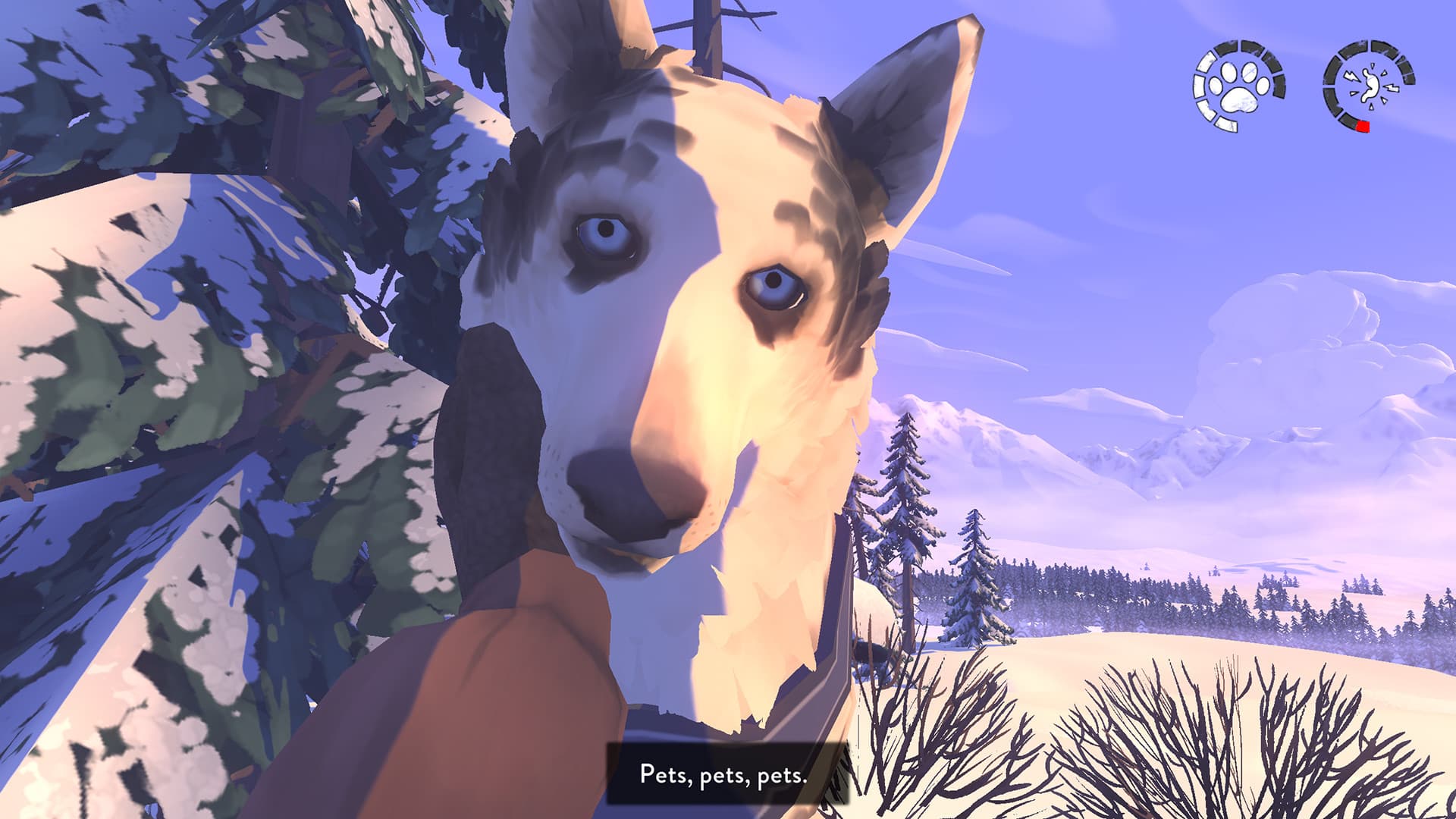
The Red Lantern is a narrative, dog-sledding game about survival.
You play as the Musher as she makes the rash decision to start a new life in Alaska. Along with her best friend Chomper, she assembles a dog sledding team and embarks on a journey to find her new home. Unfortunately, she isn’t quite prepared for this adventure. She must learn to adapt so she can take care of herself and her dogs as they try to find their way through the wilderness.
Features ...
Systemanforderungen
- Betriebssystem
- Windows 7+ (64 bit)
- Prozessor
- Dual Core 2.5 GHz
- Arbeitsspeicher
- 4 GB RAM
- Grafik
- Nvidia 9600GT or equivalent / 1 GB VRAM
- DirectX
- Version 10
- Speicherplatz
- 4 GB available space
- Betriebssystem
- Microsoft® Windows® 7 SP1
- Arbeitsspeicher
- 4 GB RAM
Rechtliche Hinweise
The Red Lantern ©2020 Timberline Studio, Inc. "The Red Lantern", "Timberline" and the Timberline logo are all trademarks of Timberline Studio, Inc. Developed by Timberline Studio, Inc., a member of the Kepler Interactive group. Published by Kepler Interactive Limited. All rights reserved.
The Red Lantern ©2020 Timberline Studio, Inc. "The Red Lantern", "Timberline" and the Timberline logo are all brands of Timberline Studio, Inc. Developed by Timberline Studio, Inc., a member of the Kepler Interactive group. Published by Kepler Interactive Limited. All rights reserved.