So aktivieren Sie
- Installiere Steam und melde dich bei deinem Konto an (ein kostenloses Konto reicht).
- Wähle im oberen Menü „Spiele“ → „Ein Produkt bei Steam aktivieren…“.
- Gib deinen Key genau wie in der Bestellung ein (mit Bindestrichen) und bestätige. Das Spiel erscheint in deiner Bibliothek.
Offizielle Aktivierungsanleitung von Steam
Damit Sie das Spiel aktivieren können benötigen Sie einen 'Steam-Account'. Weitere Informationen zur Aktivierung finden Sie unter diesem Link: https://support.steampowered.com/kb_article.php?ref=5414-TFBN-1352
Über das Spiel
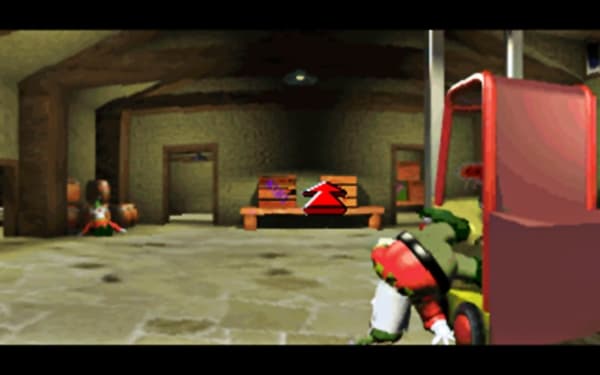
In this superb classic retro adventure game from yesteryear, take on the role of Spud and prevent the evil Doctor Chillblane from enslaving the world with his cruel tyranny. Travel the world from pole to pole running a gauntlet of strange creatures such as... manic penguins, crazed pixies, paranoid polar bears and dangerous dragons... in order to complete your quest and save your Grand- father and his amazing magical invention. ...
Systemanforderungen
Minimum
- Graphic
- SVGA
- Betriebssystem
- Windows XP
- Betriebssystem
- Windows 7
- Betriebssystem
- Windows Vista
- Betriebssystem
- Windows 8
- Prozessor
- Pentium 0.800GHz
- Arbeitsspeicher
- 0.512GB
- Speicherplatz
- 1GB
- Soundkarte
- Windows® 16-bit
Empfohlen