





So aktivieren Sie
- Installiere Steam und melde dich bei deinem Konto an (ein kostenloses Konto reicht).
- Wähle im oberen Menü „Spiele“ → „Ein Produkt bei Steam aktivieren…“.
- Gib deinen Key genau wie in der Bestellung ein (mit Bindestrichen) und bestätige. Das Spiel erscheint in deiner Bibliothek.
Offizielle Aktivierungsanleitung von Steam
Damit Sie das Spiel aktivieren können benötigen Sie einen 'Steam-Account'. Weitere Informationen zur Aktivierung finden Sie unter diesem Link: https://support.steampowered.com/kb_article.php?ref=5414-TFBN-1352
Über das Spiel
Design and build rockets that will take humanity to the stars!
Space Company Simulator is the ultimate management game set in the space industry.
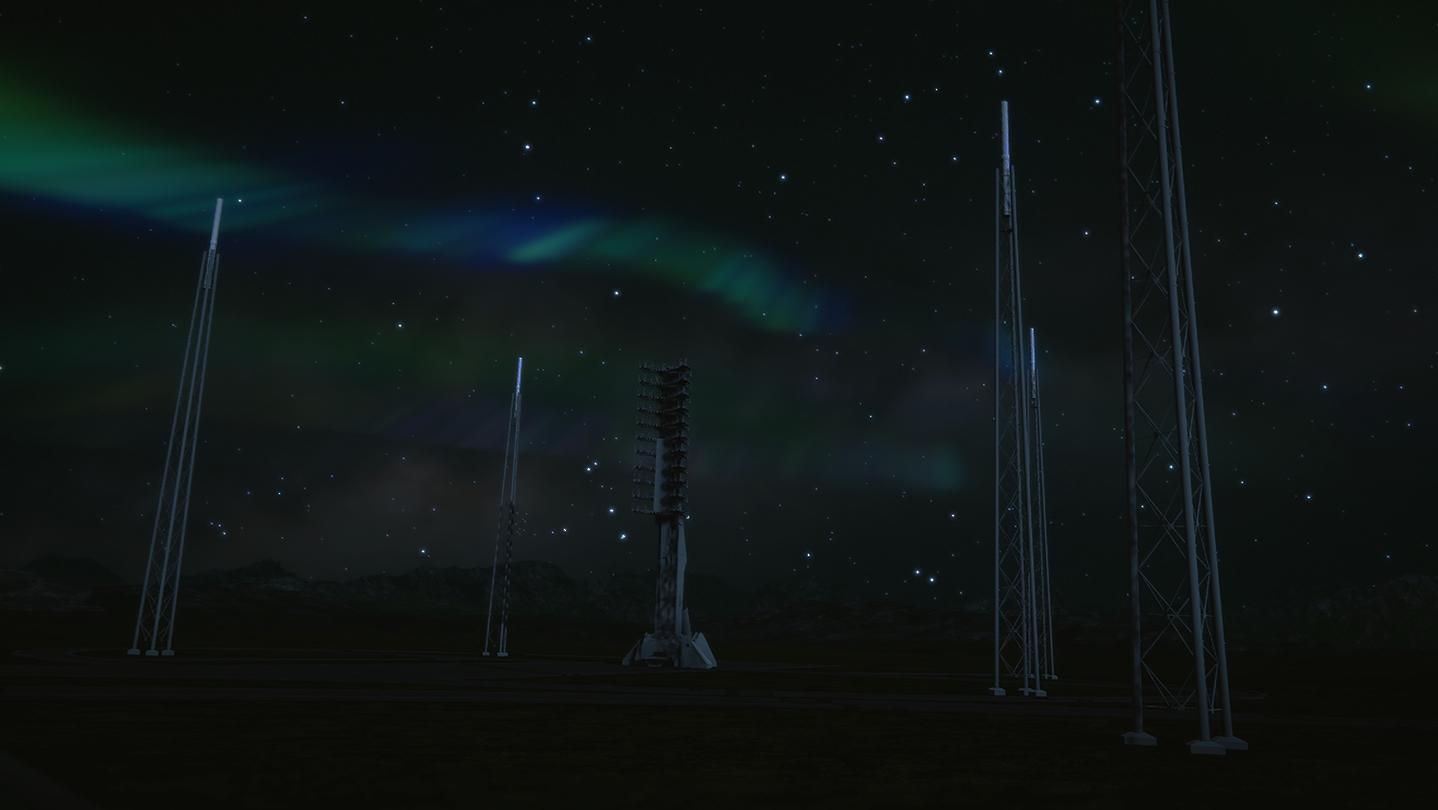
Take on the challenges of the space transport industry. Manage your company effectively to win the technological and financial race to the top. Launch rockets, satellites, spaceships and orbital stations while becoming a new major player in the space industry!
Space Company Simulator genuinely reflects the challenges of the space industry in a way that no other video game has done before.
Systemanforderungen
- Betriebssystem
- 64-bit Windows 7
- Prozessor
- Intel CPU Core i5-9600K
- Arbeitsspeicher
- 8GB
- Grafik
- Nvidia GPU GeForce GTX 1060
- DirectX Version
- N/A
- Speicherplatz
- 3 GB
- Soundkarte
- Realtek
- Betriebssystem
- 64-bit Windows 8 (8.1)
- Prozessor
- Intel CPU Core i7
- Arbeitsspeicher
- 16GB
- Grafik
- NVIDIA GPU GeForce GTX 1070
- DirectX Version
- N/A
- Speicherplatz
- 3 GB
- Soundkarte
- Realtek ALC887
Rechtliche Hinweise
© 2019 All trademarks, copyrights and logos are property of their respective owners