










So aktivieren Sie
- Installiere Steam und melde dich bei deinem Konto an (ein kostenloses Konto reicht).
- Wähle im oberen Menü „Spiele“ → „Ein Produkt bei Steam aktivieren…“.
- Gib deinen Key genau wie in der Bestellung ein (mit Bindestrichen) und bestätige. Das Spiel erscheint in deiner Bibliothek.
Offizielle Aktivierungsanleitung von Steam
Damit Sie das Spiel aktivieren können benötigen Sie einen 'Steam-Account'. Weitere Informationen zur Aktivierung finden Sie unter diesem Link: https://support.steampowered.com/kb_article.php?ref=5414-TFBN-1352
Über das Spiel
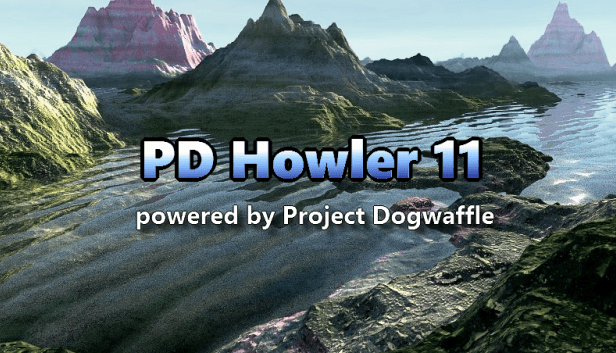
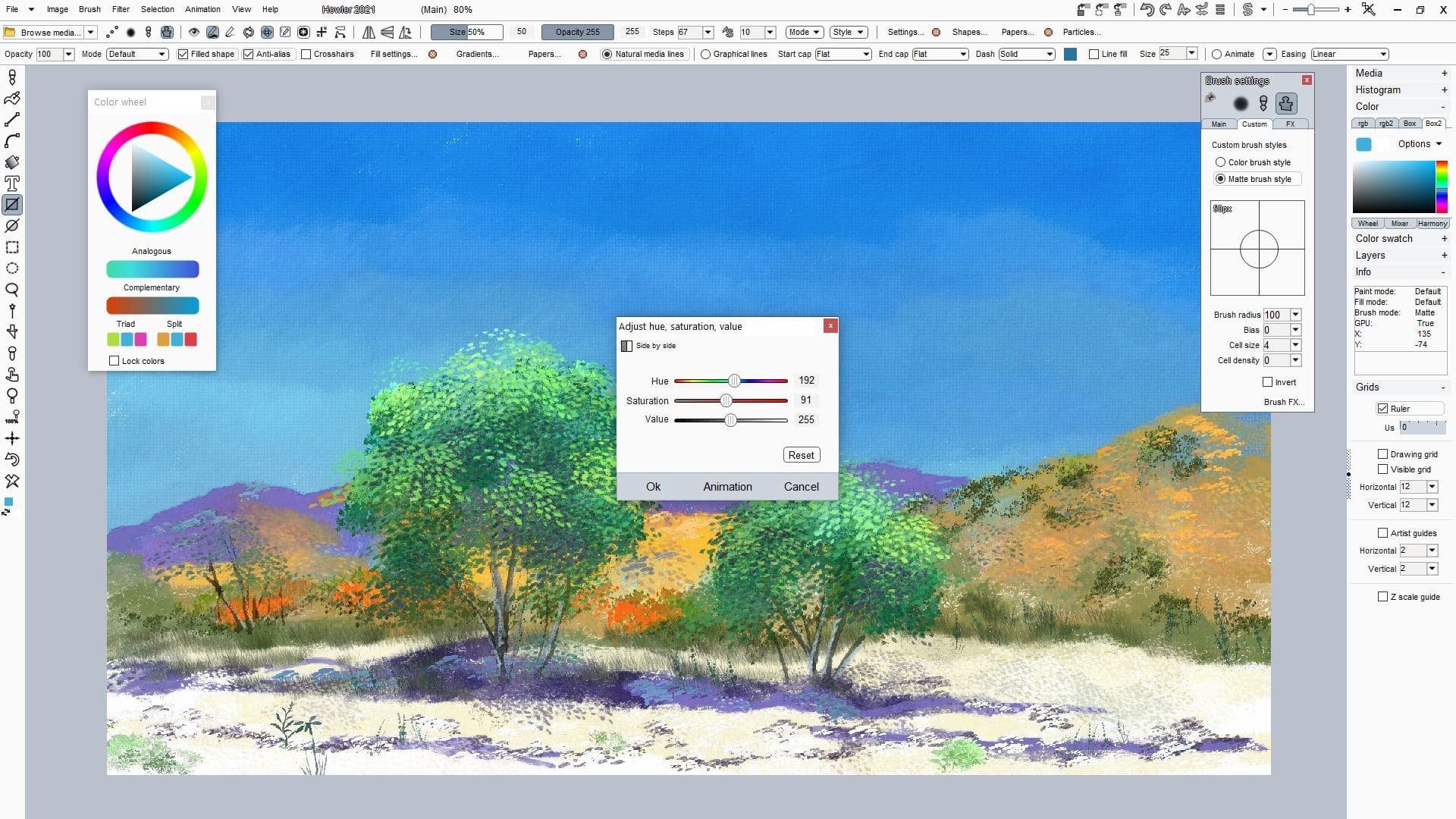
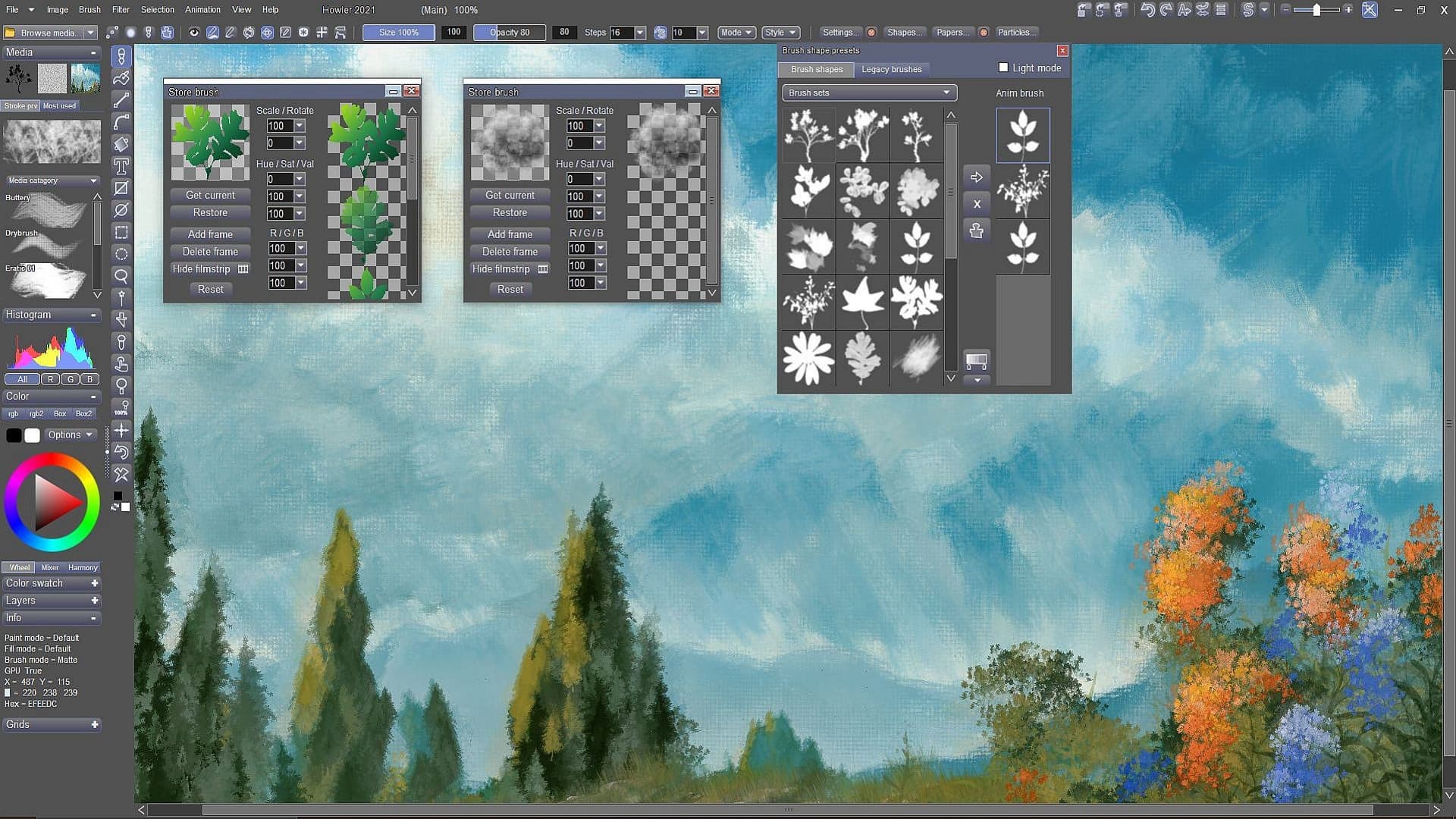
PD Howler is a fast digital painting and animation program, i.e. creative software for your PC.
The digital painting and visual effects series PD Howler has returned with PD Howler '21 (Version 14). The application has expanded greatly to improve the Painting, Animation, 3D and Visual FX tools.
We have with GPU-accelerated 3D landscape generation tools, rendering with path tracing, video-on-video painting, motion tracking, image stabilization, rotoscoping, artist guides, photo editing, realistic media painting with dryout, translucency and pigment lifting, tools for post work and special ...
Systemanforderungen
- Betriebssystem
- Windows 7, 8 or 10
- Prozessor
- 1.0 GHz or better that supports SSE2
- Arbeitsspeicher
- 3 GB RAM
- Speicherplatz
- 1 GB available space