


So aktivieren Sie
- Installiere Steam und melde dich bei deinem Konto an (ein kostenloses Konto reicht).
- Wähle im oberen Menü „Spiele“ → „Ein Produkt bei Steam aktivieren…“.
- Gib deinen Key genau wie in der Bestellung ein (mit Bindestrichen) und bestätige. Das Spiel erscheint in deiner Bibliothek.
Offizielle Aktivierungsanleitung von Steam
Damit Sie das Spiel aktivieren können benötigen Sie einen 'Steam-Account'. Weitere Informationen zur Aktivierung finden Sie unter diesem Link: https://support.steampowered.com/kb_article.php?ref=5414-TFBN-1352
Über das Spiel
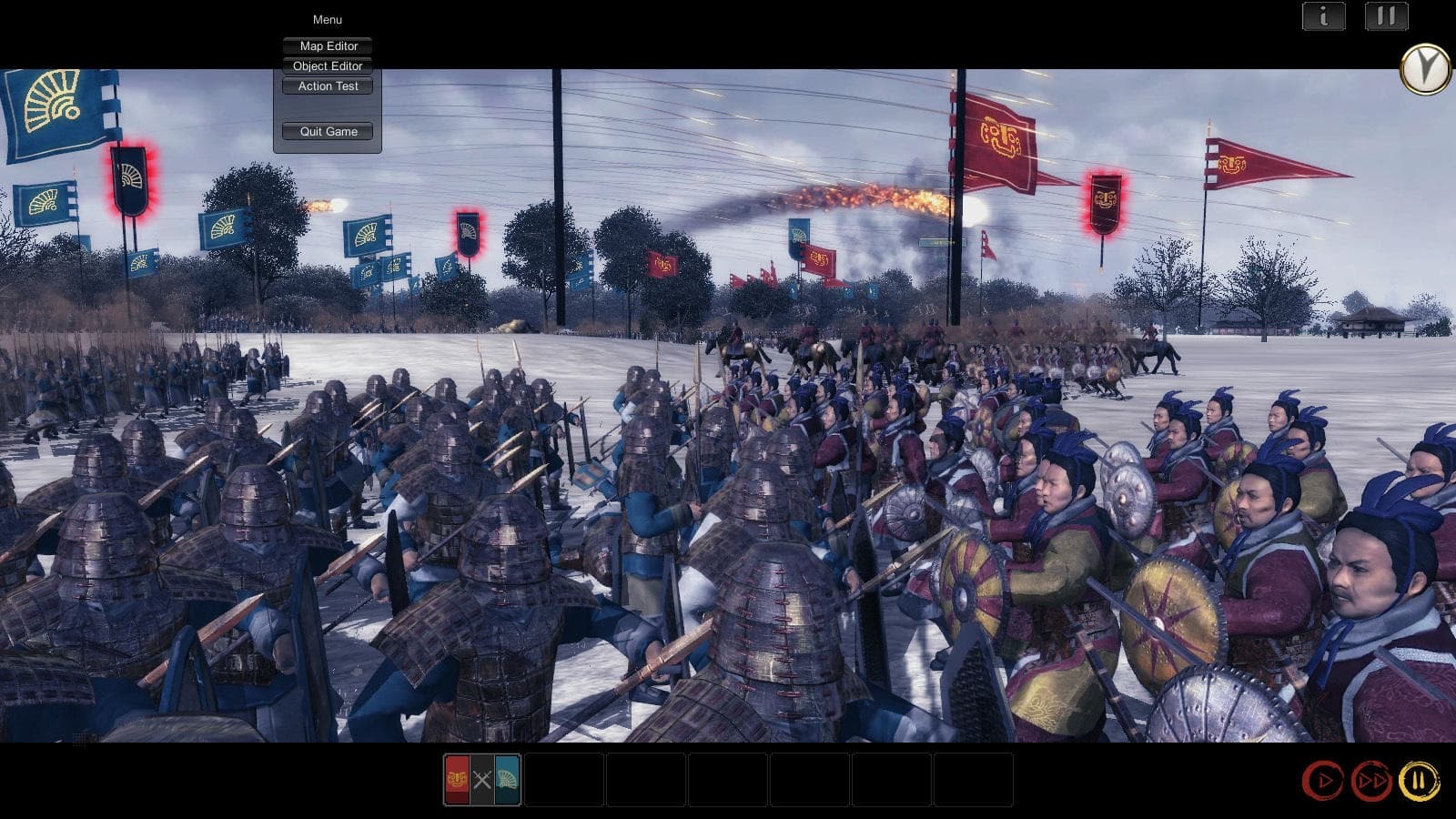
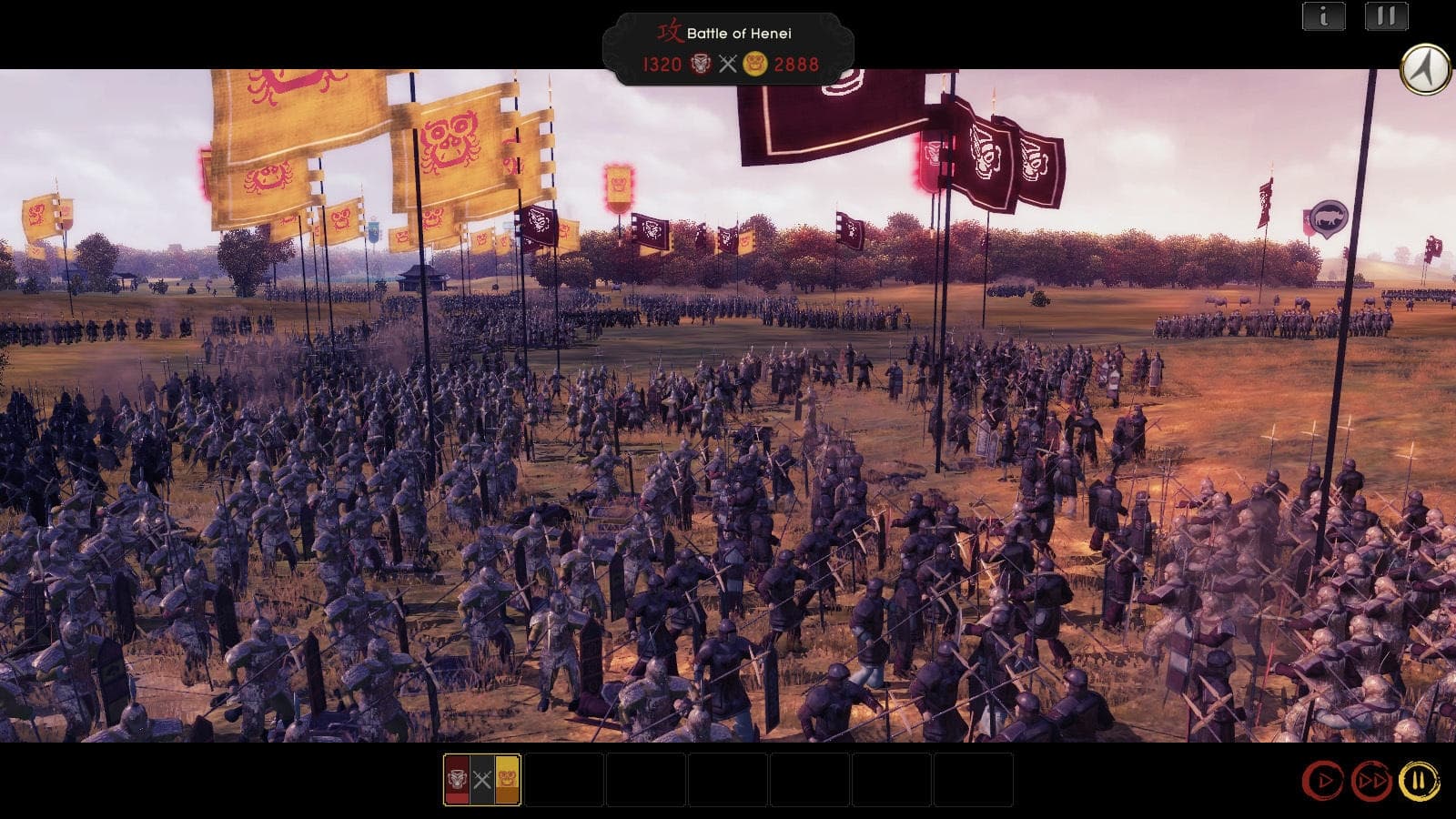
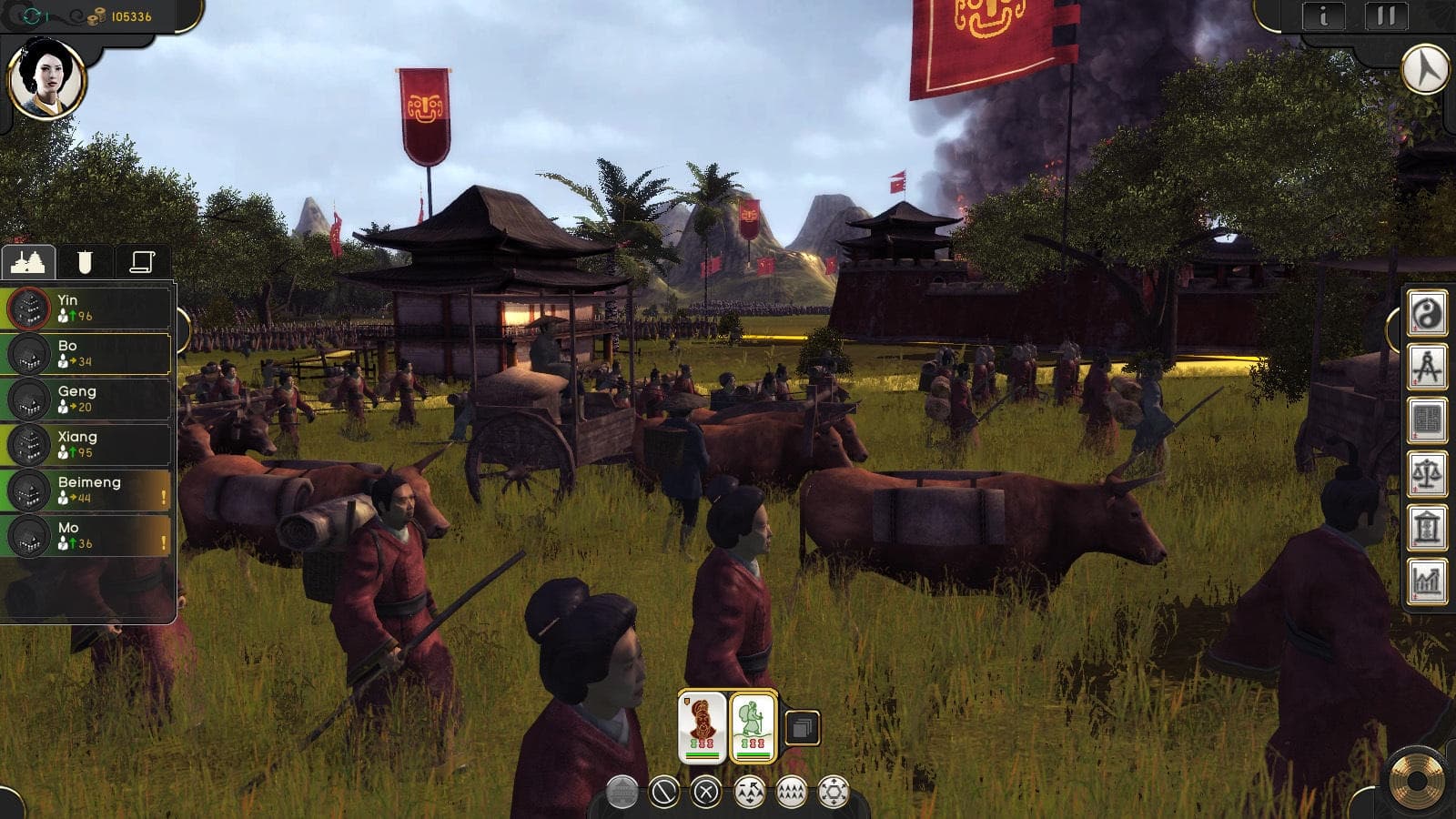
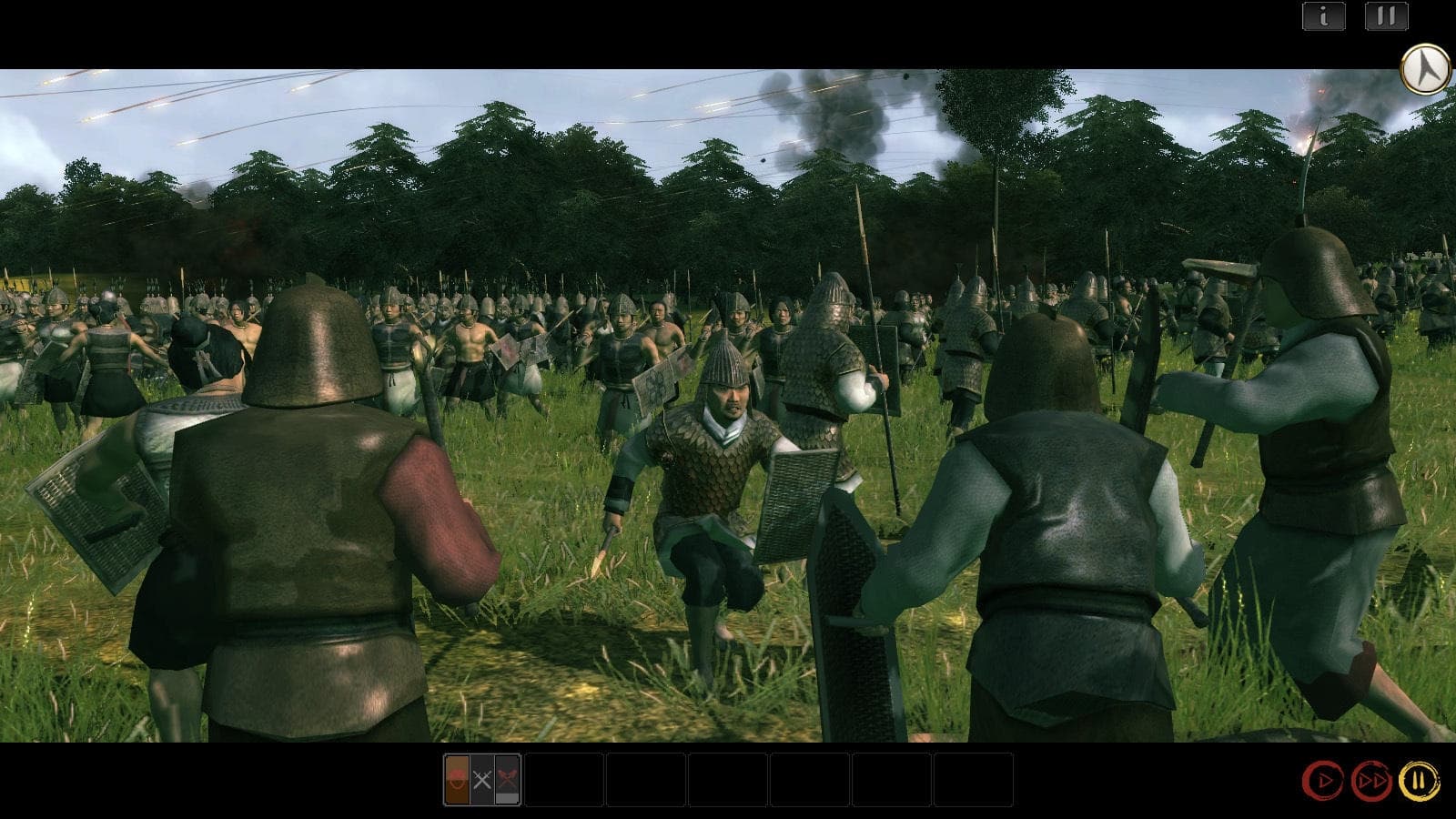
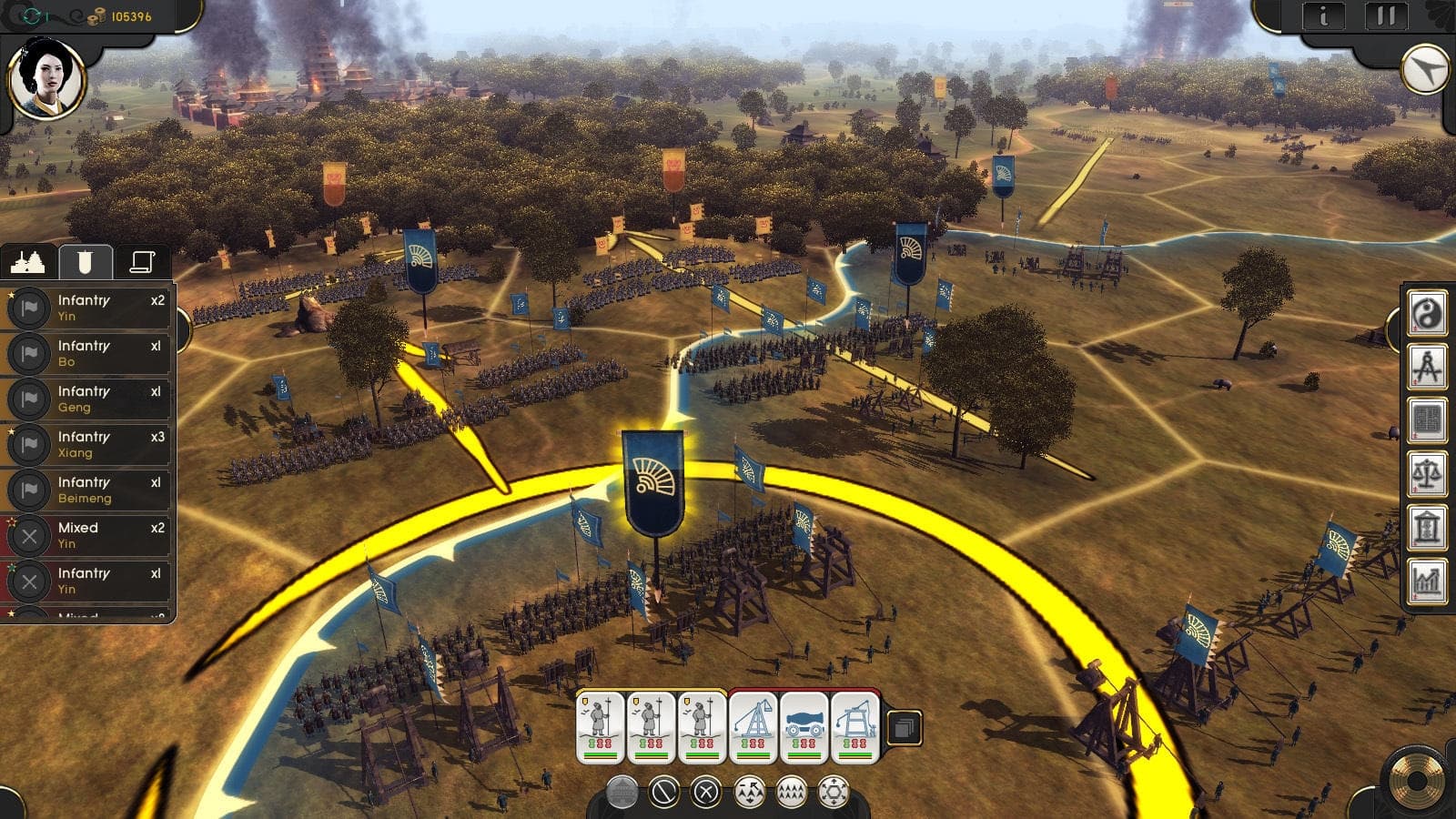
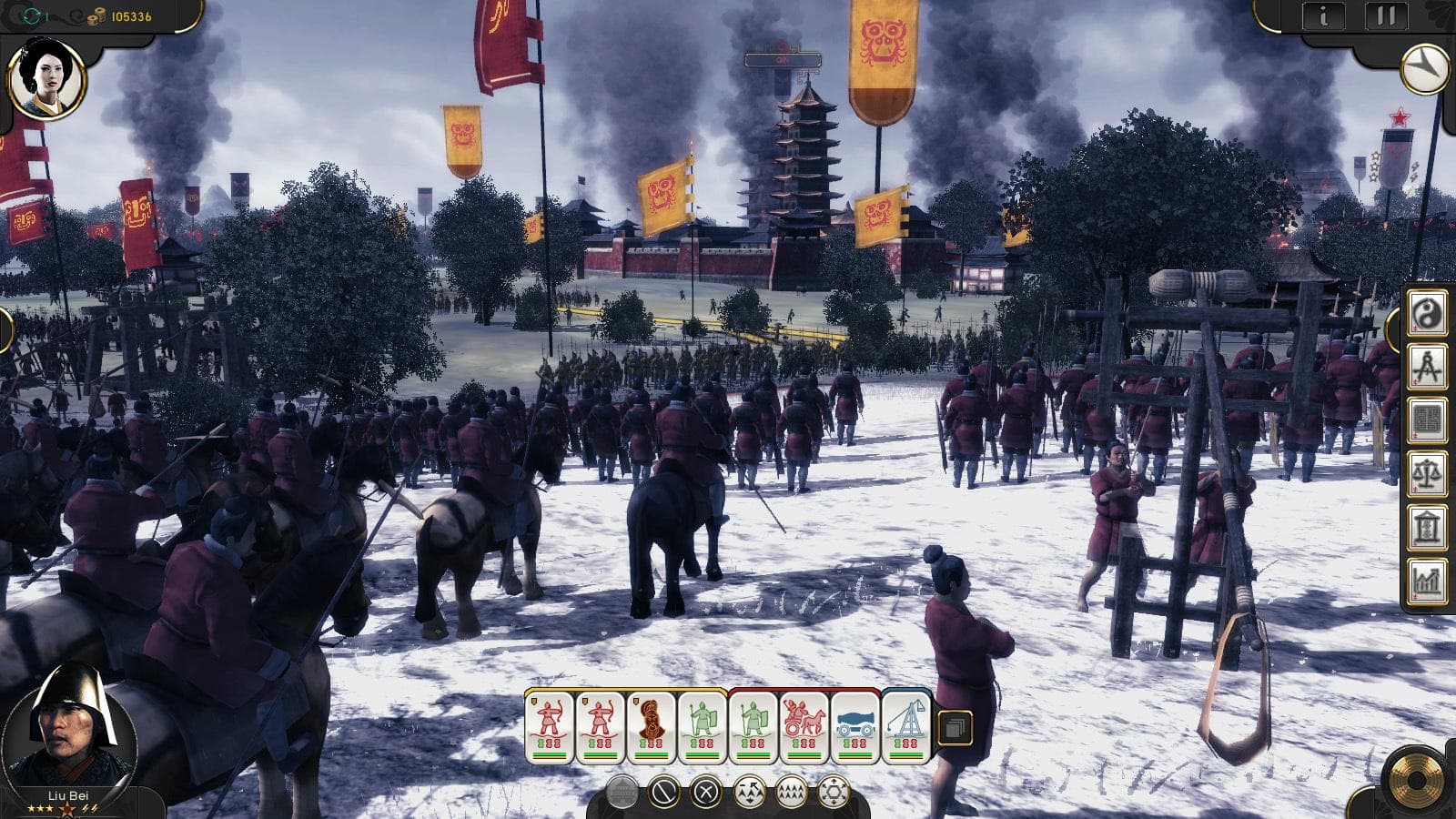
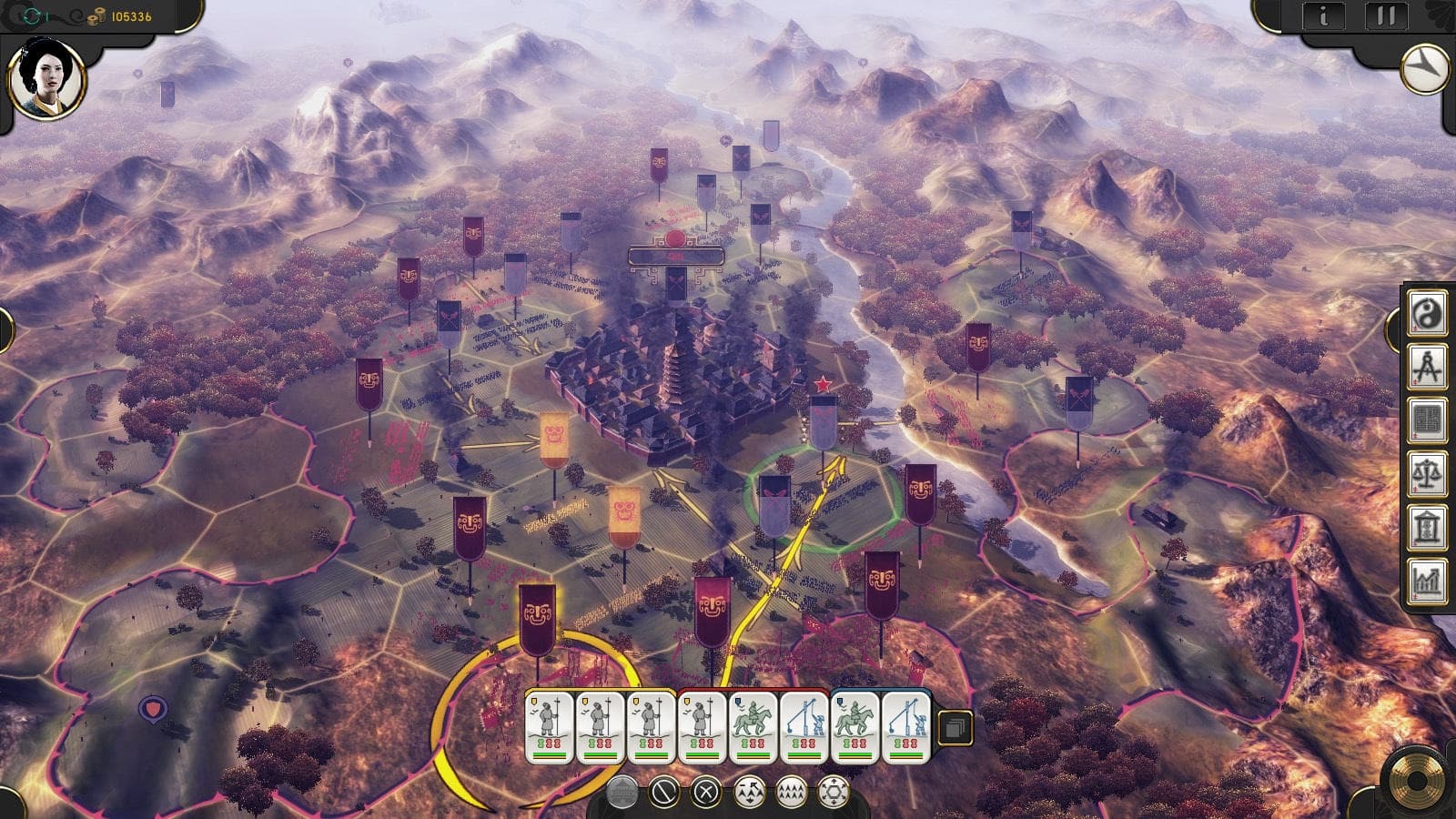
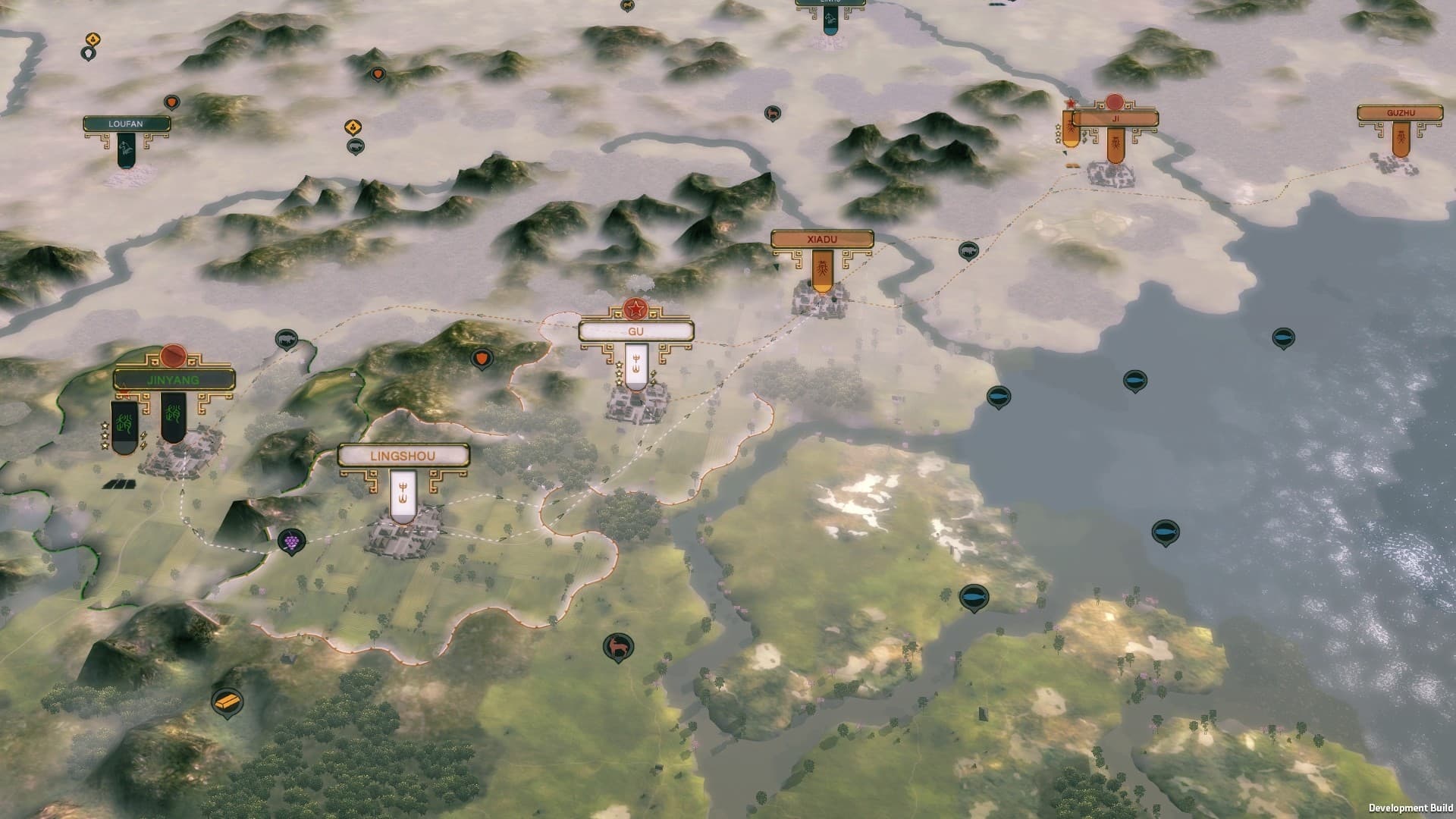
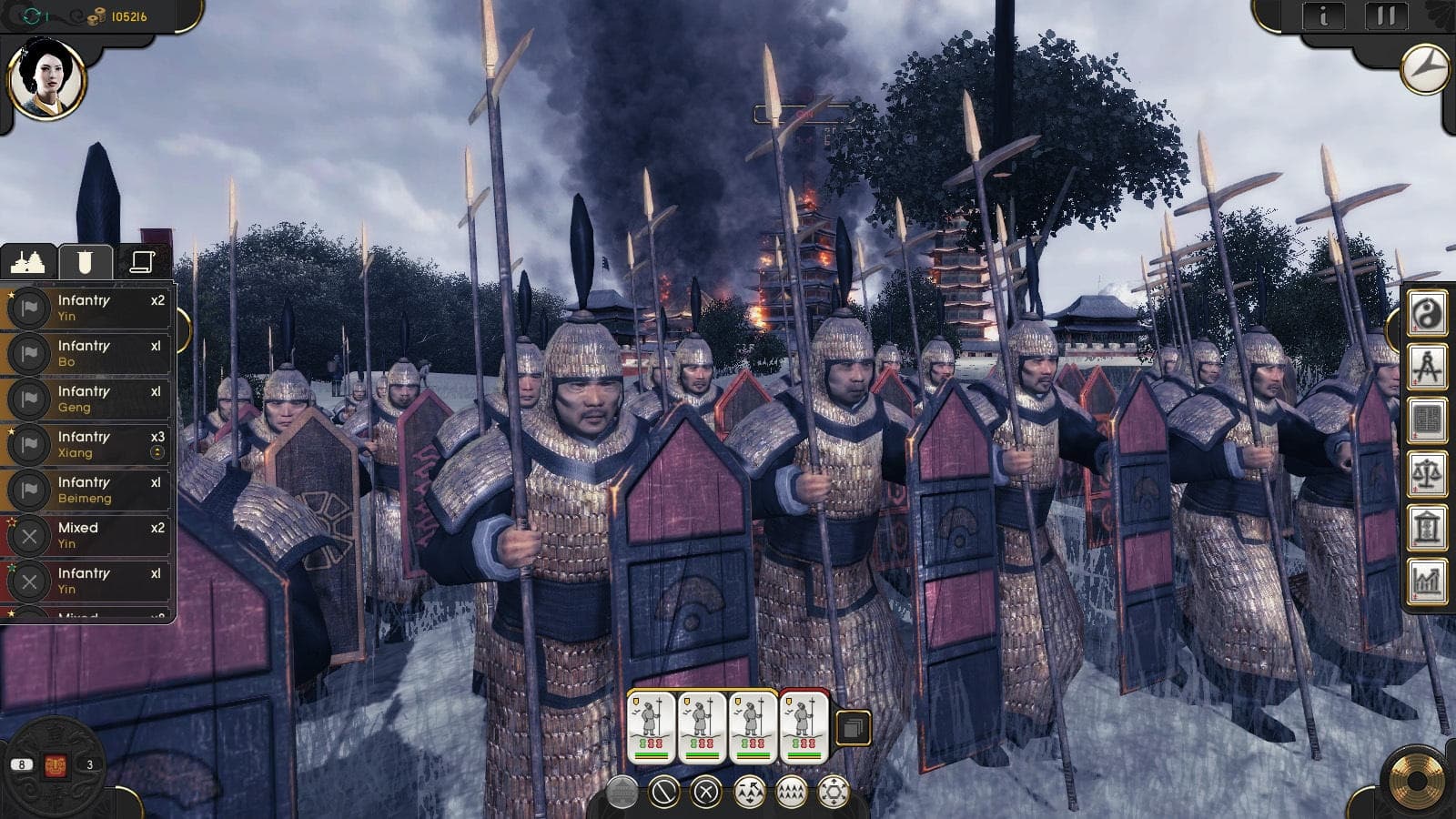
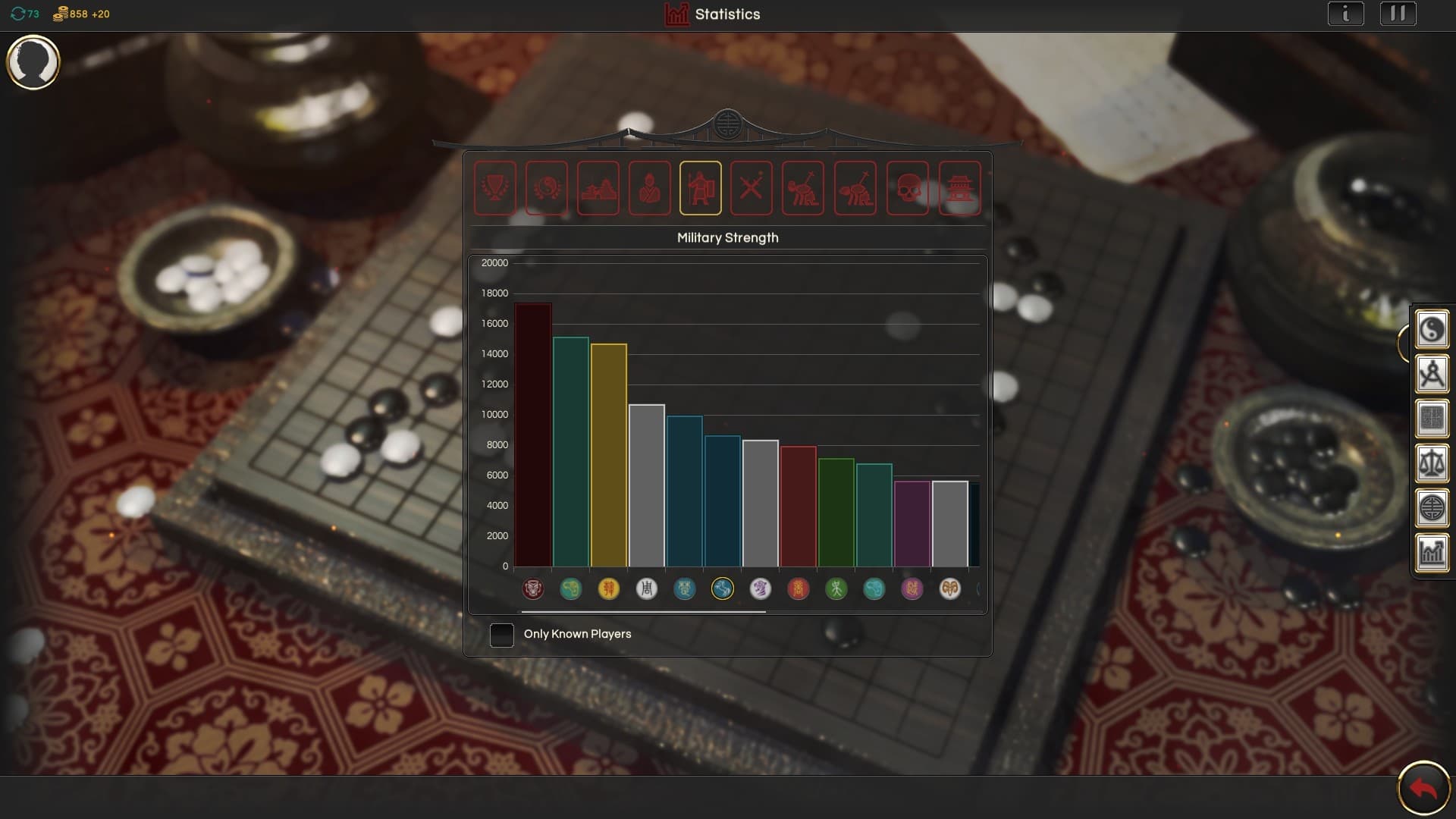
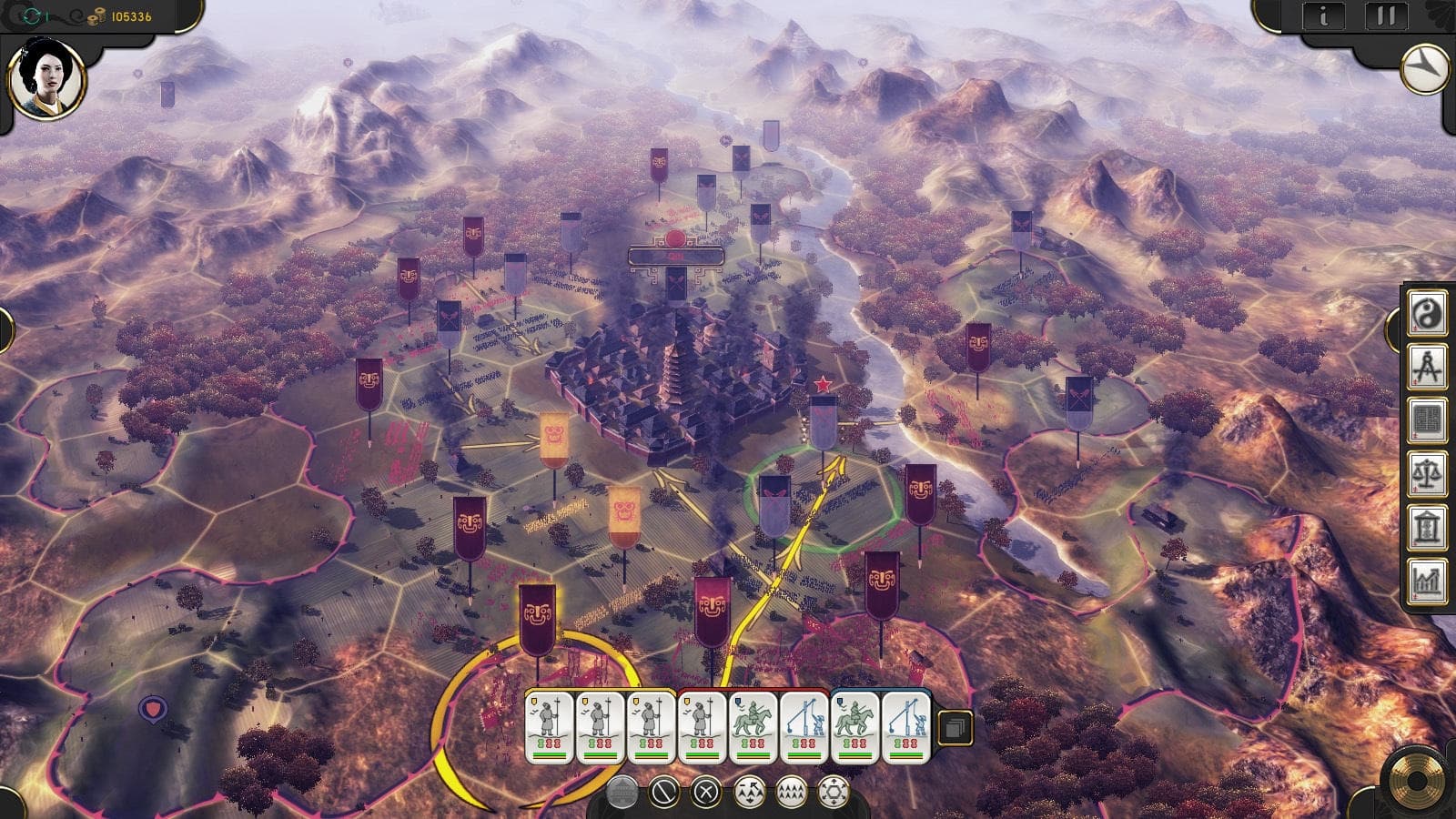
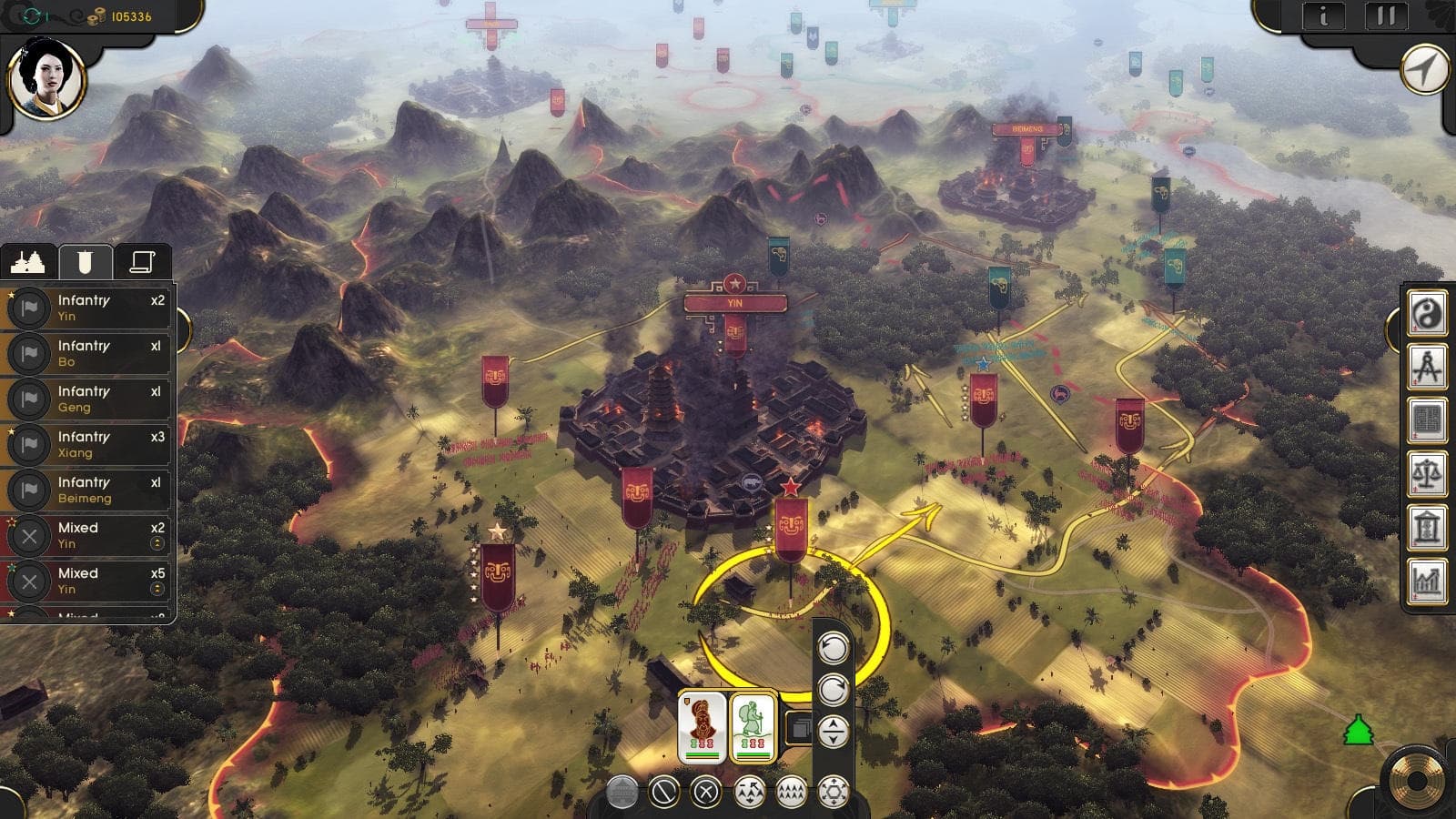
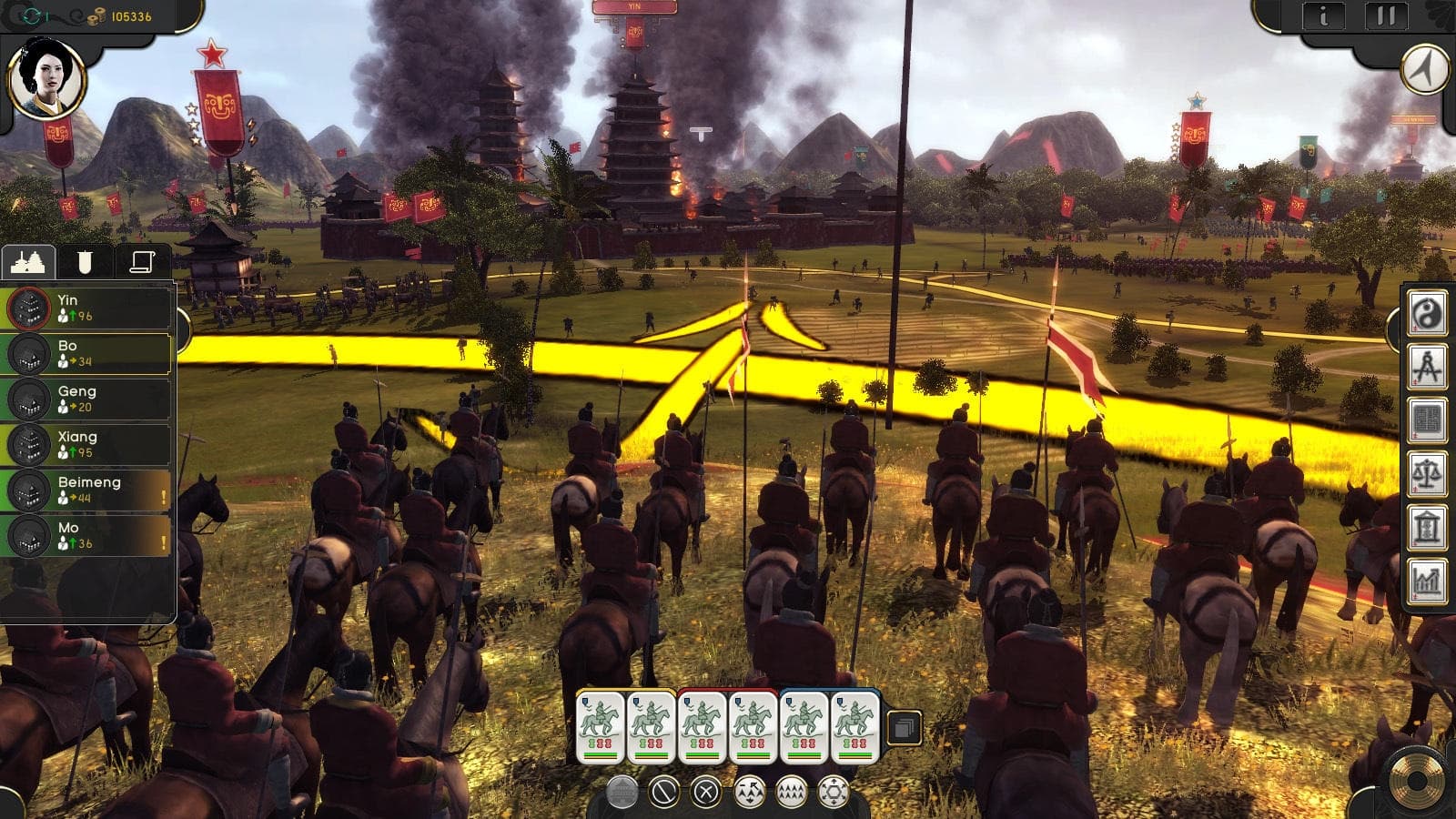
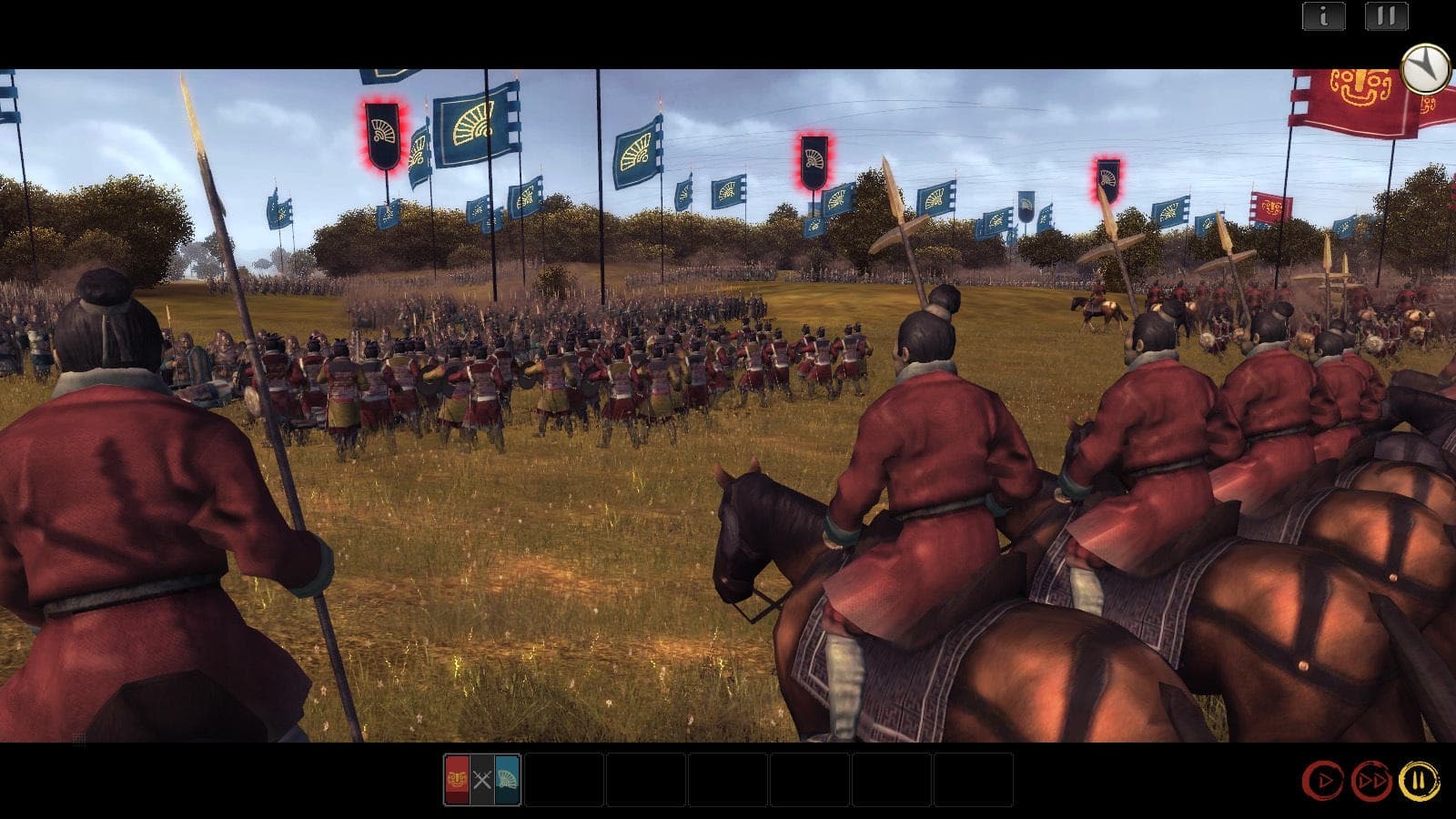
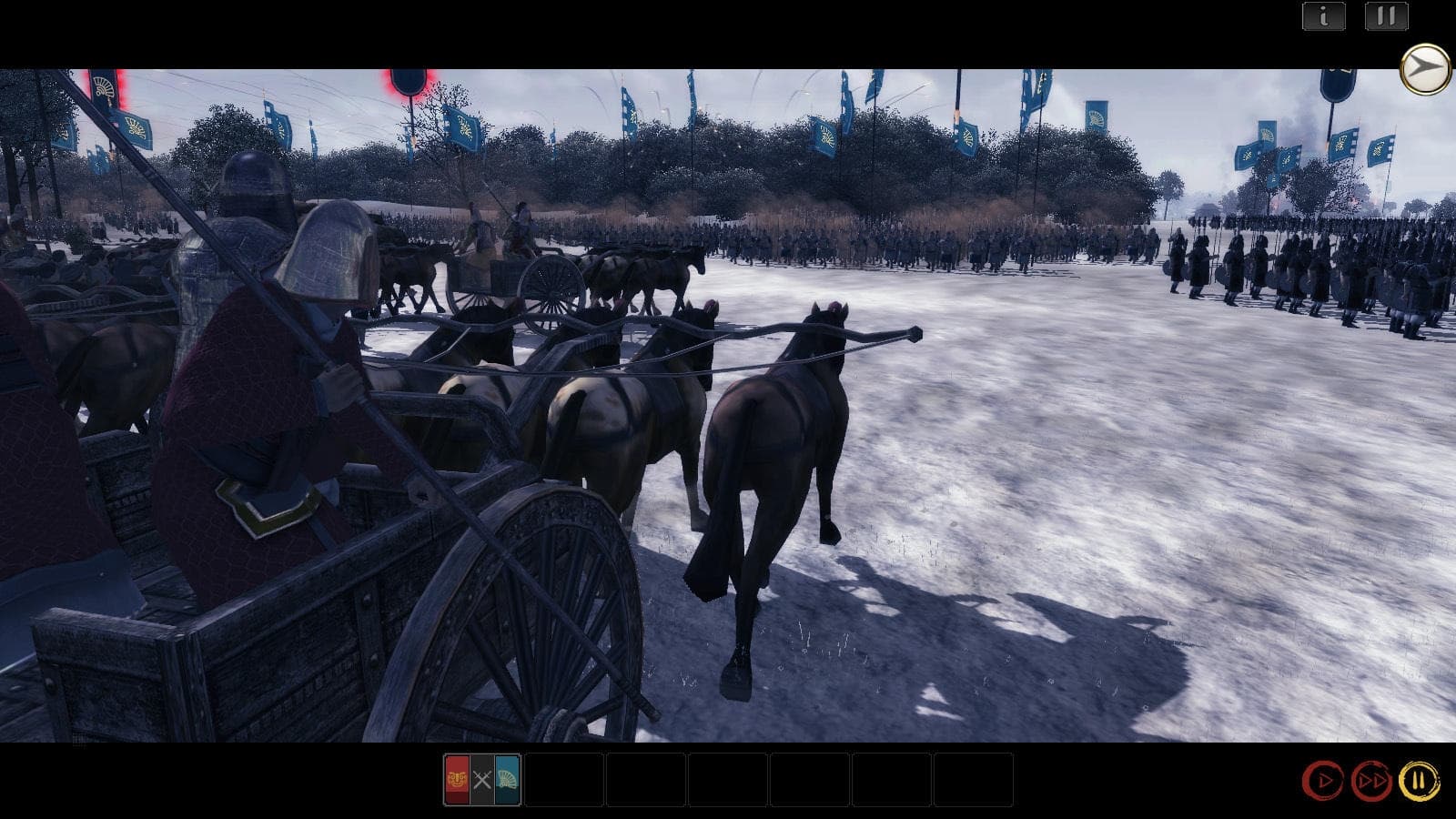
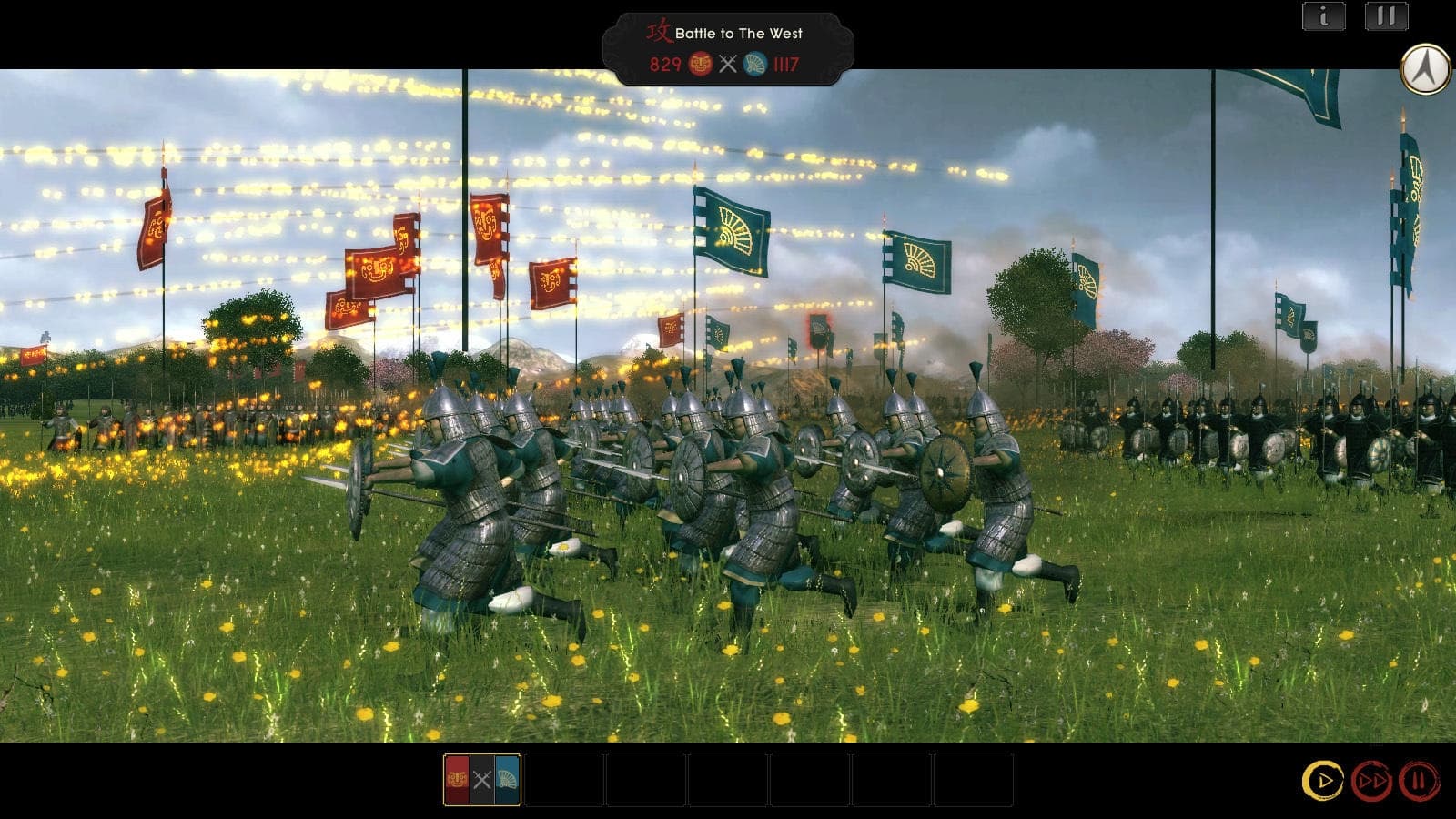
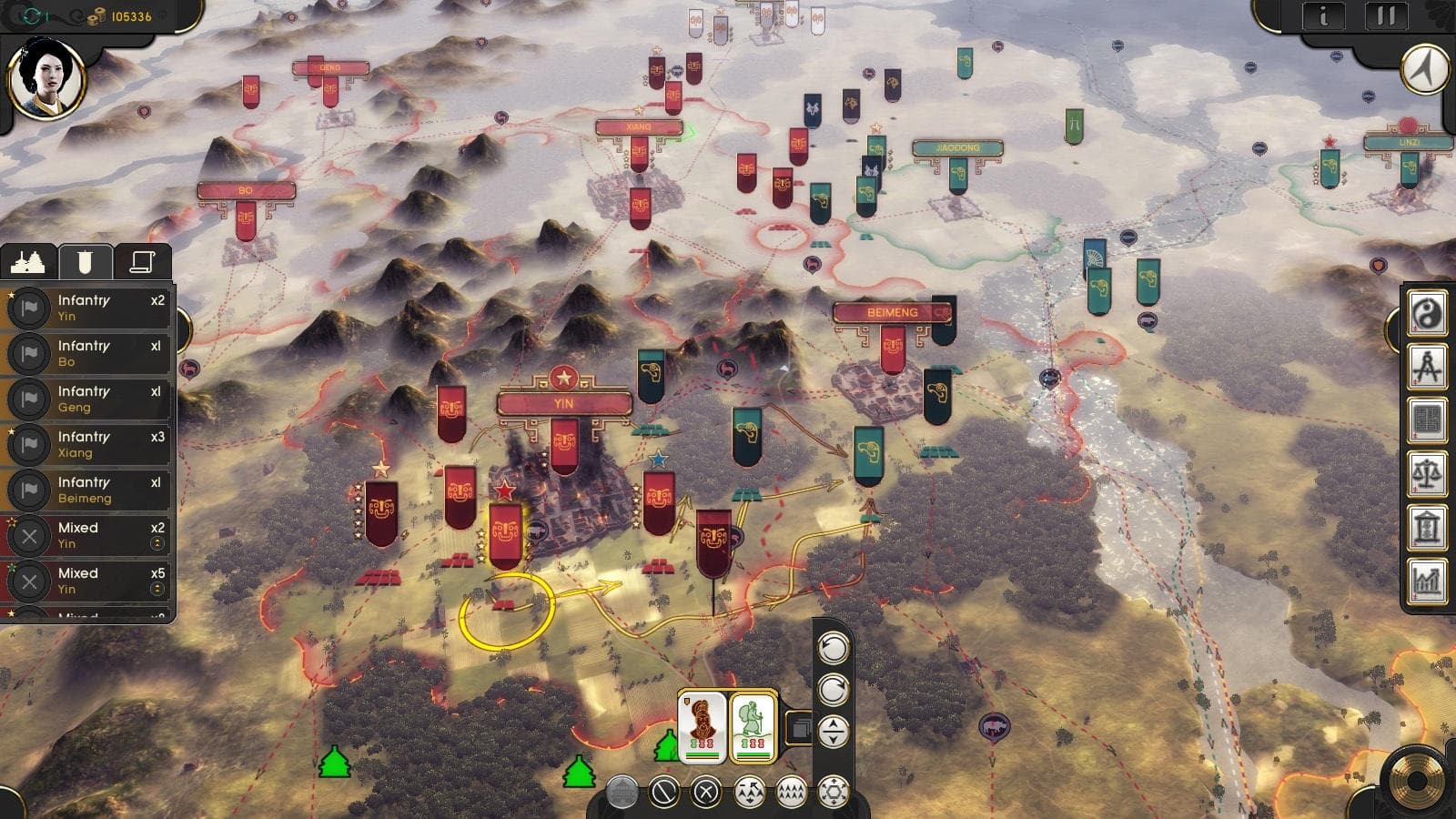
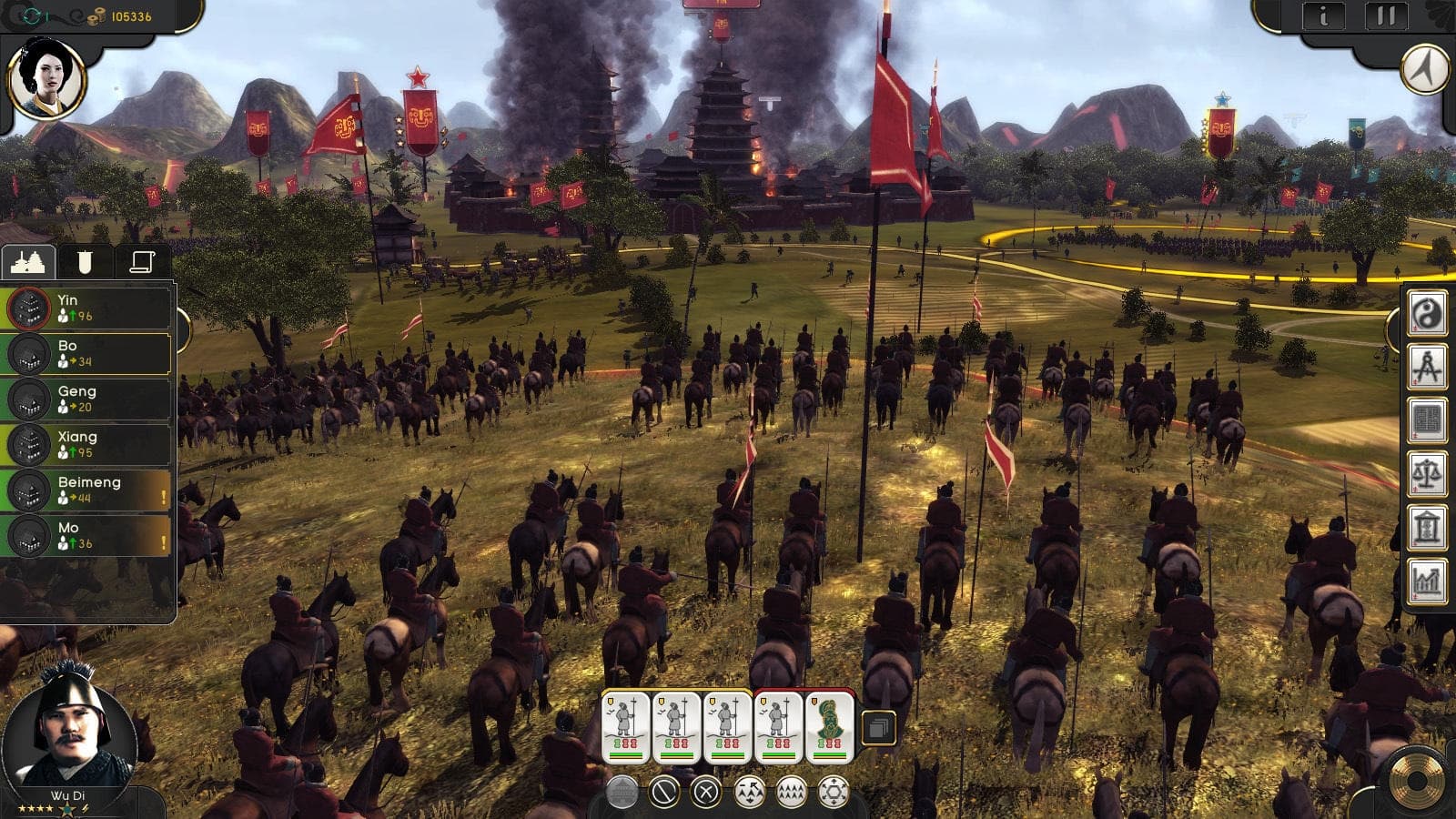
Turn based 4X strategy game, recreating the civilizations of ancient China. Develop your land, build great cities, raise huge armies and fight epic battles, with hundreds of soldiers fighting right on the game map. Advance your technologies, culture and religion to create one of mankind’s biggest empires. ...
Systemanforderungen
- Betriebssystem
- Windows 7 64 bit (32 bit NOT supported)
- Prozessor
- Intel Core i5-3230M @ 2.60GHz or equivalent AMD processor and above
- Arbeitsspeicher
- 4 GB RAM
- Grafik
- 256 MB DX 9 Compliant videocard with pixel shader 3,0
- DirectX
- Version 9.0c
- Speicherplatz
- 2 GB available space
- Soundkarte
- DirectX 9 Compatible Audio
- Zusätzliche Hinweise
- Minimum Resolution: 1024 x 768
- Betriebssystem
- Windows 7,8,10 - 64 bit (32 bit NOT supported)
- Prozessor
- Intel i5 3.2 GHz or equivalent AMD processor and above
- Arbeitsspeicher
- 8 GB RAM
- Grafik
- 512 MB DX 9 Compliant videocard with pixel shader 3,0
- DirectX
- Version 9.0c
- Speicherplatz
- 2 GB available space
- Soundkarte
- DirectX 9 Compatible Audio
- Zusätzliche Hinweise
- Minimum Resolution: 1024 x 768
Rechtliche Hinweise
Oriental Empires © 2016 J. Carline and R.T. Smith. Developed by Shining Pixel Studios. Licensed exclusively worldwide to and published by Iceberg Interactive B.V. All brands, product names, and logos are trademarks or registered trademarks of their respective owners. All rights reserved. Made in the UK.