








So aktivieren Sie
- Installiere Steam und melde dich bei deinem Konto an (ein kostenloses Konto reicht).
- Wähle im oberen Menü „Spiele“ → „Ein Produkt bei Steam aktivieren…“.
- Gib deinen Key genau wie in der Bestellung ein (mit Bindestrichen) und bestätige. Das Spiel erscheint in deiner Bibliothek.
Über das Spiel
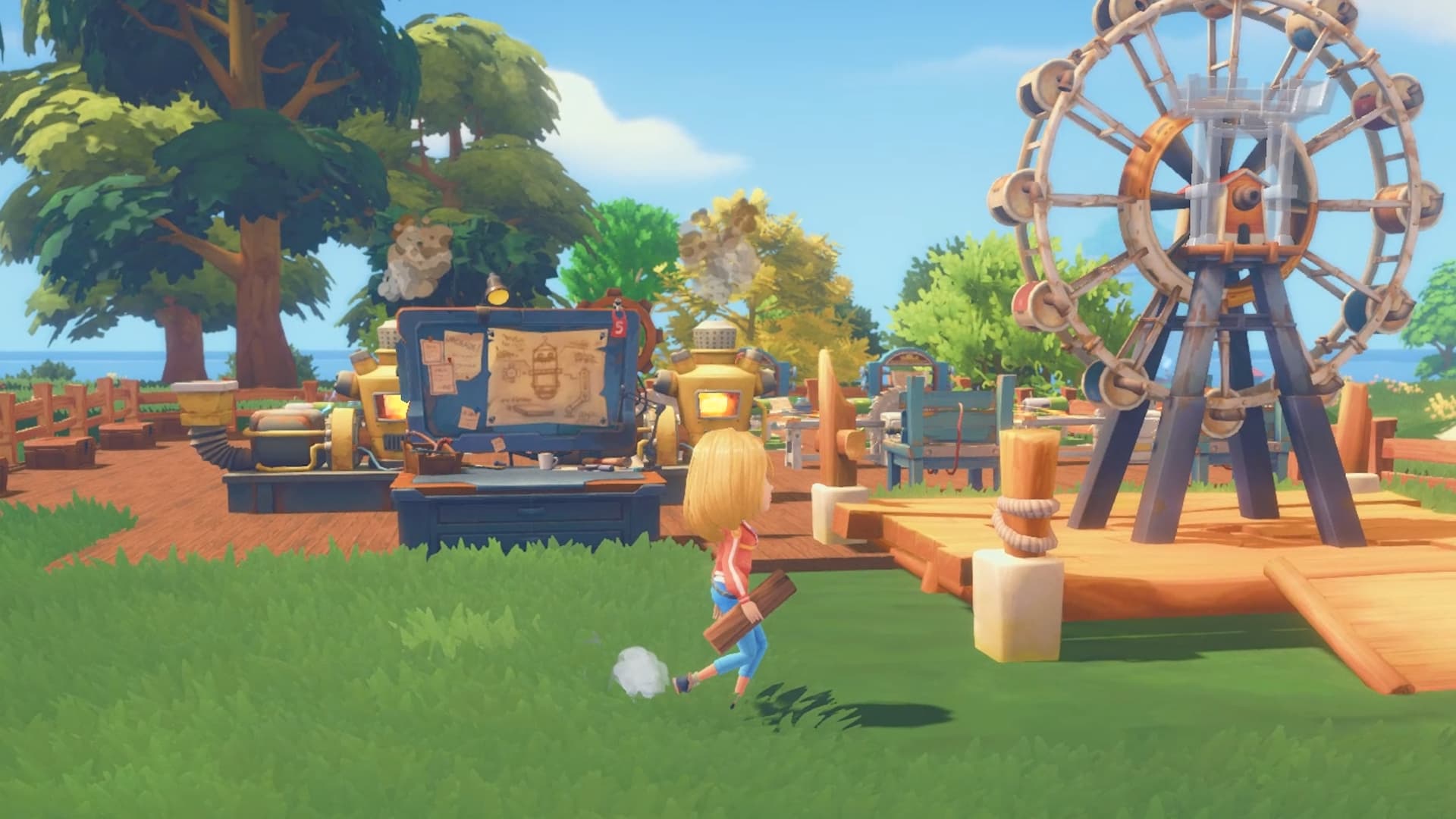
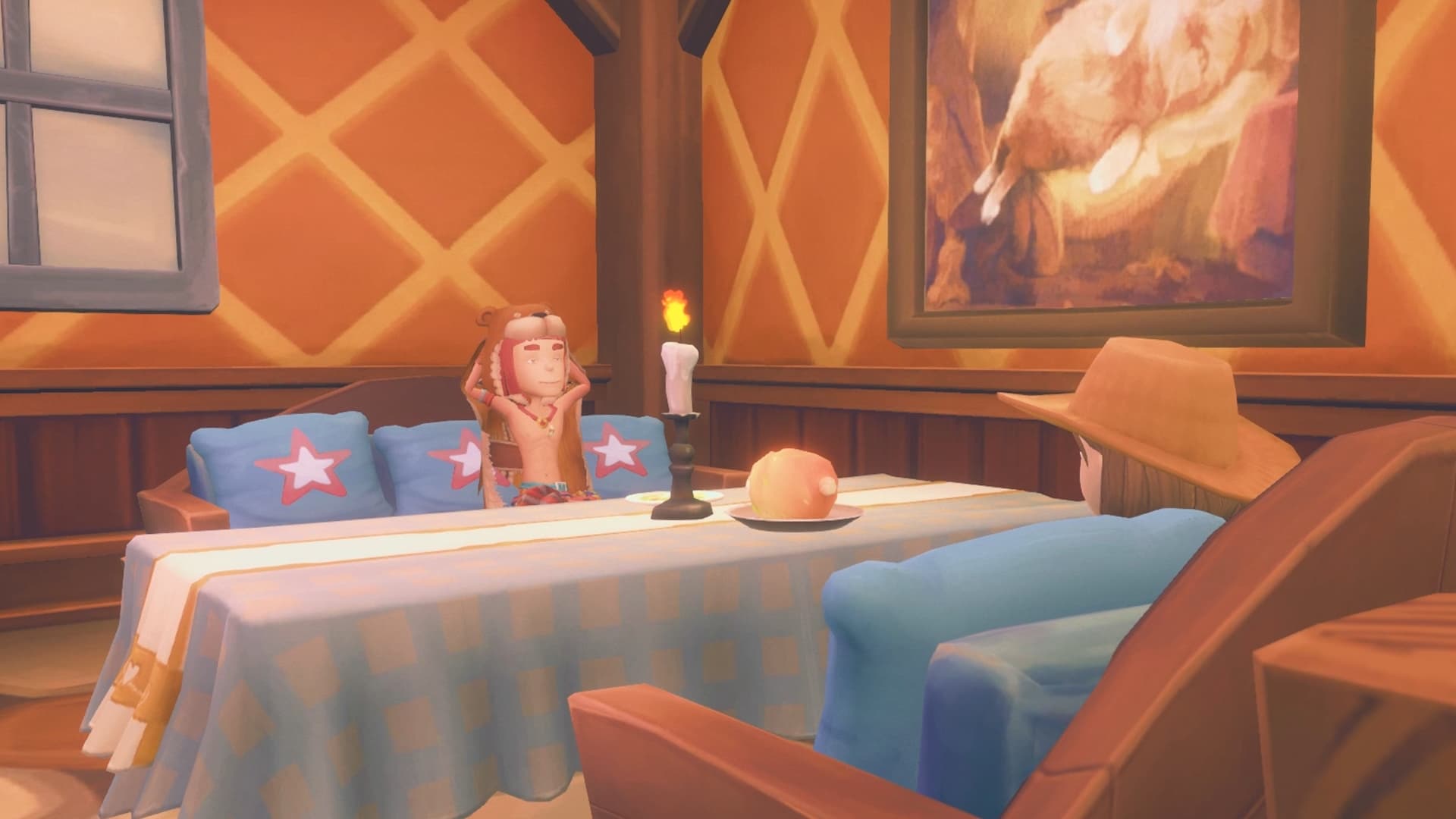
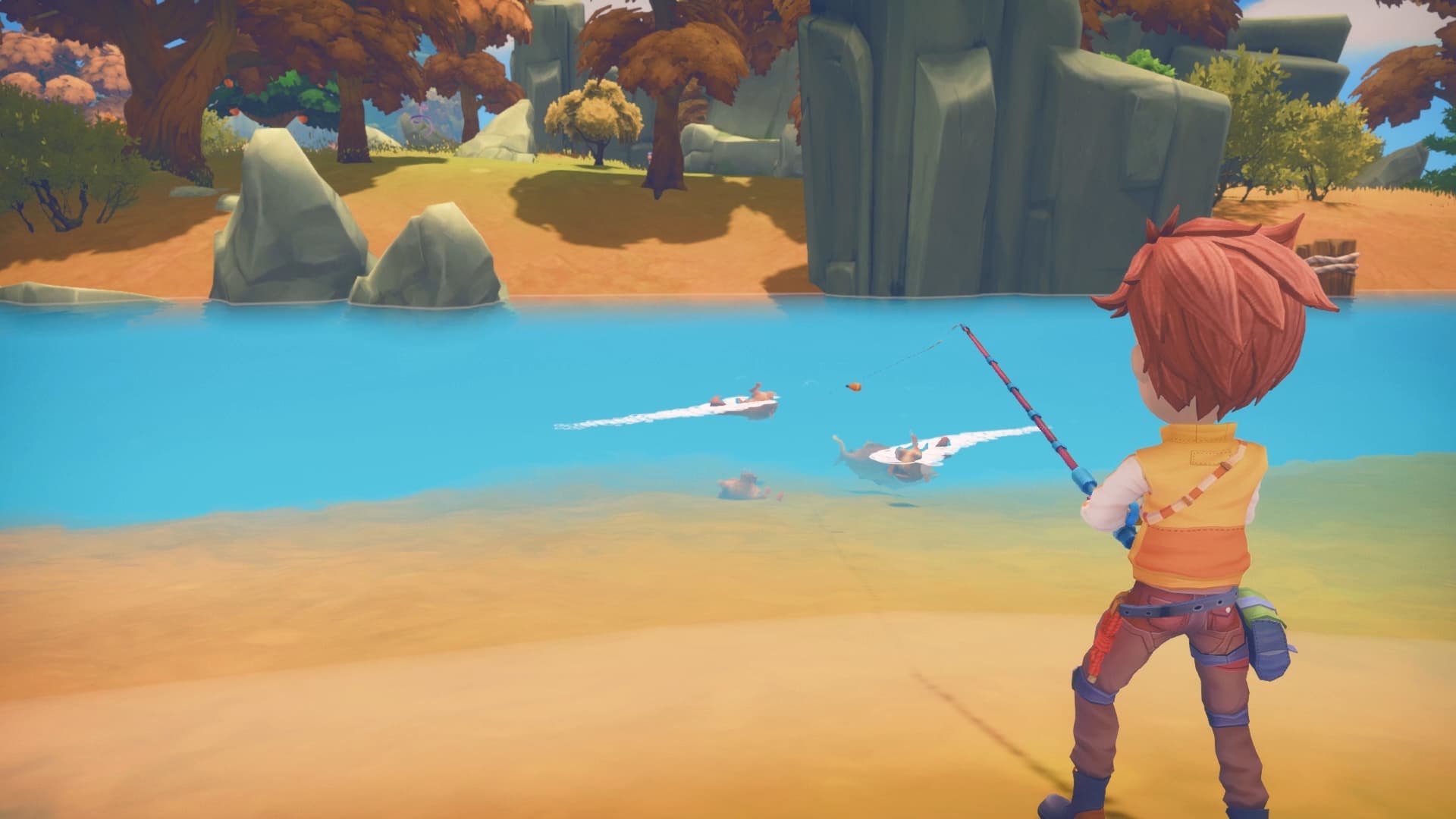
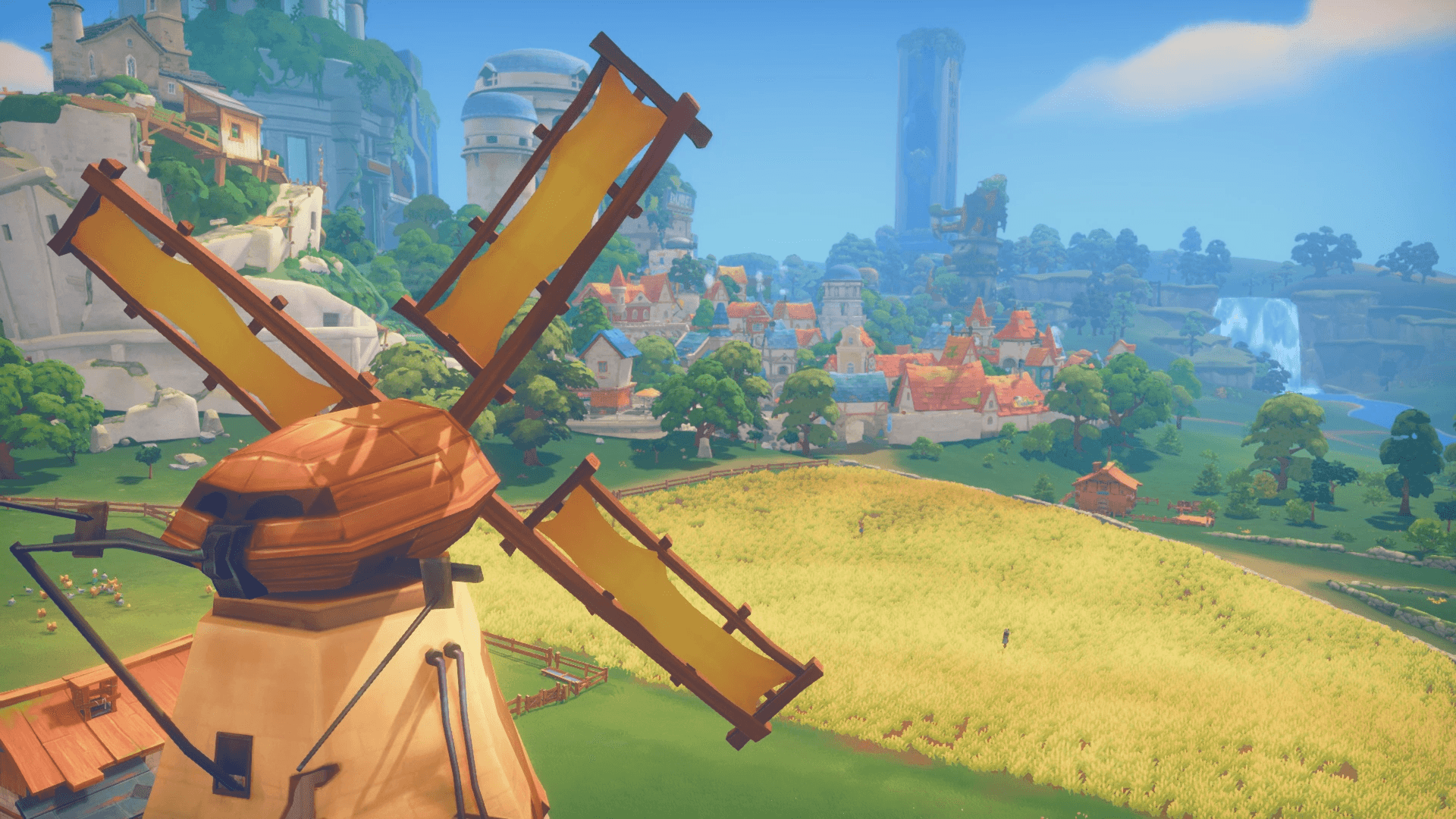
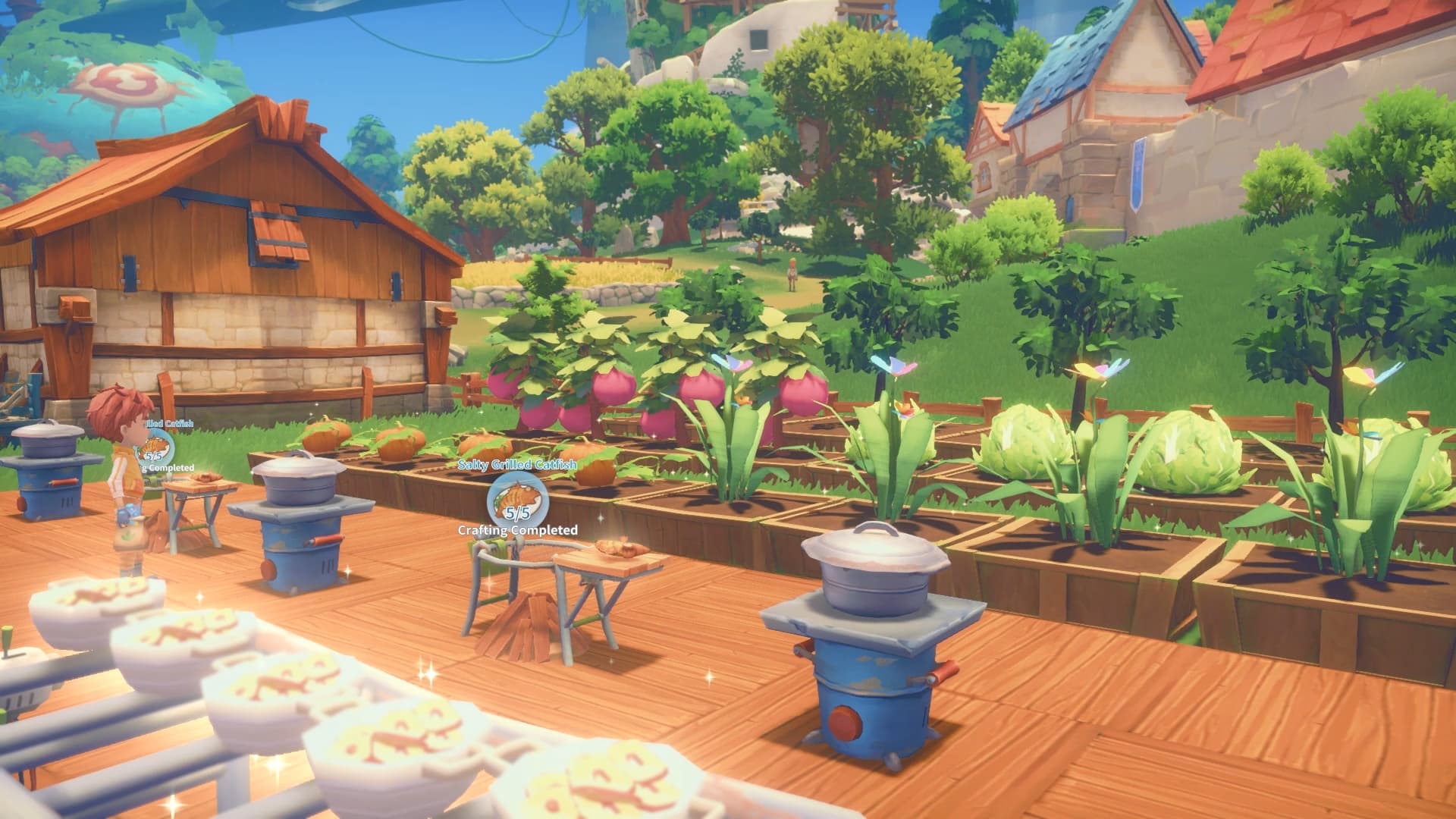
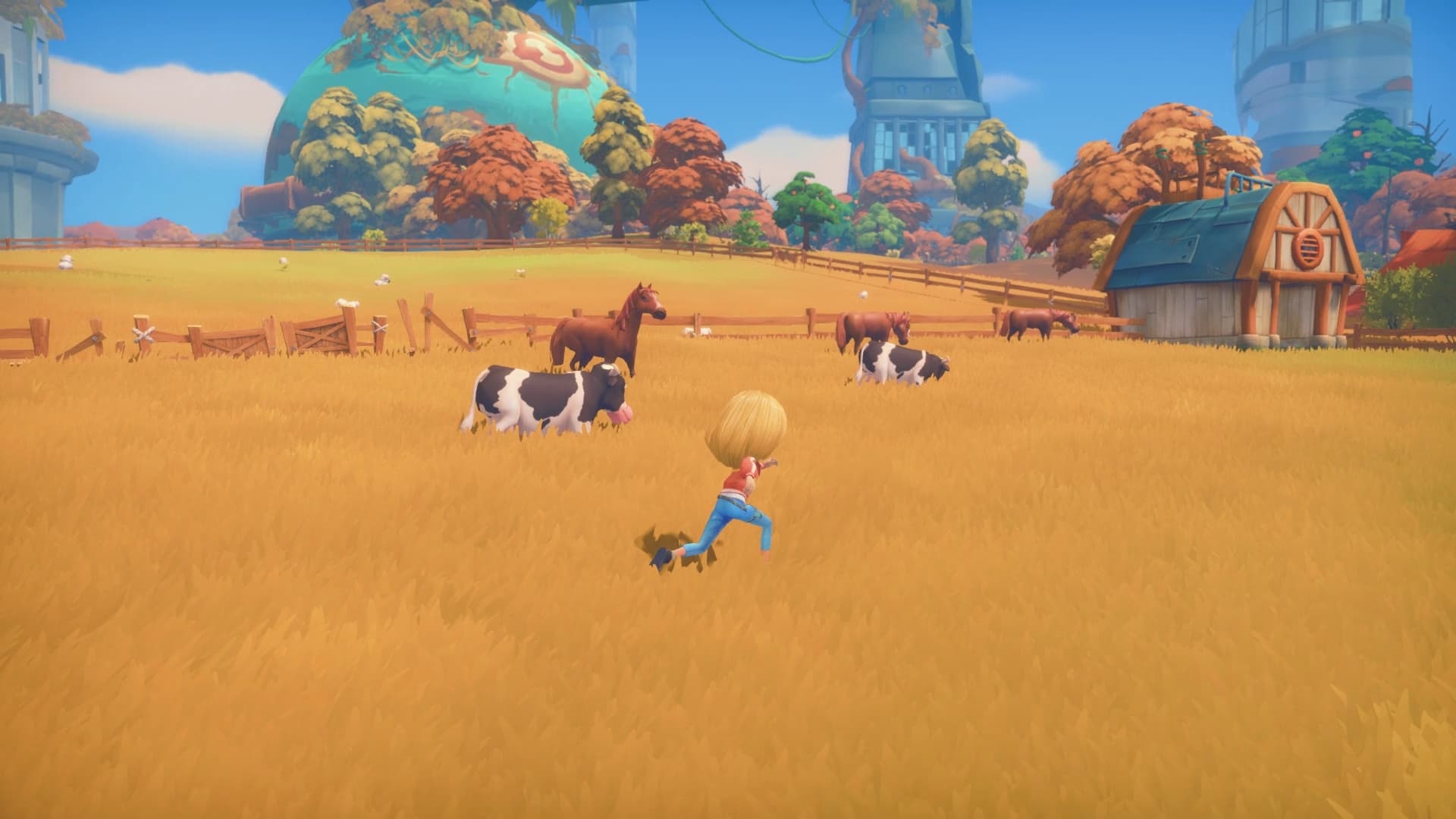
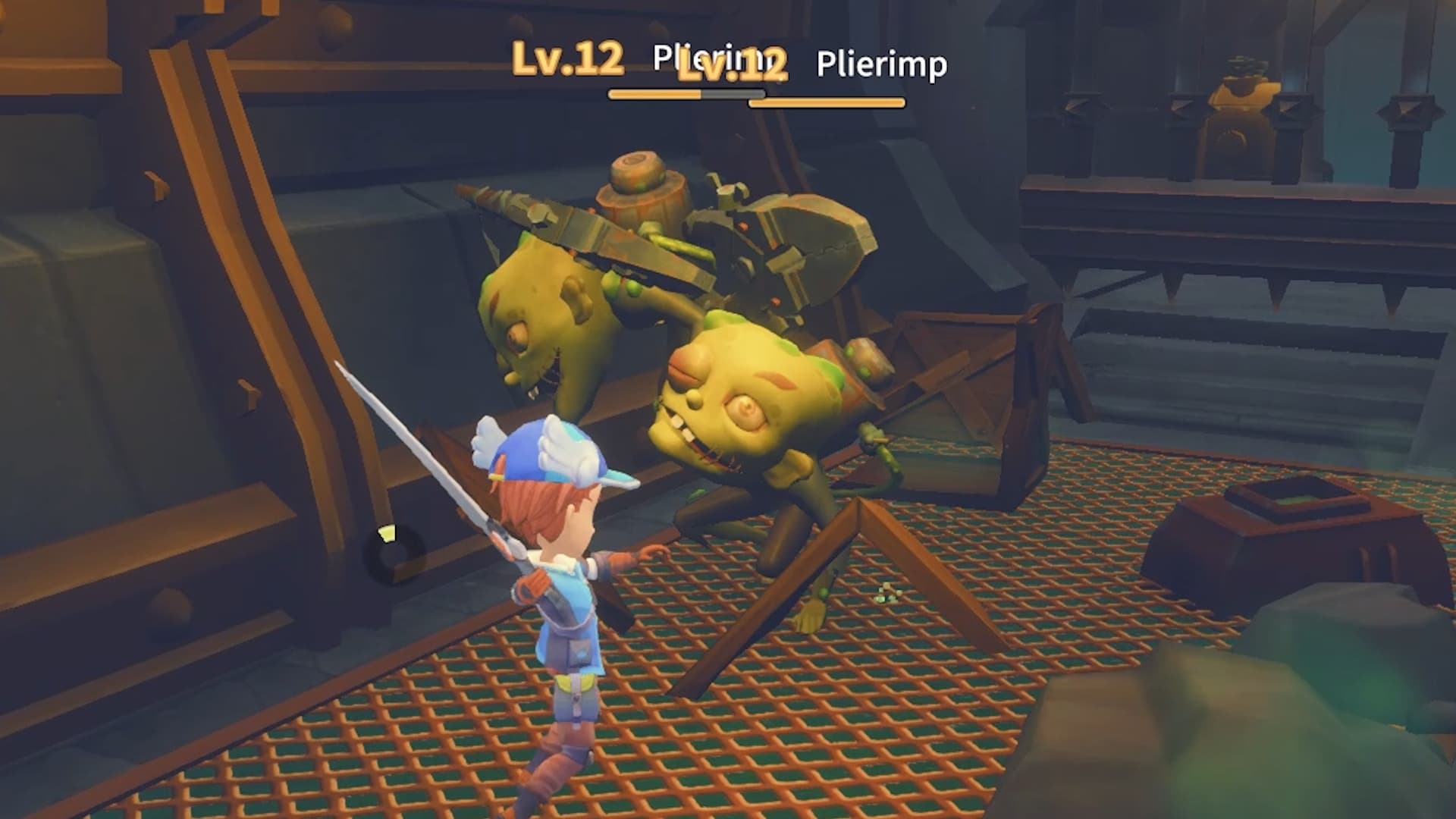
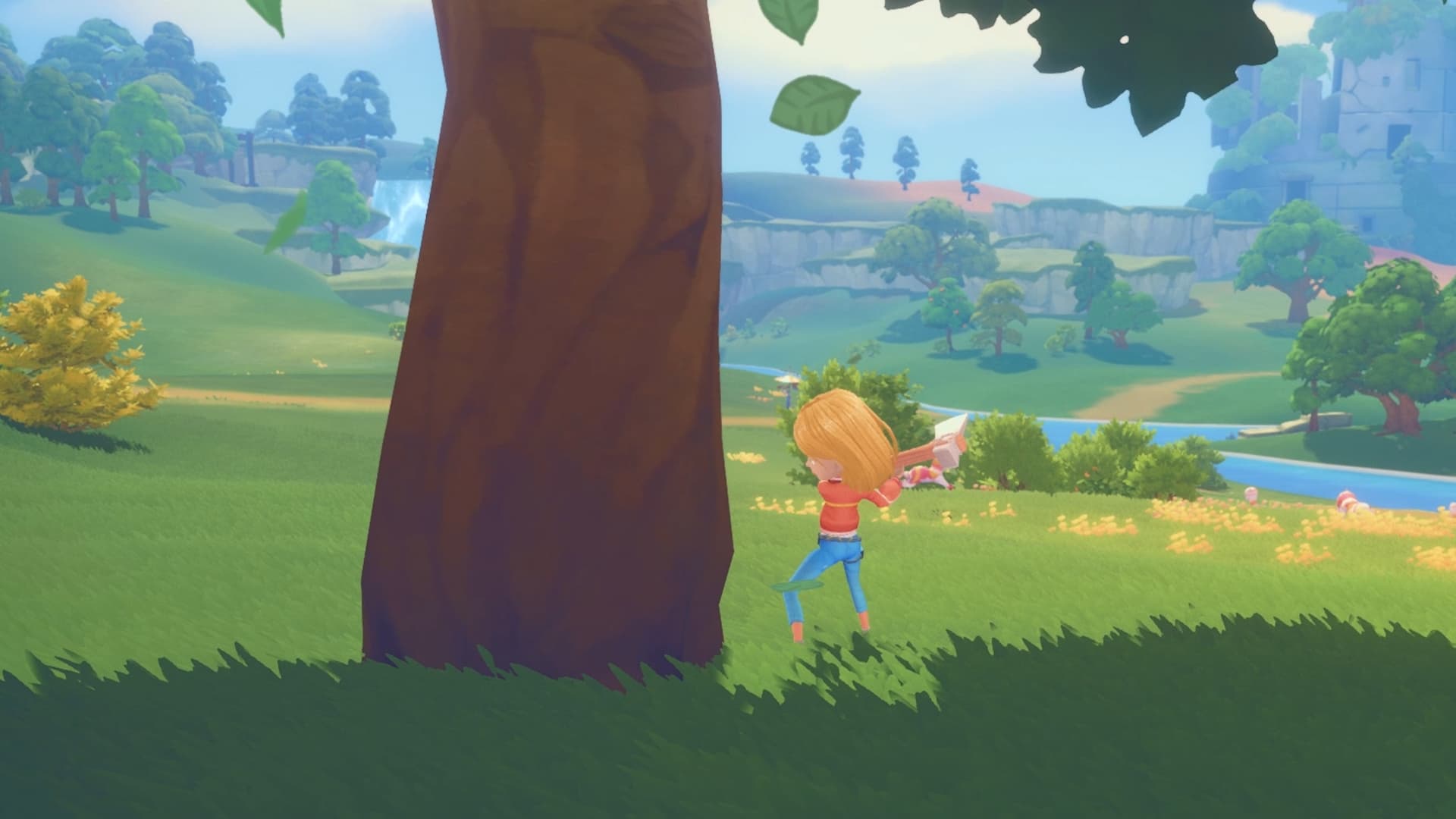
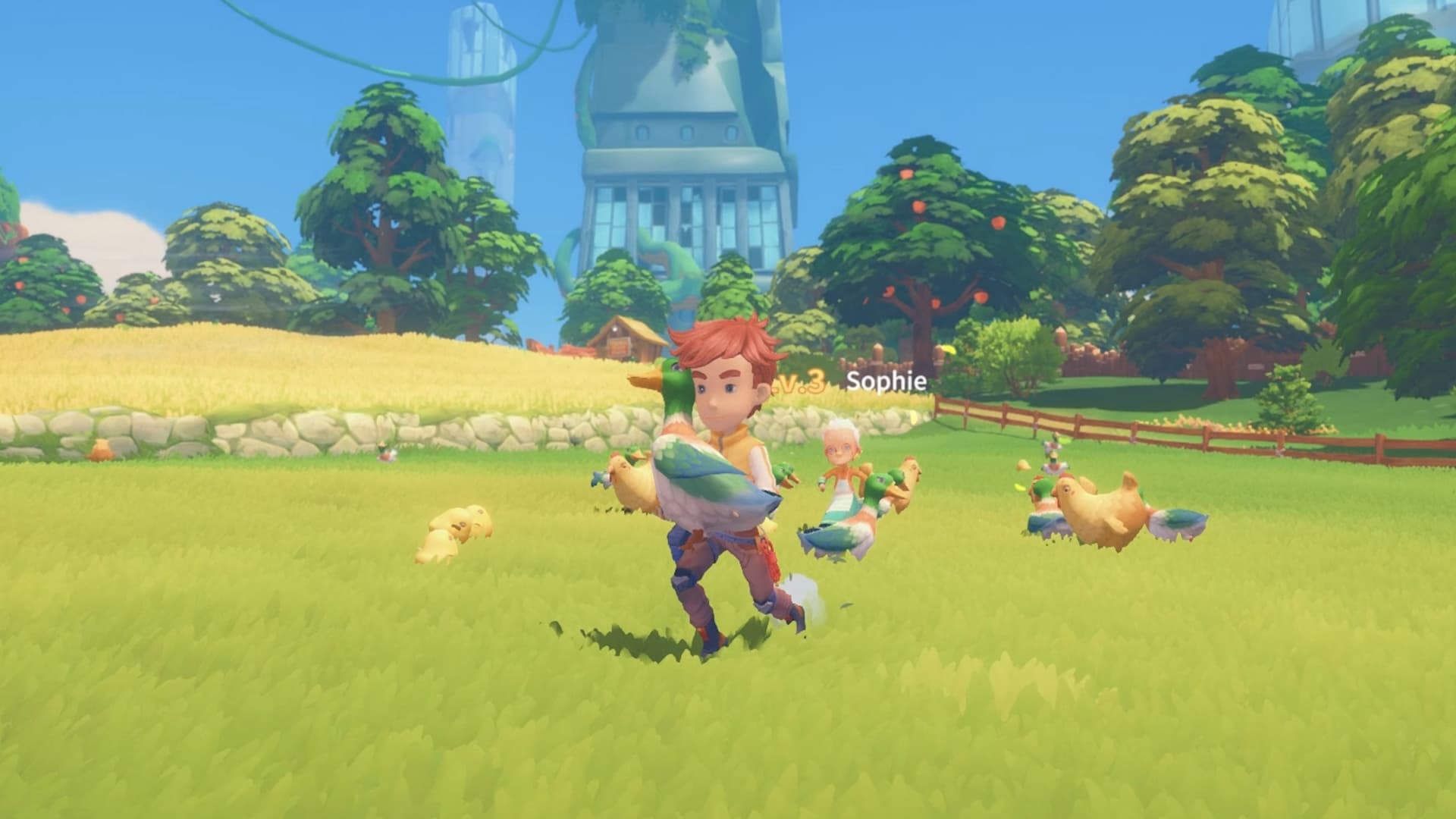
Start a new life in the enchanting town of Portia! Restore your Pa's neglected workshop to its former glory by fulfilling commissions, growing crops, raising animals, and befriending the quirky inhabitants of this charming post-apocalyptic land!
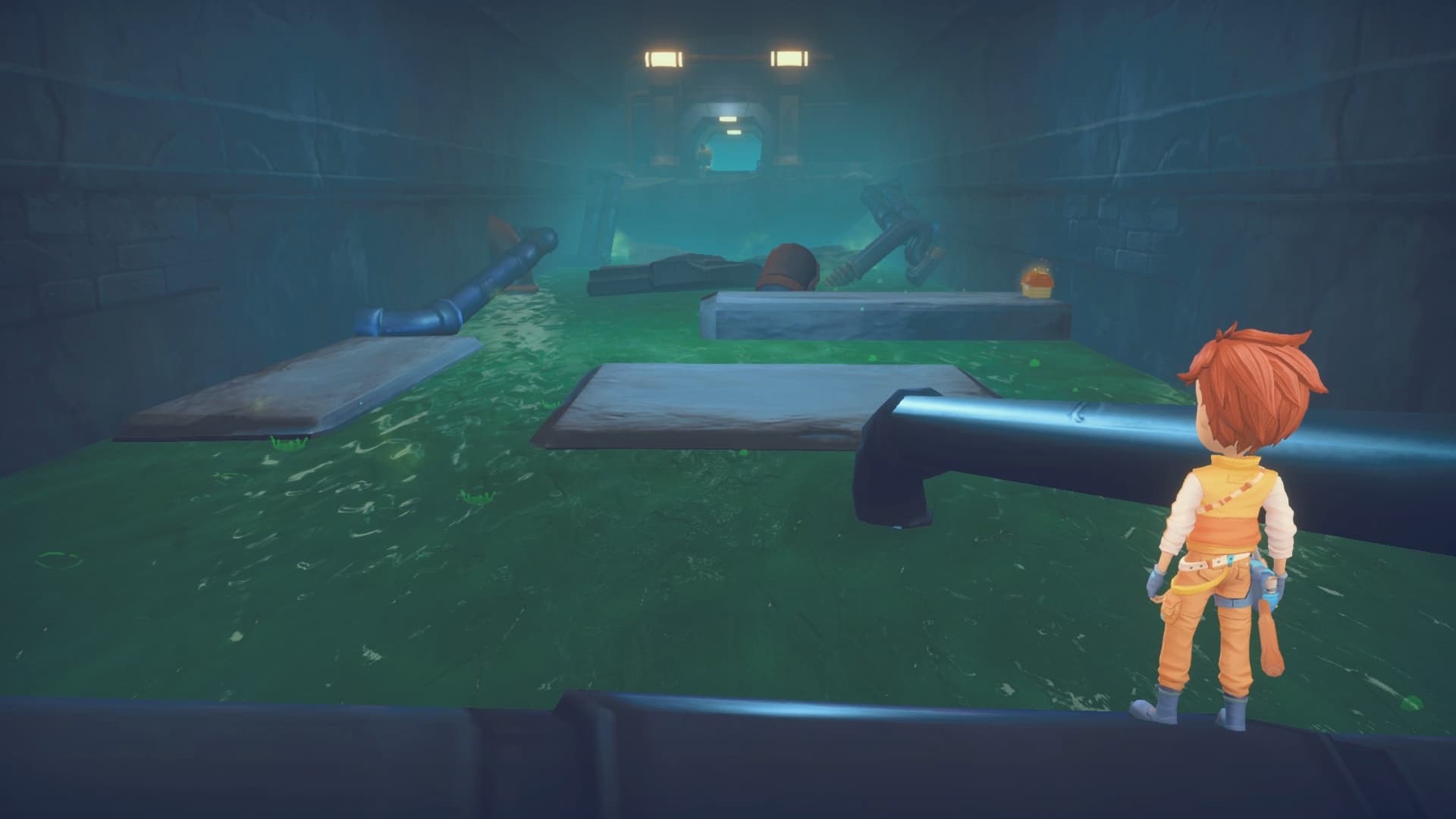
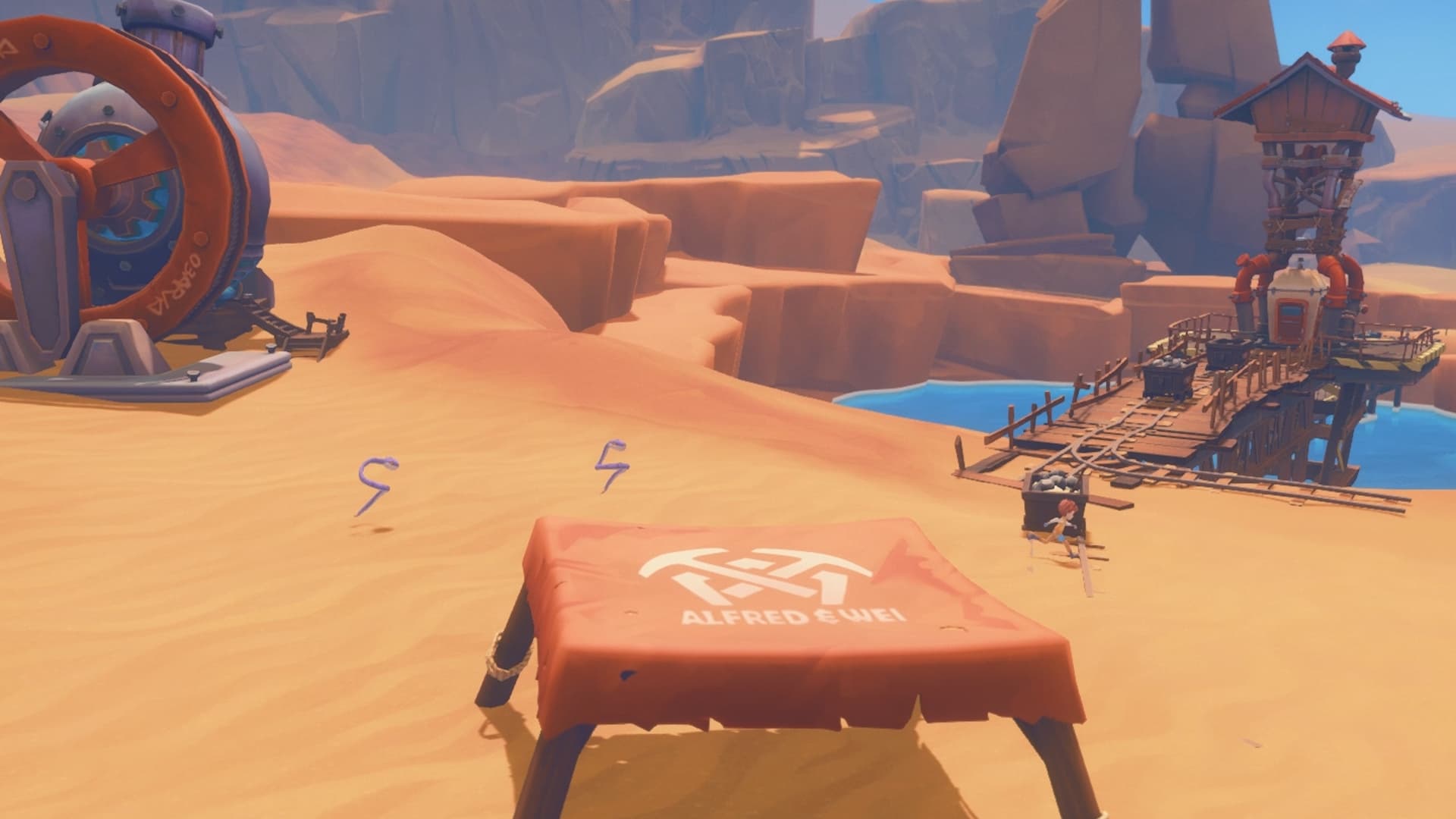
Armed with your Pa's old handbook and workbench, you must gather, mine and craft your way to being crowned the number one workshop in Portia. Help the locals rebuild the town and uncover the secrets locked deep away beneath it. Be prepared though…it won't be easy! ...
Systemanforderungen
Minimum
- Requires a 64-bit processor and operating system
- Betriebssystem
- Windows 7
- Prozessor
- Intel i3 Processor
- Arbeitsspeicher
- 6 GB RAM
- Grafik
- ATI 5770, Nvidia GeForce GTX 460
- DirectX
- Version 10
- Speicherplatz
- 5 GB available space
Empfohlen
- Requires a 64-bit processor and operating system
- Betriebssystem
- Windows 10
- Prozessor
- Intel i7 Processor
- Arbeitsspeicher
- 8 GB RAM
- Grafik
- Nvidia GeForce GTX960
- DirectX
- Version 11
- Speicherplatz
- 10 GB available space