

So aktivieren Sie
- Installiere Steam und melde dich bei deinem Konto an (ein kostenloses Konto reicht).
- Wähle im oberen Menü „Spiele“ → „Ein Produkt bei Steam aktivieren…“.
- Gib deinen Key genau wie in der Bestellung ein (mit Bindestrichen) und bestätige. Das Spiel erscheint in deiner Bibliothek.
Offizielle Aktivierungsanleitung von Steam
Damit Sie das Spiel aktivieren können benötigen Sie einen 'Steam-Account'. Weitere Informationen zur Aktivierung finden Sie unter diesem Link: https://support.steampowered.com/kb_article.php?ref=5414-TFBN-1352
Über das Spiel
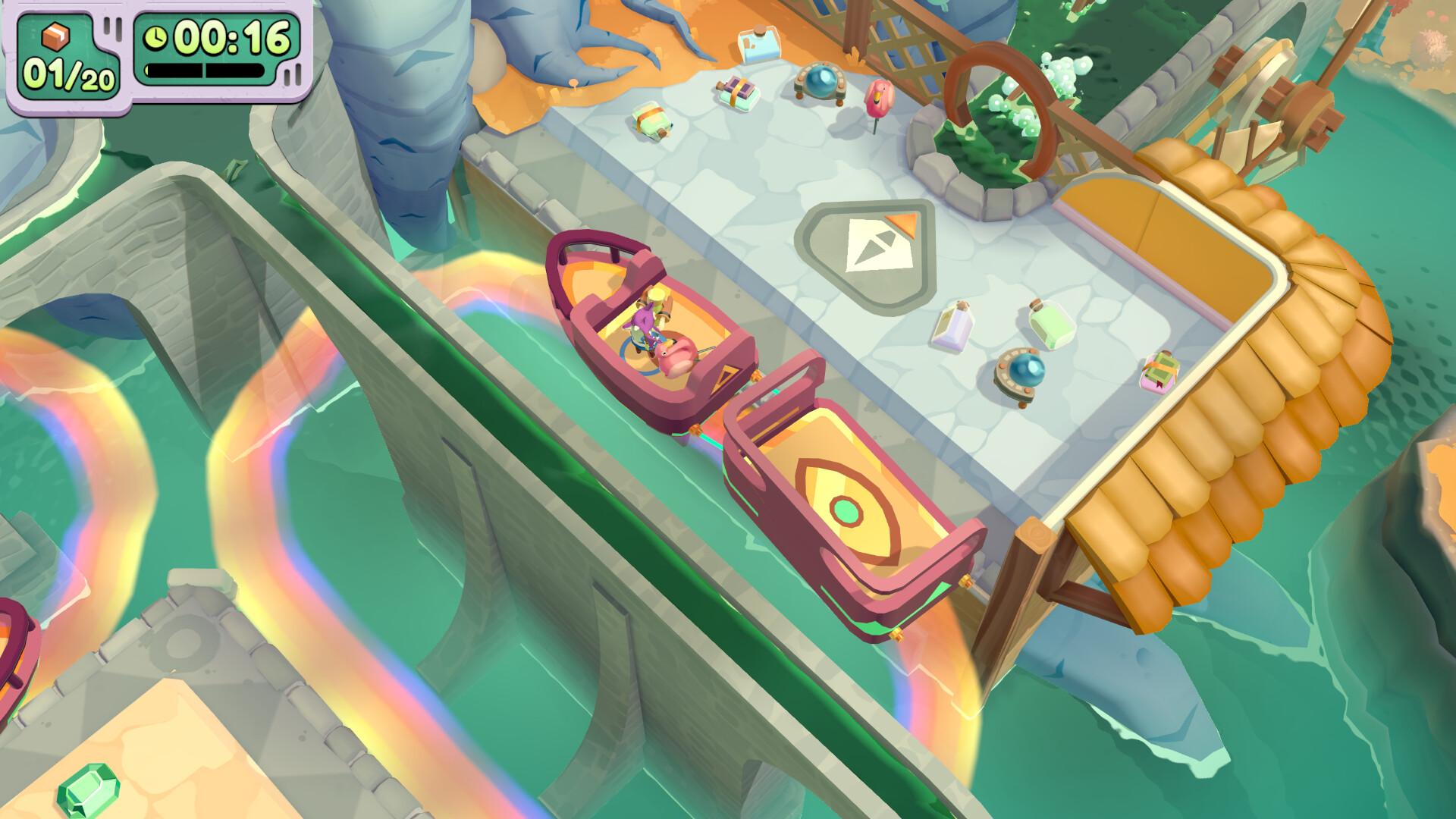
Moving Out 2 is the wacky sequel to the world-famous physics-based moving simulator. Working as a solo F.A.R.T, or with up to three friends, slip into your Smooth Moves uniform and help the residents of Packmore, and beyond, to pack up and ship out!
MULTI-DIMENSIONAL LOCAL & ONLINE MULTIPLAYER
Friends who move together, groove together! Whether you fancy some local co-op action or a cross-play online multiplayer session, we’ve got you signed, sealed and delivered!
NEW ADVENTURE ...
Systemanforderungen
- Requires a 64-bit processor and operating system
- Betriebssystem
- Windows 10 (64-bit)
- Prozessor
- Intel Core i3-550 or AMD Phenom II X4 965
- Arbeitsspeicher
- 4 GB RAM
- Grafik
- NVIDIA GeForce GTS 450, 1 GB or AMD Radeon HD 5770, 1 GB or Intel HD Graphics 630
- DirectX
- Version 11
- Speicherplatz
- 2 GB available space
- Zusätzliche Hinweise
- 1080p @ 30 FPS
- Requires a 64-bit processor and operating system
- Betriebssystem
- Windows 10 (64-bit)
- Prozessor
- Intel Core i5-2300 or AMD FX-6350
- Arbeitsspeicher
- 8 GB RAM
- Grafik
- NVIDIA GeForce GTX 660, 2 GB or AMD Radeon HD 7850, 2 GB or Intel Arc A380, 6 GB
- DirectX
- Version 11
- Speicherplatz
- 4 GB available space
- Zusätzliche Hinweise
- 1080p @ 60 FPS
Rechtliche Hinweise
Moving Out 2 © SMG Studio PTY Ltd & DEVM Games, published under licence by TEAM17 Digital Limited.