




So aktivieren Sie
- Installiere Steam und melde dich bei deinem Konto an (ein kostenloses Konto reicht).
- Wähle im oberen Menü „Spiele“ → „Ein Produkt bei Steam aktivieren…“.
- Gib deinen Key genau wie in der Bestellung ein (mit Bindestrichen) und bestätige. Das Spiel erscheint in deiner Bibliothek.
Offizielle Aktivierungsanleitung von Steam
Damit Sie das Spiel aktivieren können benötigen Sie einen 'Steam-Account'. Weitere Informationen zur Aktivierung finden Sie unter diesem Link: https://support.steampowered.com/kb_article.php?ref=5414-TFBN-1352
Über das Spiel
Awaken. Rebuild. Explore.
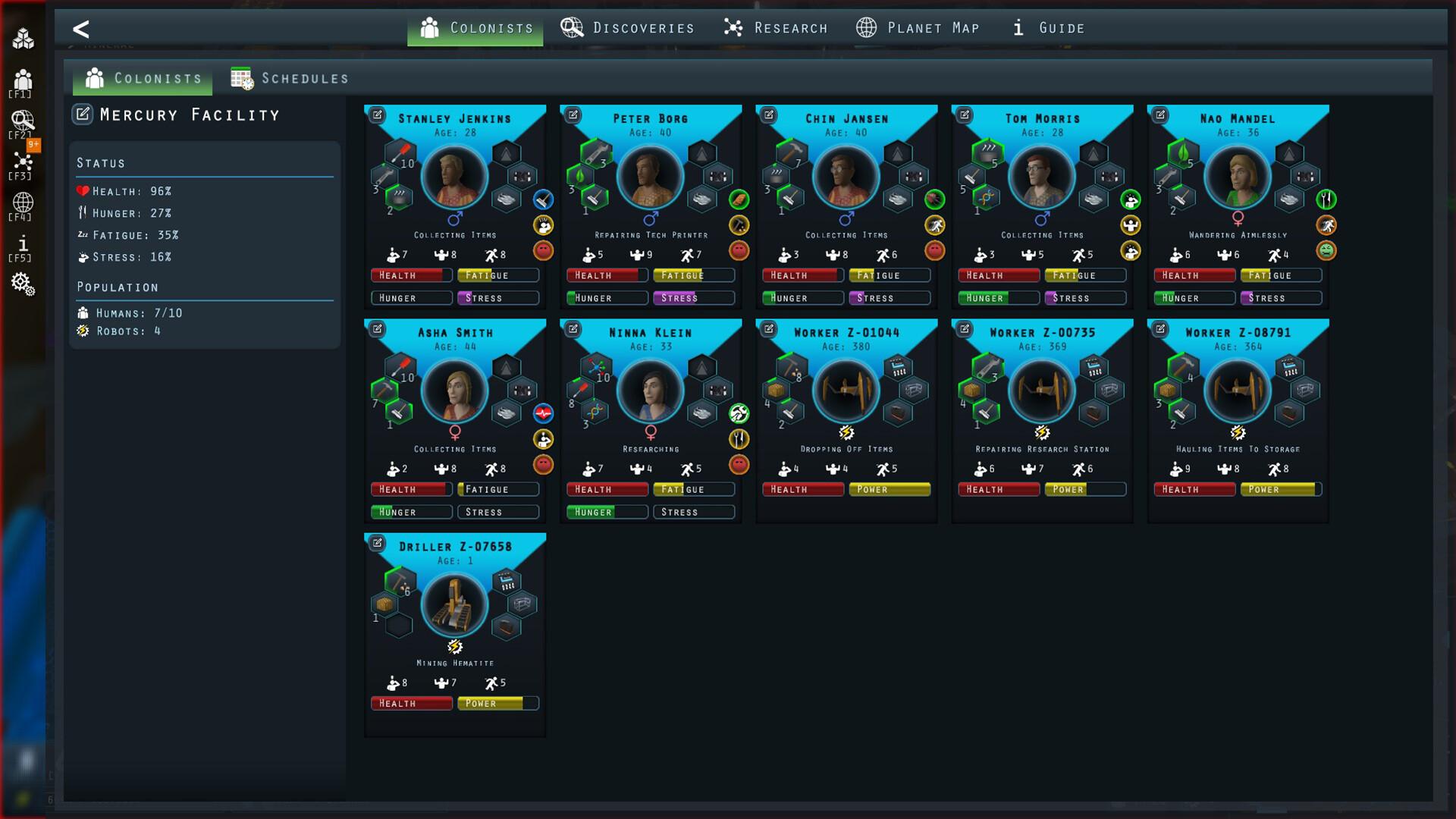
After a long journey to a distant planet, your colonists were supposed to wake up and begin building their new home. But something went wrong. Their stasis capsules malfunctioned, and when they finally awakened, the underground facility they were meant to inhabit has fallen into ruin.
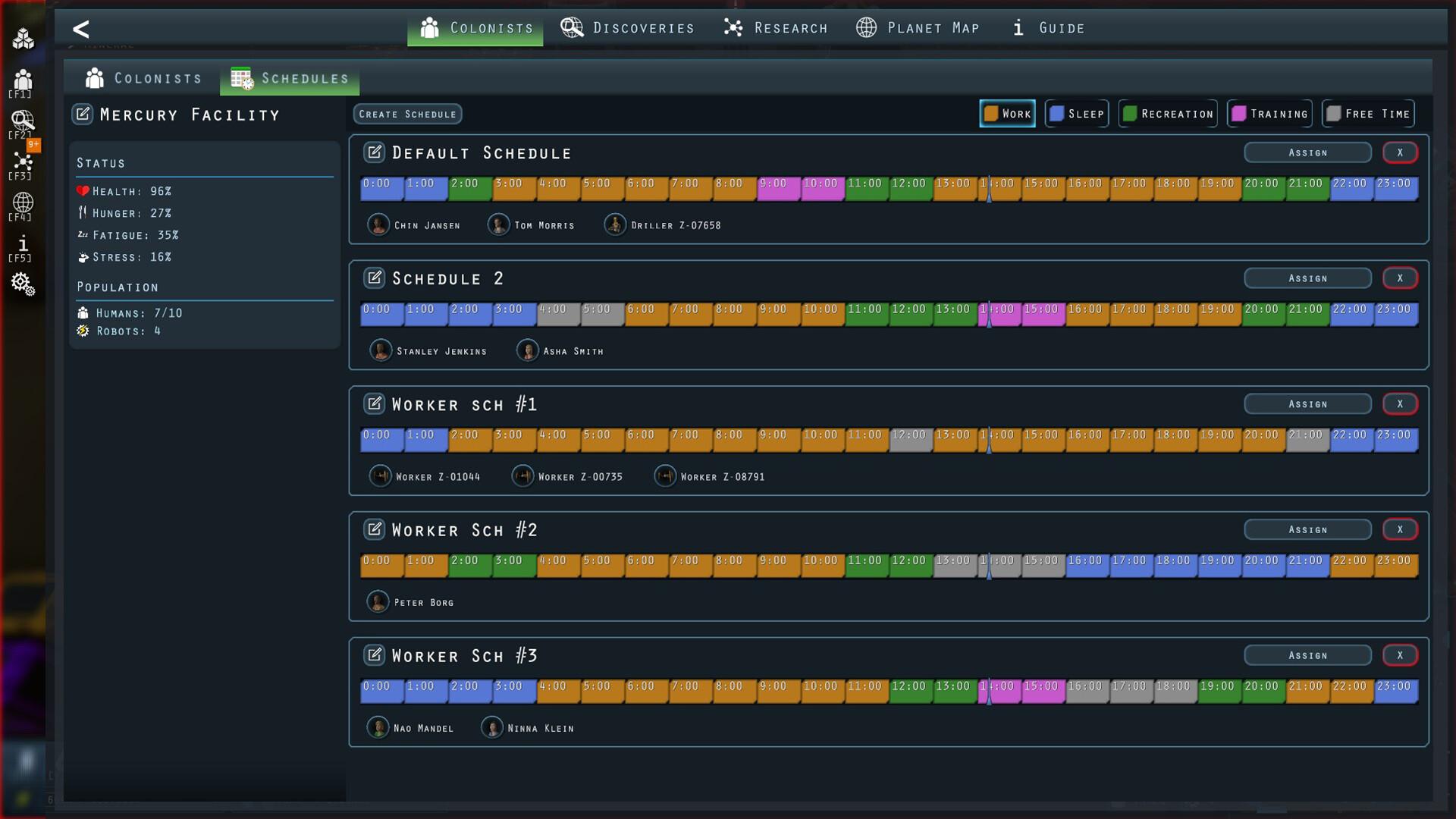
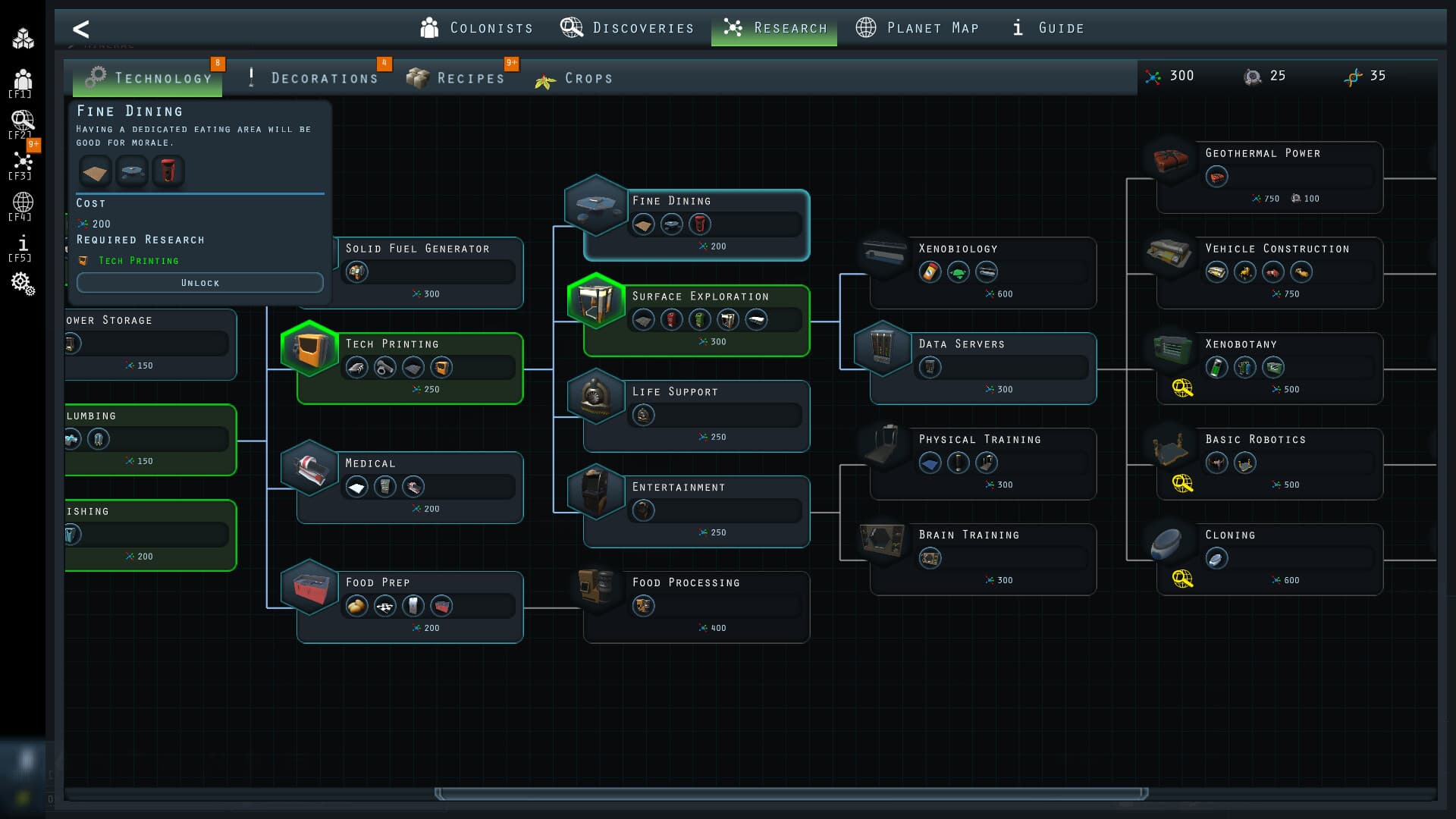
Now, it's up to you to restore the base, manage resources, and expand across the planet’s surface—all while uncovering the secrets of this alien world and ensuring your colony thrives. ...
Systemanforderungen
Minimum
- Windows
- Requires a 64-bit processor and operating system
- Betriebssystem
- Windows 10+
- Prozessor
- 2.4 GHz Dual Core
- Arbeitsspeicher
- 4 GB RAM
- Grafik
- DirectX 11 compatible card (shader model 3)
- DirectX
- Version 11
- Speicherplatz
- 500 MB available space
- macOS
- Betriebssystem
- OS X 10.9+
- Prozessor
- 2.4 Ghz Intel Core i5
- Arbeitsspeicher
- 4 GB RAM
- Grafik
- Intel HD 4600 (AMD or NVIDIA equivalent)
- Speicherplatz
- 300 MB available space
- Zusätzliche Hinweise
- 64-bit CPU and OS
Empfohlen