




So aktivieren Sie
- Installiere Steam und melde dich bei deinem Konto an (ein kostenloses Konto reicht).
- Wähle im oberen Menü „Spiele“ → „Ein Produkt bei Steam aktivieren…“.
- Gib deinen Key genau wie in der Bestellung ein (mit Bindestrichen) und bestätige. Das Spiel erscheint in deiner Bibliothek.
Offizielle Aktivierungsanleitung von Steam
Damit Sie das Spiel aktivieren können benötigen Sie einen 'Steam-Account'. Weitere Informationen zur Aktivierung finden Sie unter diesem Link: https://support.steampowered.com/kb_article.php?ref=5414-TFBN-1352
Über das Spiel
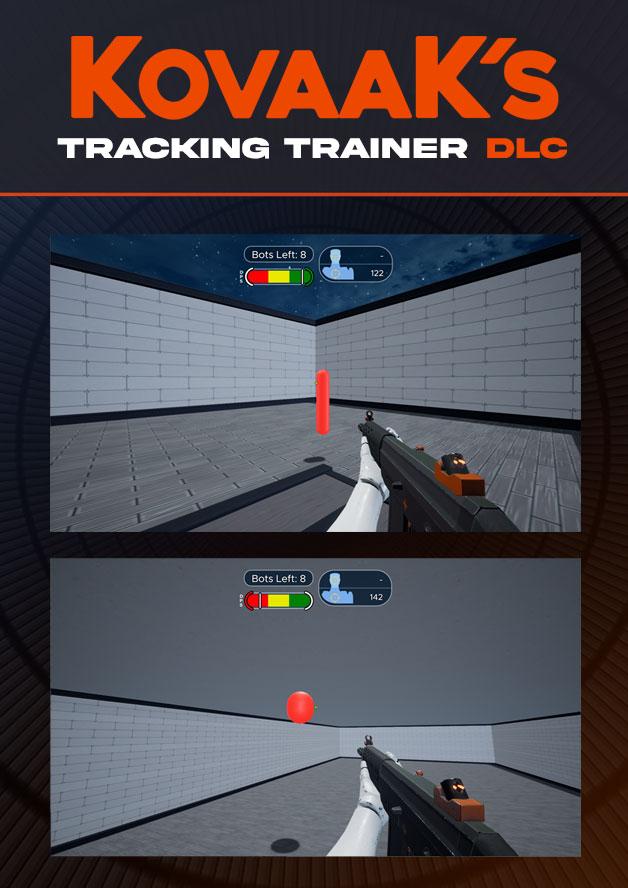
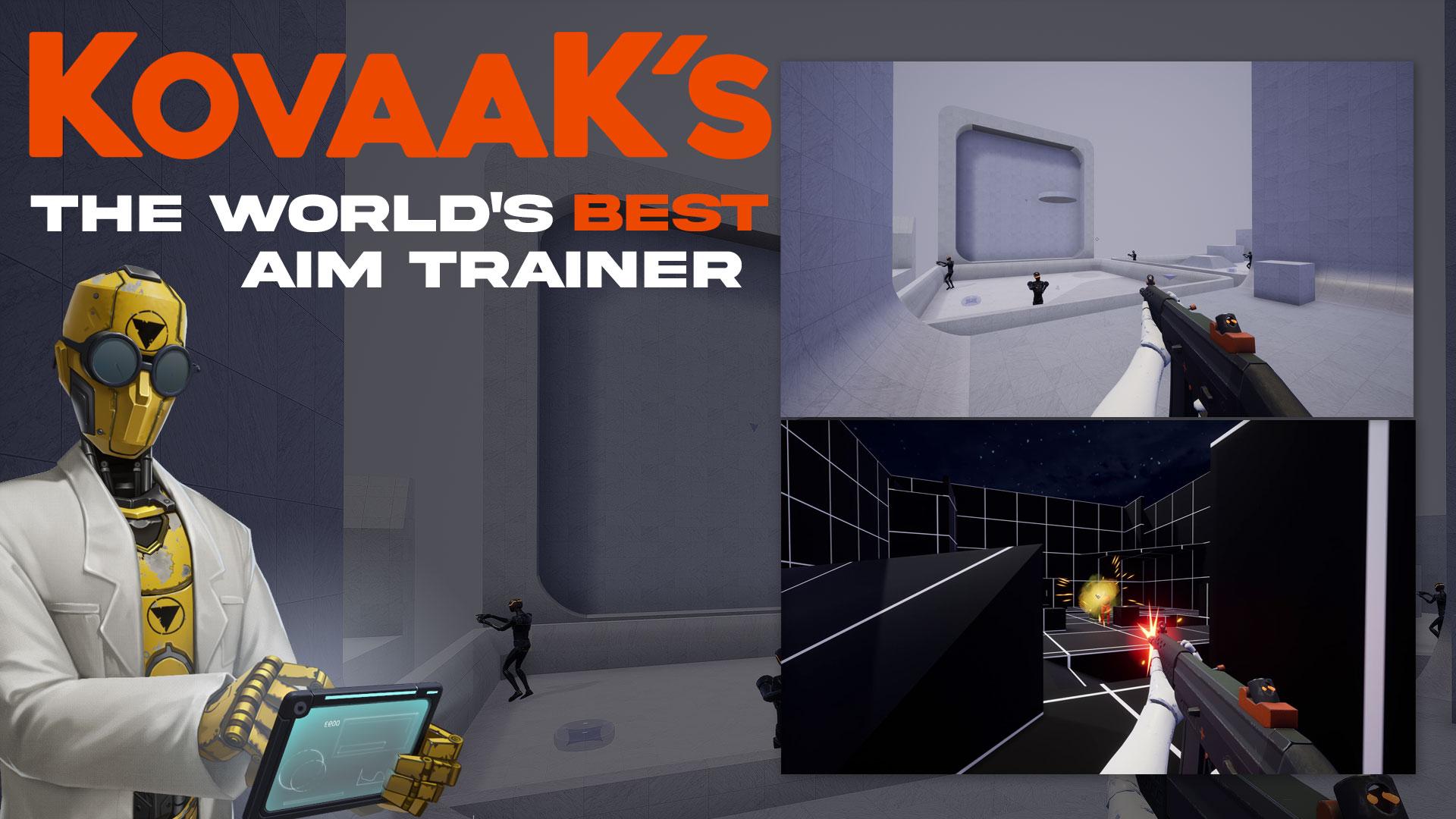
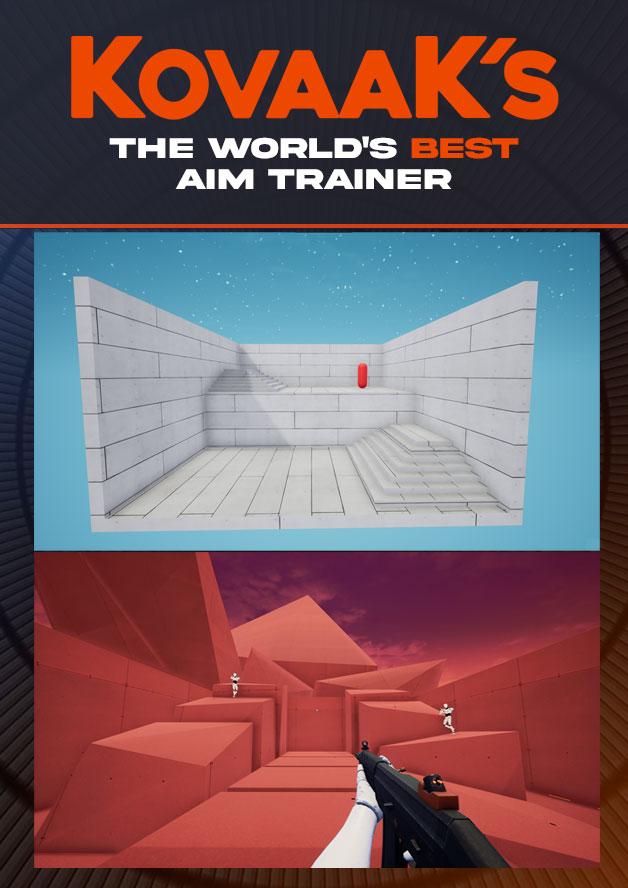
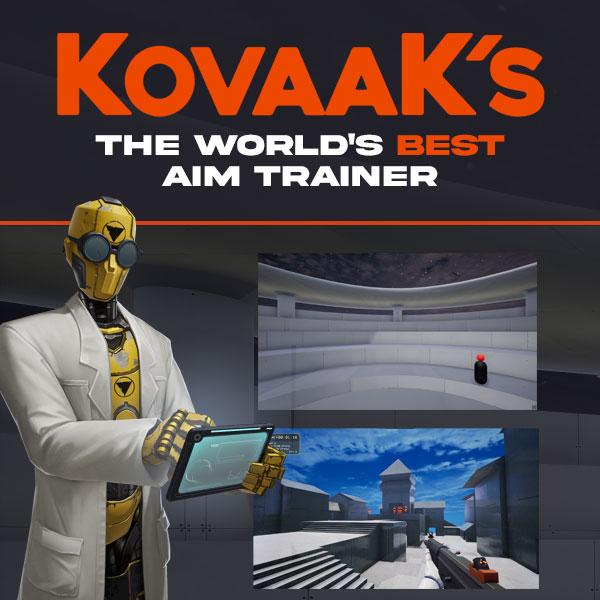
THE WORLD'S BEST AIM TRAINER
-
The highest-performance aim trainer, with the lowest input delay
-
Thousands of pros and streamers buy and use KovaaK’s to stay on top
-
Made by FPS pros and deeply partnered with NVIDIA
-
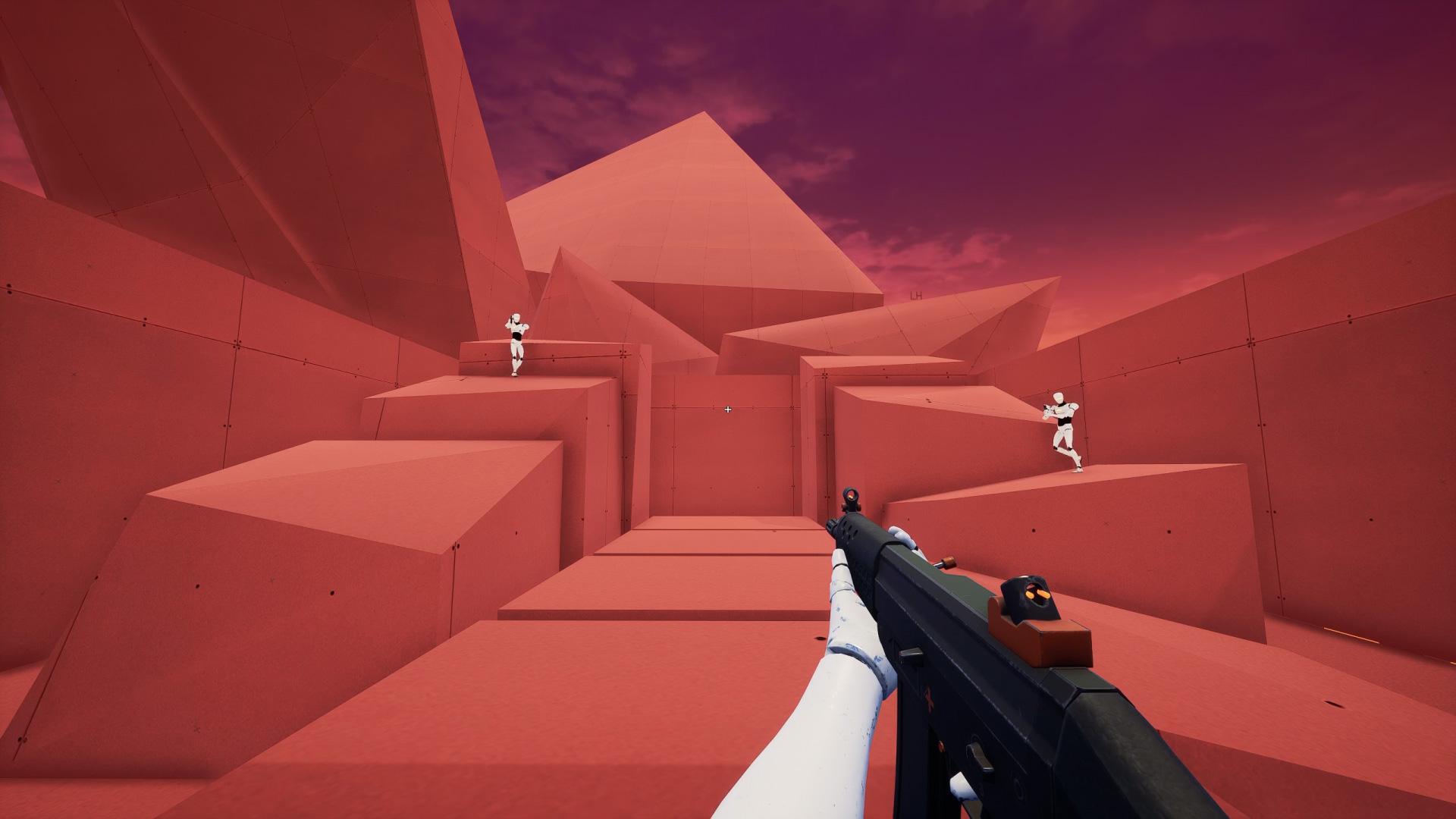
Over 26,000 training scenarios, with infinite customization supporting every FPS/TPS title and skill-level
-
Supportive community of aim experts and players just like you
-
We don’t turn you into data for sale to third-parties
THE KOVAAK ADVANTAGE
Over 1MM gamers have happily bought KovaaK's.
Here is why so many gamers trust KovaaK’s: ...
Systemanforderungen
- Windows
- Requires a 64-bit processor and operating system
- Betriebssystem
- Windows 10 64-bit (latest Service Pack)
- Prozessor
- Intel Core i3 or AMD Phenom X3 865
- Arbeitsspeicher
- 4 GB RAM
- Grafik
- Nvidia GeForce GTX 460, ATI Radeon HD 4850, or Intel HD Graphics 4400
- DirectX
- Version 11
- Netzwerk
- Broadband Internet connection
- Speicherplatz
- 8 GB available space
- Windows
- Requires a 64-bit processor and operating system
- Betriebssystem
- Windows 10 64-bit (latest Service Pack)
- Prozessor
- Intel® Core™ i5 or AMD Phenom™ II X3 or better
- Arbeitsspeicher
- 16 GB RAM
- Grafik
- NVIDIA® GeForce® GTX 660 or AMD Radeon™ HD 7950 or better
- DirectX
- Version 11
- Netzwerk
- Broadband Internet connection
- Speicherplatz
- 8 GB available space