


So aktivieren Sie
- Installiere Steam und melde dich bei deinem Konto an (ein kostenloses Konto reicht).
- Wähle im oberen Menü „Spiele“ → „Ein Produkt bei Steam aktivieren…“.
- Gib deinen Key genau wie in der Bestellung ein (mit Bindestrichen) und bestätige. Das Spiel erscheint in deiner Bibliothek.
Offizielle Aktivierungsanleitung von Steam
Damit Sie das Spiel aktivieren können benötigen Sie einen 'Steam-Account'. Weitere Informationen zur Aktivierung finden Sie unter diesem Link: https://support.steampowered.com/kb_article.php?ref=5414-TFBN-1352
Über das Spiel
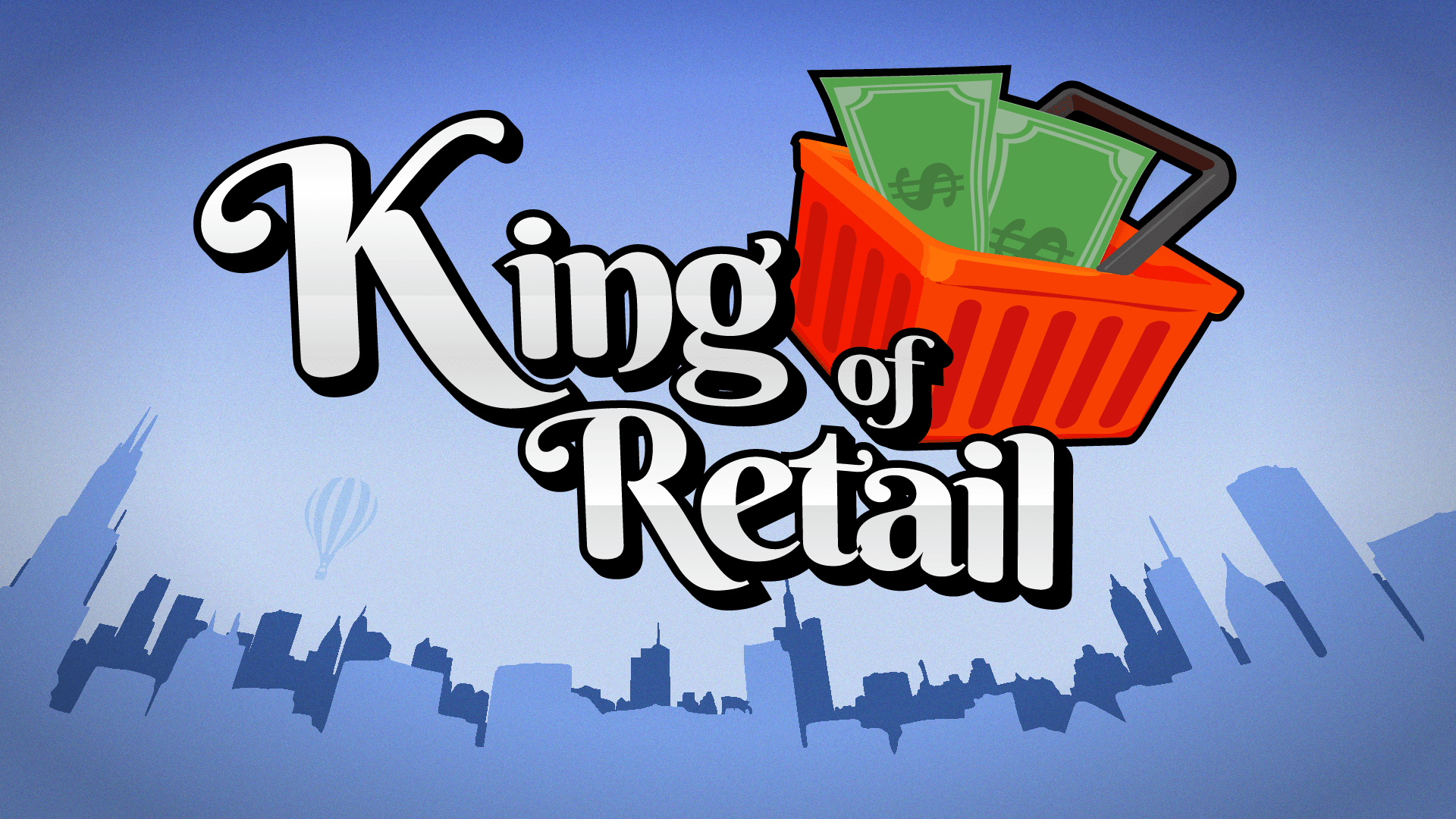
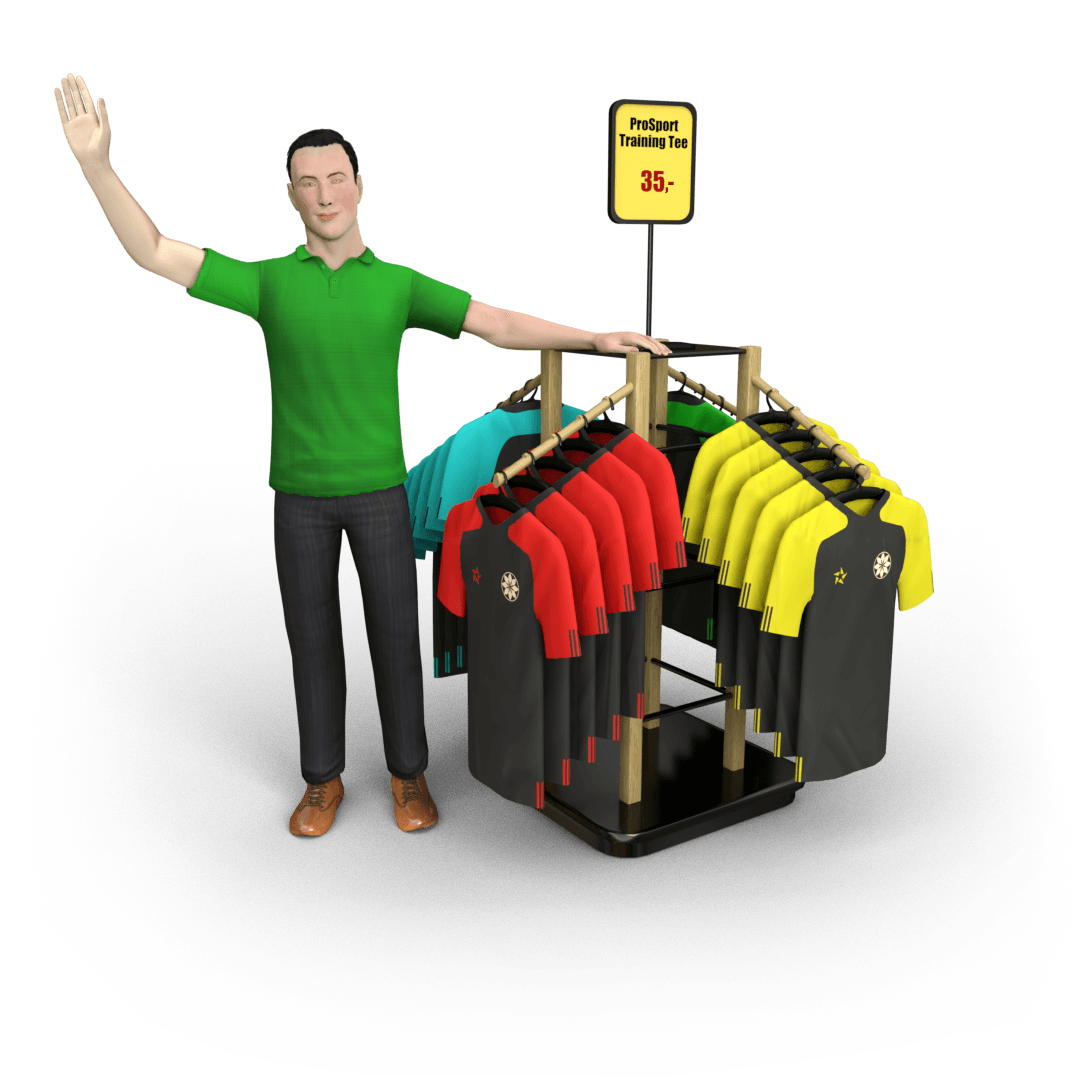
King of Retail is a store management simulation game, where you, as the owner of a new store, must make the right decisions to make your store thrive and bring you the big bucks. Can you handle the pressure, or will you fail miserably in a big bankruptcy?
As the owner and manager, you have a lot of daily responsibilities:
Choose the direction of your store ...
Systemanforderungen
- Betriebssystem
- Windows 10
- Prozessor
- 2.6 GHz Dual Core or similar
- Arbeitsspeicher
- 4 GB RAM
- Grafik
- NVIDIA GeForce 500 series or equivalent.
- DirectX
- Version 11
- Speicherplatz
- 10 GB available space
Rechtliche Hinweise
King of Retail © 2019-2020 Freaking Games. Developed by Freaking Games. Licensed exclusively to and published by Iceberg Interactive B.V. Iceberg Interactive design and mark are registered trademarks of Iceberg Interactive B.V. Microsoft®, Windows® and DirectX® are registered trademarks of Microsoft Corporation. King of Retail includes the Unreal® Engine code and other code, materials, and information (the “Epic Materials”) from Epic Games, Inc. (“Epic”). All other brands, product names, and logos are trademarks or registered trademarks of their respective owners. All rights reserved. Made in Sweden.