




So aktivieren Sie
- Installiere Steam und melde dich bei deinem Konto an (ein kostenloses Konto reicht).
- Wähle im oberen Menü „Spiele“ → „Ein Produkt bei Steam aktivieren…“.
- Gib deinen Key genau wie in der Bestellung ein (mit Bindestrichen) und bestätige. Das Spiel erscheint in deiner Bibliothek.
Offizielle Aktivierungsanleitung von Steam
Damit Sie das Spiel aktivieren können benötigen Sie einen 'Steam-Account'. Weitere Informationen zur Aktivierung finden Sie unter diesem Link: https://support.steampowered.com/kb_article.php?ref=5414-TFBN-1352
Über das Spiel
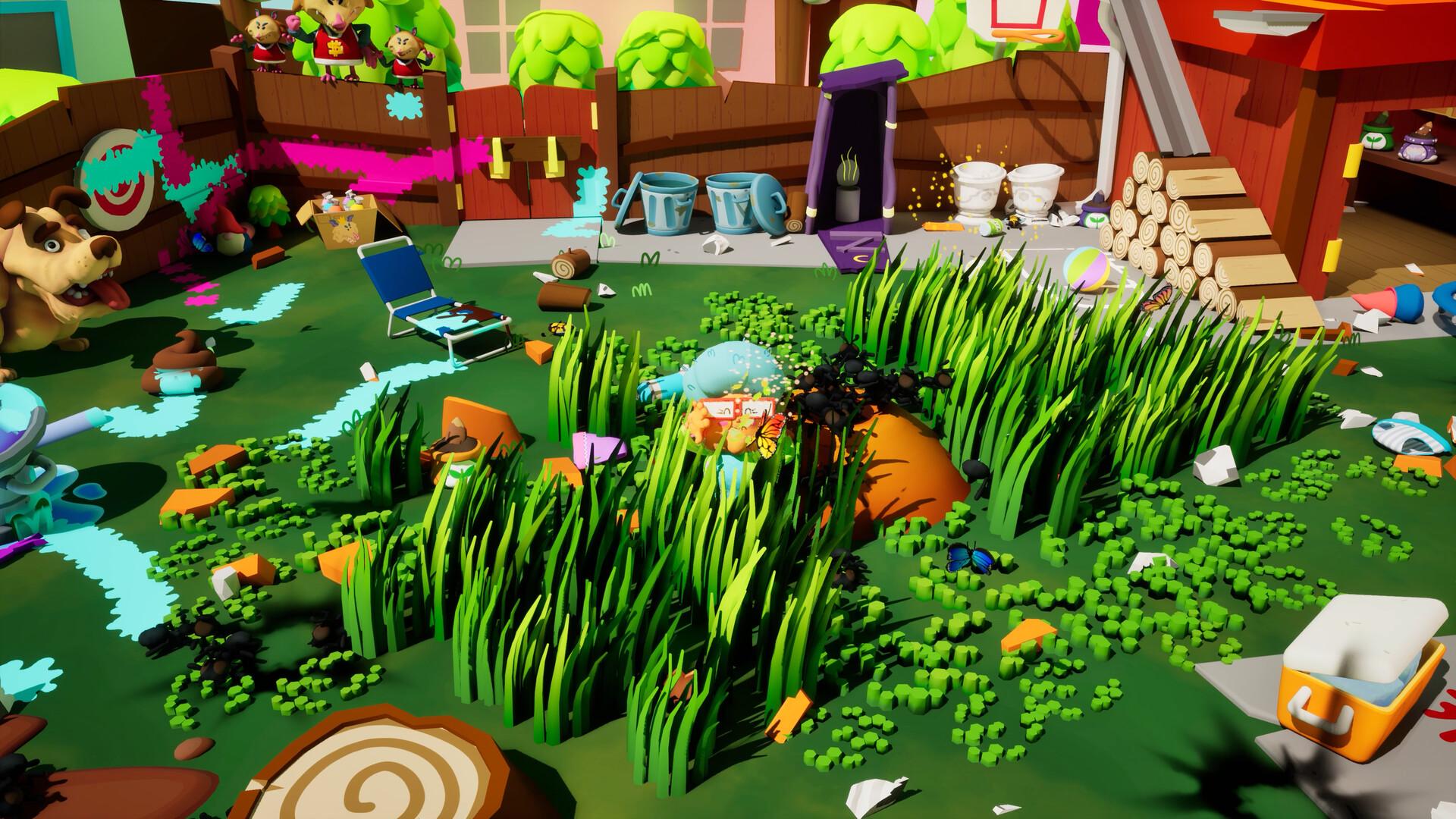
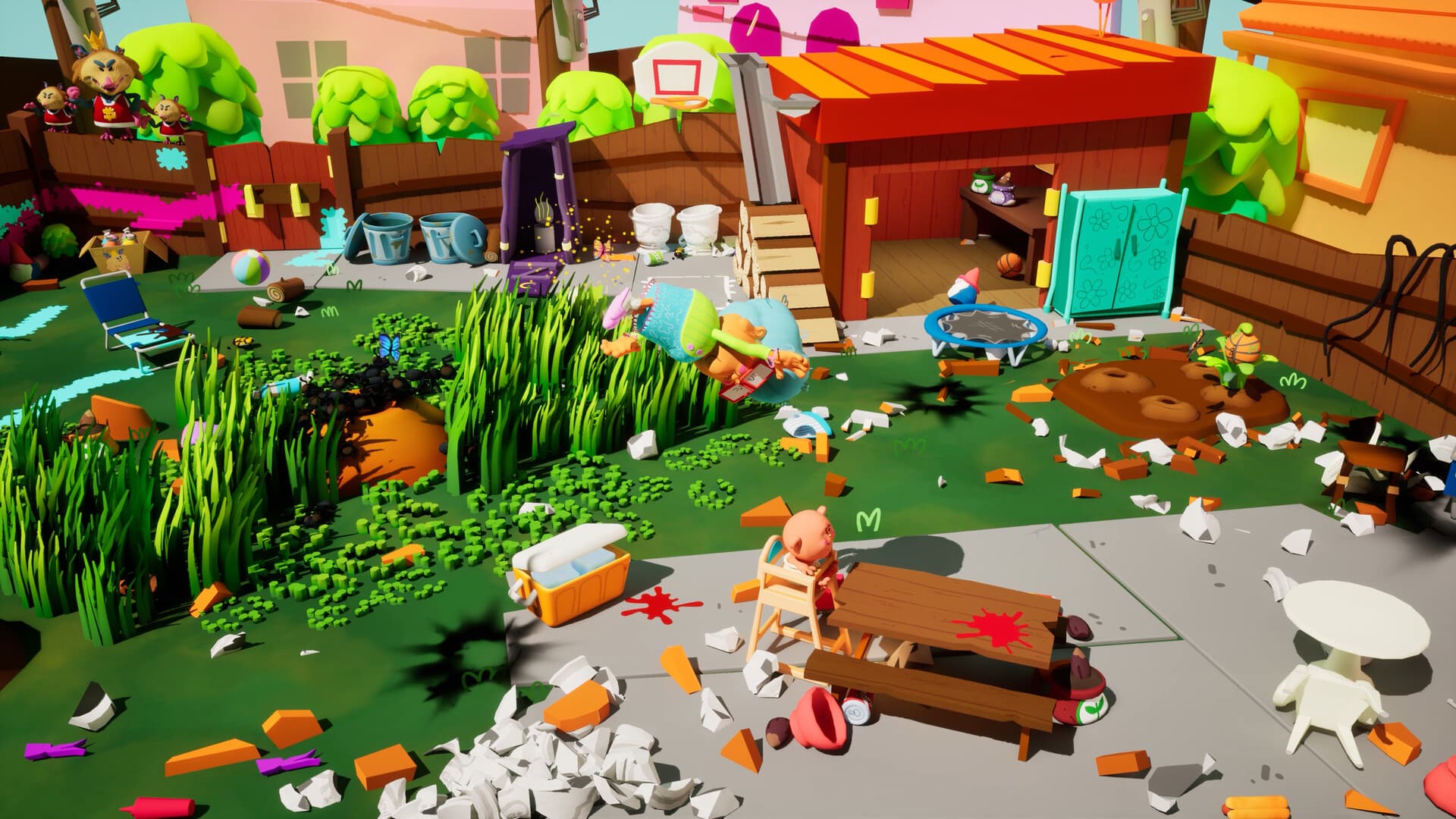
You’re Grandma. You’ve got a to-do list, a surprise babysitting gig, and absolutely no idea what's going on. That’s a dangerous combo.
Features:
🍳 Chores! Like taking out the trash. Or summoning...
something
🌀 2D minigames that get real weird, real fast
🏠 Three areas full of things you
probably
shouldn’t touch
👀 A bunch of bizarre characters who may or may not be human
🧓Be a Grandma on the edge (
of understanding what’s happening
)
🍼 Babysitting?! Technically, yes. Is it going well? No.
In
Grandma, No! ...
Systemanforderungen
- Betriebssystem
- Windows 10
- Prozessor
- Intel i7-6700 / AMD Ryzen 7 5700G
- Grafik
- GTX 1070 / Radeon RX 570
- Zusätzliche Hinweise
- Intel onboard video cards are not recommended
Rechtliche Hinweise
Grandma, No! © Developed by WALLRIDE Games. Published by Super Rare Games. All rights reserved.


