



So aktivieren Sie
- Installiere Steam und melde dich bei deinem Konto an (ein kostenloses Konto reicht).
- Wähle im oberen Menü „Spiele“ → „Ein Produkt bei Steam aktivieren…“.
- Gib deinen Key genau wie in der Bestellung ein (mit Bindestrichen) und bestätige. Das Spiel erscheint in deiner Bibliothek.
Über das Spiel
Dying Light – Cuisine & Cargo
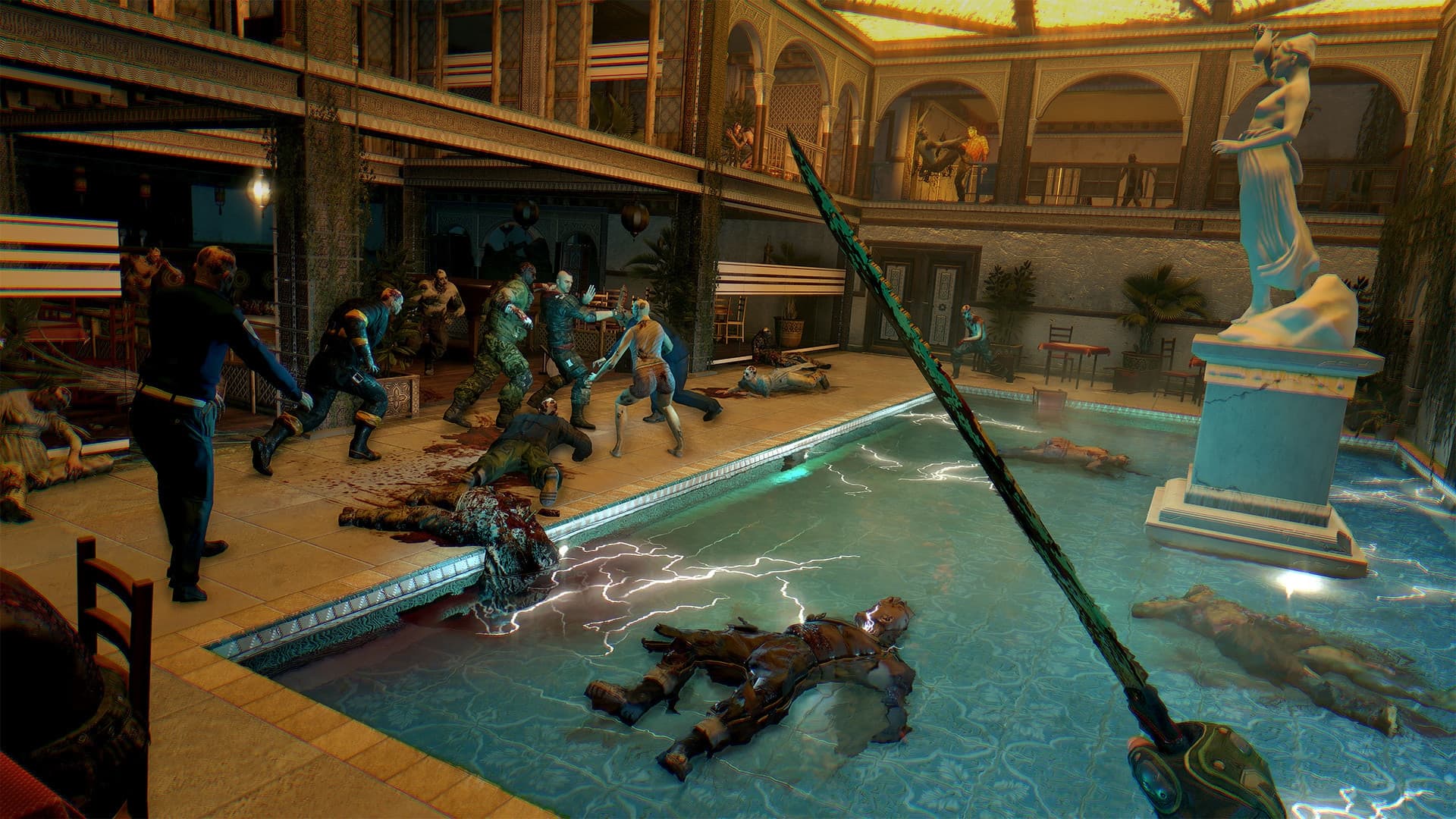
Dying for more action? Take up the challenge of two hardcore Quarantine Zones. Employ a mix of stealth and combat to ransack and investigate ominous, Infected-filled corridors of the once most famous restaurant in Harran and an abandoned rail yard. Great spoils are believed to be abound in these places, but no one who ever walked in made it out alive to tell the story. Wanna be the first?
Systemanforderungen
Minimum
- Betriebssystem
- Windows® Windows Vista® (SP2) / Windows® 7 (SP1) / Windows® 8
- Prozessor
- Intel® Core™2 Duo/AMD Athlon™ 64 X2 @3GHz, Intel Core i5 @2.4GHz
- Arbeitsspeicher
- 4 GB RAM
- Grafik
- DirectX® 10–compliant, 512 MB VRAM
- DirectX
- 10
- Speicherplatz
- 20 GB HD space
- Soundkarte
- DirectX® 10–compliant
- Additional
- This is just predicted hardware setup, details can change slightly over time as the game is still under development.
Empfohlen
- Betriebssystem
- Windows® 7 (SP1) 64bit / Windows® 8 64bit
- Prozessor
- quad core CPU @3GHz
- Arbeitsspeicher
- 8 GB RAM
- Grafik
- Radeon 7900 Series / GeForce GTX 670, >2GB VRAM
- DirectX
- 11
- Speicherplatz
- 20 GB HD space
- Soundkarte
- DirectX® 10–compliant
- Additional
- This is just predicted hardware setup, details can change slightly over time as the game is still under development.
Rechtliche Hinweise
DYING LIGHT & DYING LIGHT: THE FOLLOWING © Techland 2020. Published by Techland. All other trademarks and copyrights are the property of their respective owners.