


So aktivieren Sie
- Installiere Steam und melde dich bei deinem Konto an (ein kostenloses Konto reicht).
- Wähle im oberen Menü „Spiele“ → „Ein Produkt bei Steam aktivieren…“.
- Gib deinen Key genau wie in der Bestellung ein (mit Bindestrichen) und bestätige. Das Spiel erscheint in deiner Bibliothek.
Offizielle Aktivierungsanleitung von Steam
Damit Sie das Spiel aktivieren können benötigen Sie einen 'Steam-Account'. Weitere Informationen zur Aktivierung finden Sie unter diesem Link: https://support.steampowered.com/kb_article.php?ref=5414-TFBN-1352
Über das Spiel
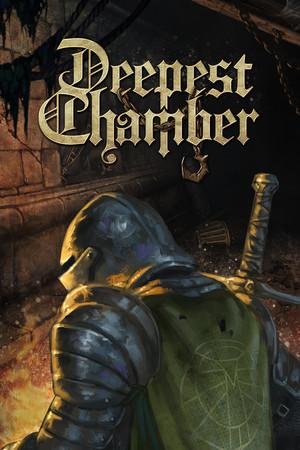
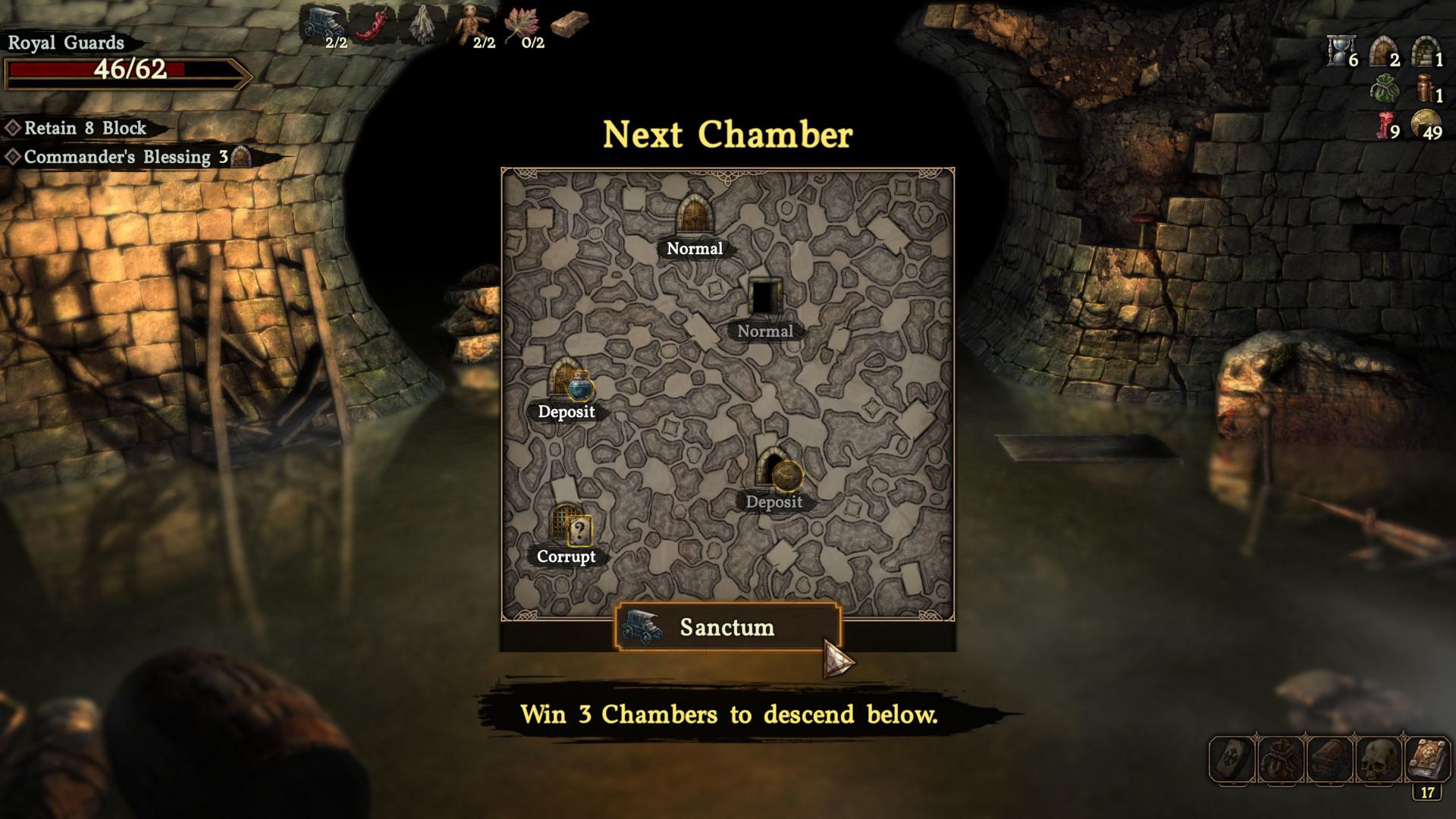
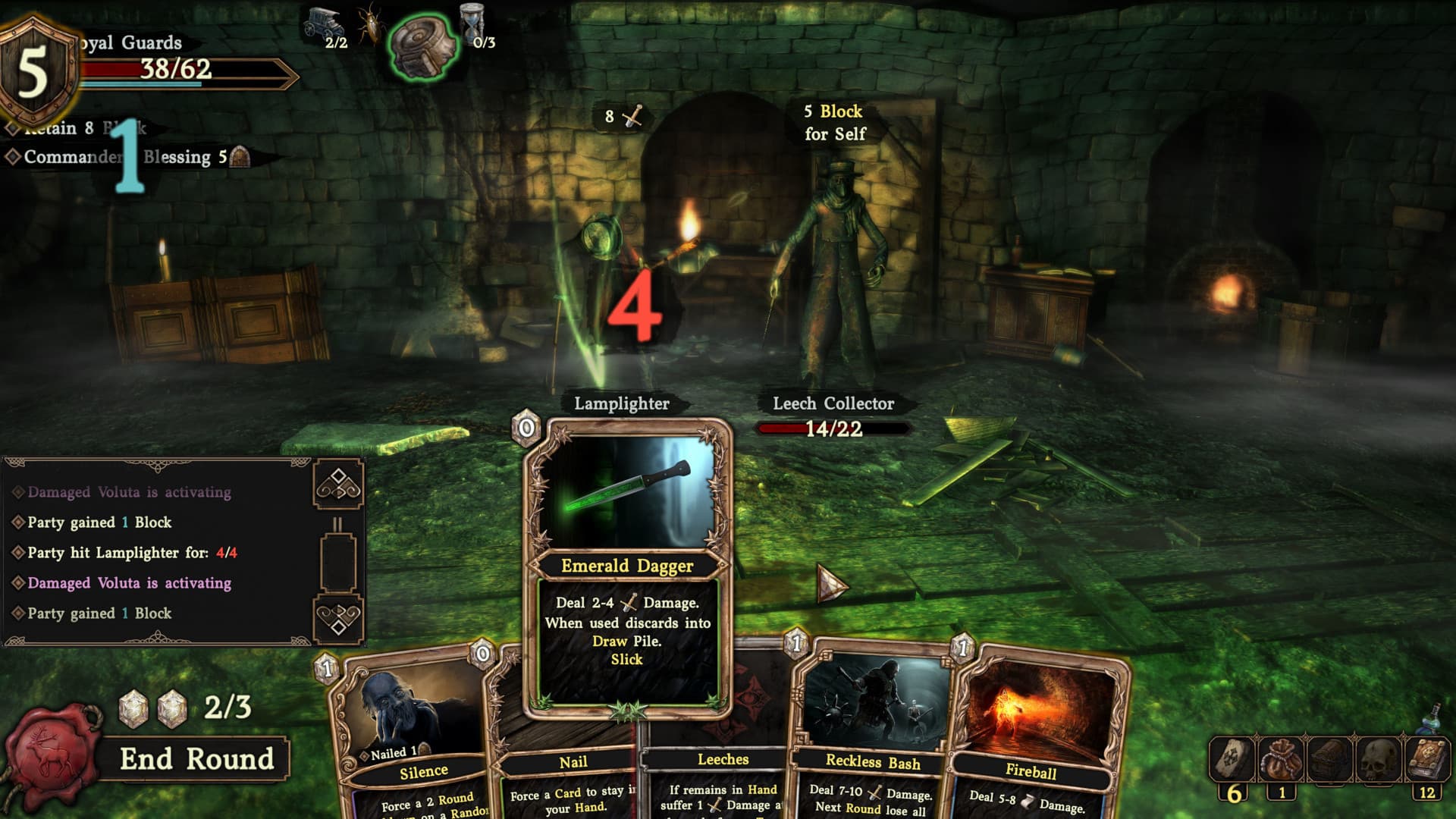
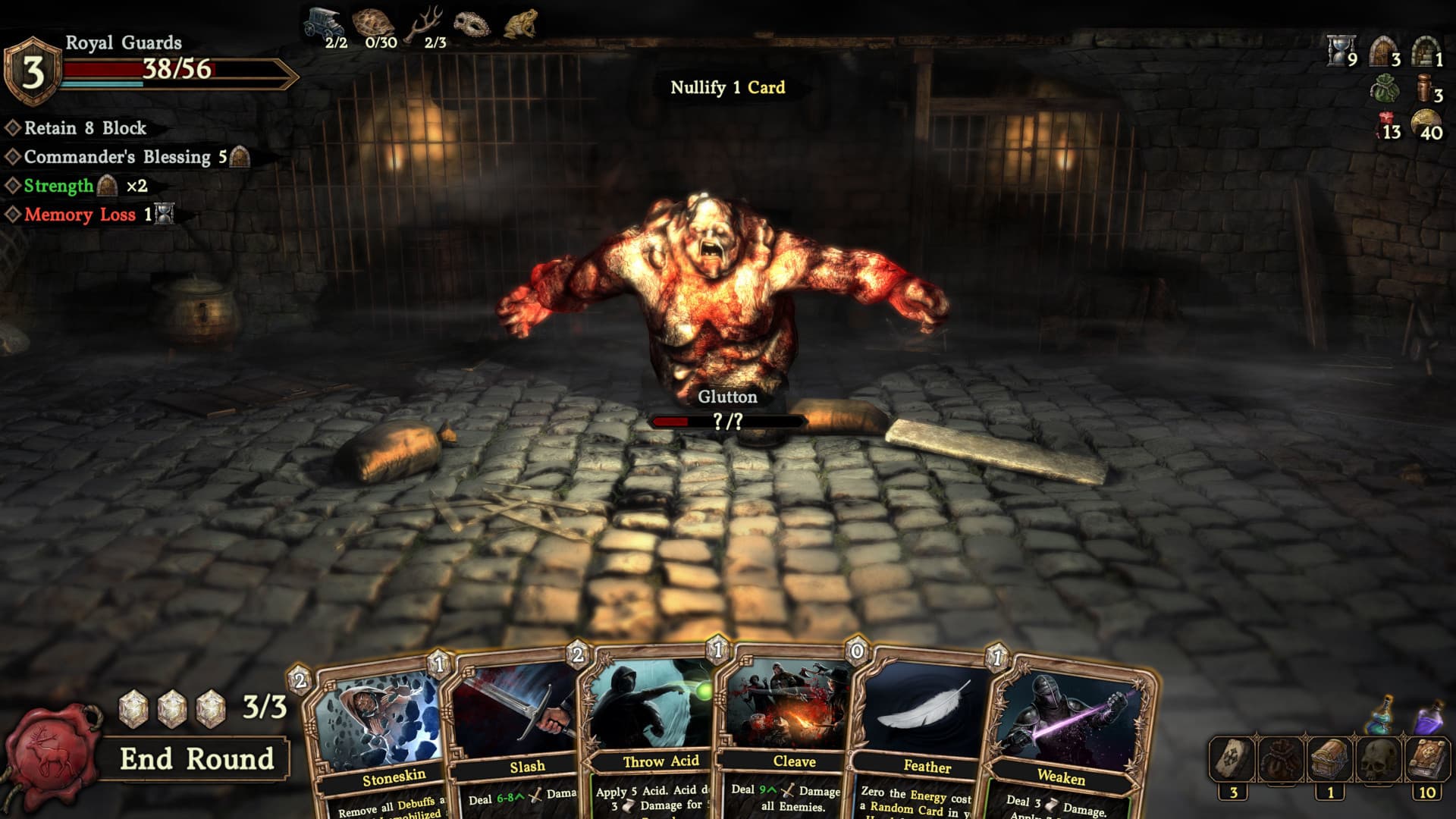
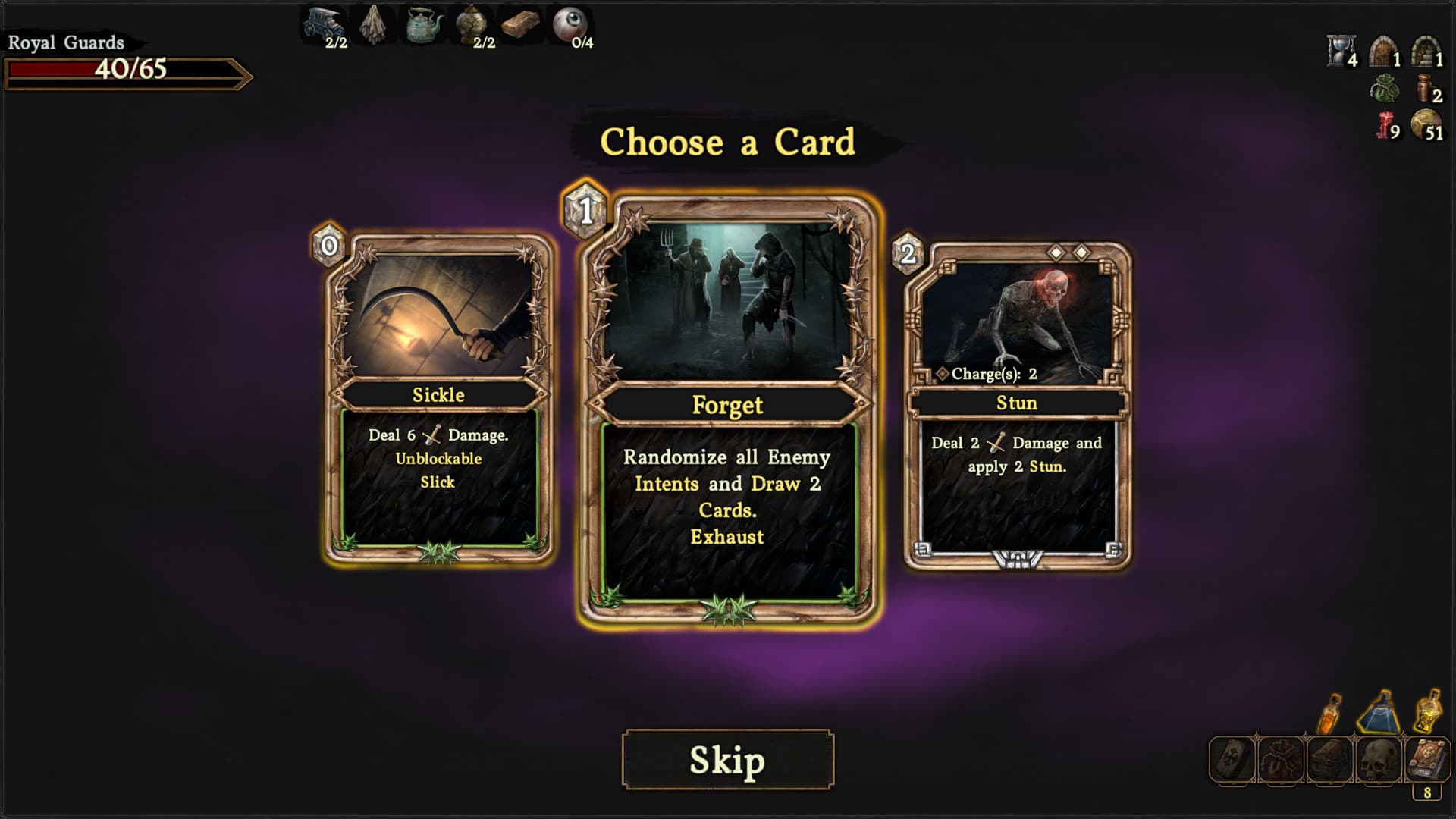
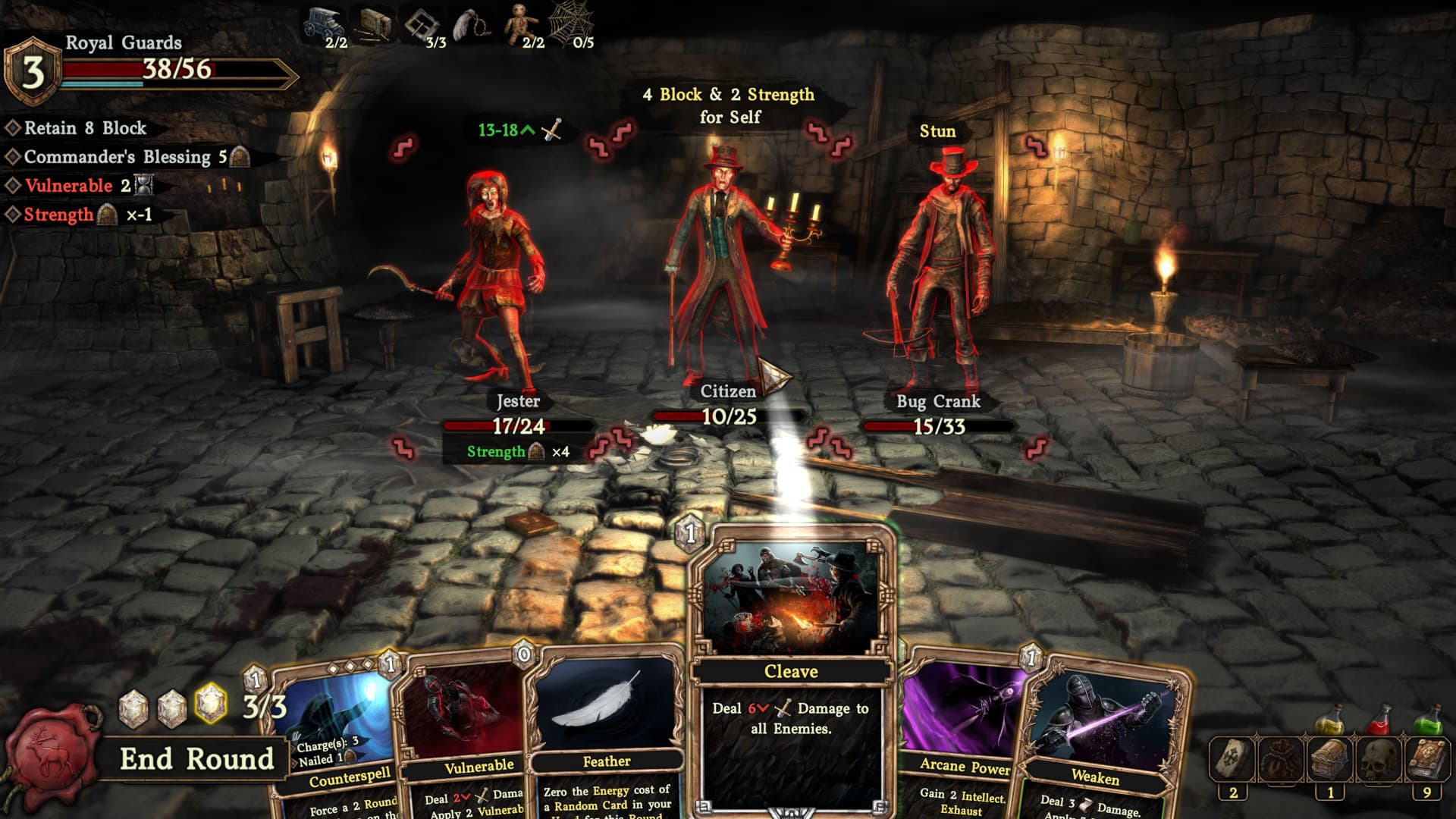
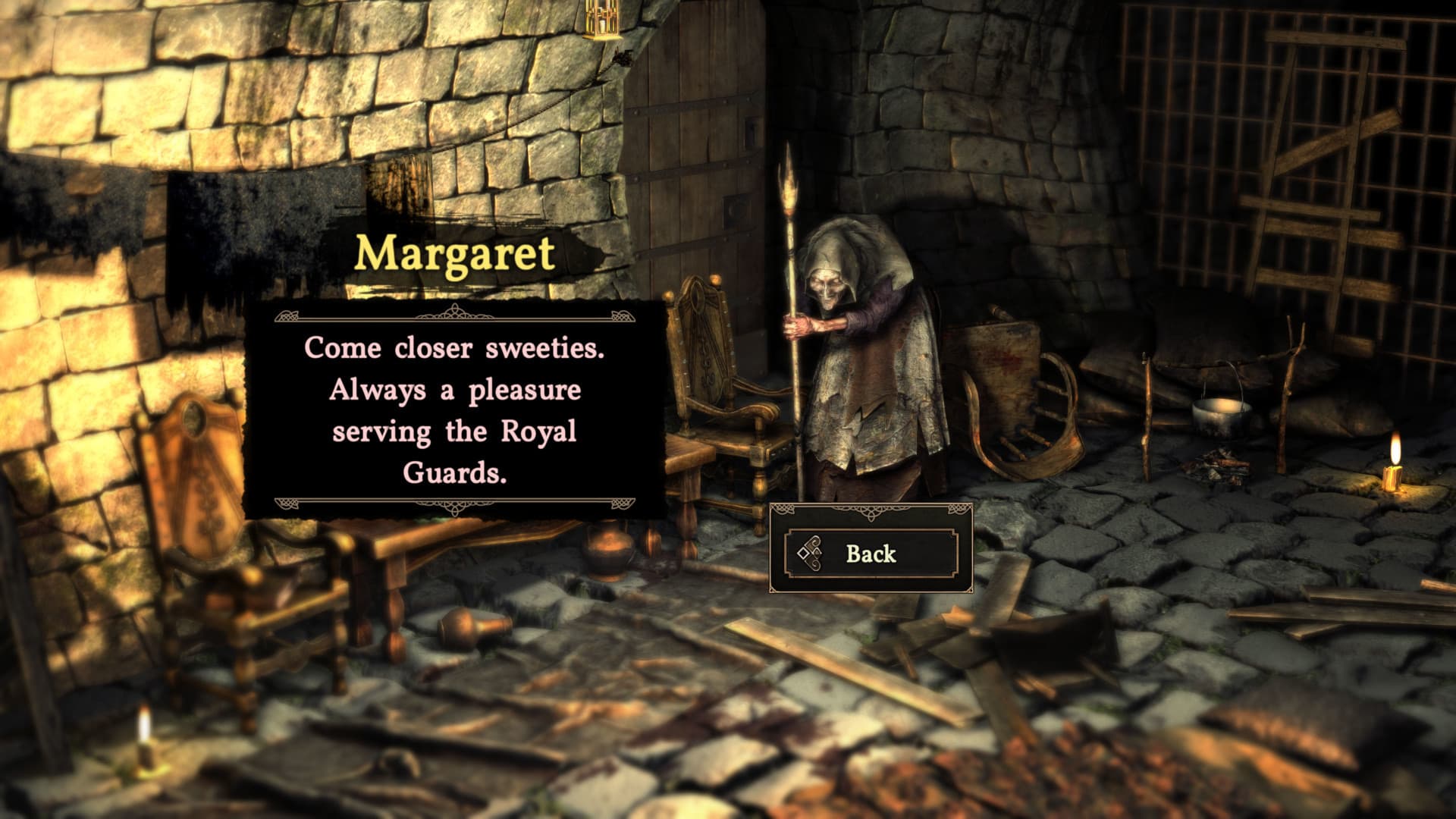
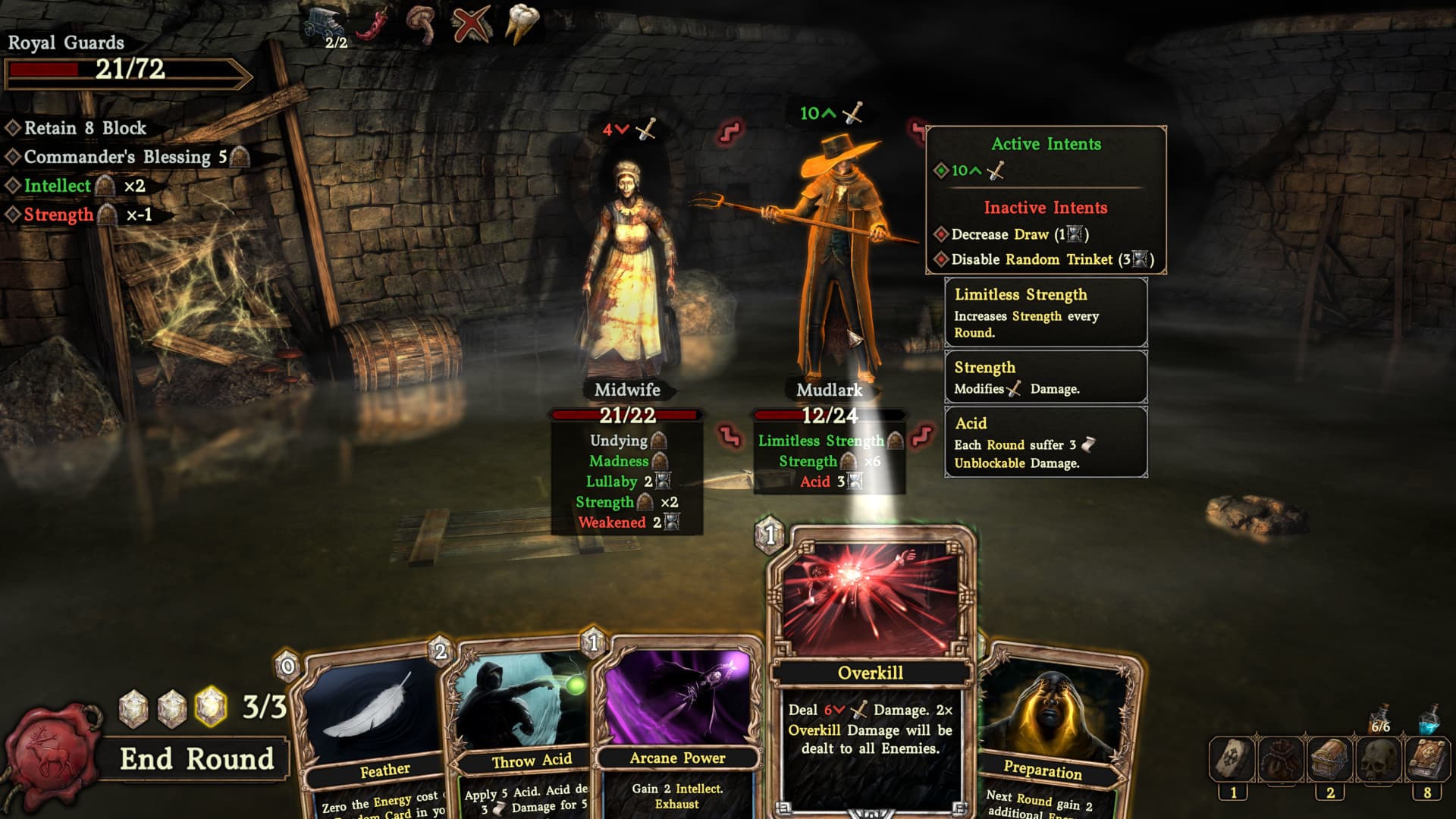
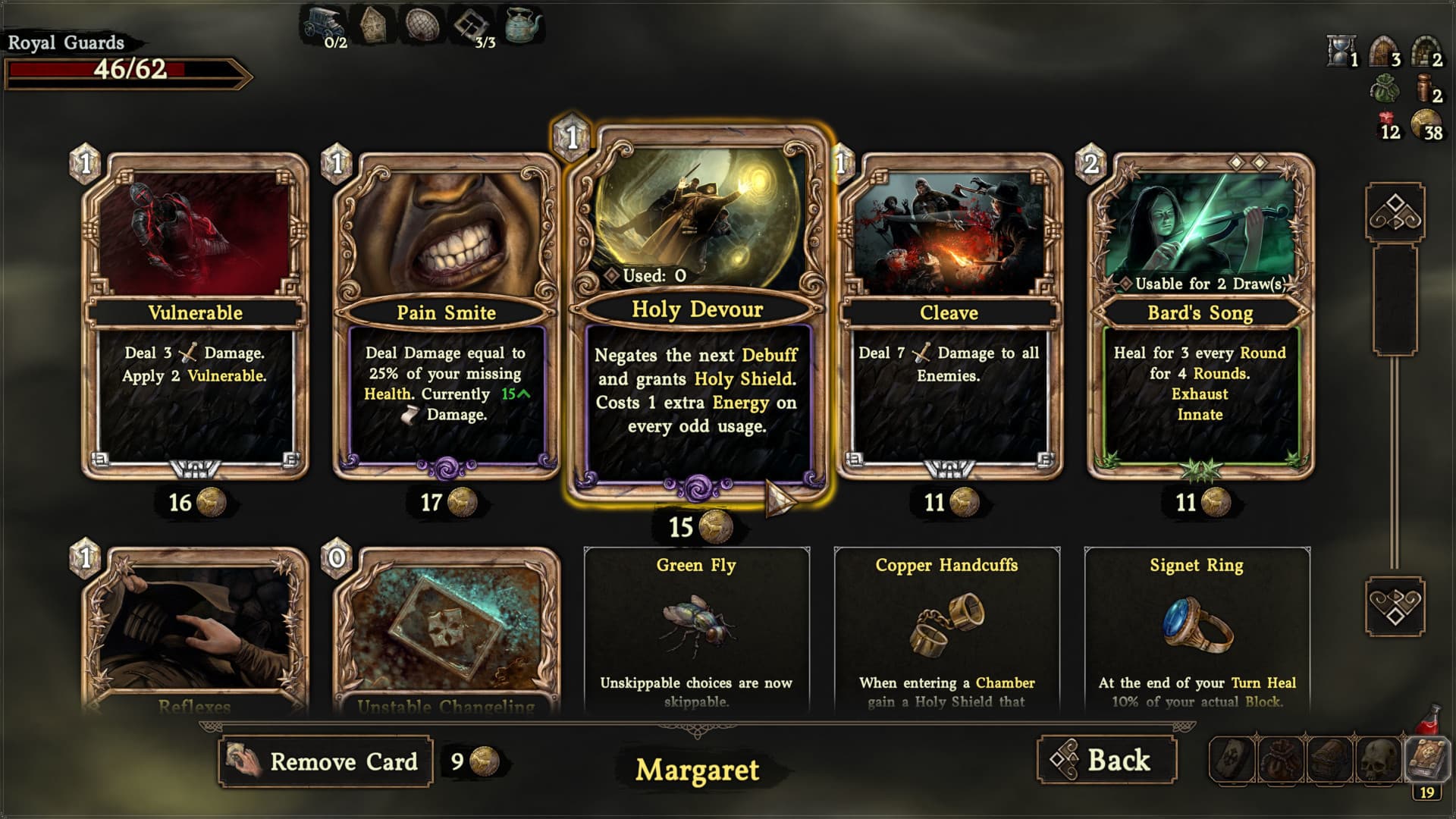
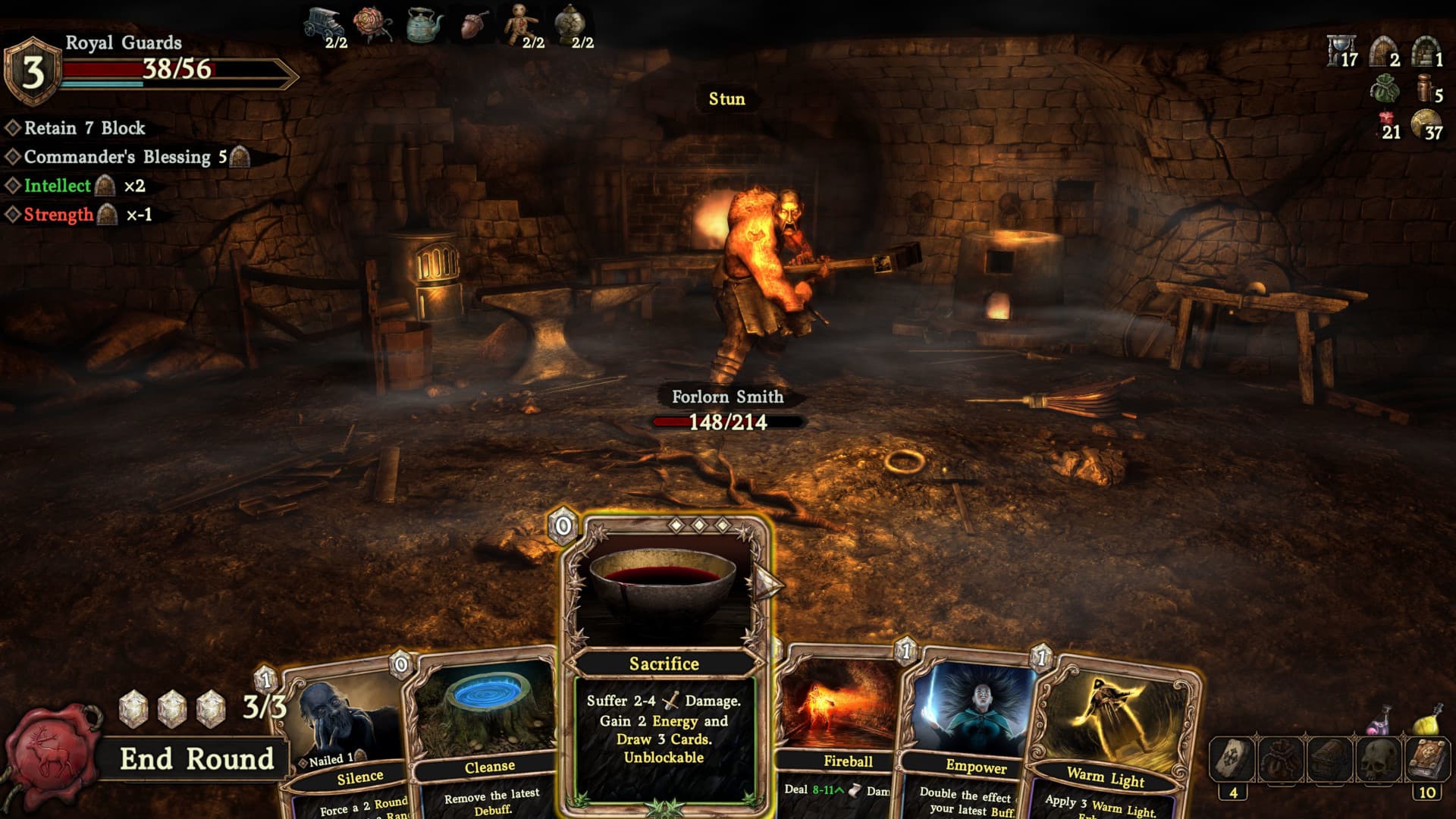
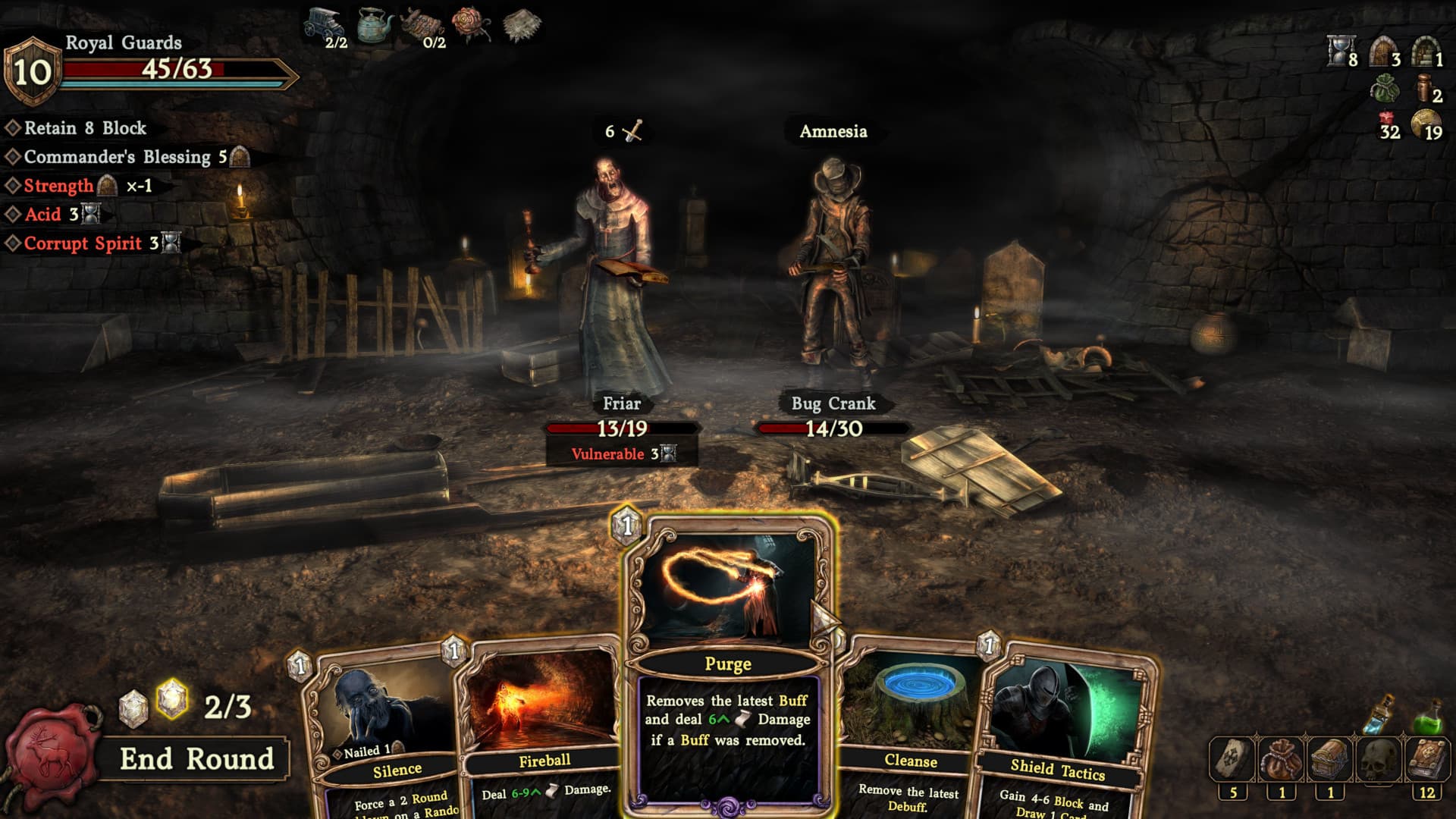
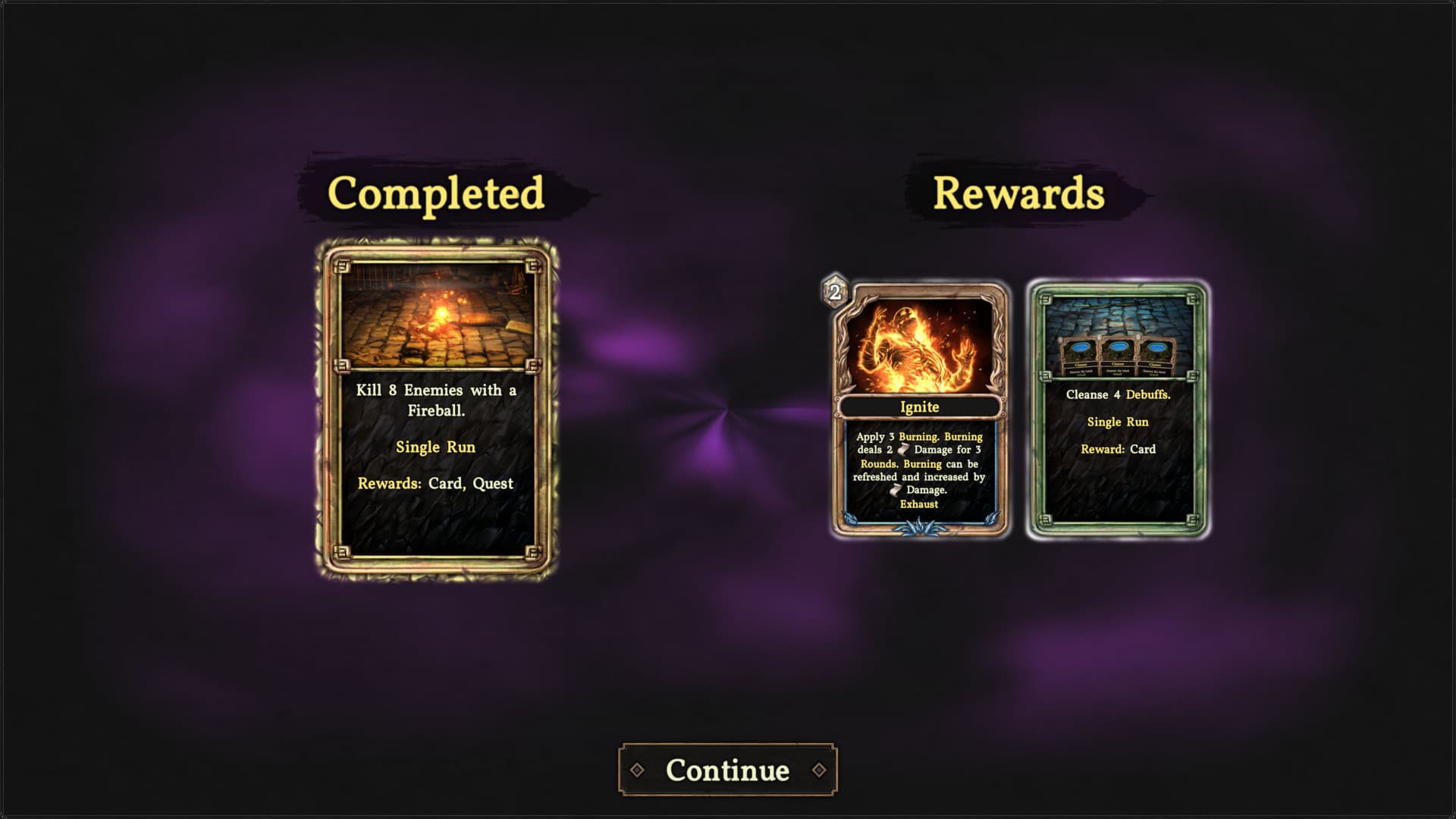
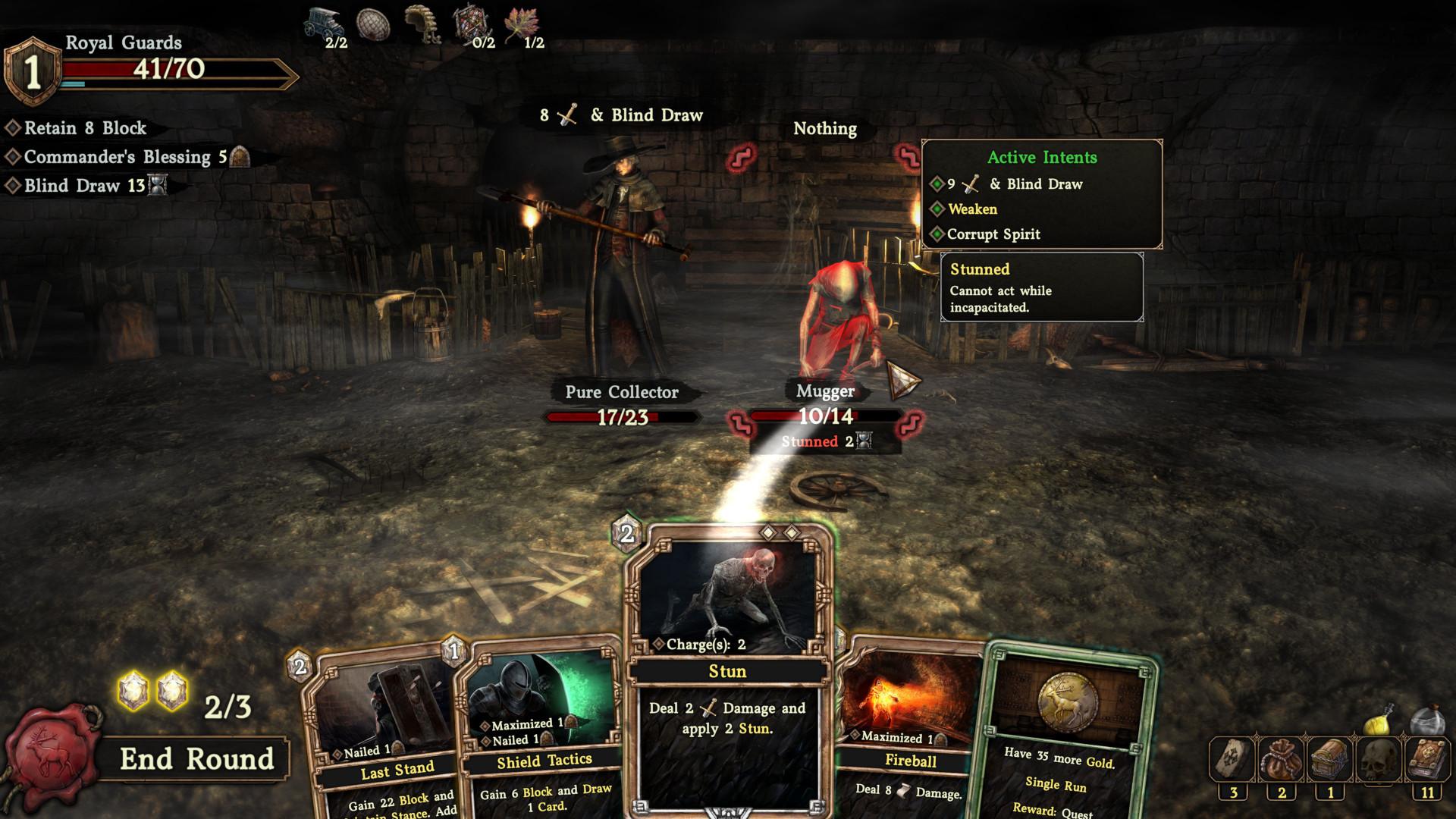
Deepest Chamber is a single player deck building card game with roguelike elements, that is set in a dark fantasy themed world. The player is tasked to overcome an increasingly challenging descent into the murky depths of a dying medieval city. Build your deck from a mix of different classless ability cards, scrounge for handy consumables or ancient powerful trinkets and uncover the story of an array of mysterious characters who can prove to be either friends or foes.
Single-player deckbuilding card game that’s easy to get into, but also with enough depth that makes it challenging to master ...
Systemanforderungen
- Requires a 64-bit processor and operating system
- Betriebssystem
- Windows 7, 8, 8.1, 10
- Prozessor
- 2 Core 2 GHz
- Arbeitsspeicher
- 4 GB RAM
- Grafik
- Intel HD Graphics 630 or better
- Speicherplatz
- 8 GB available space
- Soundkarte
- Zusätzliche Hinweise
- with OpenGL 3.2 compatible drivers
- Requires a 64-bit processor and operating system
- Betriebssystem
- Windows 7, 8, 8.1, 10
- Prozessor
- 2 Core 2 GHz
- Arbeitsspeicher
- 4 GB RAM
- Grafik
- Geforce GTX 660 or AMD Radeon 6850 or better
- Speicherplatz
- 8 GB available space
- Soundkarte
- Zusätzliche Hinweise
- with OpenGL 3.2 compatible drivers