






So aktivieren Sie
- Installiere Steam und melde dich bei deinem Konto an (ein kostenloses Konto reicht).
- Wähle im oberen Menü „Spiele“ → „Ein Produkt bei Steam aktivieren…“.
- Gib deinen Key genau wie in der Bestellung ein (mit Bindestrichen) und bestätige. Das Spiel erscheint in deiner Bibliothek.
Offizielle Aktivierungsanleitung von Steam
Damit Sie das Spiel aktivieren können benötigen Sie einen 'Steam-Account'. Weitere Informationen zur Aktivierung finden Sie unter diesem Link: https://support.steampowered.com/kb_article.php?ref=5414-TFBN-1352
Über das Spiel
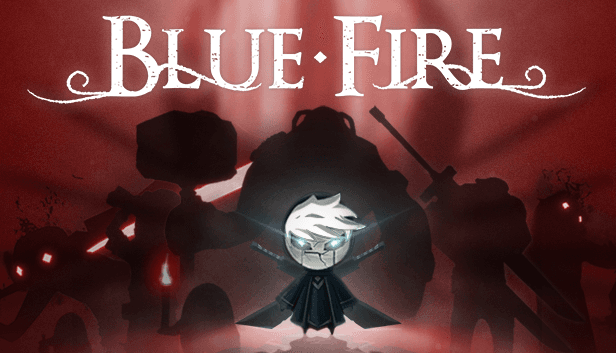
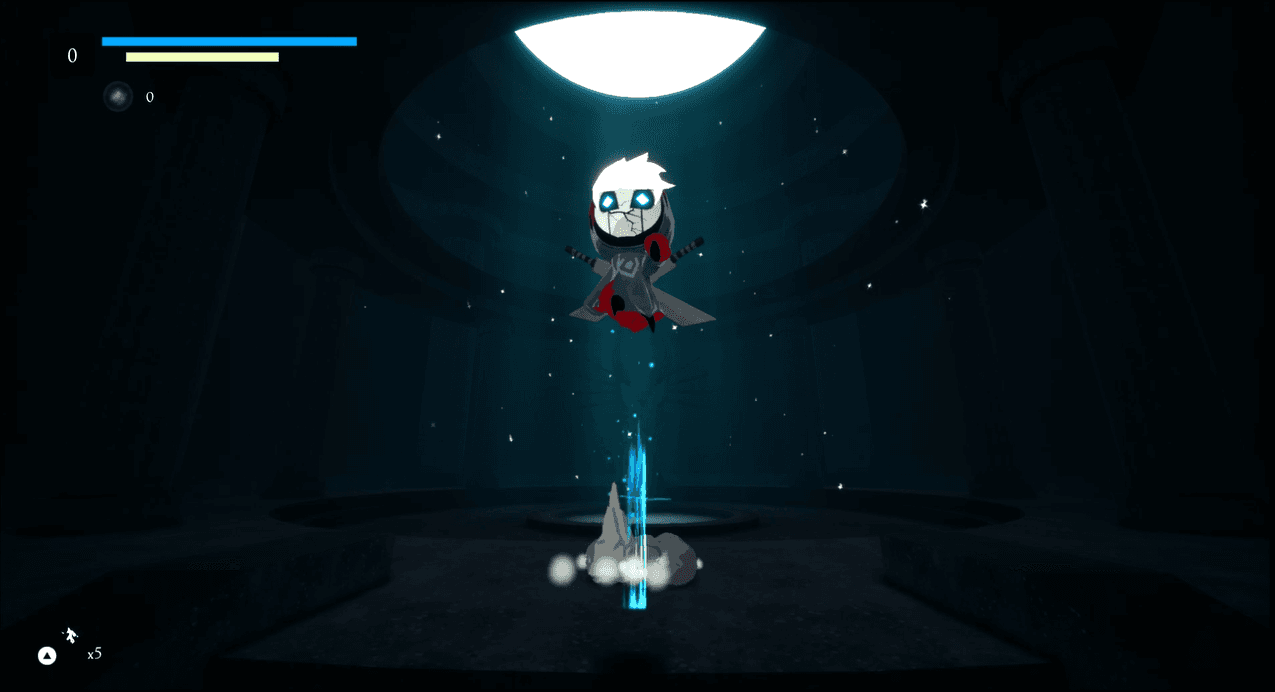
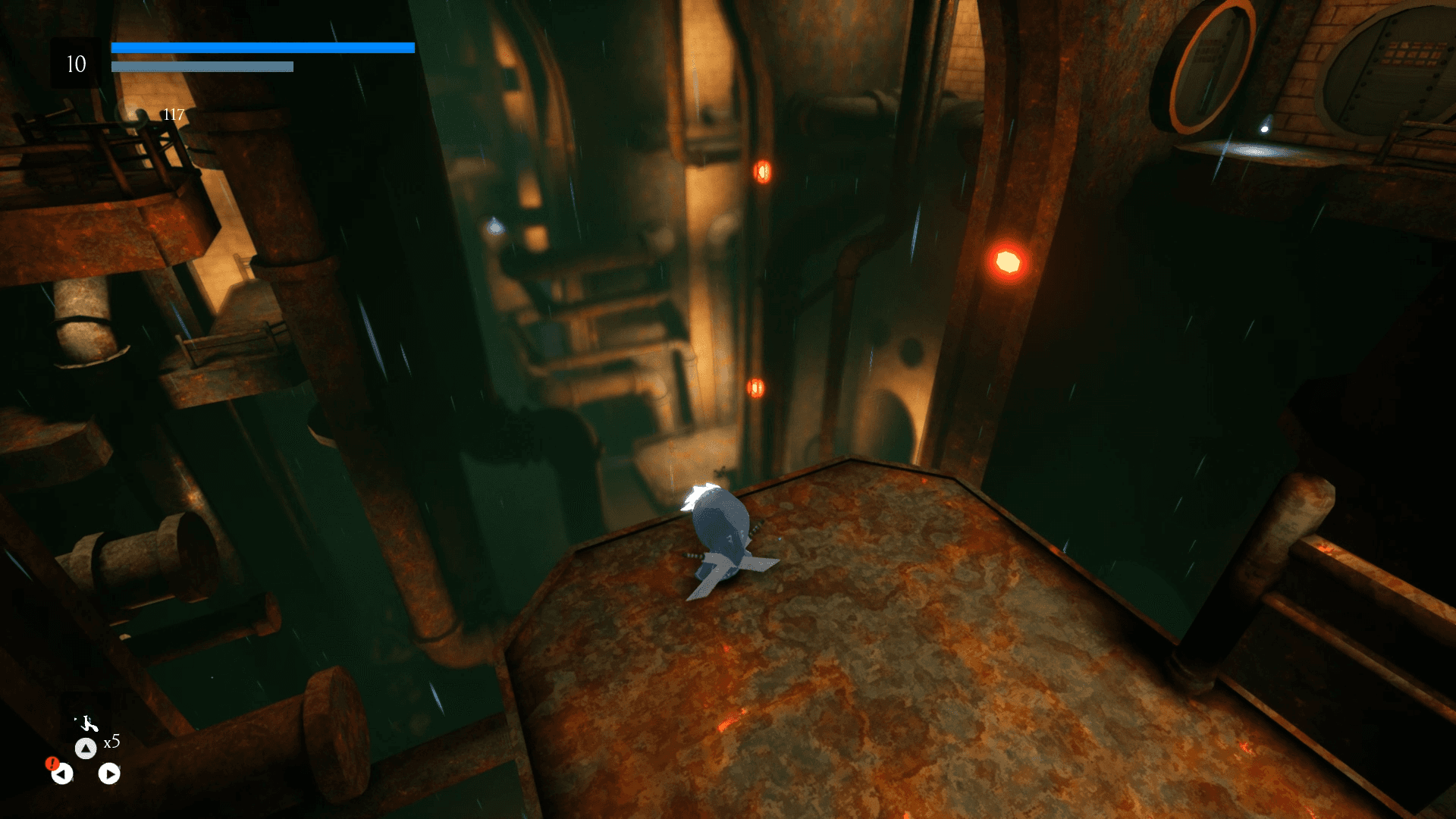
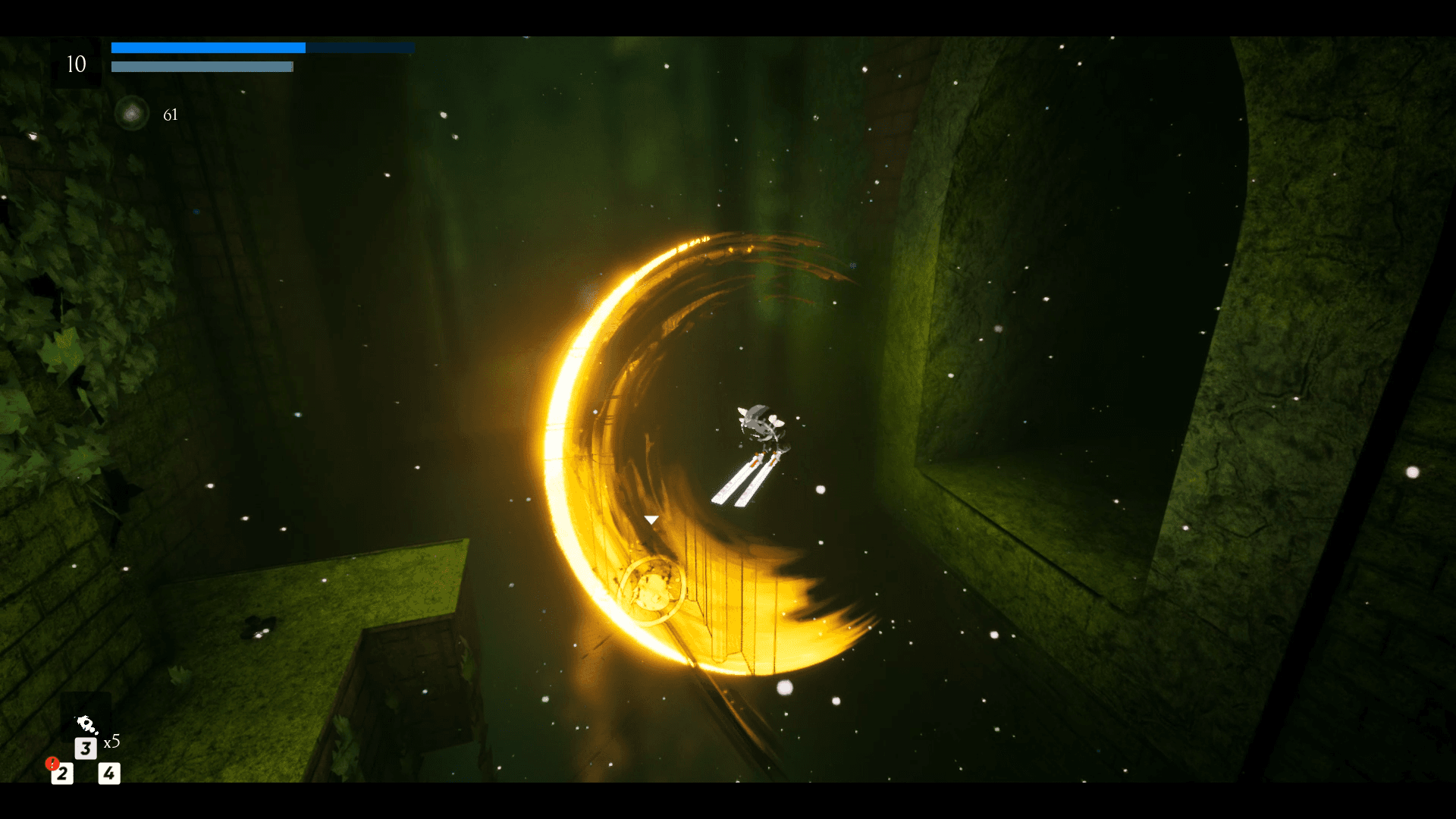
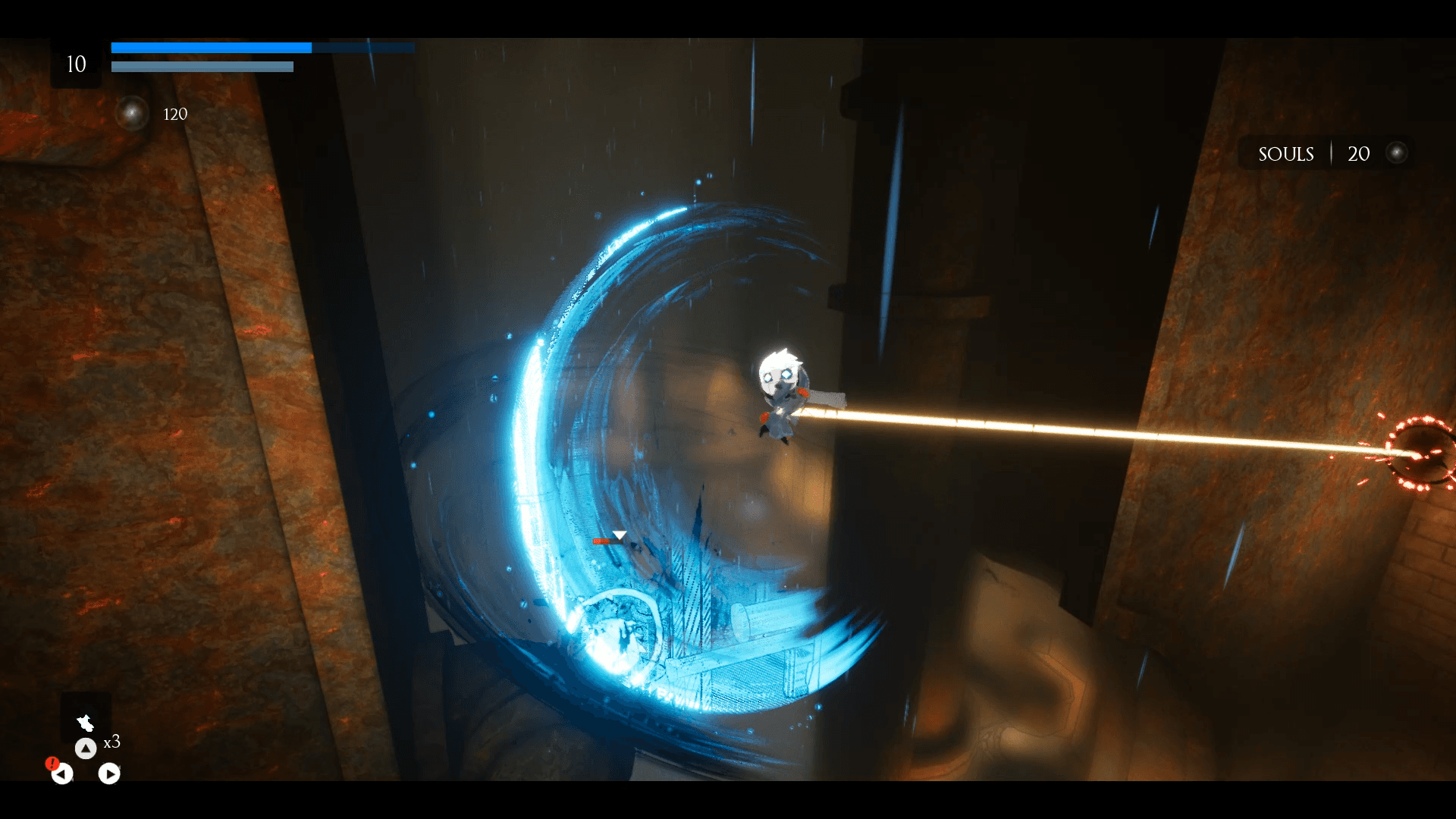
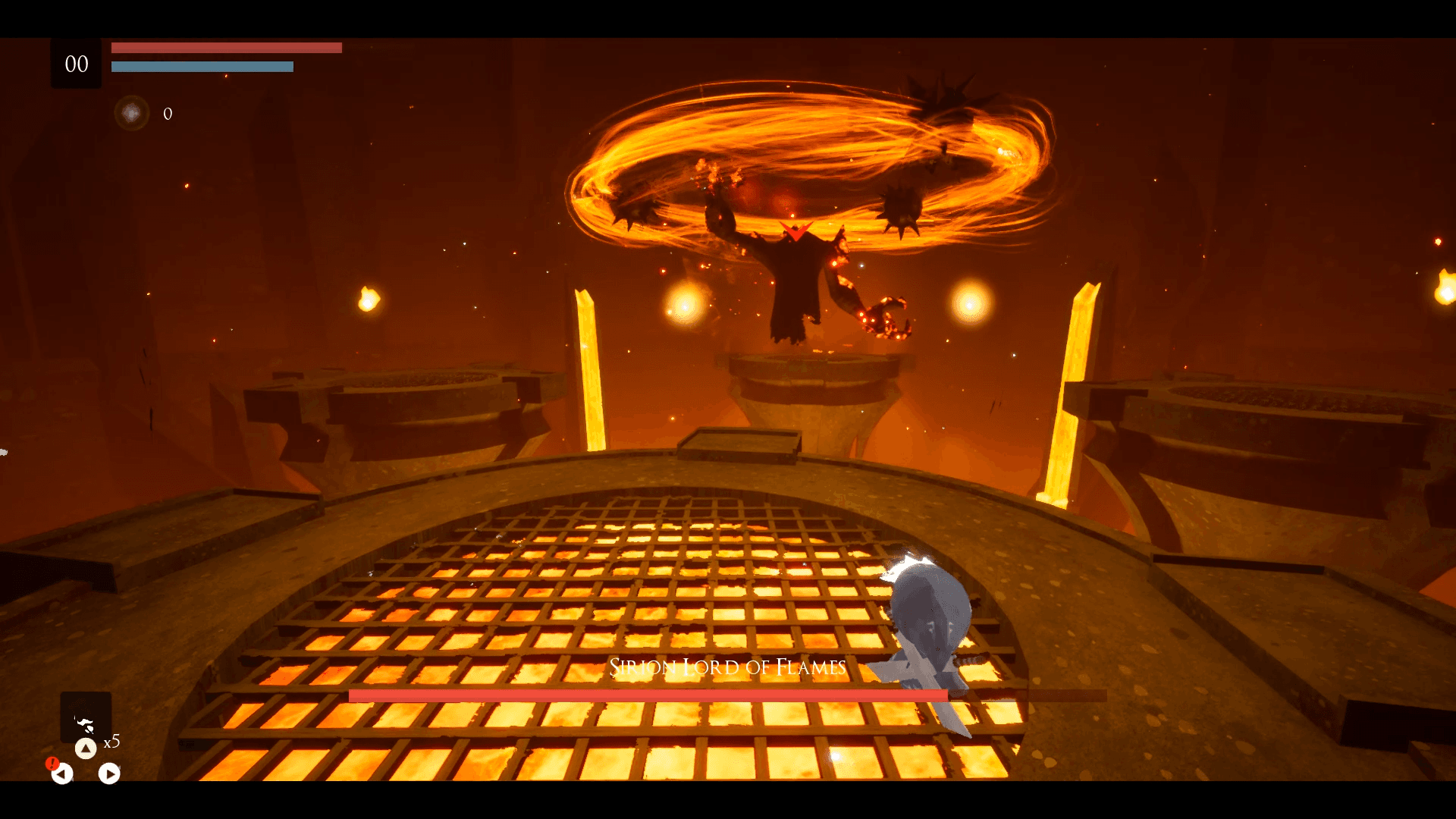
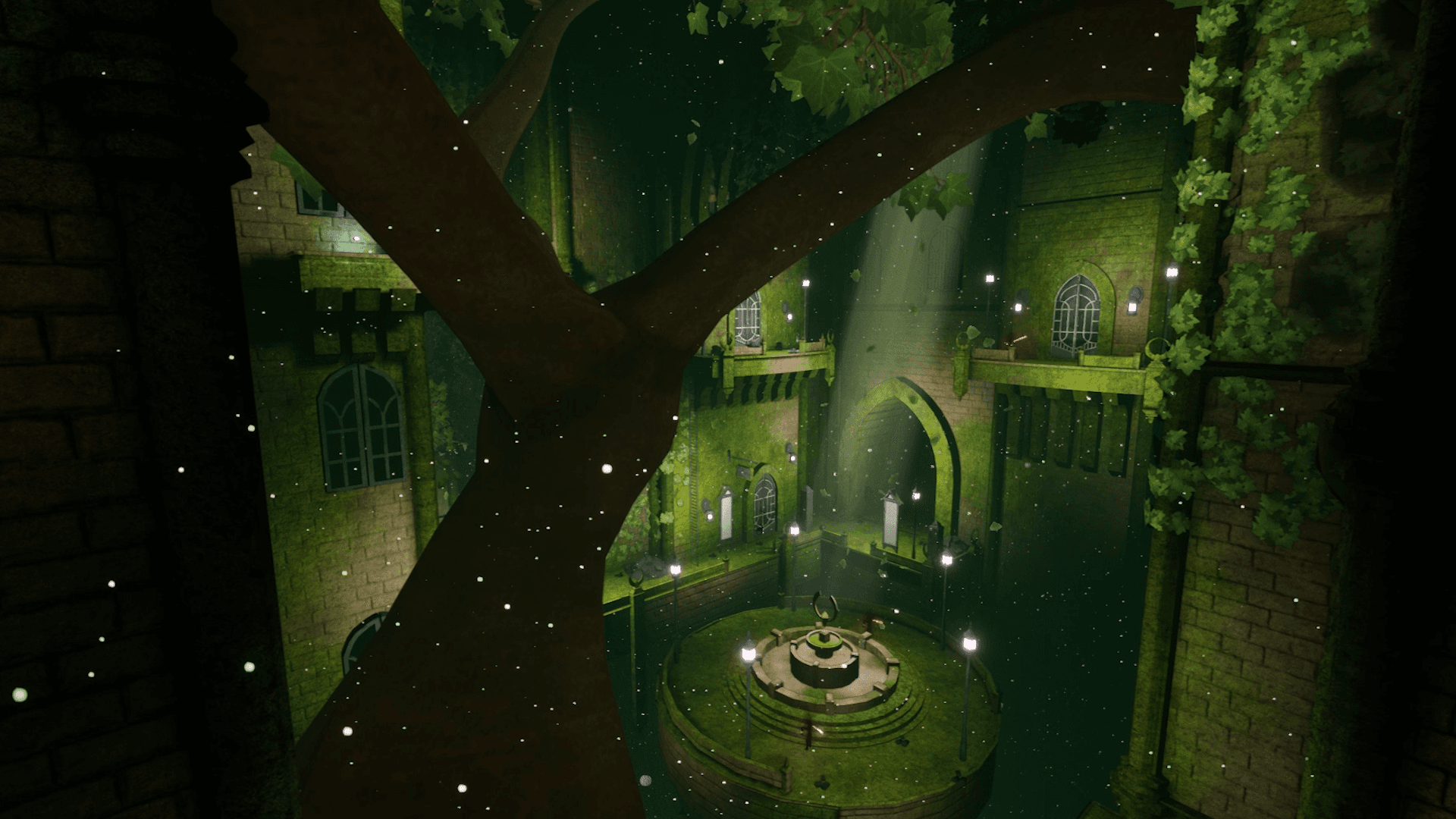
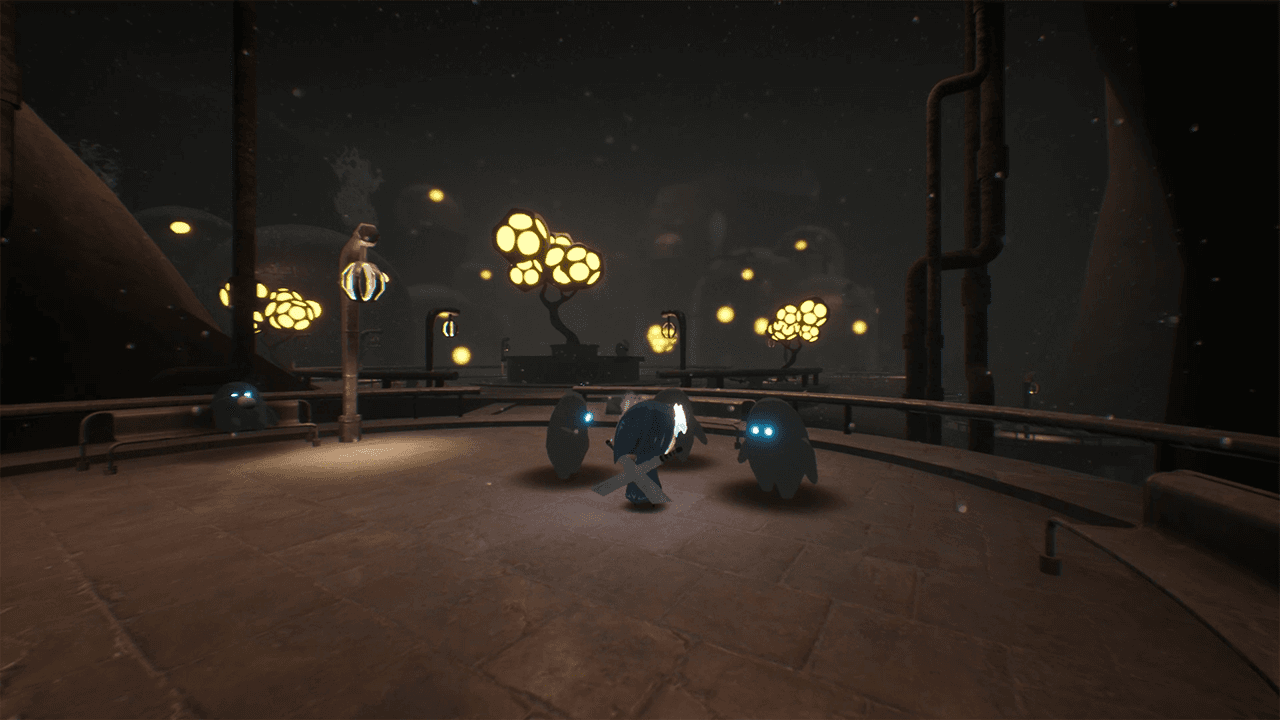
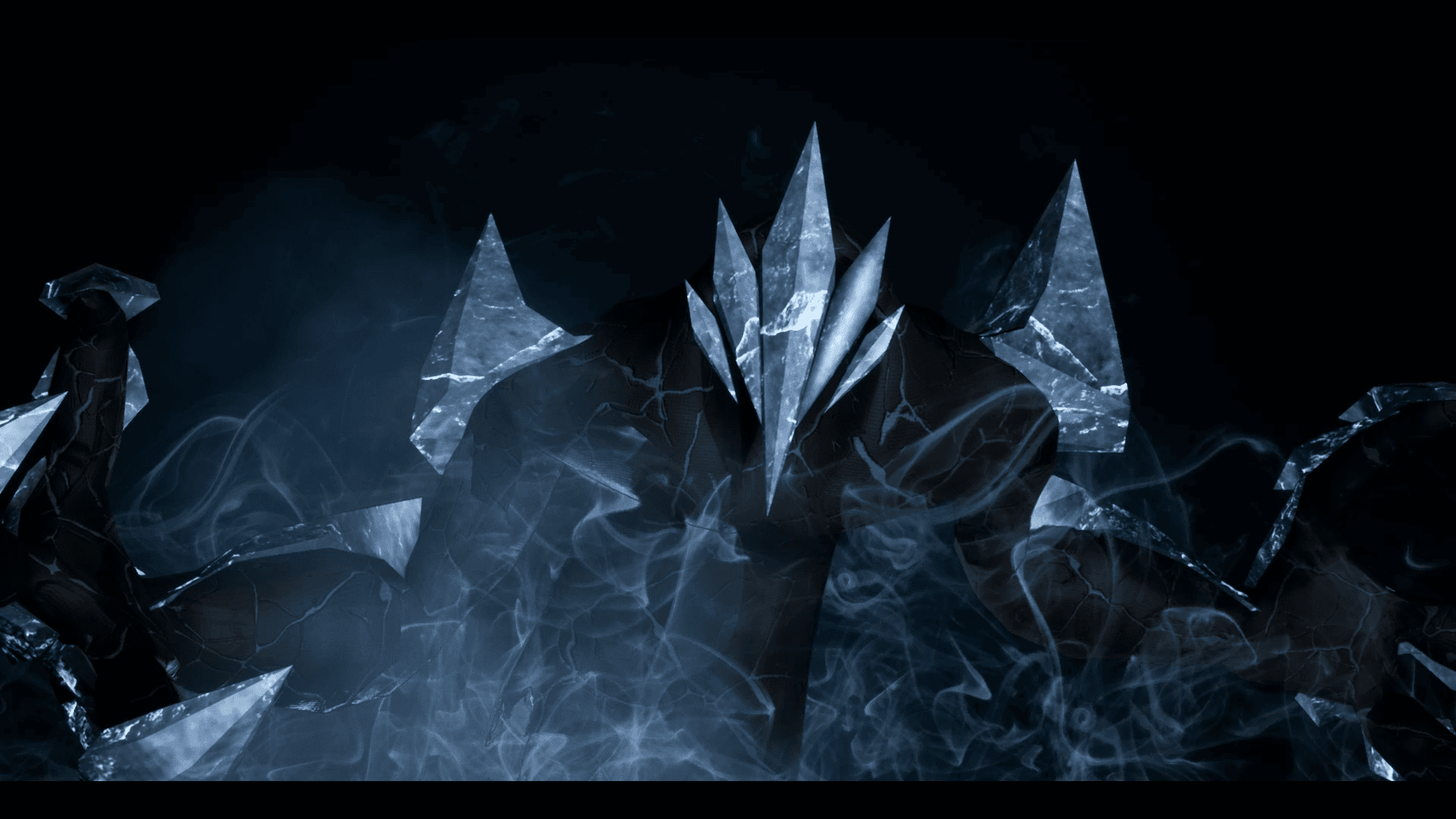
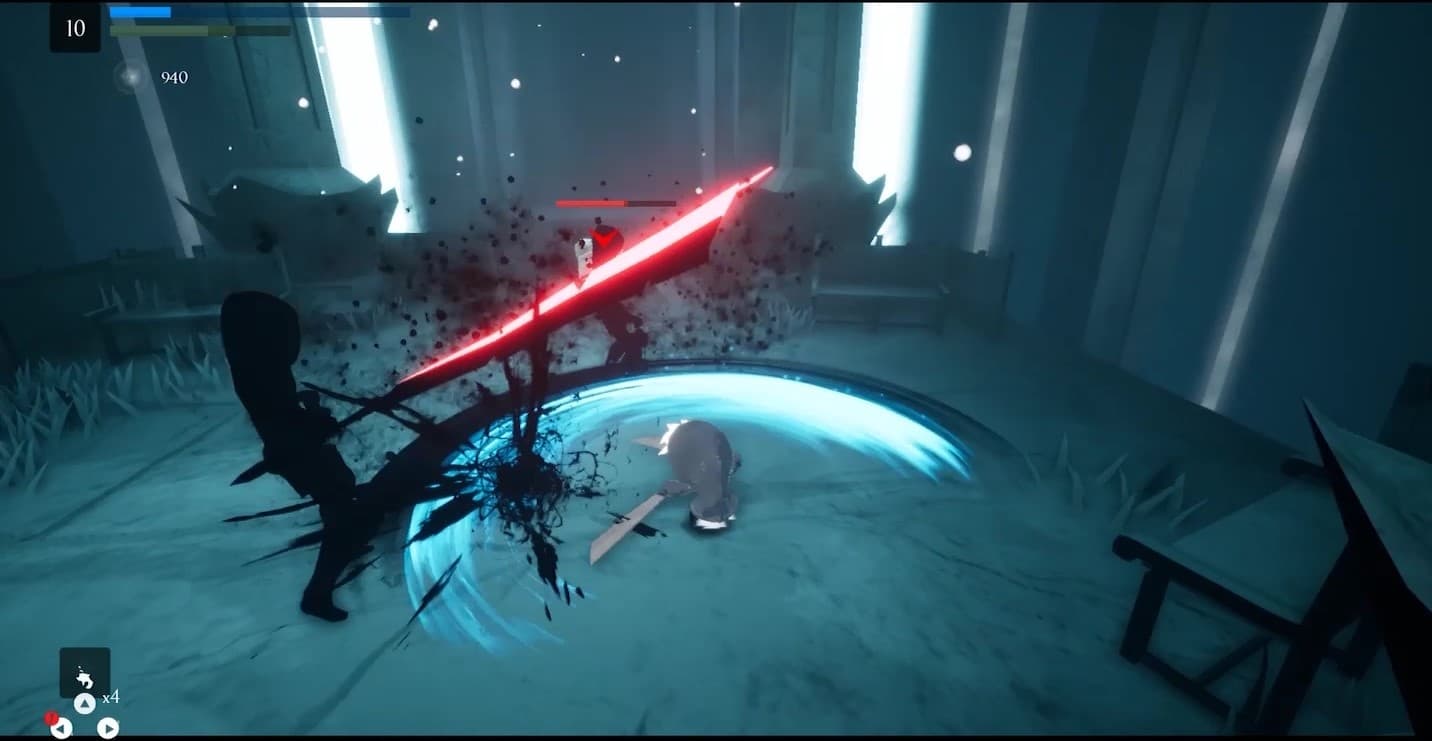
Embark on an extraordinary adventure through the perished world of Penumbra to explore unique temples filled with increasingly difficult 3D platforming challenges, diverse enemies, quests, collectibles, and more. Slash daunting adversaries, leap through deadly traps and master the art of movement.
Systemanforderungen
Minimum
- Betriebssystem
- Windows 7
- Prozessor
- Requires a 64-bit 3.0GHz processor and operating system
- Arbeitsspeicher
- 4 GB RAM
- Grafik
- DirectX End-User Runtimes (June 2010)
- Speicherplatz
- 6 GB available space
Empfohlen
- Betriebssystem
- Windows 10 64-bit
- Prozessor
- Quad-core Intel or AMD, 2.5 GHz or faster
- Arbeitsspeicher
- 8 GB RAM
- Grafik
- DirectX 11 or DirectX 12 compatible graphics card
- DirectX
- Version 11
- Speicherplatz
- 6 GB available space