

So aktivieren Sie
- Installiere Steam und melde dich bei deinem Konto an (ein kostenloses Konto reicht).
- Wähle im oberen Menü „Spiele“ → „Ein Produkt bei Steam aktivieren…“.
- Gib deinen Key genau wie in der Bestellung ein (mit Bindestrichen) und bestätige. Das Spiel erscheint in deiner Bibliothek.
Offizielle Aktivierungsanleitung von Steam
Damit Sie das Spiel aktivieren können benötigen Sie einen 'Steam-Account'. Weitere Informationen zur Aktivierung finden Sie unter diesem Link: https://support.steampowered.com/kb_article.php?ref=5414-TFBN-1352
Über das Spiel
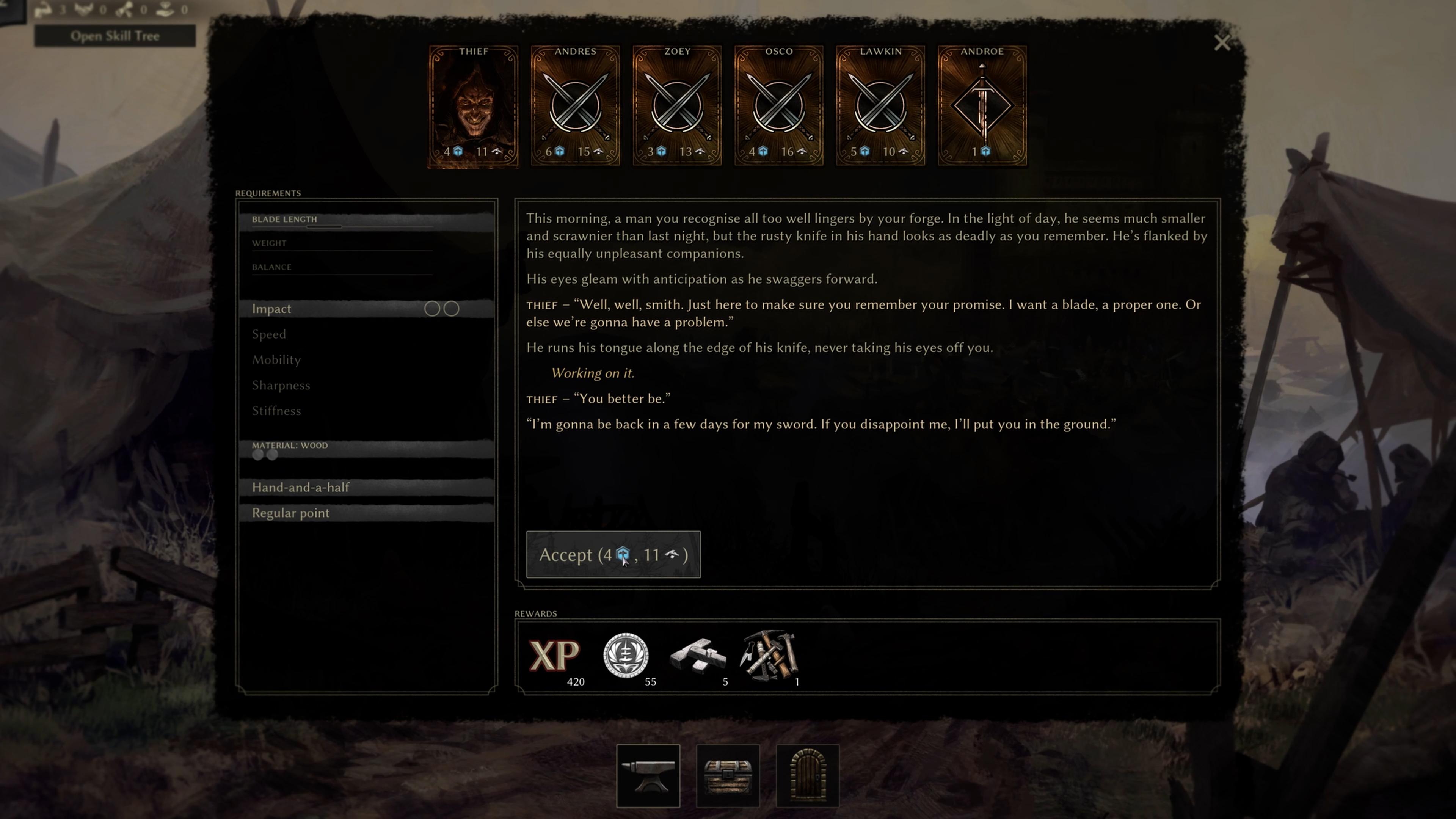
The Songs have fallen silent and the world lies in ruin, lost to madness and despair. But within the high walls of Eren Keep, life persists – held together by unbreakable will and the iron fist of the Masked King, ruler and tyrant, savior and messiah.
As the swordsmith of Eren Keep, you turn steel into something more precious than gold. Customers come with coin in their hands and demands on their lips, seeking blades of deadly precision, balance, and beauty. Meet their requests, perfect your craft and find trusted companions in one of the last beacons of civilization. ...
Systemanforderungen
- Windows
- Requires a 64-bit processor and operating system
- Betriebssystem
- Requires a 64-bit processor and operating system. Windows 10
- Prozessor
- Intel Core i5-7500 / AMD Ryzen 5 1600
- Arbeitsspeicher
- 8 GB RAM
- Grafik
- NVIDIA GeForce GTX 1050 / AMD Radeon RX 580
- DirectX
- Version 11
- Speicherplatz
- 5 GB available space