

So aktivieren Sie
- Installiere Steam und melde dich bei deinem Konto an (ein kostenloses Konto reicht).
- Wähle im oberen Menü „Spiele“ → „Ein Produkt bei Steam aktivieren…“.
- Gib deinen Key genau wie in der Bestellung ein (mit Bindestrichen) und bestätige. Das Spiel erscheint in deiner Bibliothek.
Offizielle Aktivierungsanleitung von Steam
Damit Sie das Spiel aktivieren können benötigen Sie einen 'Steam-Account'. Weitere Informationen zur Aktivierung finden Sie unter diesem Link: https://support.steampowered.com/kb_article.php?ref=5414-TFBN-1352
Über das Spiel
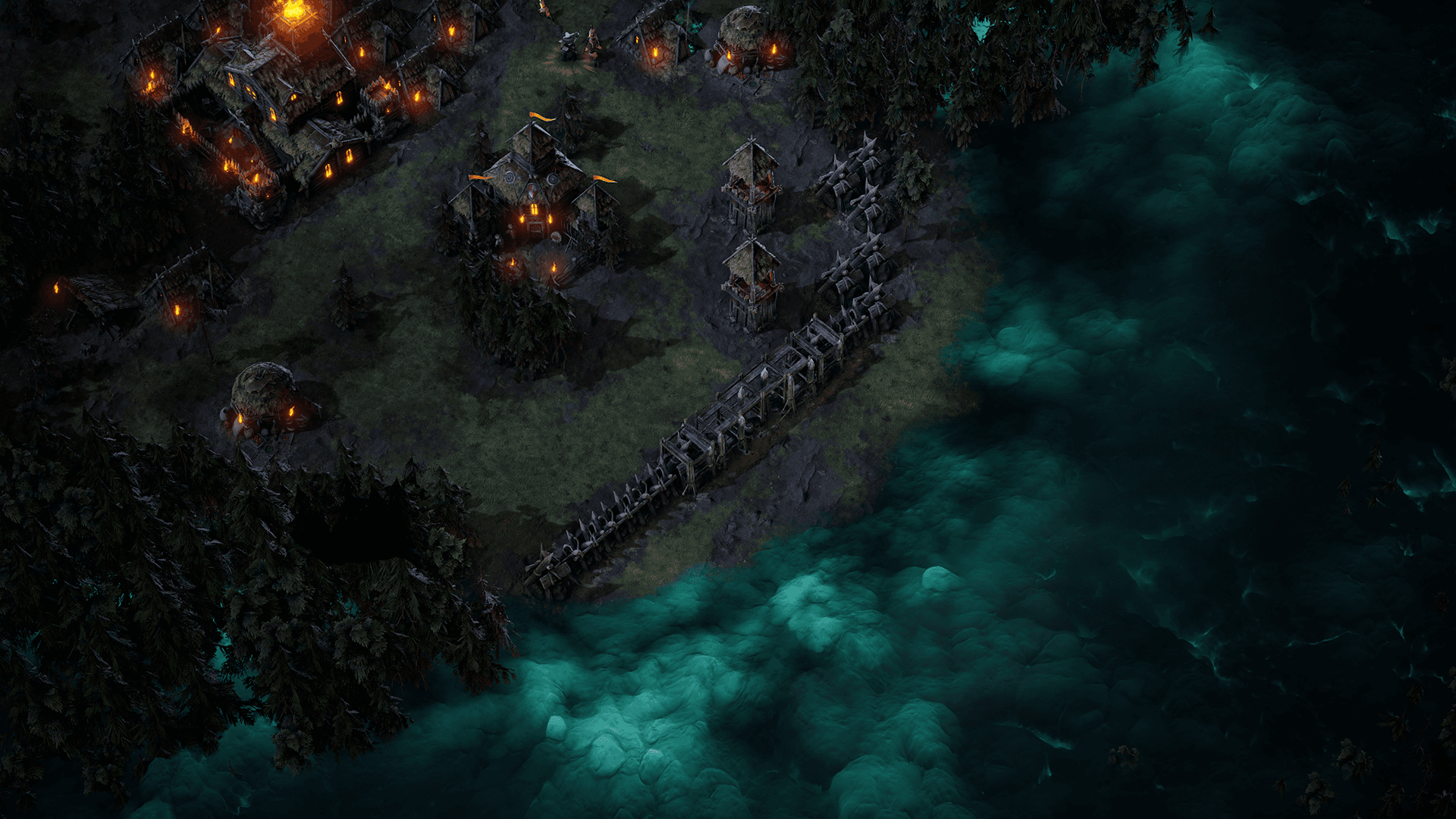
Age of Darkness: Final Stand is a dark fantasy survival RTS where you must illuminate, build and defend humanity’s last bastion against hordes of Nightmares. Set in the remnants of a kingdom consumed by a deadly fog, you decide. Will you hide in the light? Or take back your world.
Build, Gather and Fight in a Desperate Last Stand Against an Onslaught of Never Ending Evil! ...
Systemanforderungen
Minimum
- Requires a 64-bit processor and operating system
- Betriebssystem
- Windows 10 Home
- Prozessor
- Intel i5 Processor (8th Gen)
- Arbeitsspeicher
- 8 GB RAM
- Grafik
- NVIDIA GeForce GTX 970
- Speicherplatz
- 5 GB available spacev
Empfohlen
- Requires a 64-bit processor and operating system
- Betriebssystem
- Windows 10 Home
- Prozessor
- Intel i7 Processor (9th Gen)
- Arbeitsspeicher
- 8 GB RAM
- Grafik
- NVIDIA GeForce GTX 1060
- Speicherplatz
- 5 GB available space