

Jak aktivovat
- Nainstaluj Steam a přihlas se ke svému účtu (stačí bezplatný účet).
- V horní nabídce zvol „Hry“ → „Aktivovat produkt ve službě Steam…“.
- Zadej klíč přesně tak, jak je v objednávce (s pomlčkami), a potvrď. Hra se objeví ve tvé knihovně.
Oficiální návod k aktivaci Steam
- PlayStation Network Account required, subject to the PlayStation Terms of Services and User Agreement http://www.playstationnetwork.com/terms-of-service
O hře
Game Overview
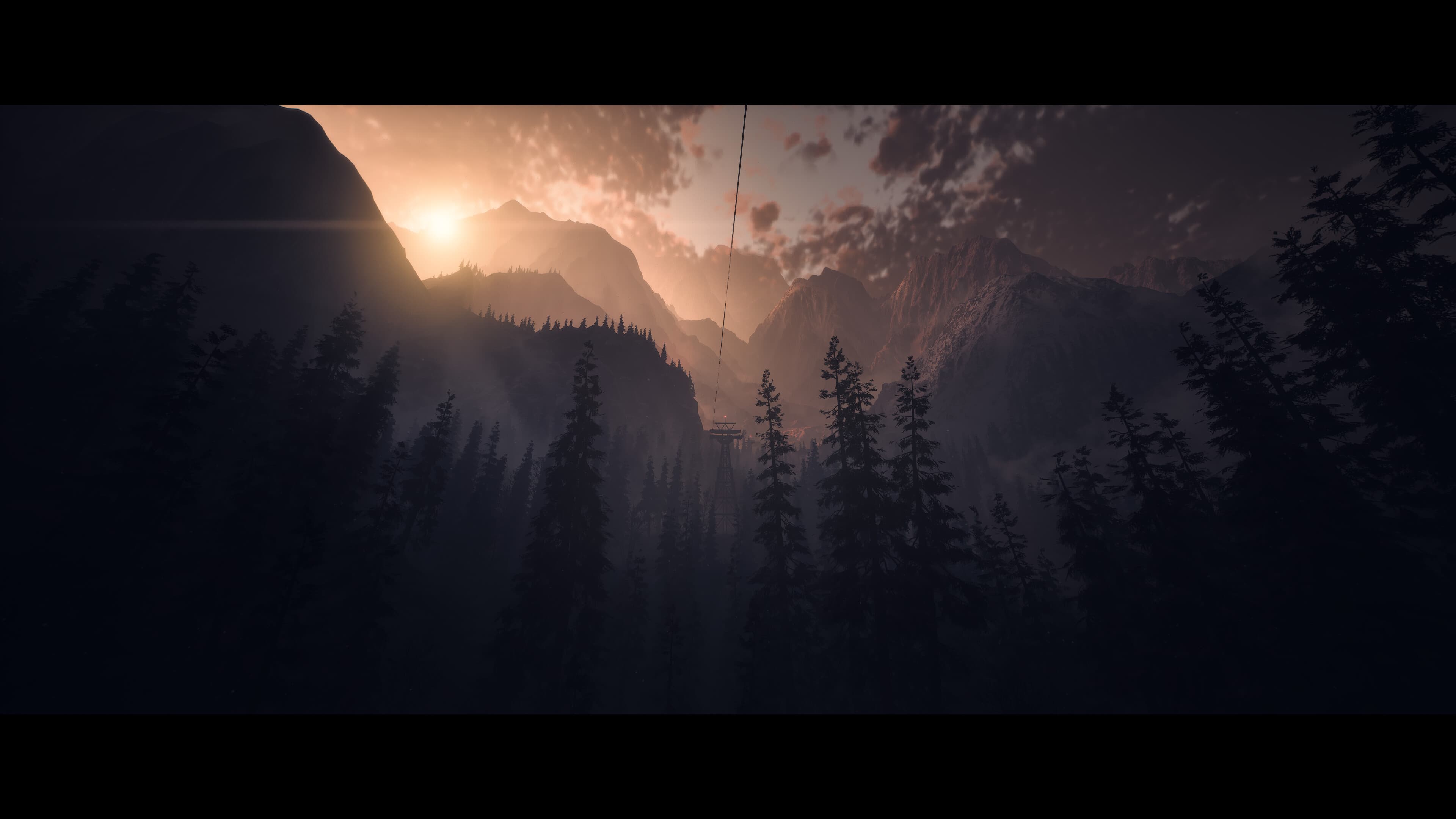
When eight friends return to the isolated lodge where two of their group vanished a year prior, fear tightens its icy grip, and their mountain retreat descends into a nightmare with no escape.
Face your fears and determine who survives Until Dawn in this seminal horror classic, rebuilt and enhanced for PC.
Cult horror rebuilt ...
Požadavky na systém
Minimální
- Requires a 64-bit processor and operating system
- Operační systém
- Windows 10, 11
- Procesor
- Intel Core i7 4790K / AMD Ryzen 5 1500x (or similar processor with AVX support)
- Paměť
- 8 GB RAM
- Grafika
- NVIDIA GeForce GTX 1660 / Radeon RX 470 (or equivalent card with minimum 6GB VRAM)
- Úložiště
- 70 GB available space
- Další poznámky
- Storage 70 GB on SSD
Doporučeno
- Requires a 64-bit processor and operating system
- Operační systém
- Windows 10, 11
- Procesor
- Intel Core i5 8600 / AMD Ryzen 7 2700X
- Paměť
- 16 GB RAM
- Grafika
- NVIDIA GeForce RTX 2060 / AMD Radeon RX 6600XT
- Úložiště
- 70 GB available space
- Další poznámky
- Storage 70 GB on SSD
Právní informace
© 2024 Sony Interactive Entertainment Europe. Until Dawn is a trademark of Sony Interactive Entertainment.