



활성화 방법
- Steam을(를) 설치하고 계정에 로그인하세요(무료 계정이면 충분합니다).
- 상단 메뉴에서 „게임” → „Steam에서 제품 활성화…”를 선택하세요.
- 주문에 표시된 그대로(하이픈 포함) 키를 입력하고 확인하세요. 게임이 라이브러리에 추가됩니다.
게임 정보
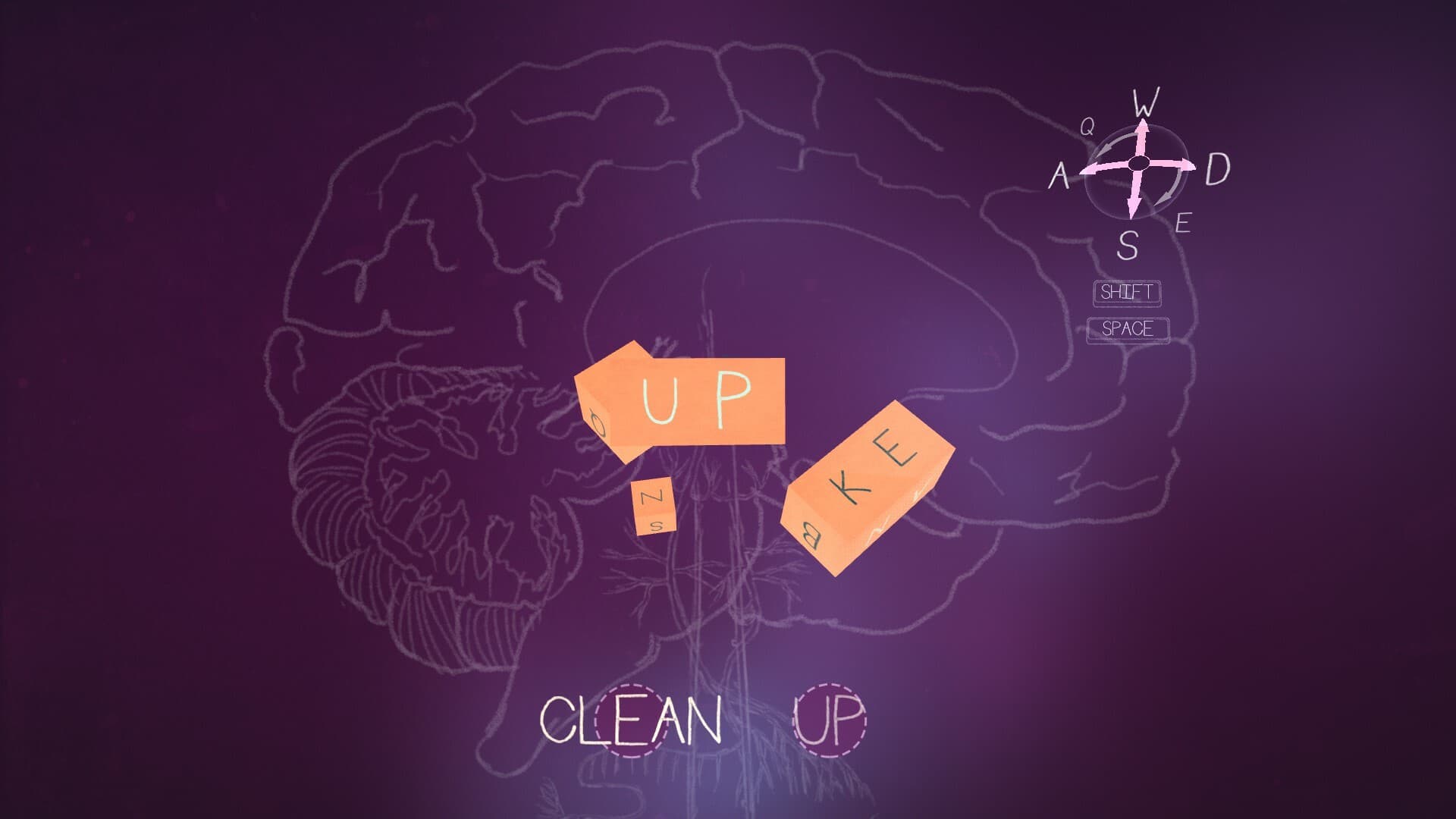
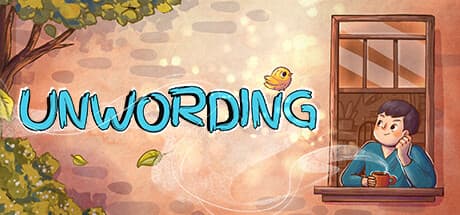
Embark on an uplifting journey through the mind of Tom in Unwording. Solve word puzzles, explore the neighborhood through multiple perspectives, and help Tom work towards experiencing a better day by overcoming his negative self-talk and thought patterns.
Tom sees the world through a lonely, glass-half-empty lens. To him, everyday objects morph into complex word puzzles, reminding him of all that he lacks. As he solves each puzzle, the solutions spell out messages that are irrational and defeating. ...
시스템 요구 사항
최저한의
- Windows
- 운영체제
- Windows 10
- 프로세서
- 1.8GHz
- 메모리
- 8 GB RAM
- 그래픽
- Intel HD 4000 series
- 저장공간
- 1 GB available space
- 사운드카드
- 100% DirectX 9.0c compatible sound card
- SteamOS + Linux
- 프로세서
- 1.8GHz
- 메모리
- 8 GB RAM
- 저장공간
- 1 GB available space
추천
- Windows
- 운영체제
- Windows 10
- 프로세서
- 2.4 GHz
- 메모리
- 8 GB RAM
- 그래픽
- GeForce 780
- 저장공간
- 1 GB available space
- 사운드카드
- 100% DirectX 9.0c compatible sound card
- SteamOS + Linux
- 메모리
- 8 GB RAM
- 저장공간
- 1 GB available space