




활성화 방법
- Steam을(를) 설치하고 계정에 로그인하세요(무료 계정이면 충분합니다).
- 상단 메뉴에서 „게임” → „Steam에서 제품 활성화…”를 선택하세요.
- 주문에 표시된 그대로(하이픈 포함) 키를 입력하고 확인하세요. 게임이 라이브러리에 추가됩니다.
게임 정보
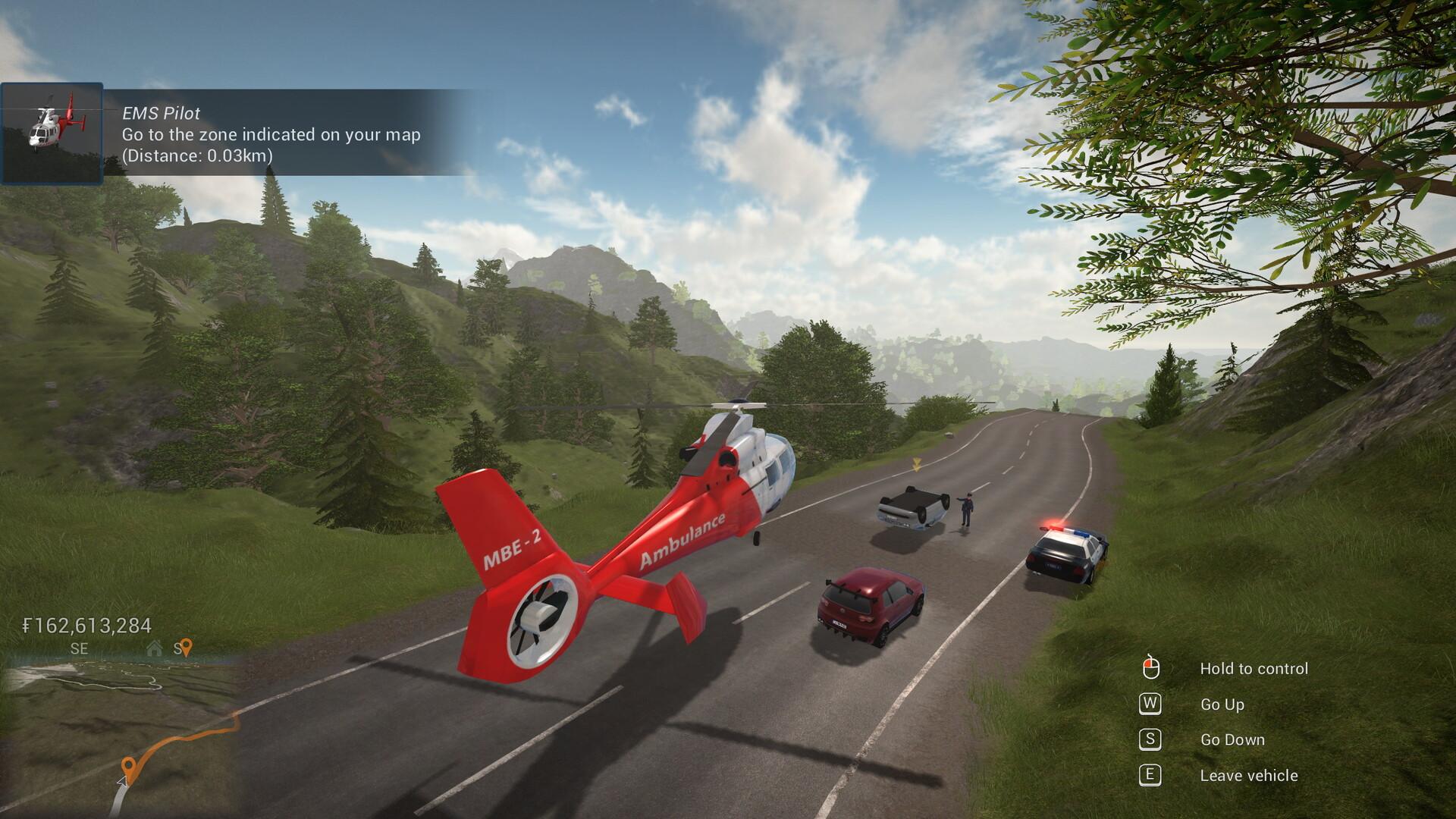
Technicity is a first-person city building game where you can also design your own construction blocks and items to create really unique buildings. Use cranes to speed up construction, terraform the open world, build roads and use vehicles to travel to different cities that you or your friends create in solo or coop mode.
Use a crane or a cement mixer to quickly build houses, shops, factories and any other building you can think of. The design is yours: with a large variety of building blocks of different shapes and materials, you can really create whatever you want. ...
시스템 요구 사항
최저한의
- Windows
- 운영체제
- Windows 7/8/10
- 프로세서
- 3 GHz
- 메모리
- 8 GB RAM
- 그래픽
- OpenGL 3 compatible card with 2 GB of memory, nVidia® 7XX+/AMD® 7XXX+
- 저장공간
- 2 GB available space
추천
- Windows
- 운영체제
- Windows 7/8/10
- 프로세서
- Intel core i5 or better / AMD ryzen 5 or better
- 메모리
- 8 GB RAM
- 그래픽
- nVidia® GTX 1050 or better / AMD® RX 560 or better
- 네트워크
- Broadband Internet connection
- 저장공간
- 2 GB available space


