





활성화 방법
- Steam을(를) 설치하고 계정에 로그인하세요(무료 계정이면 충분합니다).
- 상단 메뉴에서 „게임” → „Steam에서 제품 활성화…”를 선택하세요.
- 주문에 표시된 그대로(하이픈 포함) 키를 입력하고 확인하세요. 게임이 라이브러리에 추가됩니다.
게임 정보
Design and build rockets that will take humanity to the stars!
Space Company Simulator is the ultimate management game set in the space industry.
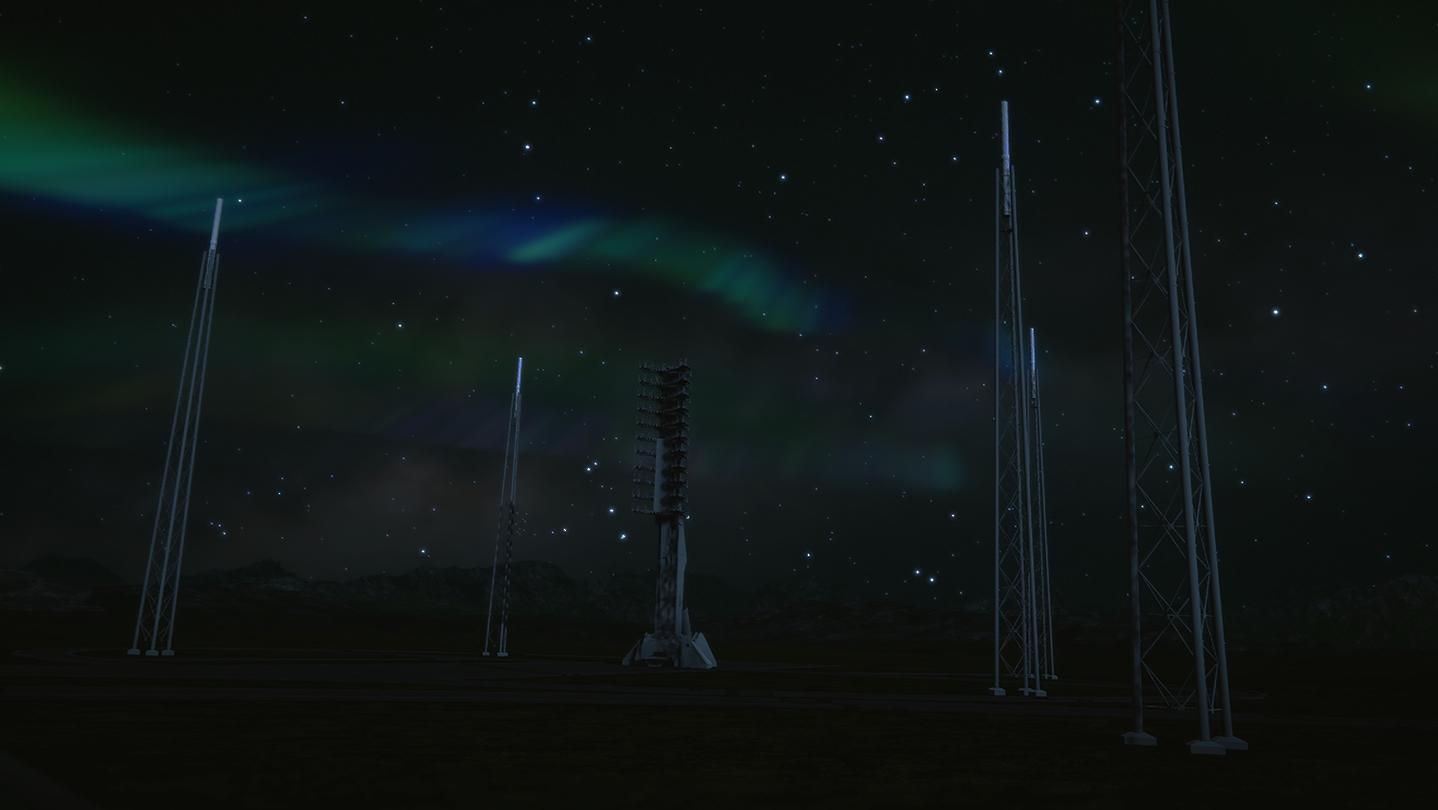
Take on the challenges of the space transport industry. Manage your company effectively to win the technological and financial race to the top. Launch rockets, satellites, spaceships and orbital stations while becoming a new major player in the space industry!
Space Company Simulator genuinely reflects the challenges of the space industry in a way that no other video game has done before.
시스템 요구 사항
최저한의
- 운영체제
- 64-bit Windows 7
- 프로세서
- Intel CPU Core i5-9600K
- 메모리
- 8GB
- 그래픽
- Nvidia GPU GeForce GTX 1060
- DirectX Version
- N/A
- 저장공간
- 3 GB
- 사운드카드
- Realtek
추천
- 운영체제
- 64-bit Windows 8 (8.1)
- 프로세서
- Intel CPU Core i7
- 메모리
- 16GB
- 그래픽
- NVIDIA GPU GeForce GTX 1070
- DirectX Version
- N/A
- 저장공간
- 3 GB
- 사운드카드
- Realtek ALC887