활성화 방법
- Steam을(를) 설치하고 계정에 로그인하세요(무료 계정이면 충분합니다).
- 상단 메뉴에서 „게임” → „Steam에서 제품 활성화…”를 선택하세요.
- 주문에 표시된 그대로(하이픈 포함) 키를 입력하고 확인하세요. 게임이 라이브러리에 추가됩니다.
게임 정보
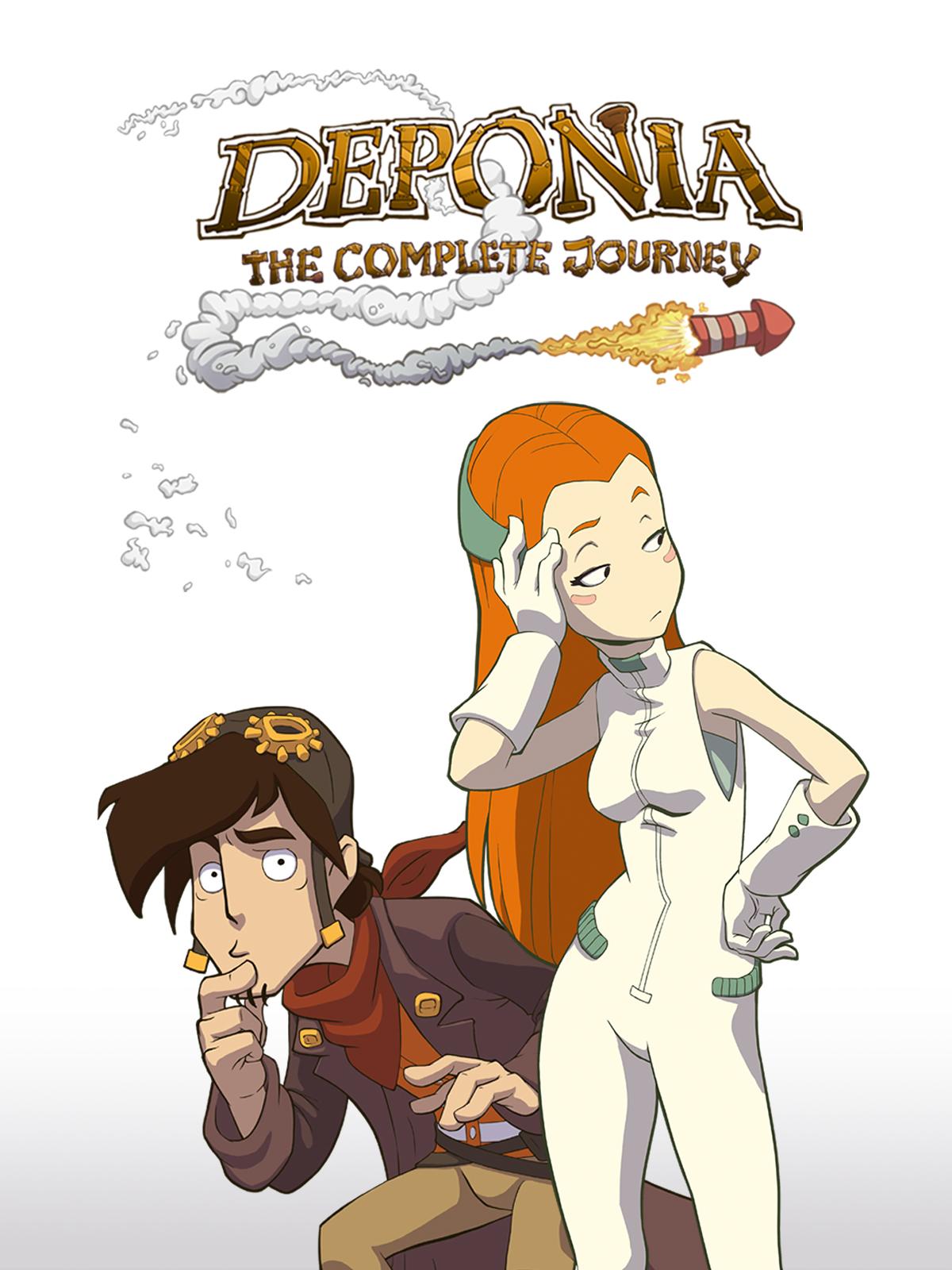
More chaos, more destruction, more Rufus. Not one, not two, but three Rufuses cause all kinds of crazy mayhem in the long-awaited adventure comedy Goodbye Deponia!
The Organon plans the destruction of Deponia, the lovely Goal has (once again) disappeared, and anti-hero Rufus just can't seem to stop getting in his own way. ...
시스템 요구 사항
최저한의
- Windows
- 운영체제
- Windows Vista/7/8
- 프로세서
- 2.5 GHz Single Core Processor or 2 GHz Dual Core Processor
- 메모리
- 2 GB RAM
- 그래픽
- OpenGL 2.0 compatible with 256 MB RAM (Shared Memory is not recommended)
- 저장공간
- 3 GB available space
- 추가 사항
- Mouse
- Mac
- 운영체제
- Lion (10.7)
- 프로세서
- 2 GHz (Dual Core) Intel
- 메모리
- 2 GB RAM
- 그래픽
- 256 MB RAM
- 저장공간
- 3 GB available space
- 추가 사항
- Mouse
- Linux
- 운영체제
- Ubuntu 12.04 (64 Bit only)
- 프로세서
- 2.5 GHz Single Core Processor or 2 GHz Dual Core Processor
- 메모리
- 2 GB RAM
- 그래픽
- OpenGL 2.0 compatible with 256 MB RAM (Shared Memory is not recommended)
- 저장공간
- 3500 MB available space
- 사운드카드
- OpenAL compatible
- 추가 사항
- Mouse
추천
- Windows
- 운영체제
- Windows Vista/7/8
- 프로세서
- 2.5 GHz Single Core Processor or 2 GHz Dual Core Processor
- 메모리
- 2 GB RAM
- 그래픽
- OpenGL 2.0 compatible with 512 MB RAM (Shared Memory is not recommended)
- 저장공간
- 3 GB available space
- 추가 사항
- Mouse
- Linux
- 운영체제
- Ubuntu 14.04 (64 Bit only)
- 프로세서
- 2.5 GHz Single Core Processor or 2 GHz Dual Core Processor
- 메모리
- 2 GB RAM
- 그래픽
- OpenGL 2.0 compatible with 256 MB RAM (Shared Memory is not recommended)
- 사운드카드
- OpenAL compatible
- 추가 사항
- Mouse
법적 정보
© 2013 Daedalic Entertainment GmbH. Goodbye Deponia, the Goodbye Deponia logo and the Daedalic logo are trademarks of Daedalic Entertainment GmbH. All rights reserved.